The Opus 4.7 Friday review that reads your calendar, inbox, meetings, Slack, and deals on its own
Wire Opus 4.7 into seven MCP connections and it produces a real executive review in twelve minutes. Full connection list, the prompt, two weeks of field data, and where it breaks.
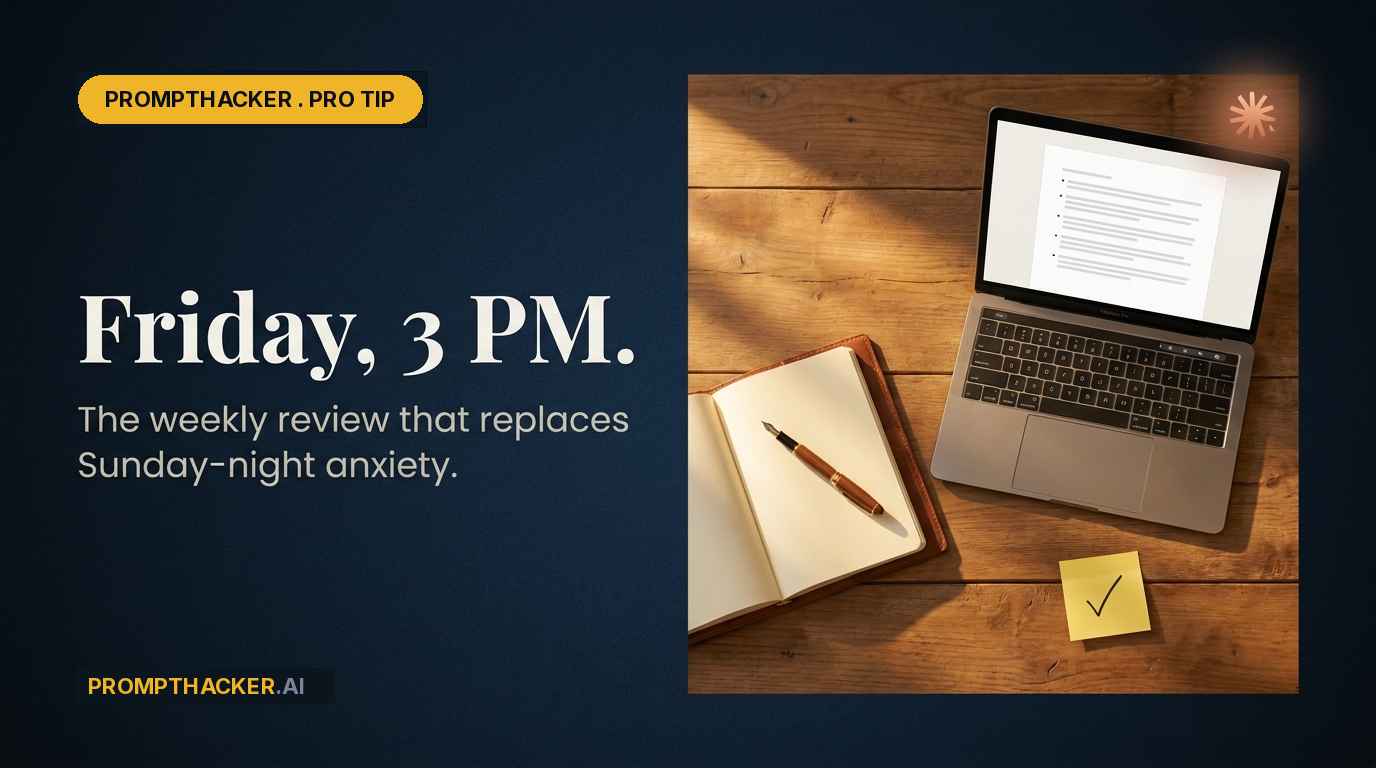
The executive weekly review is one of those rituals everyone recommends, nobody runs, and the few who do mostly run it badly. The reason is mechanical, not motivational. A good review needs five inputs. Most people can assemble two before they run out of Friday.
That changed this quarter. Model Context Protocol connectors went from novelty to boring infrastructure, and Opus 4.7 reads them well enough that the assembly step disappears. You do not paste, you do not export, you do not screenshot. You connect once, and Claude pulls the week on its own.
What follows is the exact connection list, the prompt I have been running for eleven consecutive Fridays, what the model does with each input, and the three places it still breaks.
The seven connections to wire first
Every reader of this newsletter has the same five sources of truth for their week. Connect all of them before you try to run the prompt. If one is missing, Claude will silently work with what it has and the review will look thinner than it should.
- Calendar. Google Calendar or Microsoft Outlook. The MCP connection reads events, attendees, titles, and descriptions across the week. This is your spine.
- Email. Gmail or Outlook. You do not need the full inbox. Claude pulls the threads flagged, starred, or in a specific label. Tell it which label.
- Meeting notes. Granola, Fireflies, or Zoom AI Companion. Each has a first-party MCP server. Claude reads transcripts, action items, and sentiment flags. This is where the "what actually happened in that call" signal lives.
- Team chat. Slack or Microsoft Teams. Claude searches mentions, direct messages, and threads you have reacted to. This catches the quiet asks that did not make it to your calendar.
- CRM call logs. HubSpot, Salesforce, or Attio. For any exec with a customer-facing motion, the week's real narrative is hiding in call notes and deal stage changes. Claude reads call summaries and deal movement directly.
Most of these are one-click OAuth flows inside Claude Desktop or the web app under Settings → Connectors. If your IT has locked connectors to admin review, this is the week to file the ticket. E7, Cowork GA, and Opus 4.7 are all converging on this pattern. The moat is not going to be which model you use. It will be whether your model can see your work.
The full prompt
Paste this into Opus 4.7 in a conversation where the above connections are enabled. Do not attach anything. Do not quote your calendar. The model fetches what it needs.
You are my chief of staff. Run a weekly review covering the trailing seven calendar days, ending today.
Pull the following on your own using my connected tools:
• Calendar: every meeting I attended, title, attendees, duration. Flag anything longer than 45 minutes or with more than six attendees.
• Email: threads in my "Flagged" or "Follow-up" label plus anything I sent more than two replies in.
• Meeting notes: Granola (or Fireflies / Zoom) transcripts and action items from the week.
• Slack/Teams: every direct message, mention, and thread I reacted to in the last seven days.
• HubSpot: every call logged on a deal, every deal that changed stage, every contact I touched.
Produce a review in this exact structure. No preamble.
1. Three wins (with evidence from the sources above, one line each, cite the source).
2. Three things that slipped (root cause, one line each, cite the source).
3. The single most important decision I must make before end of day Tuesday next week, phrased as a question with two or three named options.
4. People I owe a reply, response, or thank you, sorted by how much it will cost me if I forget. Include one line per person with the open loop.
5. The one thing I can kill from next week's calendar without anybody caring. Name the meeting, the attendees, and why.
6. The one deal or account that is most at risk based on the week's data. Evidence required.
Rules: no hedging, no "it depends," no clarifying questions. Make a call and show your reasoning in parentheses. Keep the whole thing under 500 words. If a source returned nothing, say so explicitly so I know whether you skipped or the connection is broken.
What each connection actually contributes
The surprise after two months of running this is how much each source changes the shape of the output. Connecting only calendar and inbox gives you a review that looks like a 2023 productivity post. Adding the other three changes the genre entirely.
- Calendar alone produces a review about time allocation. Useful, but every exec already knows their week was too full.
- Adding meeting notes turns it into a review about outcomes. The model can finally answer "did we actually decide anything in that eleven-person strategy meeting." Usually the answer is no.
- Adding Slack or Teams surfaces the quiet asks. Every exec I know underestimates how many small commitments they made in DMs that never made it to a task list. Claude will list them.
- Adding HubSpot is the one that changes my Monday. The week's data almost always contains a leading indicator that a specific deal is slipping. Claude sees the pattern in one pull that I would not assemble in an hour.
What you will notice in the first week
Three things happen the first Friday you run this with the full stack connected.
First, the review is longer than the 500-word cap you gave it and you will be glad. Opus 4.7 will push up against the word limit because it now has more real signal than your prior reviews ever did. Tighten the cap in week two.
Second, the "people I owe" section will include at least one name that surprises you. That is almost always a DM you never replied to, or a meeting where someone asked a question on the recording and you moved on. The model catches these because it reads both sources and cross-references.
Third, the "one thing I can kill" section will point at a meeting you have been defending for a year. Let it kill the meeting.
Role variations I have tested
Three variations of this prompt have earned their keep for specific roles. Copy whichever matches your week.
- Sales leader. Replace section 6 with "the three deals where my rep's call quality has dropped this week, based on Granola or Fireflies call sentiment plus deal stage changes." You are now running a coaching review, not an executive review.
- Engineering leader. Add Linear or Jira as a sixth connector. Replace section 5 with "the two in-flight projects where the ratio of async Slack discussion to committed changes suggests we are stuck." Claude will tell you where the team is arguing instead of shipping.
- CEO of a 10 to 50 person company. Add HubSpot plus your board-update Notion page. Ask for a fourth section: "what one paragraph I should add to the next board email based on this week." You will send a better board update in two minutes.
The three places it still breaks
Opus 4.7 is the first model where the connection reliability is good enough to run this without human babysitting. It is not perfect.
- It cannot see phone calls. If your week's biggest conversation was a call on your iPhone that nobody logged to HubSpot, Claude will miss it. Fix: require your team to log calls to the CRM. Same rule, better now with an AI reading it.
- Granola and Fireflies occasionally tag the wrong speaker. If the review attributes a commitment to the wrong person, check the transcript. This happens maybe once every three weeks and the model does not know it is wrong.
- It will hallucinate a name if a deal record is thin. If HubSpot has a deal with one contact and no call notes, the model sometimes invents a plausible next step. Tell it explicitly: "if a record is thinner than X, say 'insufficient data' instead of guessing." That one line fixes it.
Monday morning action
Do this before your next Friday.
- Open Claude Desktop or the web app, go to Settings, and enable the five connectors listed above. Budget 30 minutes.
- Create a saved prompt titled "Weekly Review" with the full text above. Bookmark it.
- Run it Friday at 4pm. Give yourself 15 minutes to edit the output and send yourself the final version by email. That email is your Monday starting line.
Twelve minutes on a Friday to replace a Sunday-night scroll and a Monday-morning flailing start. That is the whole pitch. The model cannot help you make the hard call. It can make sure you know exactly which call is hard, and why.
Pick the next useful thing.

Build a Safe vs Risky AI Chatbot Detector Game with Your Kid
A 60-minute family activity that teaches kids to spot risky chatbot answers with zero screens required for the core lesson.

Turn Apple Watch Sleep Data into One Better Week with GPT-5.5
A five-minute Sunday ritual using Apple Watch sleep data and GPT-5.5 to pick one practical behavior change.

The $65 Billion Anthropic Bet: What It Means for Your Stack
What Google and Amazon investment means for pricing, tooling, and your 2026 agent roadmap.
Three deep dives. Four useful moves. One email worth opening.
PromptHacker turns the AI firehose into practical next steps for work, health, family, and everything time keeps trying to steal.
No comments yet