Turn Apple Watch data into a weekly AI recovery brief
Use Apple Health trends and one consumer AI app to choose a single behavior change for next week.
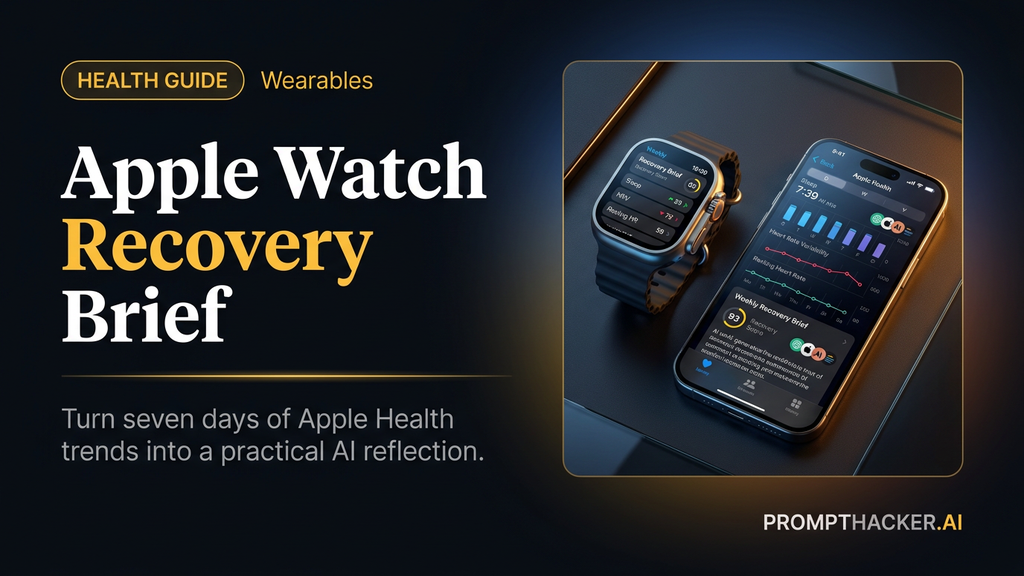
What matters today
Use Apple Health trends and one consumer AI app to choose a single behavior change for next week.
Key points
- What you'll learn
- Official source note
- What to gather
- The weekly recovery prompt
- Visual map: the Sunday brief
What you'll learn
- Where to gather Apple Health and Apple Watch trends on iPhone
- The weekly recovery brief prompt to paste into a consumer AI app
- How to choose one small behavior test for the next seven days
- How to avoid diagnosis claims and overreading wearable data
- How to turn the brief into a two-minute Sunday habit
A busy Executive can collect more health data than she can interpret. Sleep duration, resting heart rate, HRV, workouts, travel, late meals, and stress notes all compete for attention.
The goal is not a medical answer. The goal is a weekly recovery brief that points to one behavior worth testing next week.
This workflow uses only iPhone or Apple Watch data plus one consumer AI app: Claude, ChatGPT, Gemini, Perplexity, or Grok. No API keys, no raw data exports, no developer setup.
Official source note
Apple Support says the Health app can show trends for data types such as resting heart rate, steps, and sleep. Apple's Watch support page explains that Apple Watch can show resting, walking, workout, and recovery heart-rate data, and that readings can vary based on conditions and fit. This article uses those metrics for reflection only.
What to gather
Open the Health app on iPhone. Go to Summary, then look at Trends, Highlights, Sleep, Heart, Activity, and Workouts. Write down seven days of simple inputs:
- Sleep duration and sleep consistency.
- Resting heart rate.
- HRV if you already track it.
- Workout minutes and workout type.
- Notes about travel, alcohol, late meals, stress, illness, or missed wear time.
- Any Health trend Apple already flags.
Do not upload medical records for this workflow. Do not ask the model to diagnose symptoms. Keep the output focused on patterns, reflection, and one small behavior test.
The weekly recovery prompt
Paste this into your chosen AI app after adding the seven-day notes.
You are helping me create a weekly recovery reflection from Apple Watch and Apple Health trends. Here are my last seven days of sleep duration, resting heart rate, HRV if available, workout minutes, and notes about travel, stress, alcohol, late meals, illness, or missed wear time.
Find the top two patterns worth watching, suggest one small behavior change to test next week, and list one thing I should not overinterpret. Do not diagnose, do not give medical advice, and do not recommend medication or treatment. Keep the plan realistic for a busy workweek.
The phrase "one small behavior change" matters. If the model suggests five things, ask it to choose one.
Visual map: the Sunday brief
The brief should turn seven days of Apple Health trends into one behavior test for the next week. It should not diagnose, rank your health, or turn one odd day into a conclusion.
Choose one behavior change
Good tests are small enough to run during a normal week:
- Set a caffeine cutoff time.
- Take a 10-minute outdoor walk after lunch.
- Move one hard workout away from the worst sleep night.
- Set a wind-down alarm three nights this week.
- Stop late heavy meals on two work nights.
- Block a 15-minute decompression window after travel.
Bad tests are vague: reduce stress, sleep better, improve recovery, be healthier. Ask the model to rewrite any vague advice into one behavior, one time window, and one metric to watch.
Example
A useful brief might say: sleep was shorter on two nights after late meals, resting heart rate was slightly higher after travel, and the best next test is a 9:30 pm wind-down alarm on three work nights. Watch sleep duration and morning energy notes next Sunday.
That is useful because it is specific. It does not claim the model knows why your body behaved that way. It gives you one low-risk experiment and one measurement plan.
Privacy and judgment
Wearable data is a signal, not a verdict. Device fit, missed wear time, illness, travel, stress, alcohol, and workout intensity can all affect a week. The AI app should help you summarize the signal and ask better questions.
If you notice chest pain, fainting, unusual symptoms, sudden changes, or data that worries you, stop using the AI workflow and contact a qualified healthcare professional. A longer prompt is not the right next step for concerning symptoms.
Two-minute Sunday habit
Sunday evening:
- Open Health and write down seven-day trends.
- Add notes about travel, stress, late meals, workouts, and illness.
- Paste the recovery prompt into one AI app.
- Pick one behavior change.
- Put the behavior on the calendar.
- Next Sunday, compare the same metric and decide whether to repeat, revise, or stop.
The value comes from consistency. If you change three behaviors at once, you will not know what mattered.
What to do with an odd week
Some weeks should not become behavior experiments. Travel, illness, unusually high stress, a missed watch day, or a broken sleep schedule can make the data noisy. In those cases, ask the AI app to label the week as "not a clean test week" and suggest only a gentle recovery habit.
That might mean hydration, a lighter workout, an earlier wind-down alarm, or simply waiting for a cleaner week of data. The goal is not to force every Sunday into a conclusion. The goal is to notice patterns without overreacting.
Action Steps Summary
- Collect simple Apple Health trends. Use sleep, resting heart rate, HRV if available, workouts, and context notes.
- Paste the recovery prompt. Keep the AI app in reflection mode, not diagnosis mode.
- Choose one behavior change. Make it small enough to test for seven days.
- Review one metric next Sunday. Decide whether to repeat, revise, or stop.
Medical disclaimer
This information is for educational purposes only and is not medical advice. Please consult a qualified healthcare professional before making changes to your health routine.
Footer CTA
Three deep dives. Four useful moves. One email worth opening.
PromptHacker turns the AI firehose into practical next steps for work, health, family, and everything time keeps trying to steal.