PH PROMPTHACKER.AI

The ultimate guide to mastering ChatGPT Live for business use

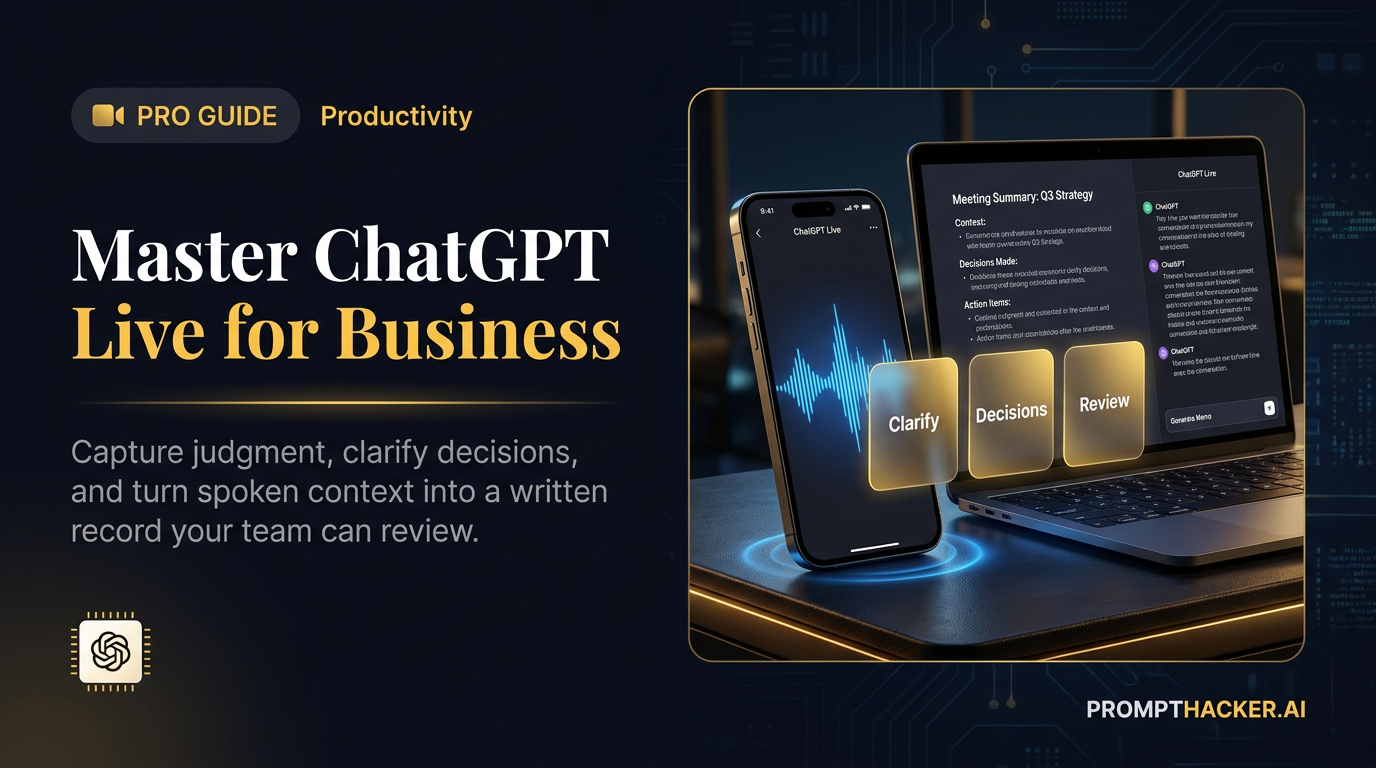
GPT-Live-1 makes voice conversations more natural and more useful for research, rehearsal, debriefing, and decision support. The best workflows capture judgment, ask clarifying questions, and produce a reviewable written record.
July 15, 2026 17 min read
The ultimate guide to mastering ChatGPT Live for business use
Quick Scan

What matters today

GPT-Live-1 makes voice conversations more natural and more useful for research, rehearsal, debriefing, and decision support. The best workflows capture judgment, ask clarifying questions, and produce a reviewable written record.

Format TOP UPDATE
Audience Executives using AI at work
Time 17 min read
Topic Use ChatGPT Work, memory, and voice for business

Key points

  • Turn every Voice session into a written handoff.
  • Tell Live when to wait, question, and summarize.
  • Separate confirmed facts from AI inferences.
  • Verify names, numbers, commitments, and deadlines.
  • Approve the handoff before anyone acts.

Article roadmap

What you will learn

  1. How Live differs from Advanced Voice, Standard Voice, and Dictation

  2. What GPT-Live-1 can and cannot do at launch

  3. How to use Live for executive debriefs, research, rehearsal, coaching, and field work

  4. How to control interruptions, reasoning level, memory, privacy, and transcripts

  5. How to convert spoken context into reviewed business artifacts

Voice becomes useful when it captures information that would otherwise disappear.

The five minutes after a customer call contain judgments that rarely make it into a CRM: the concern behind the polite objection, the internal politics suggested by one comment, the promise that needs a deadline, and the question nobody answered. By the time someone sits down to type notes, much of that context has been compressed into a few generic bullets.

ChatGPT Live can help preserve it. GPT-Live-1 can listen and speak at the same time, handle interruptions more naturally, use web search and memory, show supported visual widgets, and work with text and images in the same chat. The response also appears as streamed text, which makes the conversation easier to inspect afterward.

The opportunity is not hands-free email. It is structured thinking out loud, followed by a written artifact that a person reviews.

The availability warning that belongs at the top

OpenAI launched GPT-Live-1 across consumer plans. Paid consumer accounts use GPT-Live-1 and Free accounts use GPT-Live-1 mini. At launch, Live is not available in ChatGPT Business, Enterprise, or Edu workspaces.

This guide is about using ChatGPT Live for business purposes from an eligible consumer workspace. It does not imply that the Live option is available inside a ChatGPT Business workspace.

Live is launching on ChatGPT.com and the iOS and Android apps. It is not initially available in the ChatGPT desktop app, Work, Codex, custom GPTs, or Temporary Chats. It does not initially support connected apps, plugins, video, or screen sharing. Eligible subscribers can continue using Advanced Voice when they need supported mobile video or screen sharing.

Those limits affect workflow design. Live can conduct a web-grounded discussion and use memory, but it cannot open a connected CRM, operate ChatGPT Work, or see a shared phone screen at launch. Use it to think, question, rehearse, and structure. Move approved results into the relevant business system afterward.

Watch OpenAI's official GPT-Live demonstrations

Official OpenAI video: Natural Conversations with GPT-Live.
Official OpenAI video: Improved Intelligence with GPT-Live.

Choose the correct Voice mode

ChatGPT may offer three Voice options plus Dictation. They are not interchangeable.

ModeHow it worksBest business useImportant limit
LiveListens and speaks simultaneously with natural interruptionDebriefs, coaching, rehearsal, research discussions, image-supported analysisNo connected apps, plugins, video, or screen sharing at launch
AdvancedPrevious real-time Voice experienceMobile video or screen-sharing workflowsLess capable than Live for the newest conversational behavior
StandardTranscribes a turn, then creates a responseControlled question-and-answer sessions where clean turn boundaries helpLess natural for rapid back-and-forth conversation
DictationConverts one recording into editable text before sendingComposing a prompt, message, memo, or noteIt is not a live conversation

Choose Live when the conversation itself helps the thinking. Choose Dictation when the goal is simply to enter text faster. Choose Advanced when a supported mobile workflow needs the camera or screen.

The Live workflow model

An effective business Voice workflow has four stages:

  1. Set the contract: explain the purpose, wait rule, and output.
  2. Talk naturally: give context without editing every sentence in your head.
  3. Interrogate the context: let Live ask focused questions, test assumptions, and identify omissions.
  4. Create the record: end with decisions, actions, risks, owners, evidence, and a draft artifact.

Where Live creates the most value

Four-stage ChatGPT Live business workflow

Move spoken decisions into a written handoff before anyone acts. Confirm names, numbers, owners, and deadlines, then approve the record.

WorkflowInformation normally lostLive contributionRequired human review
Post-meeting debriefTone, hesitation, implied concern, informal commitmentClarifying questions and structured decision memoConfirm commitments, owners, and dates
Sales rehearsalWeak answers, rambling, untested objectionsRole-play, interruption, scoring, and retryCheck product claims and approved messaging
Executive commute reviewUnstructured thoughts and changing prioritiesOrganizes decisions and next stepsReview before assigning or sending
Field observationVisual detail and immediate reactionDiscuss attached images and capture findingsVerify image interpretation and sensitive data
Research discussionConflicting sources and open questionsWeb search, spoken comparison, and follow-upOpen sources and confirm time-sensitive facts
Difficult conversation prepEmotional phrasing and missing empathySimulates responses and suggests alternativesUse judgment and company policy

Setup: make Live predictable before using it on important work

Open Settings, then Voice. Select Live if it is available. Choose a voice that is easy to understand for long conversations. The name of the voice matters less than clarity and pace.

Set the language you use most often. A correct language setting can improve recognition, especially for names, industry terms, and multilingual conversations. Live can be asked to change languages during the conversation, but the default should match the normal work.

If the Intelligence control appears for the account, choose Instant, Medium, or High. Higher intelligence may improve difficult reasoning but can respond more slowly, especially when web search is involved.

Use a simple policy:

  • Instant for capture, brainstorming, and straightforward formatting.
  • Medium for routine analysis, rehearsal, and meeting debriefs.
  • High for strategic comparisons, complex research, and decisions with several constraints.

Turn on Background conversations only when the convenience outweighs the privacy risk. Background Voice can continue while another app is open or the phone is locked. A session ends when the user stops it, force closes the app, reaches a limit, or reaches the maximum session length.

Start with Voice can launch Voice automatically in a new or empty conversation on supported mobile versions. That is useful for a dedicated debrief habit, but it can be awkward when the app is often opened in public.

Power move 1: tell Live when it is allowed to respond

People often pause while thinking. Live may interpret a long pause, background speech, or another sound as the end of the turn. Set a verbal rule at the beginning.

I am going to think out loud. Do not respond until I say, "Your turn."
If you hear a long pause, wait. After I say "Your turn," ask no more than
three questions about missing decisions, owners, deadlines, or evidence.

OpenAI says users can ask Live to wait until they are ready, although long pauses and background sound can still trigger a response. Headphones, a quieter room, and iPhone Voice Isolation can reduce interruptions.

If Live interrupts, correct the behavior immediately: "Wait for the phrase, not the silence." Do not continue fighting the interaction for ten minutes. Restart with a clearer contract if necessary.

Power move 2: use a dedicated chat for each recurring Voice workflow

Live works inside a normal ChatGPT chat. The spoken response appears with text, and the conversation remains available in chat history. A dedicated chat keeps the repeated instruction and output pattern together.

Create separate conversations for:

  • Executive debriefs
  • Sales rehearsal
  • Customer interview notes
  • Weekly strategy review
  • Content ideation
  • Travel or field observations

Pin the most important chat if the account supports it. Give the opening message a clear operating rule. Memory may help Live remember working preferences, but the chat-specific instruction should still define the current task.

Do not mix unrelated clients or confidential matters in one Voice thread. A clean thread makes later review easier and lowers the chance of cross-project confusion.

Power move 3: run the five-minute executive debrief

This is the highest-value first workflow because it captures judgment while the context is fresh.

Speak for three to five minutes after an important meeting. Do not try to create polished minutes. Describe what changed, what felt uncertain, which commitments were made, and what needs follow-up. Then let Live ask three questions.

Use this script:

Act as my chief of staff for this debrief.
Wait until I say, "Your turn."

After I finish, ask up to three questions about unclear decisions, owners,
deadlines, evidence, or risk. Then produce:
1. Decisions made
2. Commitments I made
3. Commitments made by others
4. Tasks with proposed owner and deadline
5. Risks and unresolved assumptions
6. People who need an update
7. A concise follow-up draft
8. The three priorities created by this meeting

Do not invent owners or dates. Mark them "Unassigned" or "Date needed."
The transcript is not authoritative. Treat my final corrections as controlling.

After the conversation, read the text. Correct names, dates, numbers, and commitments. Voice transcripts are not verbatim records and may differ from what was said, especially during overlap or noise.

Only the reviewed memo should enter the project tracker, CRM, or follow-up email.

Power move 4: rehearse a difficult conversation with interruption

Many role-play tools wait politely for the user to finish. Real customers and employees do not. Live's ability to listen and speak at the same time makes interruption practice more realistic.

Define the role, objective, known facts, and unacceptable claims. Ask Live to interrupt when an answer becomes vague, defensive, or too long.

Role-play a skeptical customer considering renewal.
Their concerns are [list]. Their goals are [list].
Use only the approved product facts I provide.

Interrupt me when I avoid the question, make an unsupported claim, speak for
more than 45 seconds, or fail to ask a follow-up question. After five minutes,
score clarity, evidence, empathy, and next-step control from 1 to 5.
Give one sentence I should keep and one answer I should redo.

Run the same scenario twice. The second attempt should address the scored weakness. A single role-play can feel productive without changing behavior. The retry is where learning appears.

Power move 5: use Live as a question engine, not an answer machine

For strategy, the assistant's questions may improve the decision more than its recommendations.

Ask Live to interview the decision. A pricing discussion might cover target customer, value metric, willingness-to-pay evidence, margin, competitor anchors, transition risk, and success measures. A hiring discussion might cover the work that exists, the cost of delay, alternatives, management capacity, and the evidence that the role is full-time.

Do not recommend an answer yet. Interview this decision.
Ask one question at a time. Focus on evidence, constraints, alternatives,
second-order effects, and what would change the decision. After ten questions,
summarize the strongest case for each option and identify the missing evidence.

This method slows down false certainty. Live can keep the exchange natural while the written summary creates a decision record.

Power move 6: pair web search with a spoken source audit

Live can use web search when available. That makes it useful for current questions, but spoken answers can sound more authoritative than they are.

Ask for source names, dates, and uncertainty during the conversation. Then inspect the sources in the text transcript before relying on them.

Search the web for the current answer. Tell me the source organization and date
before giving the conclusion. Separate confirmed facts from your inference.
If official sources conflict, describe the conflict instead of choosing silently.
Put the links and exact claims in the written response for review.

Use Voice to navigate the research. Use the written sources to verify it.

Power move 7: attach an image and conduct a visual review

Live can work with text and images in the same chat. That opens useful workflows for a whiteboard, packaging concept, event setup, storefront, printed report, presentation slide, or equipment label.

Attach the image and ask Live to describe observations before drawing conclusions. Ask what cannot be determined from the image. This reduces the chance that interpretation gets presented as fact.

For example, a retail walk-through can capture display position, price signage, competitor placement, missing stock, and visible customer friction. A presentation review can identify hierarchy, density, unclear labels, and the question the slide appears to answer.

Do not upload sensitive customer information, private whiteboards, access badges, or financial screens without checking the account and company policy. Live cannot find files in the ChatGPT Library at launch, although supported files may be attached manually depending on the account.

Power move 8: use background Voice for a defined walk, not an open microphone

Background conversations can help during a site walk, commute, event setup, or warehouse observation. Define the beginning and end of the capture.

Say, "Begin observation log," then provide short observations. Ask Live to acknowledge with one word until the closing phrase. End with, "Close the log and summarize."

This reduces conversational clutter and makes the record easier to review.

Do not leave background Voice running through unrelated private conversations. A convenience setting is not a substitute for microphone discipline.

Power move 9: use CarPlay for capture, not complex interaction

OpenAI supports ChatGPT Voice through Apple CarPlay on supported iPhones. Users can start Voice, continue a recent or pinned chat, or start from a Project.

The safe use case is short capture: a reminder, a question to investigate later, a post-meeting observation, or the start of a debrief. Do not conduct a visually demanding review or interact with the phone while driving. Set up the app before the vehicle moves and follow local law.

Use a short phrase:

Capture this for my executive debrief. Do not analyze it now.
Record the observation, the person involved, and the follow-up question.

Review after parking. Voice should reduce distraction, not create a more engaging distraction.

Power move 10: end every conversation with a handoff packet

The spoken conversation is not the deliverable. The handoff packet is.

Require five sections:

  1. Facts stated by the user
  2. Inferences made by ChatGPT
  3. Decisions and commitments
  4. Open questions and risks
  5. Draft artifact for review

This structure separates what happened from what the assistant concluded. It also prevents a fluent transcript from becoming accidental policy.

For recurring workflows, save the corrected handoff format in the dedicated chat or Project. Live is not available inside Work at launch, so moving the final artifact into Work remains a manual step. That is useful friction for consequential actions.

Choose the right reasoning level

TaskSuggested intelligenceWhyReview priority
Capture observationsInstantSpeed and low complexityNames, dates, and omissions
Meeting debriefMediumNeeds organization and clarificationCommitments and ownership
Sales rehearsalMediumNeeds responsive role-play and scoringProduct claims and policy
Current web researchHighNeeds source comparison and careful reasoningSource date and official status
Strategic decision interviewHighNeeds multi-constraint analysisAssumptions and alternatives

The setting is a starting point, not a quality guarantee. Higher intelligence may increase latency. A simple capture workflow often improves when it stays fast.

Data controls and retention

OpenAI says audio clips from Live and Advanced Voice conversations and video clips from Advanced conversations are stored with the chat transcript for 30 days. Deleting the chat triggers deletion of associated clips within 30 days, subject to security, safety, or legal exceptions. Archiving a chat does not delete the clips.

OpenAI does not use audio or video clips for training unless the user explicitly chooses to share them or has enabled the corresponding audio or video sharing controls. Transcripts and other files may still be used depending on the plan and Data Controls settings.

For a business workflow:

  • Review Data Controls before the first sensitive conversation.
  • Do not record confidential calls without permission.
  • Delete test chats that contain material no longer needed.
  • Remember that archiving is organization, not deletion.
  • Treat the transcript as a convenience record, not a verbatim transcript.
  • Follow company retention, legal, and consent policies.

Before a team pilot, write one sentence that everyone can remember: "Do not use Live for confidential meetings or record another person without permission." Add stricter language when company policy or local law requires it.

How to explain Live to the team

Use a short internal briefing:

ChatGPT Live is a conversational thinking and capture tool on eligible consumer
accounts. It is not available in our ChatGPT Business workspace at launch.
Use it for rehearsal, personal debriefs, and non-confidential research.
Do not treat its transcript as verbatim meeting minutes. Do not upload sensitive
material or record other people without permission. Review every handoff before
copying it into email, CRM, project, or policy systems.

That message is intentionally narrower than the feature list. A team can expand the approved use cases after it has reviewed privacy, retention, and account controls.

Common failures and fixes

FailureLikely causeFix
Live interrupts too earlyLong pauses, background sound, unclear turn ruleUse a response phrase, headphones, or Voice Isolation
Transcript changes important wordingOverlap, noise, fast conversationCorrect the written record immediately; do not rely on verbatim accuracy
Answer sounds current but is not sourcedVoice fluency hides research uncertaintyRequire source name, date, link, and fact-versus-inference separation
Live cannot access a business systemConnected apps and plugins are not supported at launchExport or summarize approved information manually, then move reviewed output later
Screen or camera option is missingLive does not support video or screen sharing at launchSwitch to Advanced Voice if eligible and appropriate
Live is missing from the accountRollout, plan, region, workspace, or app versionUpdate the app and check consumer-account availability
Several people confuse the conversationLive is mainly designed for one-on-one useUse one designated speaker or a meeting transcription tool instead

A seven-day Live practice plan

Day 1: configure and test

Choose Live, set language, test pace, and practice the response phrase. Use harmless material.

Day 2: run a personal debrief

Capture one completed meeting and correct the handoff packet. Measure how long the review takes.

Day 3: run a rehearsal

Practice a real upcoming conversation twice. Compare the score and the second answer.

Day 4: run a question-only strategy session

Ask Live to interview a decision without recommending an answer until ten questions are complete.

Day 5: test web research

Ask one current question, then inspect every source in the text record. Note any mismatch between spoken confidence and source quality.

Day 6: test image-supported review

Use a non-sensitive slide, display, or document image. Separate observations from interpretations.

Day 7: keep one workflow

Choose the workflow that saved time or improved thinking after review. Create a dedicated chat and save the operating prompt. Drop the rest until there is a real need.

Keep the written handoff in charge

Voice is persuasive because it feels immediate and human. That makes review more important, not less.

Use Live to capture judgment, ask better questions, practice difficult moments, and make unstructured thinking visible. End every session with a written handoff packet. Verify time-sensitive claims. Correct the transcript. Move only the approved result into the business system.

The useful outcome is not a longer conversation with AI. It is a clearer decision and a shorter path from thought to reviewed action.

Bottom line

The useful move with The ultimate guide to mastering ChatGPT Live for business use is to run one narrow test this week, then keep only the workflow that saves time, improves a decision, or gives your team clearer output. Treat the announcement as raw material, not the win itself.

About the author

Pierre Bradshaw Founder, PromptHacker.ai

Pierre has spent 25+ years building growth systems across fintech, real estate, lending, campaigns, and AI workflows, with machine-learning work dating back to 2012.

Email us

Source links

Free weekly briefing

Three deep dives. Four useful moves. One email worth opening.

PromptHacker turns the AI firehose into practical next steps for work, health, family, and everything time keeps trying to steal.