Adobe Firefly Video Editing: Accelerate Creative Output with Generative Fill
How to integrate AI generative fill into video production workflows to reduce editing time by up to 40%.
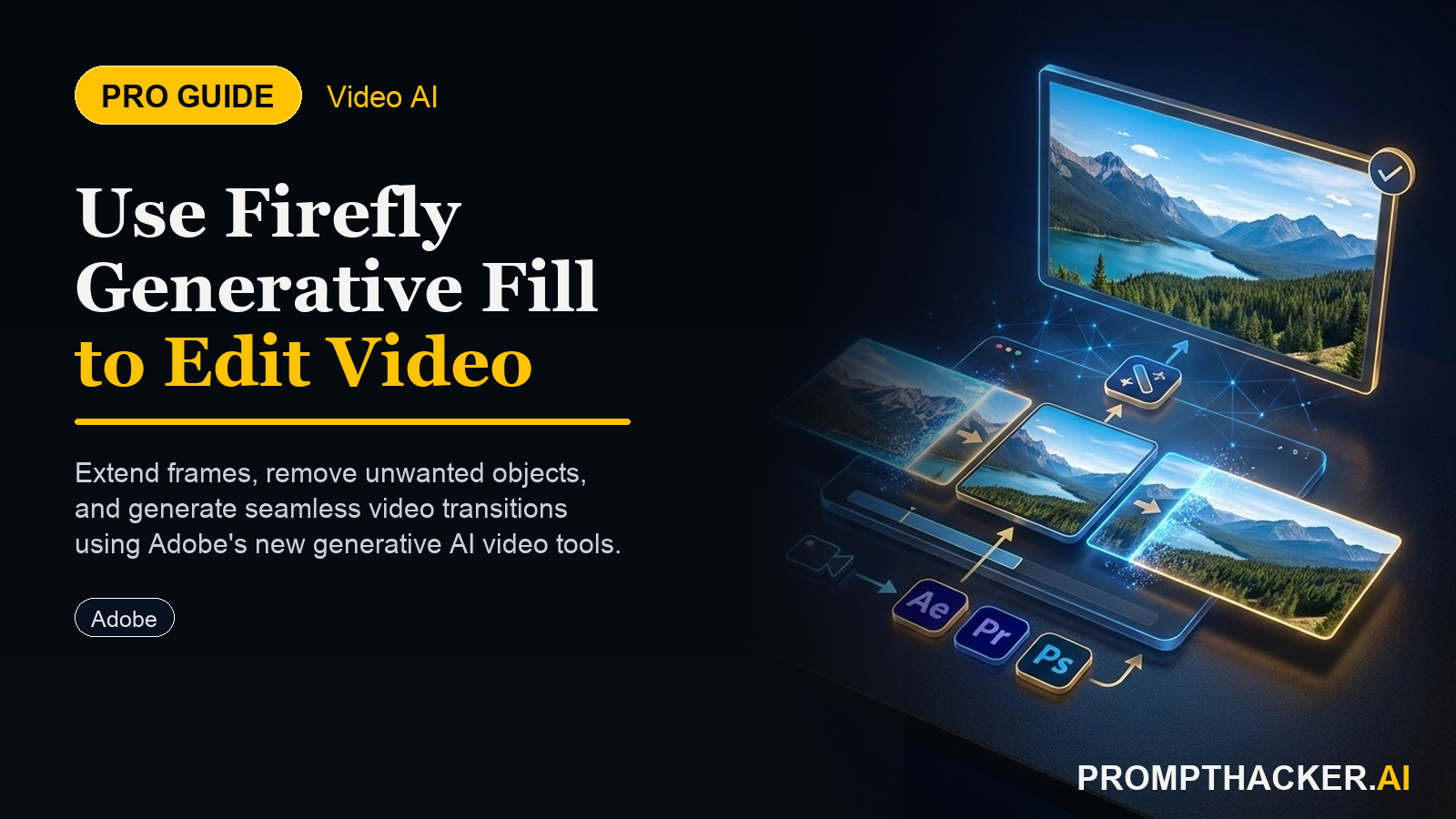
What matters today
How to integrate AI generative fill into video production workflows to reduce editing time by up to 40%.
Article roadmap
What you will learn
-
How to integrate AI generative fill into video production workflows to reduce editing time by up to 40%.
-
How to use Adobe Firefly to add or remove objects from video scenes without complex manual editing.
-
How to extend video footage and adjust aspect ratios using AI to fit diverse platform requirements.
-
How to cut production costs and increase content volume for marketing campaigns using AI-powered tools.
A marketing director for a national retail chain faces a common challenge: a successful holiday TV commercial needs rapid adaptation for various social media platforms. This requires not only adjusting the aspect ratio from 16:9 to 9:16 for vertical stories but also removing a specific seasonal product that is no longer in stock and replacing it with a generic brand item. The deadline is tight, and the budget for reshoots is non-existent.
Without advanced tools, this scenario typically leads to significant post-production costs, extensive manual editing, or compromises in content quality. Delays in content delivery can result in missed market opportunities or a decline in campaign relevance. The traditional workflow involves painstaking frame-by-frame adjustments, rotoscoping, and complex compositing, consuming hundreds of hours and thousands of dollars.
This article explores how Adobe Firefly's new generative fill features for video address these challenges directly. Executives gain insight into how AI-driven editing can streamline operations, reduce expenses, and significantly accelerate content production cycles, providing a competitive edge in fast-moving digital markets.
Adobe Firefly's integration of generative fill into video editing workflows marks a significant advancement for creative and marketing departments. This technology enables users to modify video content with unprecedented speed and precision, moving beyond the limitations of traditional editing techniques. The core capabilities revolve around adding, removing, and extending elements within video frames using artificial intelligence. This section details how executives can operationalize these features to achieve tangible business outcomes.
1. Streamlining Object Removal for Brand Consistency and Compliance
One of the most immediate benefits of generative fill in video is the ability to remove unwanted objects from footage. This capability proves invaluable for maintaining brand consistency, ensuring legal compliance, or simply cleaning up visual distractions that could detract from a video's message.
- Real-world scenario: A corporate communications team discovers that a competitor's logo is subtly visible in the background of a key executive's interview footage, shot months ago. Reshooting is impractical due to scheduling and cost.
- Traditional challenge: Manually masking and painting out a moving object across thousands of frames is a labor-intensive process, often requiring specialized visual effects artists. This can take days or weeks.
Implementing AI-powered Object Removal:
Step 1: Identify and Isolate the Object. Import the video footage into an Adobe application that supports Firefly's generative fill, such as Adobe Premiere Pro or After Effects. Use the integrated selection tools to highlight the specific object intended for removal. Firefly leverages AI to assist in tracking the object's movement across frames, creating an initial mask.
Step 2: Apply Generative Fill. Once the object is selected and tracked, initiate the generative fill process. The AI analyzes the surrounding frames and pixels, then intelligently reconstructs the background where the object was present. This process considers lighting, texture, and motion to create a seamless blend.
Step 3: Review and Refine. The AI generates several fill options. Review these options for visual fidelity and contextual accuracy. Minor adjustments or further prompts can guide the AI to achieve a more perfect result. For highly complex movements or lighting changes, manual touch-ups may still be required on a few specific frames, but the AI handles the bulk of the work.
Why this matters: This process reduces post-production time for object removal by an estimated 70-80% compared to traditional methods. It eliminates the need for costly reshoots, saving thousands of dollars and valuable executive time. Marketing teams can react faster to brand guideline changes or unanticipated visual elements, ensuring all published content aligns with corporate standards.
Edge Cases and Failure Modes
Generative fill performs best with static backgrounds or predictable object movements. Rapid, erratic motion can occasionally cause artifacts.
Unlock Advanced AI Workflows
Get full access to our prompt library and expert video tutorials.
Three deep dives. Four useful moves. One email worth opening.
PromptHacker turns the AI firehose into practical next steps for work, health, family, and everything time keeps trying to steal.