Automate CRM Workflows with Einstein Copilot, Cut Data Entry 25%
How to configure Einstein Copilot to automate lead qualification, ensuring consistent scoring and immediate follow-up.
What matters today
How to configure Einstein Copilot to automate lead qualification, ensuring consistent scoring and immediate follow-up.
Article roadmap
What you will learn
-
How to configure Einstein Copilot to automate lead qualification, ensuring consistent scoring and immediate follow-up.
-
How to build custom workflows in Einstein Copilot for service ticket resolution, reducing agent workload and response times.
-
How to reduce manual data entry by 25% across sales and service teams by implementing Einstein Copilot's automation capabilities.
-
How to identify and address common pitfalls in AI-driven CRM automation to maintain data integrity and user adoption.
A VP of Sales at a growing B2B software firm faces persistent challenges with sales team efficiency. Leads from recent marketing campaigns flood the CRM, but manual qualification processes create bottlenecks. Sales representatives spend hours sifting through unqualified prospects, entering redundant data, and chasing incomplete information instead of engaging with high-value prospects. This labor-intensive approach delays sales cycles and frustrates the team.
Without a solution, the company risks losing promising leads to competitors due to slow response times, missing revenue targets because of inefficient sales processes, and experiencing high agent burnout from repetitive administrative tasks. The current system hinders growth and prevents sales and service teams from focusing on strategic customer interactions.
This article details how to leverage Salesforce Einstein Copilot to transform these manual bottlenecks into automated efficiencies. Discover how to implement workflows that qualify leads, resolve service tickets, and significantly reduce manual data entry. The strategies outlined here will free your teams to concentrate on what truly drives business value: customer relationships.
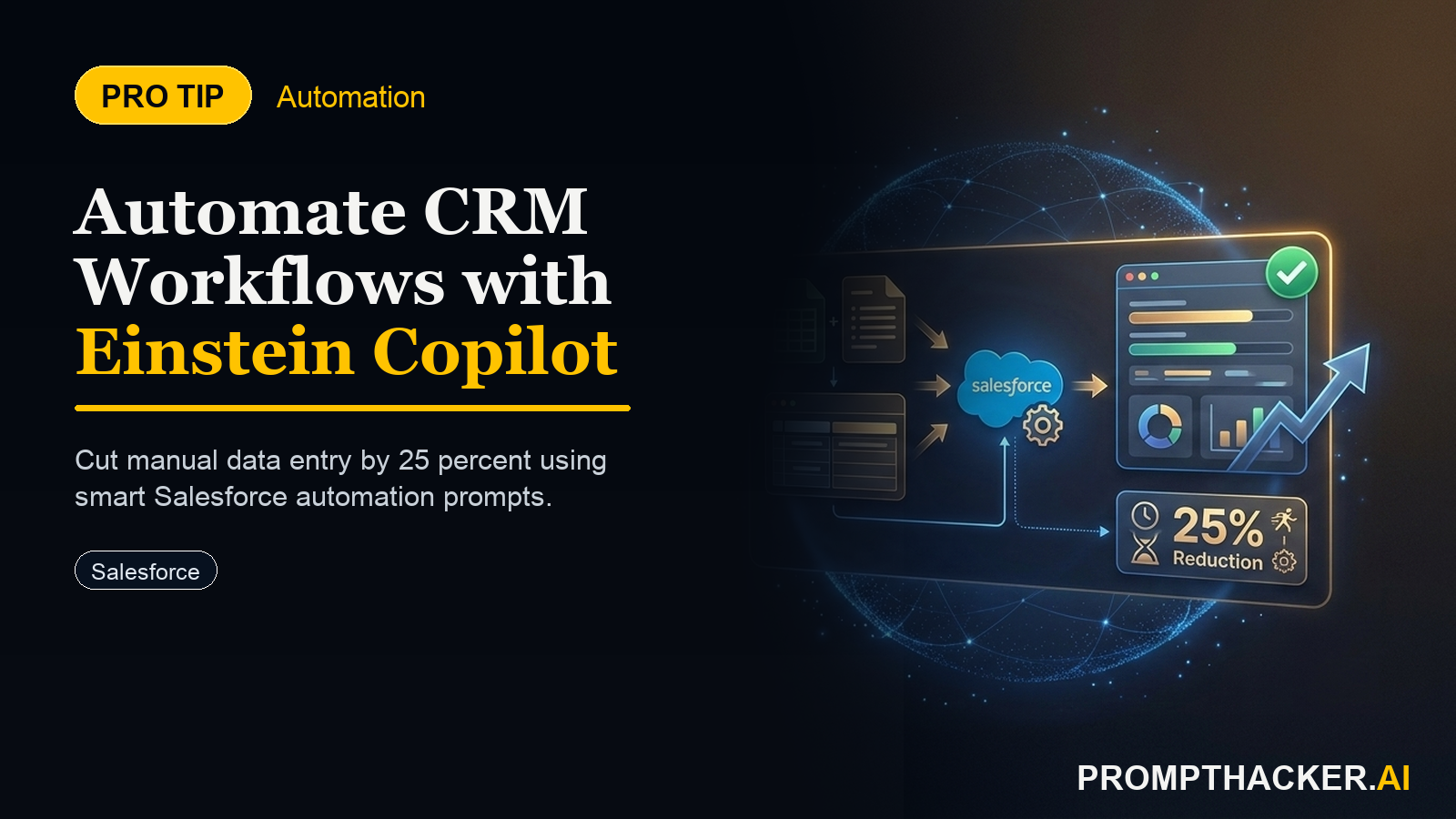
Salesforce Einstein Copilot is evolving into a core component for intelligent CRM operations. Its latest enhancements focus on automating complex workflows, directly addressing the administrative burdens that often slow down sales and service teams. This update allows businesses to move beyond simple task automation, enabling sophisticated, multi-step processes to run autonomously. The result is a significant reduction in manual data entry, estimated at 25%, which directly translates to more time for high-value customer interactions.
This capability fundamentally shifts how sales and service teams operate. Instead of spending valuable hours on repetitive data entry, lead scoring, or routing basic service inquiries, teams can dedicate their energy to building relationships, closing deals, and resolving complex customer issues. Einstein Copilot acts as an intelligent assistant, ensuring consistency, speed, and accuracy across critical CRM functions.
Precision Lead Qualification Through Automation
Manual lead qualification is a major bottleneck for many sales organizations. It is often slow, inconsistent, and highly resource-intensive, leading sales teams to spend disproportionate effort on low-potential leads. This not only wastes time but also causes high-value opportunities to cool before a representative can engage. Einstein Copilot offers a powerful solution by automating the entire lead qualification process, from initial scoring to dynamic routing.
Step 1: Defining Granular Qualification Criteria
The foundation of effective automated lead qualification is a clearly defined set of criteria. These parameters must align directly with the ideal customer profile and sales strategy. Without precise criteria, even the most advanced automation will yield suboptimal results.
Executives should work with sales leadership to establish specific, data-driven attributes for lead evaluation. Examples include industry sector, company size, specific job titles of contacts, budget indications within form submissions, and engagement history with marketing materials. For instance, a software company might prioritize leads from the "Fintech" industry with "500+ employees" and a contact holding a "VP of IT" title.
Defining these granular criteria ensures consistent evaluation across all incoming leads. It removes subjective bias and establishes a measurable standard for lead quality. This clarity is crucial for training the Copilot and for achieving predictable outcomes.
Step 2: Configuring Copilot for Automated Scoring and Categorization
Once qualification criteria are established, the next step involves configuring Einstein Copilot to apply these rules for automated scoring and categorization. This process involves setting up logical conditions and assigning weights to different attributes, allowing Copilot to calculate a lead score and assign a status (e.g., Hot, Warm, Cold).
Within the Salesforce environment, this configuration occurs by defining specific rules that Copilot will execute upon a new lead entering the system. For example, specific keywords in a lead's description or form fields can trigger higher scores. The system can then categorize the lead based on its aggregate score.
Consider the following prompt for configuring such a workflow:
Verbatim Prompt:
"Create an Einstein Copilot workflow for lead qualification. The workflow should evaluate new leads based on the following criteria: 1. **Industry:** Prioritize 'Software', 'Fintech', and 'Healthcare'. 2. **Company Size:** Prioritize companies with 500+ employees. 3. **Job Title Keywords:** Look for 'Director', 'VP', 'Head of', 'Chief' in job titles. 4. **Budget Indication:** Assign a higher score if any form field contains 'budget of $50k+' or 'seeking enterprise solution'. If a lead meets at least two high-priority criteria (Industry, Company Size, or Budget), mark it as 'Hot Lead' and assign it to the 'Enterprise Sales' queue. For all other leads, score them as 'Warm Lead' or 'Cold Lead' based on a weighted sum of criteria and assign to the 'SMB Sales' queue or 'Nurture Campaign' respectively. Ensure a notification is sent to the assigned queue owner for 'Hot Leads'."
Time to value
An initial setup for a core qualification workflow can be configured within 45 minutes, with ongoing refinements as performance data becomes available.
This prompt directs Copilot to perform a multi-factor analysis, ensuring that leads are not just scored but also categorized and routed appropriately. The "why" behind this step is to automate the subjective human element, providing an objective and consistent lead score. This consistency eliminates discrepancies that can arise from manual review, ensuring every lead receives an impartial assessment.
Step 3: Implementing Dynamic Lead Routing and Notifications
After scoring and categorization, Einstein Copilot can dynamically route leads to the most appropriate sales queue or individual. This ensures that high-priority leads receive immediate attention from the correct team, maximizing conversion potential. Automated notifications keep sales managers and representatives informed, preventing delays.
For example, a "Hot Lead" from the "Fintech" industry might be instantly assigned to the "Enterprise Sales" team, while a "Warm Lead" from a smaller company could go to the "SMB Sales" queue. Leads categorized as "Cold" might be automatically enrolled in a long-term nurture campaign. This dynamic routing ensures that resources are allocated efficiently, with the right representative engaging with the right lead at the right time.
The "why" here is to ensure immediate follow-up on high-priority leads, directly impacting conversion rates. Delays in response are a primary reason for lost opportunities. Automated routing eliminates these delays, allowing sales teams to act when the lead's interest is highest.
Worked Example: Automated Lead Qualification in Action
Imagine a new lead named "Acme Corp" submits a demo request. The lead form indicates "Software" industry, "1,200 employees," and the contact's title is "VP of Product Development." The budget field mentions "seeking enterprise solution."
Einstein Copilot immediately processes this information. Based on the configured workflow, it identifies:
- Industry: "Software" (high priority).
- Company Size: "1,200 employees" (high priority).
- Job Title Keywords: "VP" (matches).
- Budget Indication: "seeking enterprise solution" (higher score).
Since Acme Corp meets multiple high-priority criteria, Copilot marks it as a "Hot Lead," assigns it to the "Enterprise Sales" queue, and sends an immediate notification to the Enterprise Sales Manager and the designated representative. This entire process occurs within seconds, ensuring the sales team can engage while the lead is still actively evaluating solutions.
Edge Cases and Failure Modes (Lead Qualification)
While powerful, automated lead qualification is not without its challenges. Understanding potential pitfalls helps in designing resilient workflows.
Inaccurate or Incomplete Data: Leads submitted with missing or incorrect information can skew scoring and routing. For example, a lead might omit company size, leading to an inaccurate score.
- Solution: Implement data validation rules at the point of entry (e.g., web forms) to ensure critical fields are completed. Additionally, configure Einstein Copilot to flag leads with significant data gaps for manual review, preventing valuable opportunities from being miscategorized.
Evolving Market or Product Focus: Qualification criteria are not static. Market dynamics change, and product offerings evolve, rendering old criteria less relevant.
- Solution: Establish a regular review cycle for qualification criteria, perhaps quarterly. Analyze sales performance data to identify which lead attributes correlate with successful conversions. Update Copilot's rules based on these insights to ensure continued alignment with business goals.
Over-reliance on Automation: Not every lead fits a perfect mold. Highly unique or complex leads might be miscategorized by a purely automated system.
- Solution: Design workflows with clear escalation paths. If a lead's characteristics are ambiguous or fall outside defined parameters, Copilot should flag it for human review. This prevents valuable, albeit unusual, opportunities from being missed due to rigid automation.
Streamlining Service Ticket Resolution
Service teams frequently contend with a high volume of repetitive inquiries, which can lead to slow resolution times, increased customer frustration, and agent burnout. Einstein Copilot offers a solution by handling common service requests, deflecting simple issues, and providing agents with instant context for more complex ones. This frees agents to focus on high-value, empathetic problem-solving.
Step 1: Identifying High-Volume, Repetitive Inquiries
The first step in automating service ticket resolution is to identify which types of inquiries consume the most agent time and are repetitive enough to be standardized. This involves analyzing historical ticket data to pinpoint common issues. Examples include password resets, basic billing inquiries, common product troubleshooting steps, or requests for general information already available in a knowledge base.
By focusing automation efforts on these high-volume, low-complexity tasks, organizations can achieve the greatest impact on efficiency. This strategic approach ensures that Copilot's capabilities are applied where they will provide the most immediate benefit to both customers and service agents.
Step 2: Developing Copilot-Driven Resolution Flows
Once repetitive inquiries are identified, Einstein Copilot can be configured to develop automated resolution flows. This involves designing automated responses or actions based on ticket keywords, categories, or customer history. Copilot can integrate with existing knowledge bases to provide instant, accurate answers, guiding customers through self-service solutions.
For instance, if a customer submits a ticket with keywords like "password reset," Copilot can automatically respond with step-by-step instructions or a link to a self-service portal. If the issue is a common troubleshooting problem, Copilot can provide diagnostic questions and potential solutions, often resolving the issue without human intervention.
Three deep dives. Four useful moves. One email worth opening.
PromptHacker turns the AI firehose into practical next steps for work, health, family, and everything time keeps trying to steal.