Generate a Concise Executive Summary from Meeting Transcripts
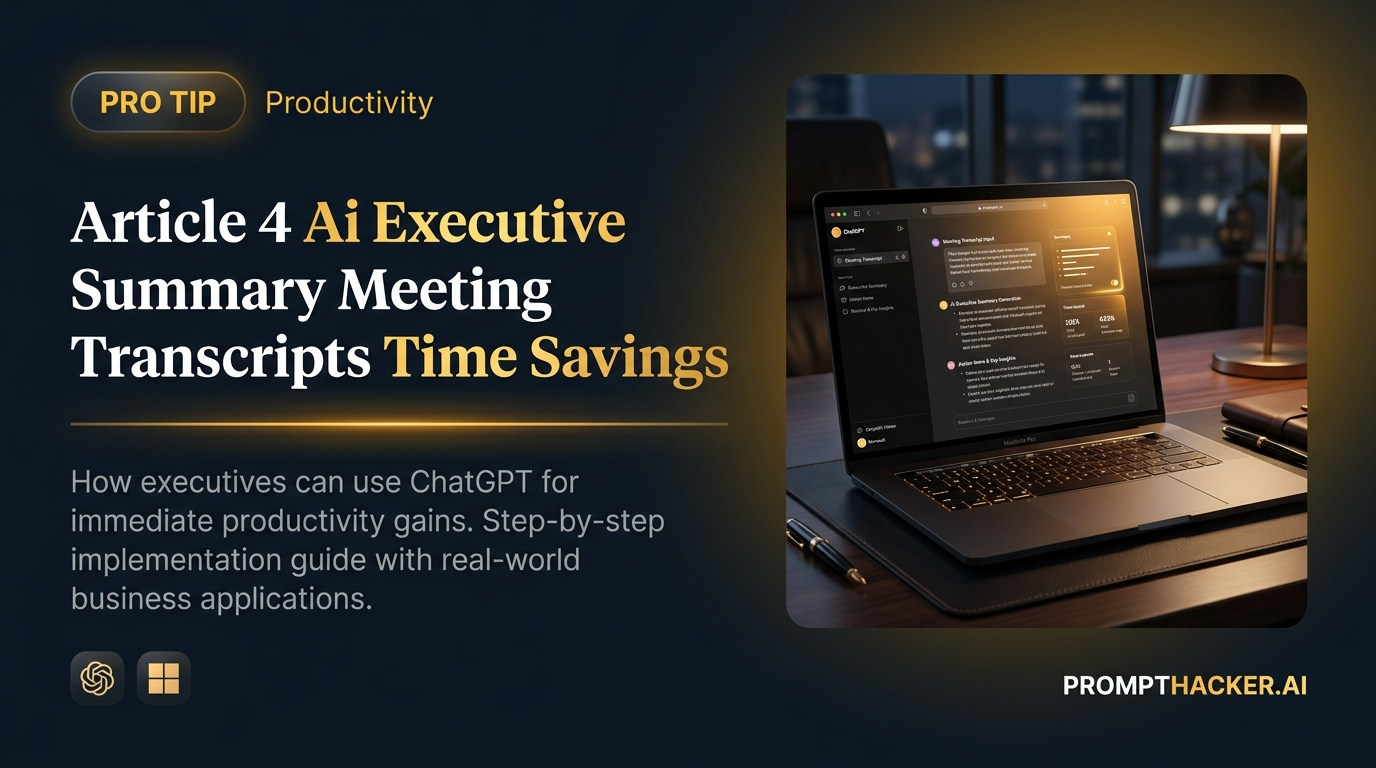
How to use AI to condense lengthy meeting transcripts into actionable executive summaries.
What matters today
How to use AI to condense lengthy meeting transcripts into actionable executive summaries.
Article roadmap
What you will learn
-
How to use AI to condense lengthy meeting transcripts into actionable executive summaries.
-
Specific prompt engineering techniques for extracting key decisions, action items, and risks.
-
Strategies for ensuring clarity and conciseness in AI-generated summaries.
-
Methods for addressing common AI failure modes when summarizing complex discussions.
A project manager at a rapidly scaling SaaS company faces a recurring challenge: after every critical executive meeting, they spend hours sifting through dense 60-minute transcripts. Their task is to distill the discussion into a concise summary for stakeholders who need to be informed but lack the time to read the full dialogue. This manual process is not only time-consuming, but also prone to overlooking subtle details or misinterpreting key decisions, leading to delays in project execution and misaligned efforts across departments.
The stakes are high. Without a clear, accurate, and timely executive summary, critical decisions remain in limbo, action items are not assigned, and potential risks go unaddressed. This can cascade into missed deadlines, budget overruns, and a general lack of accountability, ultimately hindering the company's growth trajectory. The project manager's ability to efficiently communicate the essence of these meetings directly impacts operational agility and strategic alignment.
This article provides a direct, actionable method to overcome this challenge. You will discover how to harness the summarization and entity extraction capabilities of leading AI tools. By following a precise prompt engineering pattern, you can automate the creation of high-quality executive summaries, ensuring that key information is captured accurately and presented concisely, every time.
The core problem with meeting transcripts is their raw, unfiltered nature. They capture every utterance, every tangent, and every momentary pause. While comprehensive, this makes them inefficient for executives who need to grasp the strategic takeaways quickly. Manually sifting through such detail is a significant drain on valuable time, often leading to delayed communication and potentially incomplete summaries. This is where AI excels, offering a solution that not only saves time but also enhances the consistency and accuracy of the information presented.
Consider a scenario where a product development team holds weekly review meetings. These meetings often involve complex technical discussions, design critiques, and strategic pivots. The Head of Product needs a summary that highlights new features committed, bug fixes prioritized, and any resource reallocations. Without an efficient summarization process, this executive might miss critical updates, impacting product roadmapping and team resource allocation. Using AI to generate these summaries ensures that the Head of Product receives a standardized, actionable report each week, allowing them to focus on strategic oversight rather than manual data extraction.
The power of AI in this context lies in its ability to process vast amounts of text, identify relevant entities (decisions, actions, people), and synthesize them into a coherent narrative based on specific instructions. The key is to provide the AI with a clear persona and explicit output requirements.
Time to value: 5 minutes (per summary, after initial prompt setup)
Here is the exact prompt to use:
EXACT PROMPT
"You are a business consultant. I am providing you with a full transcript of a 60-minute executive meeting. Your task is to extract the most critical information and present it as a 3-paragraph executive summary. Include: 1. The primary objective discussed. 2. All key decisions made. 3. All action items, specifying who is responsible and the deadline if mentioned. 4. Any identified risks or opportunities. Prioritize clarity and conciseness. Here is the transcript: [Paste transcript here]"
Let's break down why this prompt is effective and how to implement it.
Step 1: Set the AI's Persona and Context
The prompt begins with "You are a business consultant." This is crucial for guiding the AI's tone and focus. By assigning a professional persona, you instruct the AI to approach the task with a business-oriented mindset, prioritizing strategic insights and actionable intelligence over casual discussion. A business consultant's goal is to provide clear, actionable advice, which aligns perfectly with the objective of an executive summary. Without this, the AI might default to a more general summarization style, potentially missing the executive angle.
Step 2: Define the Output Format and Length
Specifying "present it as a 3-paragraph executive summary" provides a clear structural constraint. This ensures the output is concise and digestible, fitting the needs of busy executives. Without a defined length, the AI might produce a summary that is either too brief to be useful or too long, defeating the purpose of quick assimilation. The three-paragraph structure is a best practice for executive summaries, allowing for a logical flow: an introduction to the objective, a body covering decisions and actions, and a conclusion on risks/opportunities.
Step 3: Detail the Required Information Elements
This is the most critical part of the prompt, as it explicitly tells the AI what to look for and extract.
- "1. The primary objective discussed." This ensures the summary begins by anchoring the reader to the meeting's core purpose, providing immediate context. It helps to differentiate between main topics and tangential discussions.
- "2. All key decisions made." This is paramount for an executive summary. Decisions are the output of the meeting and form the basis for subsequent actions. The AI must identify definitive statements of choice or agreement.
- "3. All action items, specifying who is responsible and the deadline if mentioned." Actionability is key. Knowing *what* needs to be done is insufficient; knowing *who* is responsible and *when* it is due transforms a mere observation into an accountable task. The AI's ability to extract these specific entities (person's name, date/time) is a powerful time-saver.
- "4. Any identified risks or opportunities." Strategic foresight is vital for executives. Capturing potential roadblocks or avenues for growth provides a holistic view of the meeting's implications beyond immediate actions.
Step 4: Emphasize Output Qualities
The instruction "Prioritize clarity and conciseness" guides the AI on the stylistic elements of the summary. This ensures the language is direct, easy to understand, and free of jargon or redundancy. Clarity means the summary should be unambiguous, while conciseness means it should convey maximum information with minimum words.
Step 5: Provide the Input Data
The final instruction, "Here is the transcript: [Paste transcript here]," clearly indicates where the AI should expect the raw data. It is important to paste the entire transcript, even if it is long. AI models like ChatGPT Plus, Claude, Gemini, and Microsoft 365 Copilot are designed to handle substantial text inputs.
Edge Cases and Failure Modes:
While highly effective, this method is not without potential pitfalls.
- Ambiguous Transcripts: If the meeting discussion itself was unclear, rambling, or lacked definitive conclusions, the AI might struggle to extract precise decisions or action items. The AI can only work with the input it is given. Fix: Review the AI's output critically. If ambiguity persists, a quick manual review of the relevant section of the original transcript may be necessary to clarify. Consider prompting the AI with a follow-up question, such as "Clarify the decision regarding the Q3 marketing budget."
- Missing Information: Sometimes, a responsible party or deadline might not be explicitly stated in the transcript. The AI will not invent this information. Fix: The summary will accurately reflect the absence of this detail. This signals to the user that follow-up is needed to assign responsibility or set a deadline. It highlights a process improvement opportunity for future meetings (e.g., ensuring clearer assignment of tasks).
- Over-summarization or Under-summarization: While the 3-paragraph constraint helps, the AI might occasionally miss a nuanced point or include a less critical detail. Fix: For critical summaries, a human review is always advisable. Use the AI-generated summary as a strong first draft, then refine it. You can also prompt the AI to "Expand on the risks identified" or "Remove the discussion on [topic X]."
- Technical Jargon: If the transcript contains highly specialized jargon, the AI might struggle to summarize it in a way that is universally understandable for a broader executive audience. Fix: Consider adding an instruction like "Explain any technical jargon in layman's terms" to your prompt if your audience is diverse.
By understanding these potential issues and applying the suggested fixes, you can significantly enhance the reliability of AI-generated executive summaries. This process not only saves time but also ensures that critical information from meetings is consistently captured and communicated, fostering better decision-making and accountability across your organization.
Action Steps Summary
- Prepare Your Transcript: Ensure you have a complete, accurate transcript of your executive meeting. This is the raw material the AI will work with.
- Access Your AI Tool: Open your preferred AI platform, such as ChatGPT Plus/Pro/Teams, Claude, Gemini, or Microsoft 365 Copilot.
- Input the Prompt: Copy and paste the provided prompt into the AI's chat interface. Carefully replace "[Paste transcript here]" with your actual meeting transcript.
- Review and Refine: Read the AI-generated executive summary. Verify that it accurately captures the primary objective, key decisions, action items (with responsibilities and deadlines), and any identified risks or opportunities. Make any minor edits for clarity or emphasis.
- Distribute the Summary: Share the concise, AI-generated executive summary with relevant stakeholders, ensuring everyone is informed quickly and efficiently.
Also in This Biweekly Issue
Get the full breakdown every two weeks
PromptHacker Premium delivers 5 deep-dive articles, exact prompts, and step-by-step workflows every two weeks.
Three deep dives. Four useful moves. One email worth opening.
PromptHacker turns the AI firehose into practical next steps for work, health, family, and everything time keeps trying to steal.