PH PROMPTHACKER.AI

Celebrate Dad with AI: The Dad's Day Prompt Challenge

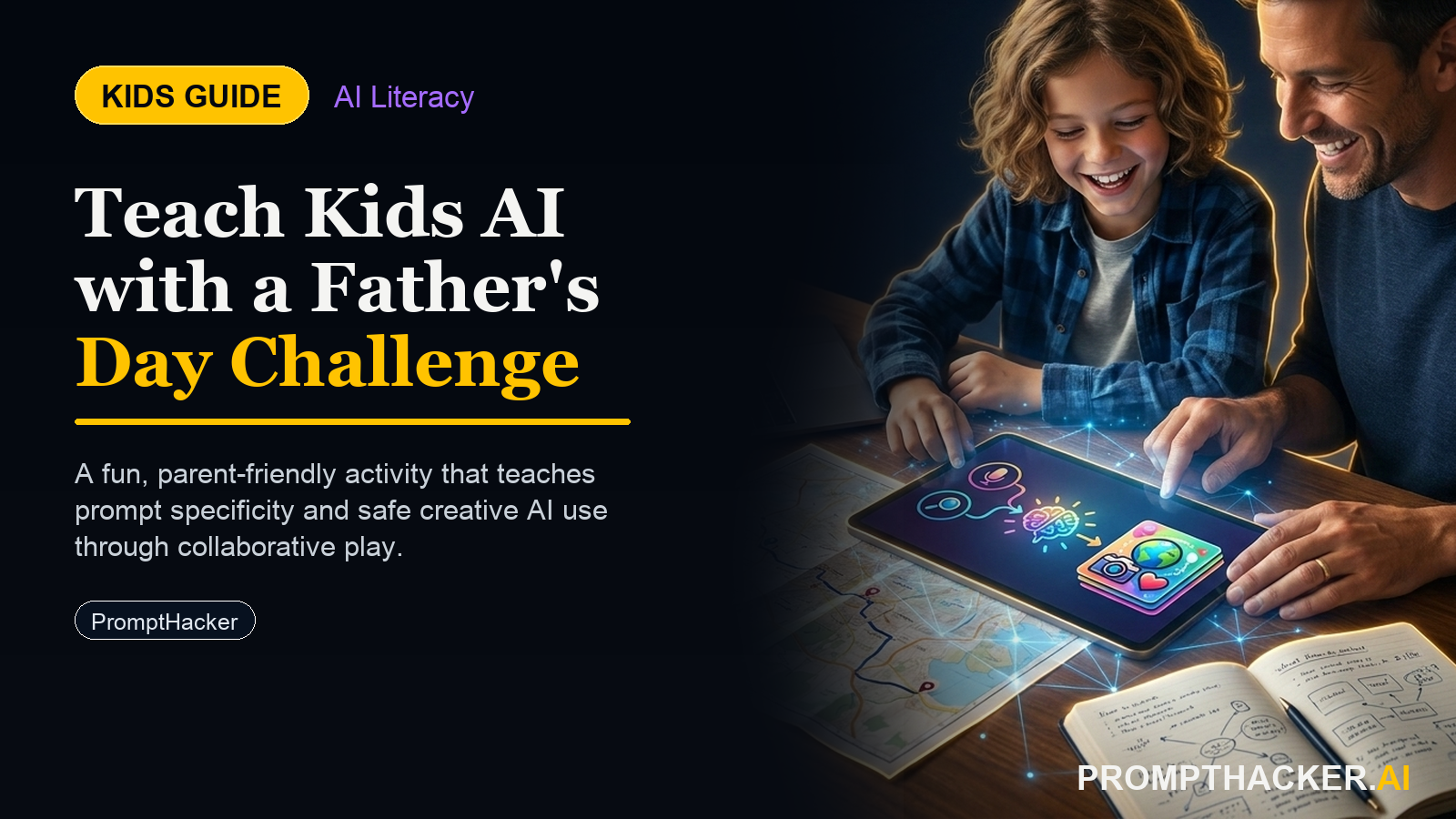
Children create personalized Father's Day tributes with AI, developing prompting and critical thinking skills safely.

June 18, 2025 7 min read
ai kids dads day prompt challenge creativity
Quick Scan

What matters today

Children create personalized Father's Day tributes with AI, developing prompting and critical thinking skills safely.

Format KIDS GUIDE
Audience Executives using AI at work
Time 7 min read
Topic Kids and AI

Key points

  • Activity for Age 8: The Funny Dad Poem
  • Activity for Age 11: The True Tribute

What you will learn in this article:

  • Children articulate detailed descriptions to guide AI, practicing clear communication.
  • They learn to critically evaluate AI-generated content, refining it for accuracy and personal voice.
  • Kids develop iterative prompting skills, understanding how to adjust inputs for desired outputs.
  • They engage with AI as a creative partner, enhancing their writing and expression.
  • The activity fosters a deeper appreciation for personal connections through digital creation.

Father's Day week offers a unique opportunity to blend heartfelt sentiment with essential AI literacy. Consider an 11-year-old, perhaps adept at online games but new to understanding how artificial intelligence truly works. This child can move beyond passive consumption of digital content. They can learn to direct AI, transforming abstract ideas into tangible, personalized creations. This process builds foundational skills applicable far beyond a holiday tribute.

Children who miss early exposure to responsible AI interaction might struggle later. They could view AI as a magic box rather than a tool requiring precise instructions and careful evaluation. They might lack the critical thinking needed to discern accurate or relevant AI output. Developing these skills now prepares them for a future where AI collaboration is a standard part of work and life.

This Father's Day activity delivers a fun, engaging way for children to explore AI's creative potential. Kids will use ChatGPT to craft unique tributes for their dads. They will learn to prompt AI effectively and then refine its output, ensuring the final product reflects their genuine thoughts and feelings. This challenge teaches valuable lessons in digital literacy and creative expression, all while celebrating a special person.

This Dad's Day Prompt Challenge is designed for children aged 8 to 14. It offers age-appropriate activities that build progressively in complexity. The setup takes about five minutes, and children can complete the activity independently with no direct supervision required once they begin. All activities use ChatGPT on a standard household device, such as a phone, tablet, or laptop. The personal stakes of creating something meaningful for Dad naturally drive better, more thoughtful prompting.

Activity for Age 8: The Funny Dad Poem

This activity introduces younger children to basic prompting. They learn to describe someone using specific details. The goal is to generate a humorous poem that truly sounds like their dad.

Tools: ChatGPT (web browser or app)

Device: Phone, tablet, or laptop

Instructions:

  • Open ChatGPT: Help your child open ChatGPT. If they have not used it before, show them where to type their messages.
  • Think About Dad: Ask your child to think about what Dad loves. Does he love pizza, video games, gardening, or telling silly jokes? What are some funny or common things Dad always says? For example, "Are you going to eat that?" or "Just five more minutes!"
  • Start the Prompt: Guide your child to type a prompt like this: "My dad loves [list 2-3 things he loves]. He always says [list 2-3 things he says]. Please write a funny poem about him." Example input: "My dad loves watching football and eating popcorn. He always says 'Did you finish your homework?' and 'Let's go on an adventure!' Please write a funny poem about him."
  • Read and Refine: Read the poem ChatGPT creates together. Does it sound like Dad? Is it funny? If not, ask your child what they would change. Maybe Dad loves spicy popcorn, or he sings his catchphrases.
  • Iterate: Encourage your child to add more details or ask ChatGPT to revise the poem. For instance, "Make the poem even funnier," or "Add a line about his loud laugh."
  • Finalize and Share: When the poem is just right, help your child copy it down or print it. They can then present it to Dad as a special, personalized gift.

What the Child Produces:

A personalized, funny poem about Dad, generated with AI and refined by the child.

Parent/Educator Support:

Help them brainstorm specific details about Dad. Encourage them to speak their mind about what they like or dislike in the AI's output. Remind them that they are the "boss" of the AI.

Common Mistakes and How to Help:

Too vague: Children might just say "Dad loves sports." Help them get specific: "Which sport? What team?" This teaches the AI needs detail. Accepting first draft: They might think the first poem is perfect. Ask questions like, "Does Dad really say that?" or "What else could make this more like him?" This encourages critical evaluation.

Worked Example (Age 8):

A child named Leo (8) wanted to make a poem for his dad, who loves sci-fi movies and gardening. Leo's initial prompt was, "My dad likes movies and plants. Write a poem." The AI produced a generic poem.

  • Parent guidance: "What kind of movies does Dad like? What does he do with plants?"
  • Leo's revised input:

LEO'S REVISED INPUT

"My dad loves watching Star Wars and growing giant tomatoes. He always says 'May the Force be with you' and 'Time to water the garden!' Please write a funny poem about him."

  • AI output (excerpt): AI OUTPUT EXCERPT "With lightsaber in hand, or maybe a trowel, Dad fights space battles, or battles a fowl. His tomatoes grow huge, a galactic delight, While he whispers, 'May Force be with you tonight!'"
  • Leo's reaction: "That's perfect! He really does say 'May the Force be with you!'" Leo was surprised by how the AI combined his dad's interests.

Activity for Age 11: The True Tribute

This activity introduces the concept of crafting a detailed descriptive prompt and emphasizes the importance of factual accuracy when using AI. The child learns to edit AI output to ensure every sentence is true.

Tools: ChatGPT (web browser or app)

Device: Phone, tablet, or laptop

Instructions:

  • Open ChatGPT: Ensure your child has access to ChatGPT.
  • Describe Dad (No Name): Ask your child to describe Dad without using his actual name. Think about his personality, his hobbies, his job, his favorite foods, what makes him happy, and any unique habits or quirks. The more detail, the better. Example input: "This person is a great cook, especially barbecue. He works with computers. He loves listening to classic rock music very loudly. He tells funny, long stories. He is always helping others. He gives the best hugs. He laughs a lot, sometimes very loudly."
  • Prompt for a Tribute: Guide your child to write a prompt like: "Based on this description, please write a tribute to this person. Do not use their name."
  • Critical Editing - The Truth Test: Read the AI's tribute together. Now, the crucial step: go through every single sentence . Is it 100% true for Dad? If a sentence is not true, ask your child: "Is this really like Dad? What would make this more accurate?"
  • Help them rewrite or remove untrue sentences.
  • Example AI output: "He is a quiet observer, always thinking deeply."
  • Child's edit: "No, Dad is loud and tells jokes! I'll change that to: 'He is a joyful storyteller, always ready with a joke.'"
  • Add Personal Touches: Encourage your child to add specific memories or inside jokes that AI could not know. This makes the tribute deeply personal.
  • Final Polish: Read the tribute one last time to ensure it flows well and accurately reflects Dad.

What the Child Produces:

A heartfelt tribute to Dad, meticulously edited by the child for complete accuracy and personal detail.

Parent/Educator Support:

Help them brainstorm a comprehensive list of Dad's traits and habits. Emphasize the importance of accuracy. Explain that AI sometimes "guesses" based on common patterns. Encourage them to replace AI-generated phrases with their own words to make it more authentic.

Common Mistakes and How to Help:

Overlooking inaccuracies: Children might accept an untrue sentence because it sounds nice. Prompt them with, "Is that exactly right for Dad?" Giving up on editing: Editing can feel like work. Remind them the goal is to make it truly their tribute to their dad, not just an AI's generic text.

Worked Example (Age 11):

Maya (11) wanted to write a tribute to her dad, who is a kind, somewhat goofy engineer who loves hiking.

  • Maya's initial prompt: "He is an engineer who loves to hike. He is very kind. He makes silly faces. Write a tribute to him."
  • AI output (excerpt): "He is a pillar of strength, guiding his team with quiet wisdom. His gentle spirit inspires all who know him."
  • Maya's reaction: "That's not really Dad! He's not quiet, and he makes funny faces, not just 'gentle spirit'!"

Bottom line

The point of Celebrate Dad with AI: The Dad's Day Prompt Challenge is not a perfect final project. It is helping kids see how examples, labels, and feedback shape an AI system, then asking better questions about the tools around them.

About the author

Pierre Bradshaw Founder, PromptHacker.ai

Pierre has spent 25+ years building practical learning and growth systems, with machine-learning work dating back to 2012. PromptHacker kids projects focus on real creation, safety, and AI literacy.

If you have any questions or comments about Celebrate Dad with AI: The Dad's Day Prompt Challenge feel free to reach out. I'd love to hear from you.

Contact Pierre
Free weekly briefing

Three deep dives. Four useful moves. One email worth opening.

PromptHacker turns the AI firehose into practical next steps for work, health, family, and everything time keeps trying to steal.