PH PROMPTHACKER.AI

Craft a Personalized Valentine's Card Using AI

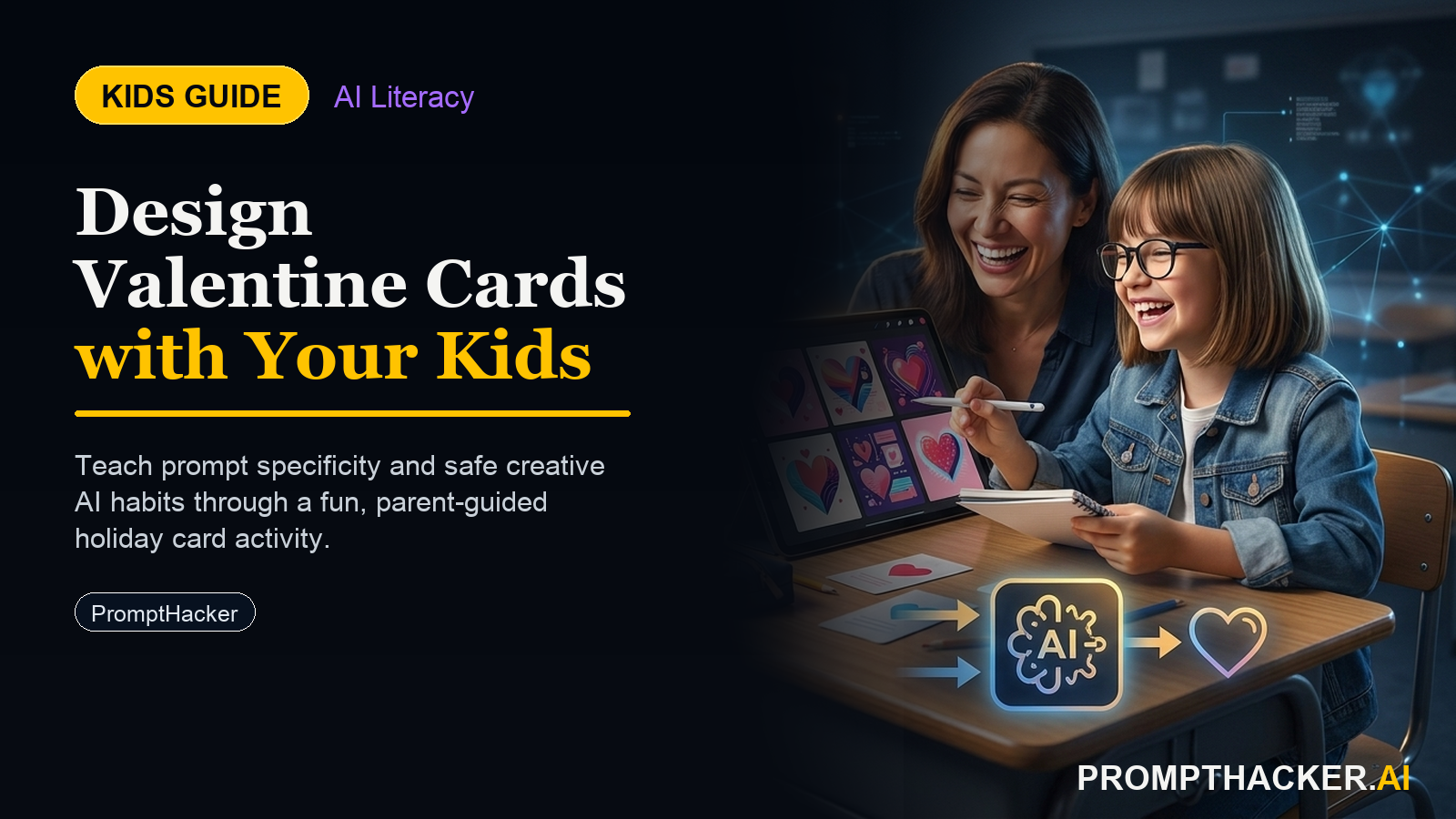
Children will create heartfelt Valentine's cards, developing critical thinking and collaborative skills with artificial intelligence.

February 12, 2025 5 min read
ai kids tip valentines card creation
Quick Scan

What matters today

Children will create heartfelt Valentine's cards, developing critical thinking and collaborative skills with artificial intelligence.

Format KIDS GUIDE
Audience Executives using AI at work
Time 5 min read
Topic Kids and AI

Key points

  • Tools and Setup
  • Activity for Age 8: Crafting a Simple, Heartfelt Message
  • Activity for Age 11: Adding Personal Voice and Memories

What you will learn in this article:

  • How to articulate thoughts clearly for an AI system.
  • The concept of AI as a creative assistant and editor.
  • Developing personal voice and refining AI-generated content.
  • Understanding ethical considerations when using AI for personal expression.
  • The power of iterative feedback loops in digital tools.

Valentine's Day offers a unique chance to blend tradition with modern technology. Consider a curious 8-year-old, eager to express affection but perhaps struggling with words. Or an 11-year-old, who enjoys writing but seeks new ways to spark ideas. Even a 14-year-old, accustomed to AI for homework, can discover its potential as a sophisticated editing tool for personal projects. This activity transforms a simple card-making task into a hands-on lesson in AI interaction.

Children growing up in an AI-driven world need more than just passive consumption skills. They require the ability to interact with AI, guide its output, and critically evaluate its suggestions. Without these foundational experiences, they risk becoming users who accept AI output without question, missing opportunities to develop their own critical voice and creative agency. Early engagement fosters a mindset of collaboration and control over technology.

This Valentine's Day, children can leverage ChatGPT to craft unique, personalized cards for loved ones. The activity scales across different age groups, introducing AI not as a replacement for human creativity, but as a dynamic partner that enhances personal expression and refines writing skills. It is a simple, engaging way to introduce prompt engineering and AI editing principles.

Tools and Setup

  • Platform or Tool: ChatGPT (free version is sufficient).
  • Device Needed: A standard household device such as a phone, tablet, or laptop. No specialized hardware is required.
  • Parent/Educator Framing: This activity requires approximately 5 minutes for initial setup. Once children understand the basic steps for their age group, they can proceed independently without constant supervision. The emotional stakes of creating a personal card for someone they care about naturally encourage prompt refinement and thoughtful interaction with ChatGPT.

Activity for Age 8: Crafting a Simple, Heartfelt Message

At this age, the goal is to introduce AI as a helpful tool for generating ideas and overcoming writer's block. The child focuses on identifying key sentiments, and AI assists in forming those into a message. The act of copying the message reinforces handwriting and ownership.

What the child produces: A handwritten Valentine's card with a personalized message generated by AI.

Step-by-step instructions for age 8:

  • Choose a Recipient: Ask the child, "Who do you want to make a Valentine's card for?" Examples include Mom, Dad, Grandma, or a friend.
  • Identify a Nice Quality: Prompt the child, "What is one nice thing you like about this person?" Encourage specific examples, such as "Mom gives great hugs," "Grandpa tells funny stories," or "My friend always shares their toys."
  • Open ChatGPT: Help the child open ChatGPT on your chosen device.
  • Enter the Prompt: Guide the child to type a prompt similar to this: "Write a Valentine's Day message for [Recipient's Name]. I want to tell them [one nice thing about them]." Example Prompt "Write a Valentine's Day message for [Recipient's Name]. I want to tell them [one nice thing about them]." * Example Prompt: "Write a Valentine's Day message for Mom. I want to tell her she gives the best hugs."
  • Review the Message: Read the AI-generated message together. Ask the child, "Does this sound nice? Is it what you wanted to say?"
  • Copy the Message: Provide paper and a pen. The child then carefully copies the AI-generated message onto their Valentine's card. This step connects the digital output to a tangible, personal creation.

How a parent or educator can support: Offer encouragement as the child types. Help with spelling if needed, but emphasize getting the idea across. Reinforce that copying the message makes it truly their own. Focus on the joy of giving and the effort they put into creating something special.

Common mistakes children make and how to help them work through it: Children may struggle with articulating "one nice thing." Offer gentle suggestions or rephrase the question, such as "What makes them special?" or "What do they do that makes you happy?" If the AI message is too long, suggest asking AI to make it "shorter and simpler." This teaches them to refine their requests.

Worked example (Age 8): A child named Leo wanted to make a card for his dad. He told ChatGPT, "Write a Valentine's Day message for Dad. I want to tell him he always plays games with me." ChatGPT responded with: "Dear Dad, Happy Valentine's Day! Thank you for always playing games with me. You're the best! Love, Leo." Leo carefully copied this message onto a card he had decorated, feeling proud that the words were exactly what he wanted to say, even if AI helped him write them down.

Leo's Prompt

"Write a Valentine's Day message for Dad. I want to tell him he always plays games with me."

Activity for Age 11: Adding Personal Voice and Memories

At this age, children can explore more complex descriptions and begin to see AI as a drafting assistant. The key here is the "rewriting in their own voice" step, which introduces critical evaluation and personal ownership of the content.

What the child produces: A personalized Valentine's card with a message drafted by AI and then significantly rephrased and refined by the child.

Step-by-step instructions for age 11:

  • Choose a Recipient: Ask, "Who is your card for?"
  • Describe the Person: Prompt the child, "Describe this person in a few words. What are they like?" Encourage descriptive words, such as "Grandma is kind and funny" or "My teacher is smart and patient."
  • Recall Three Memories: Ask, "What are three special memories you have with this person?" Encourage specific details, for example, "When we baked cookies last Christmas," "That time we went to the park and saw the big dog," or "When they helped me with my math homework."
  • Open ChatGPT: Help the child open ChatGPT.

Bottom line

The point of Craft a Personalized Valentine's Card Using AI is not a perfect final project. It is helping kids see how examples, labels, and feedback shape an AI system, then asking better questions about the tools around them.

About the author

Pierre Bradshaw Founder, PromptHacker.ai

Pierre has spent 25+ years building practical learning and growth systems, with machine-learning work dating back to 2012. PromptHacker kids projects focus on real creation, safety, and AI literacy.

If you have any questions or comments about Craft a Personalized Valentine's Card Using AI feel free to reach out. I'd love to hear from you.

Contact Pierre
Free weekly briefing

Three deep dives. Four useful moves. One email worth opening.

PromptHacker turns the AI firehose into practical next steps for work, health, family, and everything time keeps trying to steal.