AI News Reader: Teach a Kid to Use AI as a Pre-Read, Not a Replacement
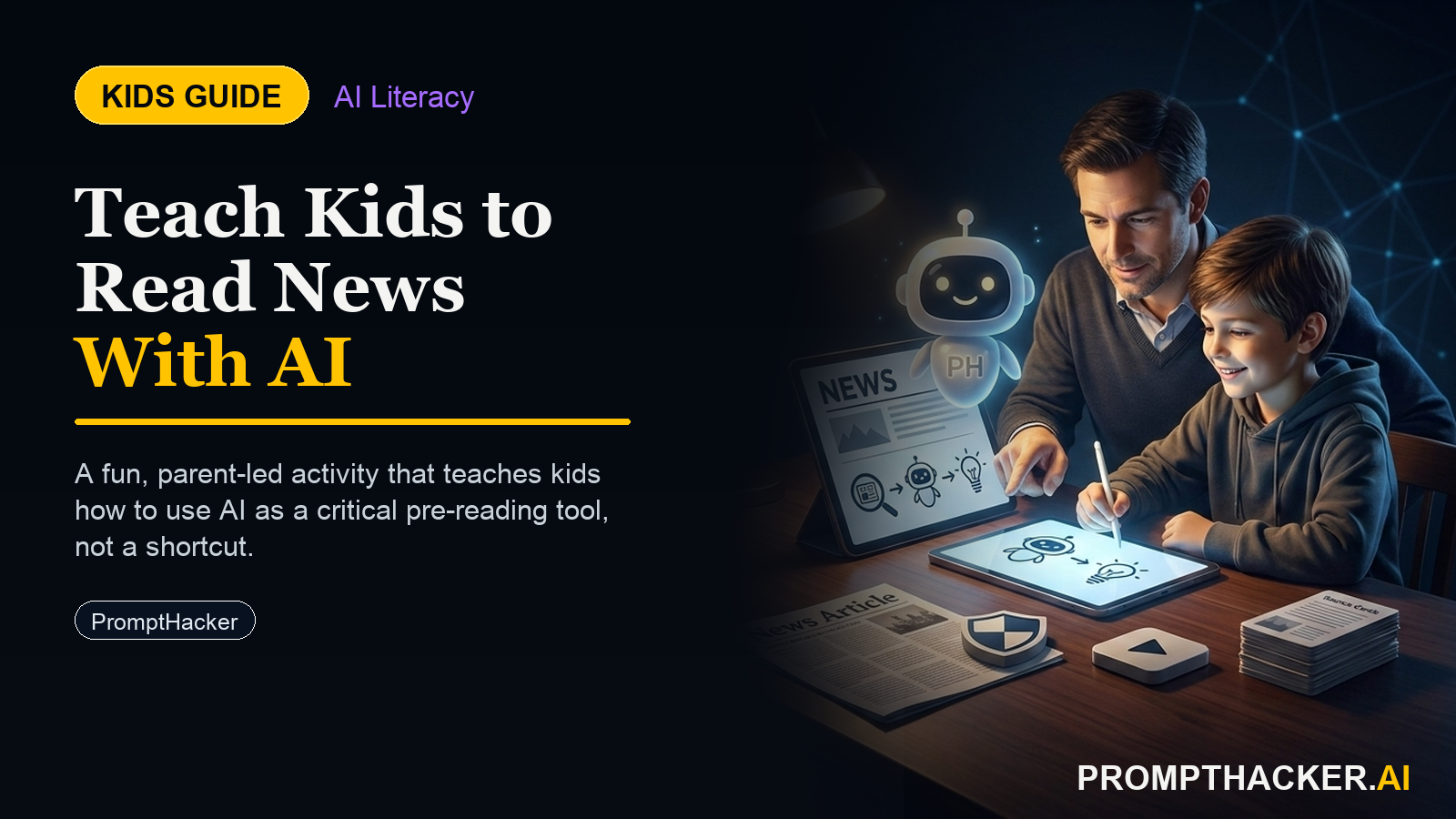
Kids create a hands-on AI project: AI News Reader: Teach a Kid to Use AI as a Pre-Read, Not a Replacement. A parent or educator helps them build, test, and explain what the AI tool gets right and wrong.
What matters today
Kids create a hands-on AI project: AI News Reader: Teach a Kid to Use AI as a Pre-Read, Not a Replacement. A parent or educator helps them build, test, and explain what the AI tool gets right and wrong.
Article roadmap
What you will learn
-
A simple, repeatable activity that builds news literacy and AI literacy together
-
Three difficulty tiers so it works for ages 8, 11, and 14
-
The exact prompt the child pastes into ChatGPT or Perplexity
-
Why having the child verify the AI against the source is the whole point
-
Conversation starters and the core AI concept for parents and educators
Kids are growing up in a world where AI will answer almost any question instantly, and the real risk is not that AI is wrong sometimes. The risk is that children learn to treat the answer as final and never check it. The skill worth teaching early is not how to ask AI a question. It is how to verify what it tells you.
This activity teaches exactly that, using something kids already encounter: news headlines. The child picks a real headline, asks AI to explain it at their reading level, then reads the actual article to see whether the AI got it right and what it left out. It takes about 10 minutes, needs nothing but a browser, and scales from an 8-year-old to a teenager.
The payoff is a child who treats AI as a starting point to check, not an oracle to trust. That habit will matter far more than any single fact they learn.
How the Activity Works
The structure is the same at every age: pick a headline, get an AI explanation, read the source, compare. What changes is the difficulty.
Age 8 version. Find a simple headline together. Ask the AI to explain it in 3 sentences for a 7-year-old. Then talk about it: does the explanation make sense? Is it clear? At this age the goal is just to notice that AI can explain things, and that an explanation can be clearer or fuzzier.
Age 11 version. Paste a real headline into the AI and ask for a 5-sentence explanation aimed at a 12-year-old. Then read the actual article together. The key question: did the AI get it right? This is where verification starts, comparing the AI's version against the real one.
Age 14 version. Find a more complex headline, ask the AI for a summary, then read the full article and identify two specific things the AI oversimplified or missed. At this level the child is doing real critical analysis: not just "is it right" but "what nuance did it drop."
The progression matters. The youngest tier builds comfort, the middle tier introduces verification, and the oldest tier develops genuine critical reading.
The Prompt the Child Uses
The child types this into ChatGPT or Perplexity, filling in the bracketed parts.
HEADLINE EXPLAINER PROMPT
Explain this news headline in [number] sentences for a [age]-year-old: "[paste the headline here]." Use simple words and do not add facts that are not in the headline.
The "do not add facts" instruction is doing important work. It teaches the child, early, that AI sometimes fills gaps with things that were not actually there, and that a good prompt sets boundaries. After the AI responds, the child reads the real article and answers one question appropriate to their age: does it make sense (8), did the AI get it right (11), or what did the AI oversimplify (14).
Run It in Four Steps
- Pick a real headline together from a trusted news outlet. For younger kids, choose something concrete and non-alarming, such as a science discovery or a sports result.
- Paste the headline into ChatGPT or Perplexity with the explainer prompt at the child's age level.
- Read the actual article the headline came from.
- Compare. Ask the age-appropriate question and talk through what the AI got right and what it missed.
That is the whole activity. The comparison step in number four is where the learning happens, so do not skip it.
For Parents and Educators
Conversation starters:
- "The AI sounded really sure of itself. How could we check if it was actually right?"
- "What did the real article say that the AI left out? Why do you think it left that out?"
- "If a friend told you this instead of an AI, would you believe it right away, or check first?"
Core AI concept:
The child is learning verification, the habit of treating an AI answer as a claim to check against a source rather than a fact to accept. This is the single most important AI skill for this generation, and it is far easier to build at age 10 than to retrofit at age 20. The activity also quietly introduces the idea that AI can add information that was not in the original, which is why the prompt explicitly forbids it.
Action Steps Summary
- Choose the right tier. Match the difficulty to the child: judge clarity at 8, verify accuracy at 11, find oversimplifications at 14.
- Pick a real, age-appropriate headline. Use a trusted outlet and a concrete topic for younger kids.
- Run the explainer prompt. Have the child paste the headline with the age-level instruction and the "no added facts" rule.
- Read the source and compare. This verification step is the point of the whole activity.
- Talk it through. Use the conversation starters to reinforce that AI answers are claims to check, not facts to trust.
Three deep dives. Four useful moves. One email worth opening.
PromptHacker turns the AI firehose into practical next steps for work, health, family, and everything time keeps trying to steal.