AI-Powered Meeting Prep and Follow-up Workflow
How to draft professional follow-up emails with summarized content for attendees.
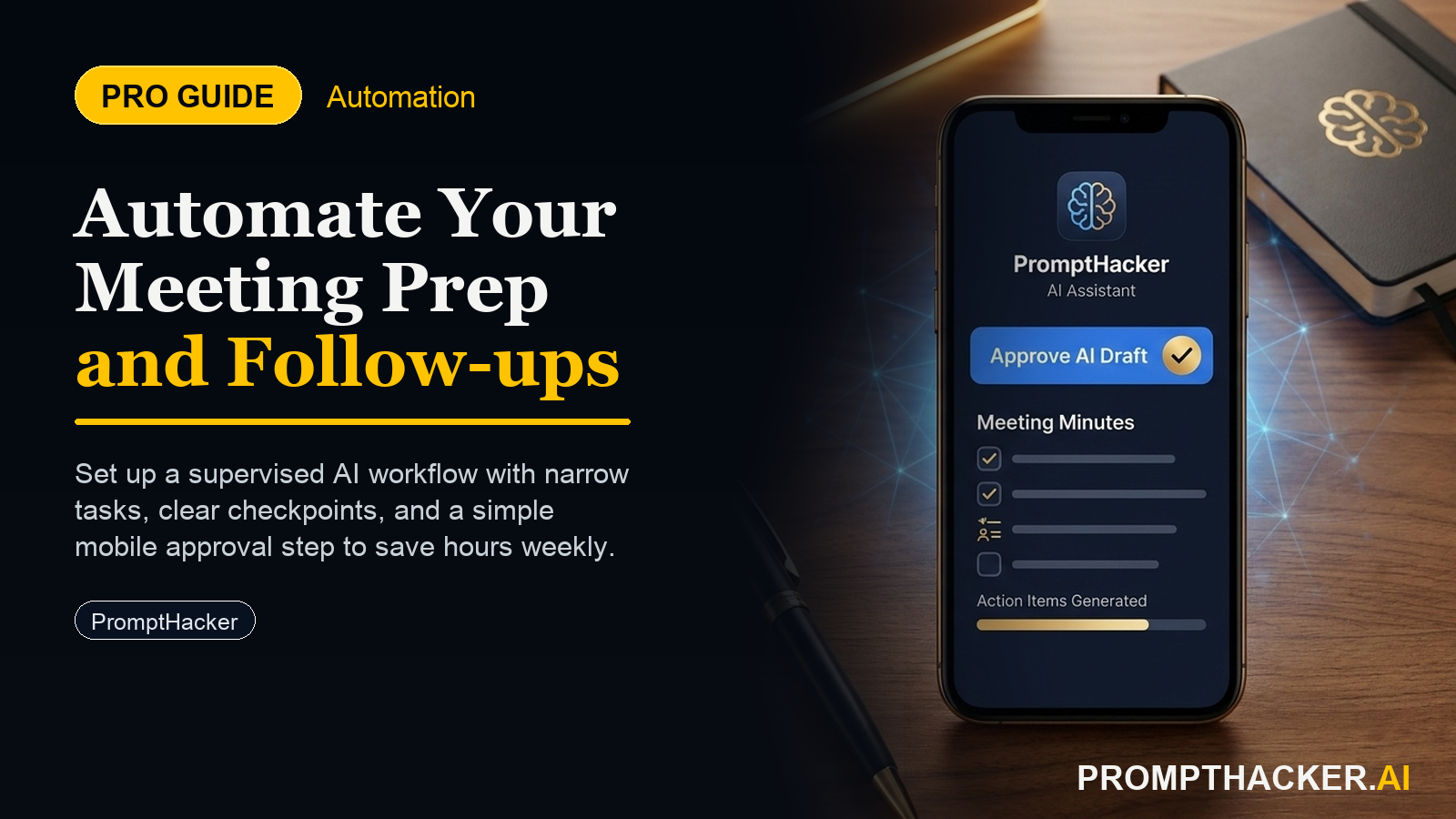
What matters today
How to draft professional follow-up emails with summarized content for attendees.
Article roadmap
What you will learn
-
How to auto-generate meeting agendas from invites to ensure focused discussions.
-
How to summarize meeting discussions, key decisions, and action items using AI.
-
How to draft professional follow-up emails with summarized content for attendees.
-
How to save 45 minutes per meeting by automating preparation and post-meeting tasks.
Streamline Your Meetings: From Chaos to Clarity with AI
A Vice President of Product Development faces a common challenge: a calendar packed with back-to-back meetings. Each session, from daily stand-ups to quarterly strategic reviews, demands preparation. After the meeting concludes, the work is not over. Key decisions must be recorded, action items assigned, and follow-up communications drafted and distributed. This continuous cycle of preparation, execution, and post-meeting administration consumes valuable time, often pushing strategic work to late evenings or weekends.
Without an efficient system, this administrative overhead creates significant bottlenecks. Agendas might be rushed or incomplete, leading to unfocused discussions that drift off-topic. Post-meeting summaries can be delayed, causing confusion about who owns what and by when. This delay in clarity directly impacts project timelines, team accountability, and overall organizational velocity. Critical decisions can be forgotten, and initiatives can stall, costing the business time and resources.
This article introduces an AI-powered workflow designed to reclaim those lost hours. By leveraging Microsoft Copilot across Outlook, Word, and Teams, executives can automate the most time-consuming aspects of meeting management. Discover how to generate comprehensive agendas, capture meeting essentials in real-time, and dispatch clear, actionable follow-up communications, all while ensuring focus and accountability.
The AI-Powered Meeting Workflow: Reclaiming 45 Minutes Per Meeting
Meetings are essential for coordination and decision-making, but their administrative burden often outweighs their perceived value. The average executive spends hours each week preparing for meetings and then more hours summarizing outcomes and distributing follow-ups. This workflow, built around Microsoft Copilot, transforms that process, saving an average of 45 minutes per meeting by automating repetitive tasks and ensuring crystal-clear communication.
Step 1: Initiating the Workflow within Outlook
The foundation of an efficient meeting starts with its initial setup. While this step seems basic, it is the entry point for Copilot to access all relevant context.
Action: Open the meeting invite in Outlook.
Why it matters: Copilot requires access to the meeting's core information: attendees, subject line, date, time, and any existing description. Opening the invite provides this context, allowing the AI to draw on details that inform the agenda creation.
Step 2: Auto-Generating a Focused Meeting Agenda
Crafting a relevant and comprehensive agenda is often the most time-consuming aspect of meeting preparation. Copilot streamlines this entirely.
Action: Use Copilot in Outlook to "Draft a meeting agenda based on the invite and recent emails from attendees."
Draft a meeting agenda based on the invite and recent emails from attendees.
Ready to reclaim your calendar?
Three deep dives. Four useful moves. One email worth opening.
PromptHacker turns the AI firehose into practical next steps for work, health, family, and everything time keeps trying to steal.