AI-Powered Meeting Summaries Save Follow-up Time
How to configure your virtual meeting platforms for automatic AI transcription and initial summarization.
What matters today
How to configure your virtual meeting platforms for automatic AI transcription and initial summarization.
Article roadmap
What you will learn
-
How to configure your virtual meeting platforms for automatic AI transcription and initial summarization.
-
How to apply a structured prompt template to refine raw AI summaries into actionable, executive-ready documents.
-
How to integrate AI-generated summaries into your team's workflow to ensure consistent documentation and follow-up.
-
How to troubleshoot common issues with AI summarization to maintain accuracy and reliability.
A regional sales director at a mid-market manufacturing firm just wrapped a critical weekly pipeline review with a dozen team members. The meeting spanned 90 minutes, covered dozens of opportunities, and generated numerous action items for various team members. As soon as the call ends, the director faces the familiar challenge: distilling those 90 minutes into a coherent summary, assigning tasks, and ensuring everyone remembers their commitments. This manual process often consumes another 30 to 60 minutes, pulling the director away from higher-value tasks like client outreach or strategic planning.
Without a consistent and efficient summary process, critical decisions can be overlooked, action items forgotten, and accountability diluted. This leads to missed deadlines, duplicated efforts, and a general slowdown in execution. The cumulative effect across an organization can be substantial, impacting productivity and revenue generation. The time spent on administrative tasks like meeting summaries directly reduces the capacity for strategic work.
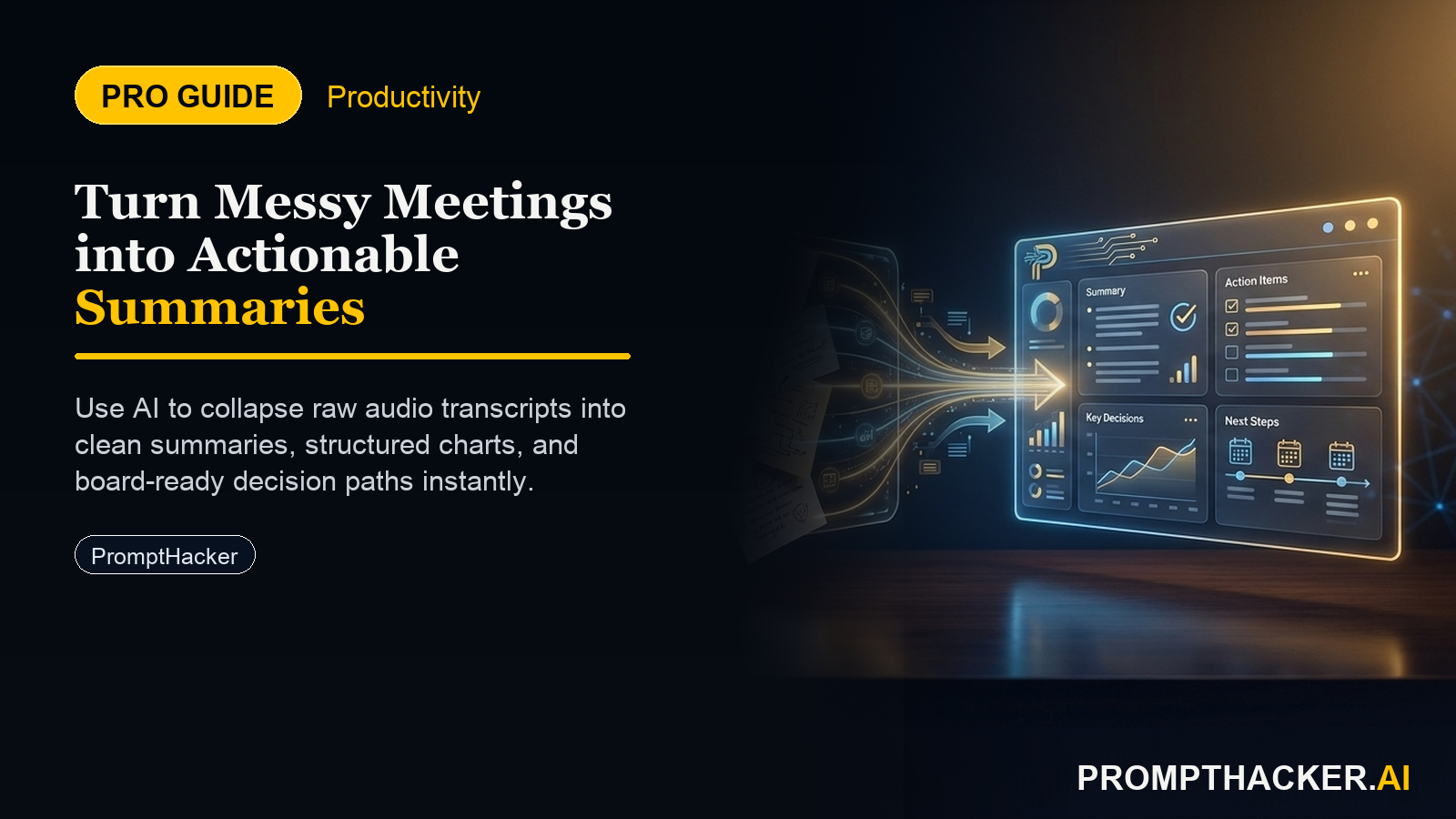
This article details a robust, AI-driven workflow for automating meeting summaries, reclaiming significant follow-up time. You will learn how to leverage native AI capabilities in common meeting platforms and apply specific prompt engineering techniques to transform raw transcripts into polished, actionable summaries. This approach ensures consistent documentation, streamlines follow-up, and allows executives to focus on leadership rather than transcription.
Automating Meeting Summaries for Executive Efficiency
The administrative burden of meeting follow-up disproportionately affects executives. They must ensure clarity, delegate tasks effectively, and maintain a historical record of decisions. Traditional methods involving manual note-taking, transcription, and summary writing are time-consuming and prone to human error or omission. AI-powered summarization offers a precise solution, but merely enabling the feature is not enough. A structured approach ensures the output meets executive standards for clarity and actionability.
This guide provides a multi-step process, incorporating native AI tools and targeted prompt engineering, to produce high-quality meeting summaries that save an average of 30 minutes per meeting.
Step 1: Configure Your Meeting Platform for AI Transcription and Initial Summary
Most major virtual meeting platforms now offer integrated AI capabilities for transcription and basic summarization. Activating these features is the foundational step. This process varies slightly by platform but generally involves similar settings.
For Microsoft Teams: 1. During a meeting, select "More actions" (...) then "Start transcription" or "Start recording and transcription." 2. Ensure that your organization's IT policies allow transcription and recording. 3. After the meeting, the transcript and an initial AI summary are typically available in the meeting chat or calendar event.
For Zoom: 1. Ensure "Cloud recording" and "Audio transcript" are enabled in your Zoom account settings (Settings > Recording). 2. During a meeting, click "Record" and select "Record to the Cloud." 3. After the meeting, the recording and transcript, along with an AI Companion summary (if enabled and subscribed), will be available in your Zoom web portal.
For Google Meet: 1. For Workspace Enterprise Plus, Education Plus, and Teaching and Learning Upgrade users, "Meeting transcripts" are automatically generated. 2. Ensure this feature is enabled by your Google Workspace administrator. 3. After the meeting, the transcript will be attached to the calendar event. Google's Duet AI can also generate summaries directly from these transcripts.
Why this step is critical: Activating native transcription provides the raw data (the full conversation) that subsequent AI processes use. Without a comprehensive transcript, any summary will lack detail or accuracy. The initial AI summary from the platform serves as a baseline, often identifying key topics but rarely providing the nuanced, actionable detail an executive requires.
Ready to scale your productivity?
Get full access to our prompt library and advanced workflow templates.
Three deep dives. Four useful moves. One email worth opening.
PromptHacker turns the AI firehose into practical next steps for work, health, family, and everything time keeps trying to steal.