Pinpoint Your Afternoon Crash: AI Maps Wearable Data Triggers
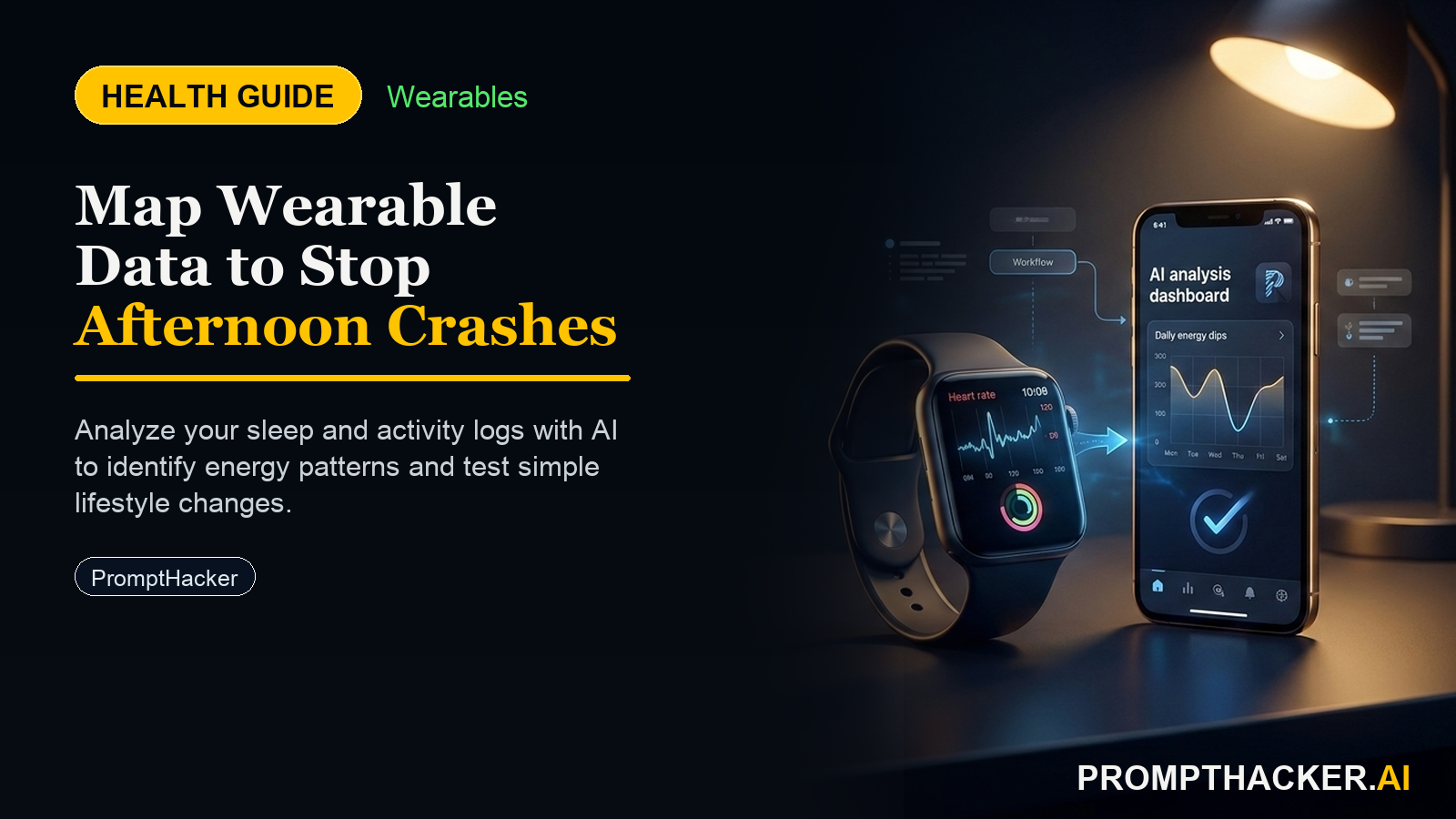
Export your Apple Watch health data and use AI to identify the exact triggers for your afternoon energy dips, optimizing daily focus.
What matters today
Export your Apple Watch health data and use AI to identify the exact triggers for your afternoon energy dips, optimizing daily focus.
Key points
- Required Device and Native App
- AI Platform
- Step-by-Step Setup: Preparing Your Data Input
- The Exact Verbatim Prompt to Use
- What the AI Produces
What you will learn in this article:
- How to export 30 days of HRV, resting heart rate, and sleep data from Apple Health.
- Strategies to input wearable data and lifestyle details into ChatGPT-4o for analysis.
- Methods to identify the most correlated triggers for your afternoon energy crashes.
- Techniques for implementing a data-driven, 2-week experimental fix for energy optimization.
Most executives recognize the familiar mid-afternoon slump. That period after lunch where focus wanes, decisions feel heavier, and the day's momentum dwindles. For many, it is an accepted part of the workday, often attributed to a heavy lunch or simply the natural rhythm of the body. However, this daily dip can significantly impact productivity, the quality of late-day decisions, and overall mental sharpness when it matters most.
Ignoring these consistent energy drops means missing an opportunity to optimize performance during critical hours. Over time, a persistent afternoon crash can lead to increased reliance on artificial stimulants, reduced output, and a feeling of being constantly behind, despite a strong start to the day. Without objective data, identifying the true cause becomes a game of guesswork, often leading to ineffective solutions or, worse, no solution at all.
This article provides a precise, AI-driven method to transform that guesswork into actionable insights. By leveraging the health data already collected by your Apple Watch and iPhone, you will discover how to identify the specific variables most correlated with your afternoon energy drop. The process culminates in a personalized, experimental plan designed to mitigate these crashes, allowing you to maintain peak focus and decision-making capabilities throughout your entire workday.
The key to understanding your personal energy curve lies in the data your wearable device already collects. Your Apple Watch, paired with your iPhone, continuously gathers valuable metrics such as Heart Rate Variability (HRV), Resting Heart Rate (RHR), and detailed sleep patterns. These often-overlooked data points hold the clues to your daily physiological state and how it influences your energy levels. By systematically analyzing this information with a powerful AI like ChatGPT-4o, you can move beyond subjective feelings and pinpoint the objective triggers behind your afternoon energy dips.
Required Device and Native App
This health tip leverages data collected by your Apple Watch and stored within the Apple Health application on your iPhone. While other wearables offer similar data, focusing on the Apple ecosystem simplifies the data extraction process for a broad base of executives.
AI Platform
You will use ChatGPT-4o for the data analysis. Its advanced capabilities in understanding and processing tabular data, combined with its ability to generate structured recommendations, make it an ideal tool for this task.
Step-by-Step Setup: Preparing Your Data Input
The first crucial step involves gathering and organizing your health data. The goal is to provide ChatGPT-4o with a clear, structured dataset for analysis.
- Export Your Health Data from Apple Health : Heart Rate Variability (HRV) : Open the Apple Health app on your iPhone. Tap 'Browse' at the bottom, then 'Heart', and select 'Heart Rate Variability'. Scroll down and tap 'Show All Data'. You will see daily measurements. For the past 30 days, manually record the daily HRV average (often displayed as SDNN) into a simple spreadsheet or a text document.
- Resting Heart Rate (RHR) : In the Apple Health app, navigate to 'Browse', then 'Heart', and select 'Resting Heart Rate'. Tap 'Show All Data'. Record the daily resting heart rate values for the last 30 days into the same document.
- Sleep Data : Apple Health tracks various sleep metrics. For this analysis, focus on a consistent sleep metric. If you use a third-party sleep tracking app (like AutoSleep or Pillow) that integrates with Apple Health and provides a "sleep score" or "readiness score," record that daily score for 30 days. If you rely solely on Apple Health's native sleep tracking, record your 'Time In Bed' or 'Total Sleep Duration' for each of the last 30 days. Consistency in the chosen metric is more important than the specific metric itself.
- Organize Your Data : Create a simple table with three columns: 'Date', 'HRV', 'Resting HR', and 'Sleep Metric' (e.g., 'Sleep Score' or 'Total Sleep'). Populate this table with your 30 days of data. Ensure the dates are sequential. You can use a simple text editor, Google Sheets, or Apple Numbers to create this.
- Identify Typical Lunch and Caffeine Timing : Reflect on your typical daily schedule over the past month.
- Note the average time you usually eat lunch. Be specific, for example, "12:30 PM".
- Note the time you typically have your last caffeinated beverage (coffee, tea, energy drink). For example, "2:00 PM".
The Exact Verbatim Prompt to Use
Once your data is prepared, open ChatGPT-4o. You will copy-paste your organized 30-day data directly into the chat interface, followed by your lunch and caffeine timing. Then, you will input the following prompt verbatim:
EXACT PROMPT
"Here is 30 days of my HRV, resting HR, and sleep data. My lunch is usually at [time] and I have my last coffee at [time]. Find the variables most correlated with my afternoon energy drop. Suggest a 2-week experiment, one variable change at a time, to test the fix. Output as a simple keep/start/stop list."
Remember to replace `[time]` with your actual average lunch and last coffee times. For example, "My lunch is usually at 1:00 PM and I have my last coffee at 3:00 PM."
What the AI Produces
ChatGPT-4o will process your input and generate three key components:
- Personal Energy Curve Chart Description : The AI will analyze the trends in your HRV, RHR, and sleep data over the 30 days and describe a likely pattern of your energy levels. It will articulate when dips appear most frequently, based on the physiological markers you provided. This description will not be a visual chart but a narrative summary of the data's implications for your energy. For example, it might describe a pattern where lower HRV and higher RHR days often precede or coincide with reported afternoon fatigue.
- Most Likely Crash Trigger Ranked by Data Correlation : ChatGPT-4o will identify which of the variables (HRV, RHR, sleep metric, or even the timing of your lunch/caffeine in relation to these physiological markers) shows the strongest statistical correlation with a potential afternoon energy drop. It will rank these potential triggers by their correlation strength. For instance, it might determine that days with less than 7 hours of sleep have the highest correlation with afternoon crashes, followed by days where your HRV was notably low.
- 2-Week Fix Experiment : Based on the identified triggers, the AI will propose a structured, 2-week experiment. This experiment will focus on changing one variable at a time, allowing you to isolate the impact of each adjustment. The output will be presented as a simple 'keep/start/stop' list, making it easy to implement.
How to Interpret and Act on the Output
- Understanding the Energy Curve Description : Read the AI's description of your energy curve carefully. Does it resonate with your subjective experience? This validation helps build confidence in the AI's analysis. If it describes frequent dips around 2:00 PM, and you often feel fatigued then, the analysis is likely on target.
- Deciphering Crash Triggers : Pay close attention to the ranked triggers. The highest-ranked correlation is your primary target. For example, if "inconsistent deep sleep" is the top trigger, this immediately points to sleep quality as a critical factor. If "last coffee at 3:00 PM" correlates with subsequent RHR elevation and poor sleep, then caffeine timing becomes a focus.
- Implementing the 2-Week Experiment : The 'keep/start/stop' list provides clear, actionable steps. Keep : These are habits or routines the AI suggests are beneficial or at least not detrimental.
- Start : These are new actions or changes to implement, directly addressing the identified triggers.
- Stop : These are habits to cease, as they likely contribute to the problem.
Edge Cases
- Incomplete Data : If you have gaps in your 30-day data, ChatGPT-4o will likely acknowledge the limitation in its analysis. It might still provide insights but will qualify them as being based on partial information. Strive for complete data for the most accurate results.
- AI Misreads or Off Results : If the AI's analysis or proposed experiment seems completely disconnected from your experience, consider refining your input. Ensure your data is accurately transcribed.
- Provide more context in a follow-up prompt, explaining why a particular suggestion seems off. For example, "The data correlation for caffeine seems high, but I rarely feel its effects after 2 PM. Could you re-evaluate focusing on sleep metrics?"
- Experiment with slightly different sleep metrics (e.g., total sleep time versus sleep stages if available).
- No Clear Correlation : In some rare cases, the AI might find weak correlations. This could mean your afternoon crash has multiple, less-dominant triggers, or that the provided data points are not the primary drivers. In such a scenario, you might need to introduce additional data points (e.g., exercise intensity, meal composition, stress levels if tracked) in a subsequent analysis.
How Often to Repeat This
Repeat this analysis monthly for the first three months after implementing an experiment. This allows you to track the effectiveness of your changes and identify new patterns as your physiology adapts. After initial optimization, a quarterly check-in is sufficient to ensure sustained energy levels and adapt to any lifestyle changes.
Worked Example: VP of Operations, 43, Runs 3 Days Per Week
Consider Sarah, a 43-year-old VP of Operations. She consistently starts her day strong but finds herself struggling with focus and decision-making between 2:30 PM and 4:00 PM. She uses her Apple Watch daily and runs three times a week.
Sarah exports her 30 days of HRV, Resting HR, and Total Sleep Duration (as her proxy for sleep score) into a simple table. She notes her lunch is usually at 1:00 PM and her last coffee is at 3:30 PM.
Her data shows:
- Days with lower HRV (indicating higher stress or less recovery) often coincide with days where she reports feeling more tired in the afternoon.
- Days with less than 6.5 hours of sleep consistently precede a significant energy dip.
- Her resting heart rate is slightly elevated on days she runs, but this does not directly correlate with afternoon crashes unless her sleep duration is also low.
Sarah inputs her data and the prompt into ChatGPT-4o.
ChatGPT-4o's Output (Example):
Three deep dives. Four useful moves. One email worth opening.
PromptHacker turns the AI firehose into practical next steps for work, health, family, and everything time keeps trying to steal.