Turn Your Apple Watch Cardio Fitness Trend Into a Four-Week Plan With Claude
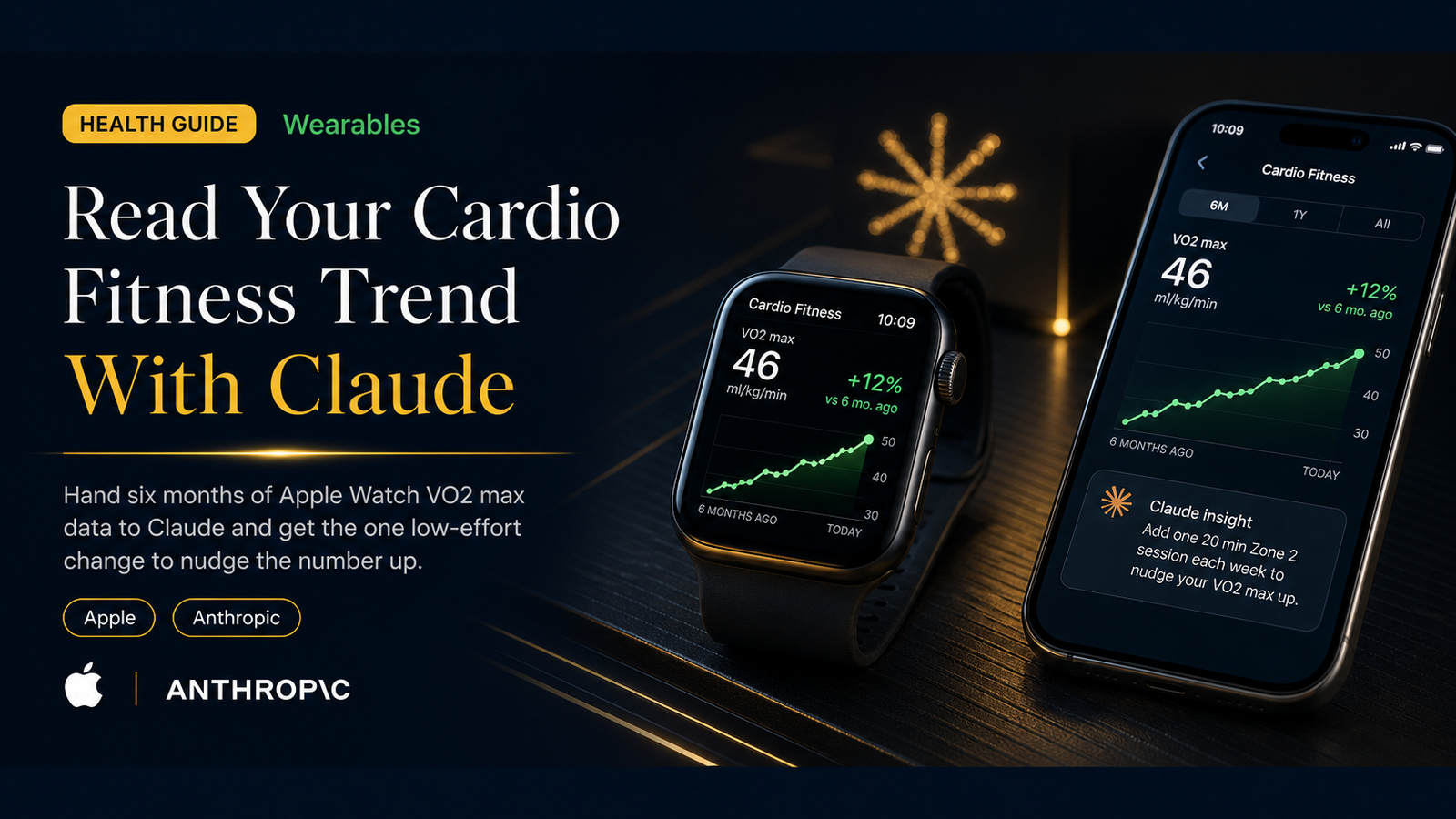
Buried in the Health app is one of the most useful numbers your Apple Watch tracks and one of the most ignored: Cardio Fitness, an estimate of your VO2 max. It is a measure of how well your body uses oxygen during exercise, and it is one of the better long-run signals of cardiovascular health.
What matters today
Buried in the Health app is one of the most useful numbers your Apple Watch tracks and one of the most ignored: Cardio Fitness, an estimate of your VO2 max.
Article roadmap
What you will learn
-
What Cardio Fitness (VO2 max) actually measures and why it matters
-
How to export six months of it from the Health app
-
The exact question to ask Claude
-
Why one change beats a total overhaul
-
How to measure whether it worked
Buried in the Health app is one of the most useful numbers your Apple Watch tracks and one of the most ignored: Cardio Fitness, an estimate of your VO2 max. It is a measure of how well your body uses oxygen during exercise, and it is one of the better long-run signals of cardiovascular health. The catch is that it moves slowly and quietly, so most people never look at the trend.
That slow movement is exactly what makes it a good job for AI. You do not need a real-time read; you need someone to look at six months of data, find the weeks the number changed, and tell you what those weeks had in common. With Claude Fable 5 now in your plan, you have a model that can hold all of that history and reason across it in one pass.
The goal here is not a dramatic fitness overhaul. It is to find the single, lowest-effort change most likely to nudge the number up, do that one thing for four weeks, and re-measure. Here is how.
This is a PromptHacker Premium deep dive.
The export steps, the exact prompt, and the four-week measurement loop are below.
Step 1: Find and Export Your Cardio Fitness
Open the Health app on your iPhone, tap Browse, then Heart, then Cardio Fitness. Set the range to six months so you can see the trend rather than the noise. To get the data into Claude, the simplest route is a screenshot of the six-month chart along with the high and low values the app shows. If you prefer numbers, you can export your full health data from your Apple Health profile and pull the Cardio Fitness entries, but a clear screenshot of the trend is enough for this.
Step 2: Ask Claude the Right Question
The phrasing matters. You are not asking for a workout plan. You are asking for analysis and one change.
I am attaching six months of my Apple Watch Cardio Fitness (VO2 max estimate) data. I want to gradually improve it. 1. Describe the overall trend in plain language: rising, flat, or falling, and roughly by how much. 2. Point out any weeks where it noticeably moved up or down. 3. Ask me up to five short questions about what was happening in my routine during those weeks (travel, training, illness, stress, sleep) so we can find what correlates. 4. After my answers, suggest the single lowest-effort change most likely to nudge this number up over the next month. One change, not a program. Keep it practical and do not give medical advice. Frame this as general fitness information.
The back-and-forth in step three is what makes this useful. Claude can see the dips and climbs, but only you know that the flat stretch in March was a travel month or that the rise in May lined up with morning walks. That context is what turns a chart into a cause.
Step 3: Do One Thing for Four Weeks
The discipline here is to resist the urge to change five things at once. Cardio fitness responds to consistent, moderate effort over weeks, not to a heroic week followed by burnout. Pick the one change Claude surfaced, two or three brisk thirty-minute walks a week, a short zone-two session, whatever fits your actual schedule, and hold it for a month. One variable means that when the number moves, you know why.
Why one change: if you alter everything and the number rises, you have learned nothing repeatable. If you change one thing, you have found a lever you can pull again.
Step 4: Re-Measure and Decide
After four weeks, open the same Cardio Fitness chart and compare. The estimate updates gradually, so look at the direction of the trend, not a single day. If it nudged up, you found a lever worth keeping. If it did not, you have ruled out one change at almost no cost and can ask Claude for the next candidate. Either way, you are running a small, honest experiment on your own data instead of guessing.
Action Steps Summary
- Open Health, Heart, Cardio Fitness. Set the range to six months.
- Capture the trend. A clear screenshot of the six-month chart is enough.
- Ask Claude the analysis question. Use the prompt above and answer its follow-ups honestly.
- Commit to one change for four weeks. One variable, held consistently.
- Re-measure and iterate. Keep what worked, ask for the next lever if it did not.
Medical disclaimer: This information is for educational purposes only and is not medical advice. Please consult a qualified healthcare professional before making changes to your health routine.
Three deep dives. Four useful moves. One email worth opening.
PromptHacker turns the AI firehose into practical next steps for work, health, family, and everything time keeps trying to steal.