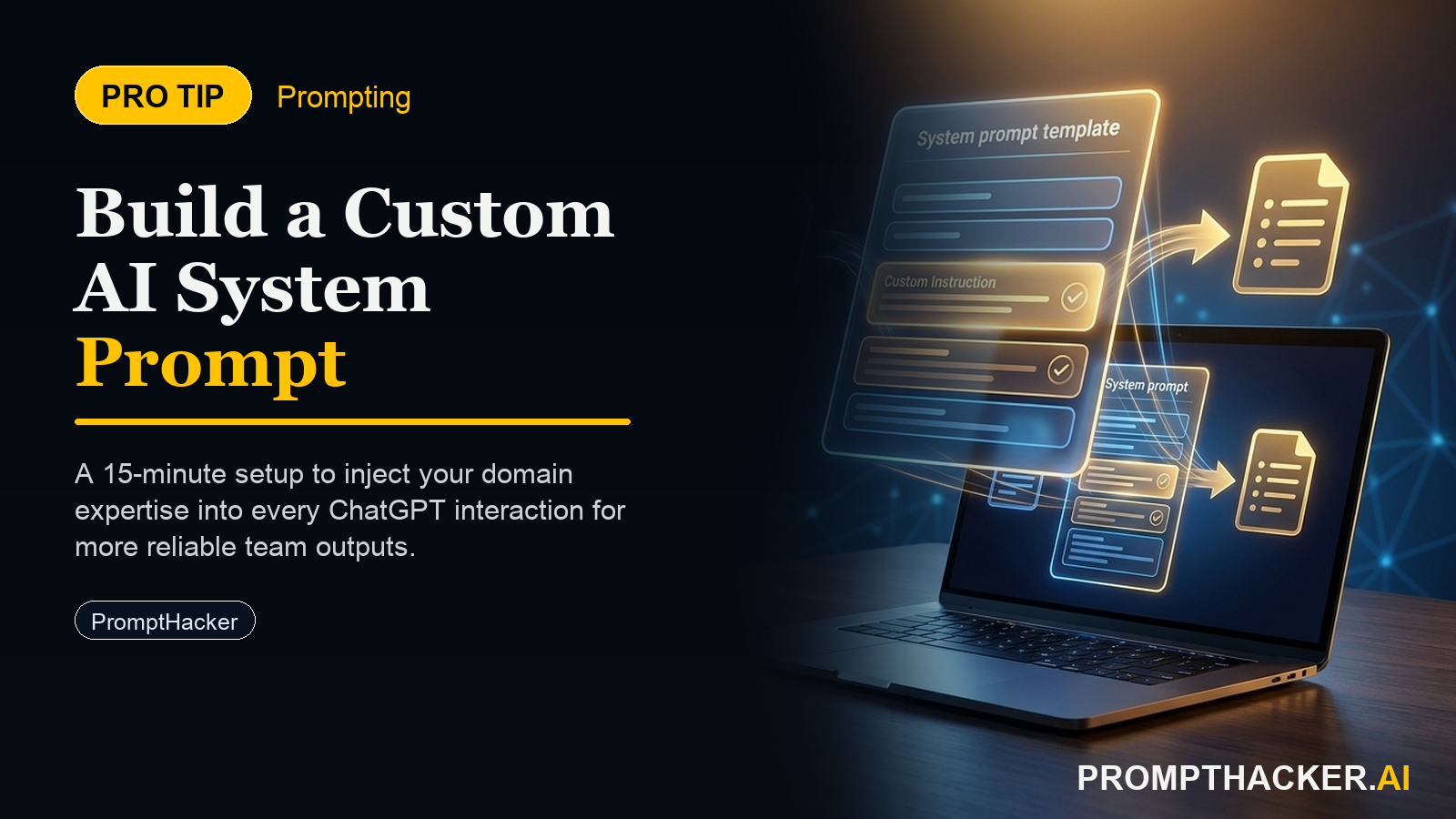
Write a Custom AI System Prompt: The 15-Minute Setup That Changes Every Interaction
What a system prompt is and why it is the single highest-impact AI configuration action most executives skip
What matters today
What a system prompt is and why it is the single highest-impact AI configuration action most executives skip
Article roadmap
What you will learn
-
What a system prompt is and why it is the single highest-impact AI configuration action most executives skip
-
The three domains where a custom system prompt delivers the highest output quality improvement
-
The verbatim prompt for building a custom system prompt in Claude Projects, ChatGPT, or Gemini Gems
-
The four elements that determine whether a system prompt produces noticeably different outputs
-
How to test and iterate your system prompt in 15 minutes
Every AI conversation starts from scratch. The model does not know who you are, what you are working on, how you prefer to receive information, or what your standards for a usable output are. You either re-explain all of that at the start of every session - or you accept generic outputs that require heavy editing.
A custom system prompt eliminates that gap permanently. Written once, pasted into your AI tool, and never thought about again - every subsequent conversation starts with the model already holding your context, applying your format preferences, and operating within your constraints. Most executives do not have one. The setup takes 15 minutes.
This is a PromptHacker Premium article.
The full domain breakdown, verbatim prompt, and 15-minute test procedure are available to Premium subscribers.
What a System Prompt Contains
Four elements determine whether a system prompt produces noticeably different outputs: your role and function (who you are and what the AI is helping with); key context that should always apply (stakeholders, terminology, project names); default output format (length, structure, tone, bullet density); and explicit constraints (what the model should not do). The constraints section is typically the most impactful and the most often left blank.
The Verbatim Prompt
Run this in any Claude, ChatGPT, or Gemini conversation to generate your custom system prompt:
Help me write a custom system prompt for [Claude Projects / ChatGPT Custom Instructions / Gemini Gems]. Role and function: [your title and what you do] Primary AI use cases: [2-3 tasks you use AI for most often in this domain] Audience for my outputs: [who reads what you produce] Tone preference: [direct / formal / analytical / concise] Default format: [bullets / structured sections / prose / data-first with summary] Things I do NOT want: [list 2-3 specific behaviors] Key context to always know: My org: [name and brief description] Industry: [sector and relevant specifics] Recurring stakeholders: [names or titles] Terminology: [org-specific terms or acronyms] Write a 200-300 word system prompt in second person (addressing the AI). Make it specific enough to produce noticeably different output than default AI behavior. Do not make it generic.
Claude will ask 1-2 clarifying questions. Answer them. The resulting system prompt goes directly into Claude Projects (Project Instructions field), ChatGPT Custom Instructions, or Gemini Gems. No further editing required for the first version.
Action Steps
- Identify the one domain where you most consistently re-explain context. This is where the system prompt produces the fastest ROI. Start there, not with the most complex domain.
- Fill in the verbatim prompt template with your specifics. Spend the most time on "things I do NOT want" - this section has the highest per-word impact on output quality improvement.
- Run the prompt and review the output. The system prompt should read like instructions a new analyst would need on their first day - context-specific enough to change behavior on the first session.
- Paste it into your chosen tool and test with a real query. If the output is not noticeably better than default, return to the system prompt and add more specifics on format and constraints.
- Build a second system prompt for a different domain once the first is working. Each additional domain takes half the time once you have the pattern. Executives who maintain 3-4 domain-specific system prompts report eliminating context-setting overhead almost entirely.
Three deep dives. Four useful moves. One email worth opening.
PromptHacker turns the AI firehose into practical next steps for work, health, family, and everything time keeps trying to steal.