Build Your Own AI Quiz Game With Google AI Studio: A 30-Minute Activity for Ages 8 to 16
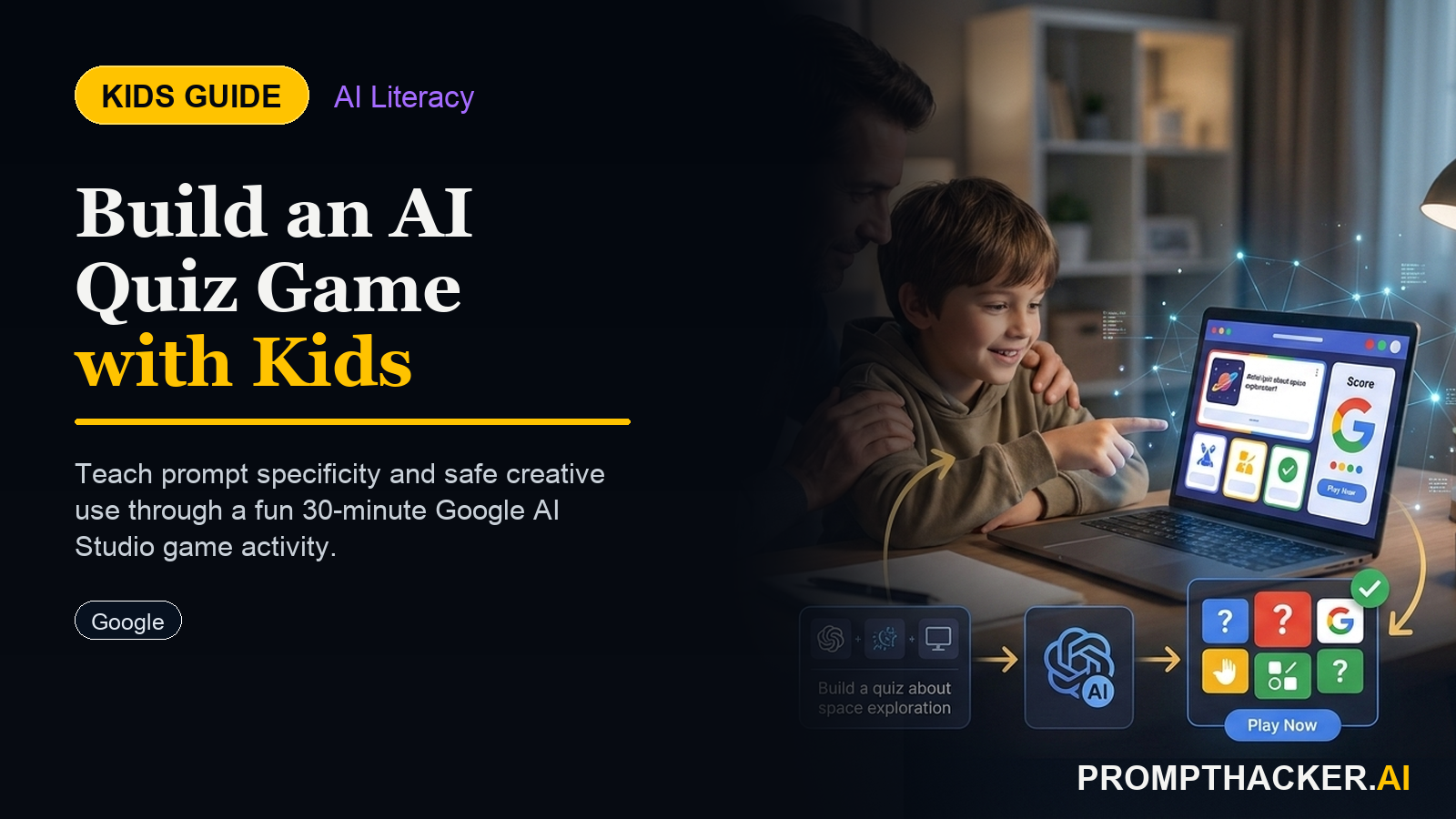
Kids create a hands-on AI project: Build Your Own AI Quiz Game With Google AI Studio: A 30-Minute Activity for Ages 8 to 16. A parent or educator helps them build, test, and explain what the AI tool gets right and wrong.
What matters today
Kids create a hands-on AI project: Build Your Own AI Quiz Game With Google AI Studio: A 30-Minute Activity for Ages 8 to 16. A parent or educator helps them build, test, and explain what the AI tool gets right and wrong.
What Your Child Will Build
- A working AI quiz master they designed from scratch
- A custom system prompt that controls the AI's behavior
- Multiple quiz versions on different topics and difficulty levels
- An understanding of how system prompts work and why they matter
- A shareable quiz link for friends and family
Most kids interact with AI as a consumer: they ask it questions and accept whatever comes back. This activity flips that. In 30 minutes, using Google AI Studio (completely free with a Google account), a child builds an AI quiz game from the inside out. They write the instructions that tell the AI how to behave, then test whether it follows those instructions, and then modify them when it does not.
That experience, designing a system prompt and observing how the model responds, is the same process used by professional AI engineers. It teaches that AI is not magic. It is a tool that follows instructions. The quality of the instructions determines the quality of the tool.
The finished product is a quiz game the child can customize for any topic they know well, soccer statistics, dinosaur facts, Taylor Swift discography, state capitals, whatever they care about most. They can share it with friends by sharing the conversation link.
The step-by-step activity and the challenge extensions are below.
PromptHacker Premium members get the complete guide.
What You Need
- A Google account (Gmail login works)
- A laptop, tablet, or Chromebook with a browser
- No paid subscription, no app downloads
- 30 minutes
The 5-Step Activity
Step 1: Get to Google AI Studio
Go to aistudio.google.com and sign in with your Google account. This is Google's free tool for building and testing AI. Click "Create a prompt" in the top left, then select "Chat prompt." You will see a screen with two boxes: System Instructions and a chat window.
Step 2: Write Your System Prompt
In the System Instructions box at the top, type the following (or have your child write their own version): "You are a quiz master. Your job is to quiz me on [topic your child loves]. Ask me 10 multiple-choice questions, one at a time. After each answer, tell me if I was right or wrong and explain why. Give me a hint if I ask for one. Keep track of my score and tell me my final score at the end."
Step 3: Test the Quiz
Click Run (the arrow button) or type "Let's start" in the chat window. The AI will begin asking quiz questions. Play through 3, 5 questions. Does it follow the rules? Does it remember the score? Does the hint system work?
Step 4: Improve the Instructions
Go back to the System Instructions box and change something. Try adding: "Make the questions progressively harder as the quiz goes on." Or: "Add a funny comment when I get an answer wrong." Run the quiz again. Did it change? This is how AI engineers iterate on system prompts, test, observe, adjust.
Step 5: Create a New Quiz and Challenge Someone
Change the topic in the system prompt to something else, a different subject, a friend's favorite topic. Run the new quiz and have a sibling or parent play it. The child is now the quiz designer, not the player.
Challenge Extensions (For Kids Who Finish Early)
Parent and Educator Sidebar
The AI concept your child is learning:
System prompts and instruction following. Every AI product, ChatGPT, Gemini, Siri, runs on instructions written by humans that tell the AI how to behave. When your child writes a system prompt, they are doing the same work professional AI engineers do. The "test, observe, adjust" cycle they experience in Step 4 is the foundation of prompt engineering.
3 conversation starters:
- "What happens when the AI breaks the rules you wrote? Why do you think that is?"
- "If you wanted the AI to only ask hard questions, how would you change the instructions?"
- "Who do you think writes the instructions for the AI tools you use every day?"
Quick Reference: What Your Child Builds
- Go to aistudio.google.com and sign in
- Create a Chat prompt and write a System Instructions prompt
- Test the quiz and observe what the AI does
- Modify the instructions and test again
- Build a quiz on a new topic and challenge someone else to play
Three deep dives. Four useful moves. One email worth opening.
PromptHacker turns the AI firehose into practical next steps for work, health, family, and everything time keeps trying to steal.