OpenAI ChatGPT Business Automates Complex Workflows, Boosting Efficiency
How to access and initiate the new workflow automation features within ChatGPT Business.
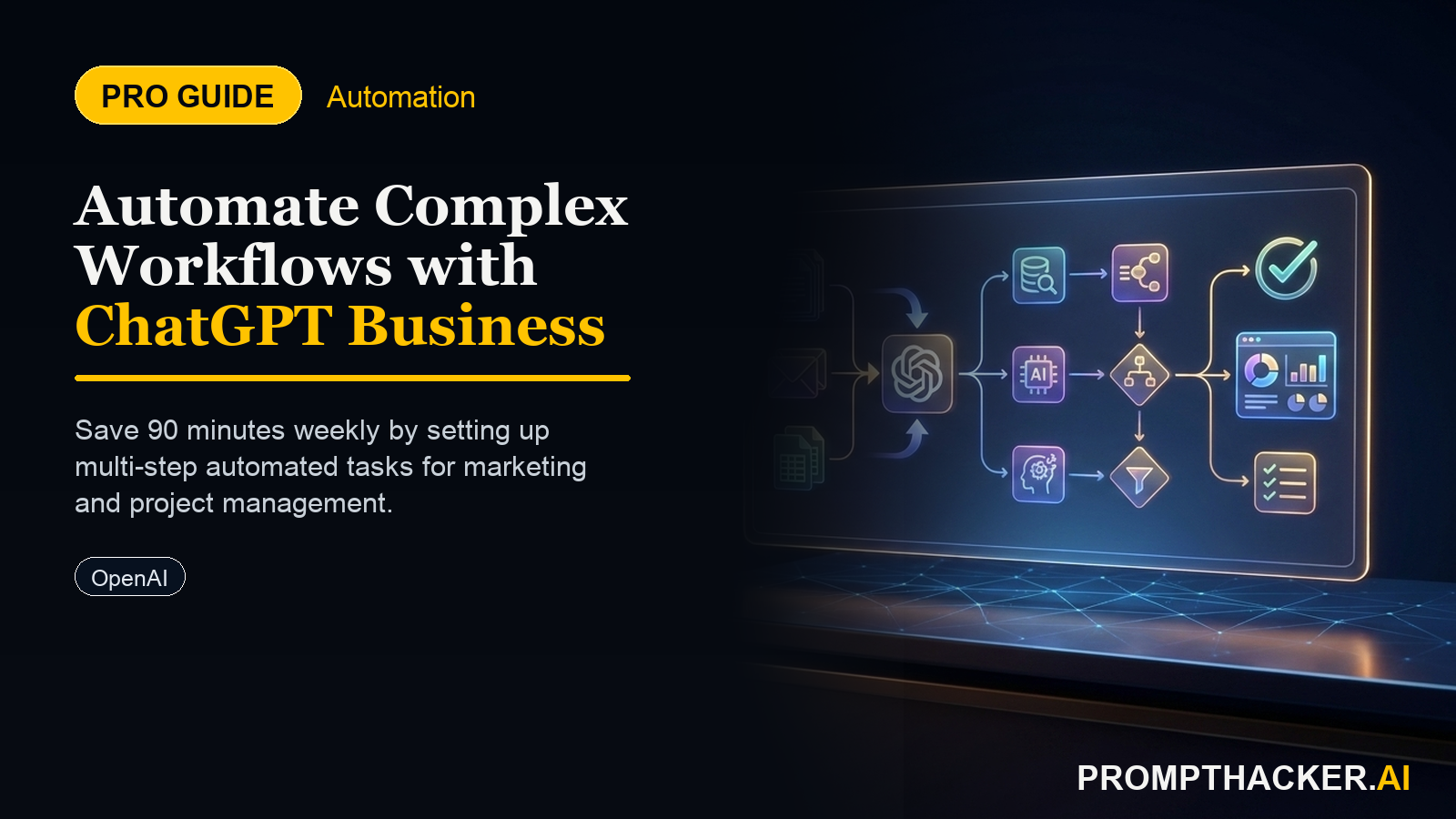
What matters today
How to access and initiate the new workflow automation features within ChatGPT Business.
Article roadmap
What you will learn
-
How to access and initiate the new workflow automation features within ChatGPT Business.
-
How to define and sequence multi-step AI actions for complex content and data tasks.
-
How to connect prompts and actions to create a seamless, automated content generation pipeline.
-
How to leverage integrated workflows to reduce manual handoffs and reclaim 90 minutes weekly.
-
How to review and refine AI-generated workflow outputs to ensure quality and alignment with business objectives.
A marketing director at a rapidly growing e-commerce firm faces a constant challenge: generating engaging content across multiple platforms while managing a lean team. Each product launch requires a blog post, several social media updates, and a series of email subject lines, all tailored to different audiences. This multi-step process, involving content drafting, summarization, and adaptation, consumes valuable hours weekly, diverting focus from strategic initiatives.
Failing to streamline these routine, yet critical, content processes leads to missed opportunities, delayed campaigns, and burnout among key personnel. The firm risks falling behind competitors who efficiently disseminate their messages, losing market share and brand visibility. Manual handoffs between different AI tools or human editors introduce delays and inconsistencies, impacting content quality and speed to market.
This article details the new workflow automation features within OpenAI ChatGPT Business, designed to eliminate these bottlenecks. Executives will discover how to chain multiple AI actions directly within the platform, automating complex tasks from content creation to data summarization. These integrated workflows streamline operations, freeing up valuable executive time by reducing manual effort and accelerating content generation and distribution.
OpenAI has rolled out new workflow automation features within ChatGPT Business, available as of April 28, 2025. This update allows users to chain multiple AI actions for complex tasks, enabling the automation of multi-step processes like content creation, data summarization, and report generation directly within the platform. This capability streamlines routine administrative and content-related workflows, freeing up valuable executive time. Marketing managers, project leads, and executive assistants can expect to save 90 minutes weekly by implementing these new automation features.
Understanding ChatGPT Business Workflows
The core of this update is the ability to create sequential AI tasks. Previously, users would execute one prompt, copy the output, then paste it into a new prompt for the next step. This manual handoff was inefficient and prone to error. Workflows eliminate this by allowing the output of one AI action to automatically become the input for the next, all within a single, defined sequence. This native integration reduces reliance on external automation tools and keeps all related tasks consolidated within the ChatGPT Business environment.
Step 1: Accessing the Workflows Section
The first step in leveraging this new capability involves locating and initiating a new workflow. OpenAI has integrated a dedicated "Workflows" section directly into the ChatGPT Business interface.
Action: Access the "Workflows" section in your ChatGPT Business account.
Context: Upon logging into ChatGPT Business, executives will find a new tab or menu option labeled "Workflows" in the sidebar or top navigation. Clicking this section reveals an interface for creating, managing, and executing automated sequences. This dedicated area ensures that workflow creation is distinct from standard chat interactions, providing a structured environment for complex automation.
Why it matters: Centralizing workflow management makes it easy for executives to oversee and deploy automated processes. It prevents the need to search through chat histories for specific prompt chains, ensuring consistency and repeatability for critical business operations.
Step 2: Defining a Multi-Step Process
Once in the Workflows section, the next action is to define the sequence of AI tasks. This involves articulating the desired output for each stage and how they connect.
Action: Define a multi-step process, such as "Draft blog post, summarize for social media, generate email subject lines."
Ready to scale your productivity?
Three deep dives. Four useful moves. One email worth opening.
PromptHacker turns the AI firehose into practical next steps for work, health, family, and everything time keeps trying to steal.