OpenAI ChatGPT Introduces Strategic Planning Assistant Mode
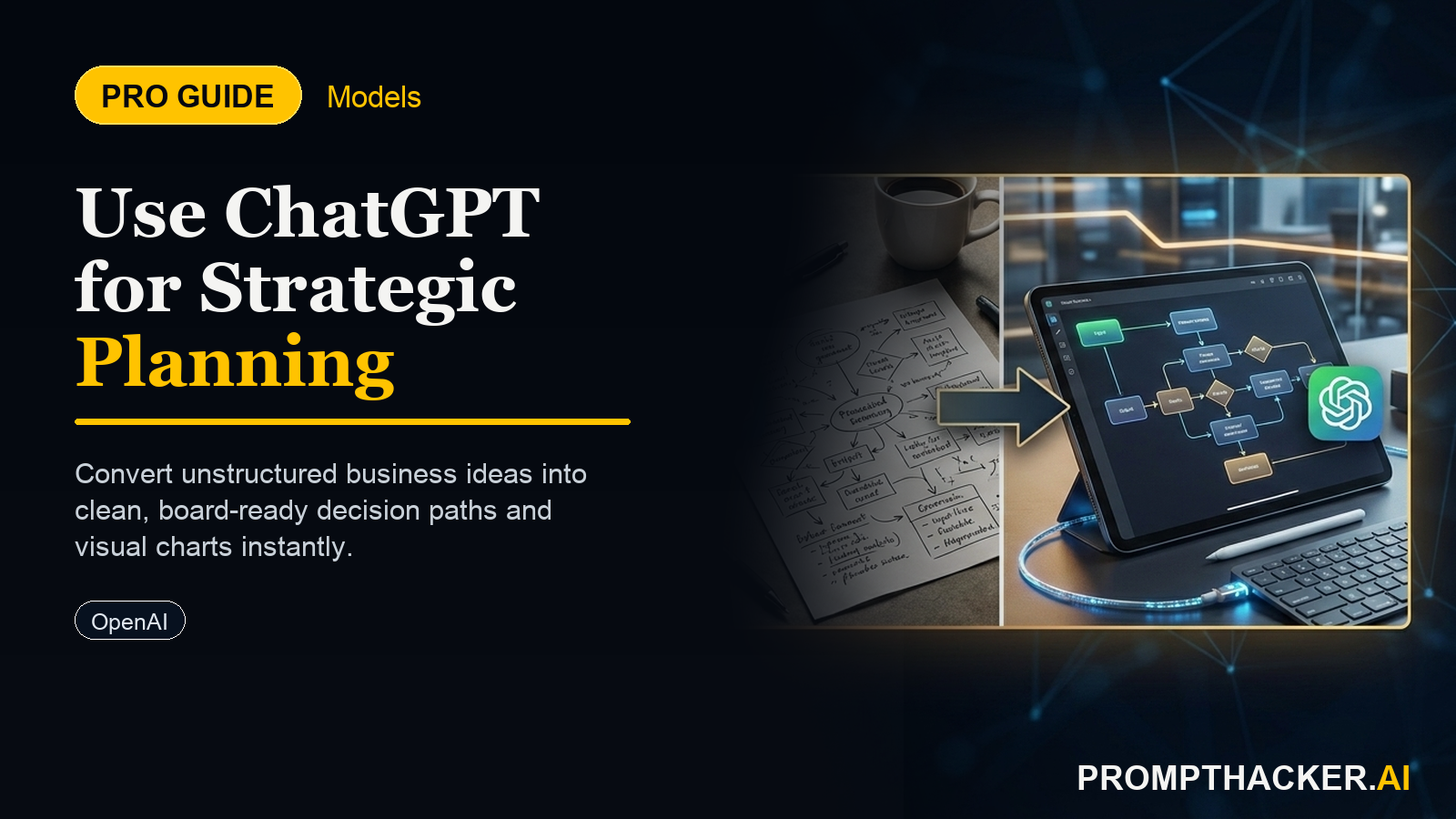
How to leverage ChatGPT's Strategic Planning Assistant to outline comprehensive business strategies quickly.
What matters today
How to leverage ChatGPT's Strategic Planning Assistant to outline comprehensive business strategies quickly.
Article roadmap
What you will learn
-
How to leverage ChatGPT's Strategic Planning Assistant to outline comprehensive business strategies quickly.
-
How to conduct rapid SWOT analyses and develop market entry plans with structured AI guidance.
-
How to reduce the initial research and structuring phase of strategic initiatives by an estimated 80%.
-
How to reclaim approximately 120 minutes per week on strategic planning tasks.
-
How to generate a comprehensive strategic outline ready for executive review and detailed execution.
A CEO of a mid-sized tech firm faces the perennial challenge of rapid market shifts. Quarterly board meetings demand a fresh perspective on growth, often requiring a new strategic initiative to penetrate an emerging market or address a competitor's move. The initial phase, researching the market, identifying opportunities, and structuring a coherent plan, can consume valuable weeks, diverting the executive team from critical operational tasks.
Failing to quickly adapt and strategize can mean missed opportunities, loss of market share, and a perception of stagnation. The pressure to deliver well-researched, actionable strategic outlines under tight deadlines often leads to rushed decisions or over-reliance on external consultants, incurring significant costs and time. The manual effort involved in setting up these initiatives is a major bottleneck for agile executive teams.
This article details how OpenAI's new "Strategic Planning Assistant" mode within ChatGPT fundamentally alters this process. Discover how this specialized mode leverages advanced reasoning to provide structured frameworks and prompts, streamlining your strategic initiatives. Learn the exact steps to outline business strategies, conduct SWOT analyses, and develop market entry plans, eliminating hours of preliminary work and delivering actionable insights faster than ever before.
OpenAI's latest innovation, the "Strategic Planning Assistant" mode in ChatGPT, represents a significant leap forward for executive decision-making. Launched on October 3, 2025, this feature is explicitly engineered to support executives in outlining business strategies, conducting SWOT analyses, and developing robust market entry plans. The core benefit is a dramatic reduction in the initial research and structuring phase of strategic initiatives, estimated at 80%. This translates directly into approximately 120 minutes saved per week on strategic planning tasks for executives, including CEOs, COOs, Strategy Directors, and Department Heads.
The manual effort typically associated with structuring strategic documents and conducting preliminary market research is largely eliminated. Instead, executives gain access to structured frameworks and intelligent prompts designed to guide them through complex strategic challenges. This capability accelerates decision-making and project initiation, allowing organizations to respond with unprecedented agility to market dynamics.
Understanding the Strategic Planning Assistant Mode
The Strategic Planning Assistant is not merely a conversational AI; it is a specialized environment within ChatGPT Plus or Teams that applies advanced reasoning to strategic business problems. It operates by understanding the nuances of strategic planning methodologies and then guiding the user through a structured process. This ensures that all critical components of a strategic plan, from objectives to potential roadblocks and KPIs, are systematically addressed.
Key Capabilities and Benefits:
- Structured Framework Generation: The mode can instantly generate established strategic frameworks, such as SWOT analyses, Porter's Five Forces, or PESTEL analyses, pre-populated with relevant prompts based on your initial input.
- Guided Inquiry: Instead of open-ended chat, the assistant provides targeted questions and prompts, ensuring that all necessary information is gathered and considered for a comprehensive plan.
- Rapid Information Synthesis: It synthesizes information provided by the user, combined with its underlying knowledge, to quickly identify key themes, risks, and opportunities.
- Time Savings: By automating the structuring and initial research, it frees up executive time for critical thinking, validation, and team collaboration, rather than manual data compilation.
How to Utilize the Strategic Planning Assistant Mode
Implementing the Strategic Planning Assistant into your workflow involves a straightforward sequence of steps. Each step is designed to maximize the AI's ability to provide relevant, structured output.
Step 1: Accessing the Strategic Planning Assistant Mode
Begin by logging into your ChatGPT Plus or Teams account.
/mode strategic-planning-assistant
Ready to scale your strategy?
Get full access to our prompt library and executive workflows.
Three deep dives. Four useful moves. One email worth opening.
PromptHacker turns the AI firehose into practical next steps for work, health, family, and everything time keeps trying to steal.