Photo Your Fridge, Get a Week of Meals: ChatGPT Vision Plans From What You Have
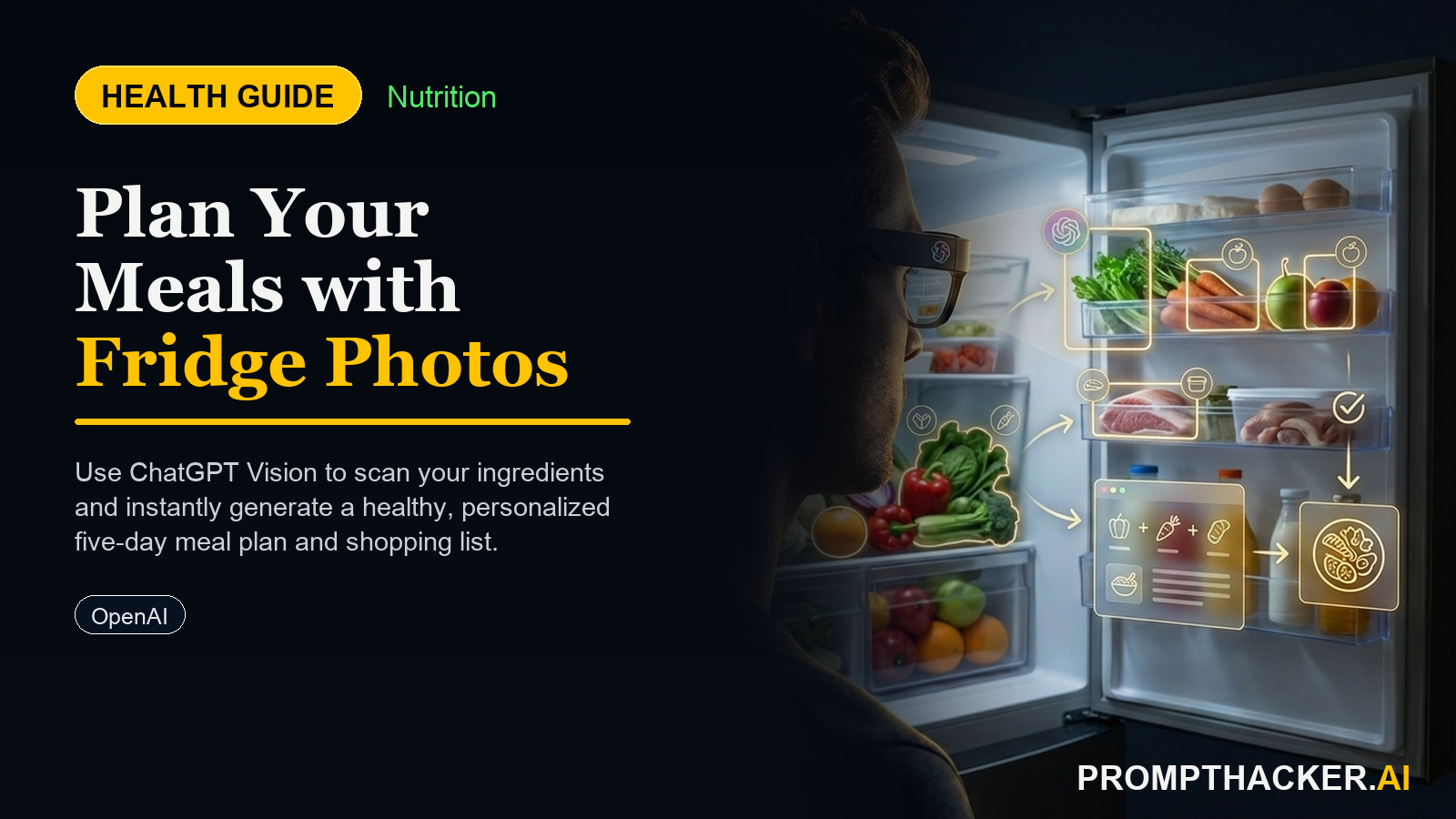
How to use ChatGPT-4o Vision to create a personalized meal plan based on your existing ingredients.
What matters today
How to use ChatGPT-4o Vision to create a personalized meal plan based on your existing ingredients.
Article roadmap
What you will learn
-
How to use ChatGPT-4o Vision to create a personalized meal plan based on your existing ingredients.
-
Strategies to minimize food waste by intelligently integrating current fridge and pantry contents.
-
Methods to reduce daily meal planning decision fatigue, freeing up cognitive resources for critical business decisions.
-
Steps to generate a concise, gap-filling shopping list, ensuring efficient grocery trips.
-
Techniques for a streamlined Sunday batch-cook sequence, optimizing your weekly food preparation.
For many US-based business executives, the demanding pace of professional life often leaves little room for consistent, healthy meal planning. The daily grind of managing teams, navigating complex projects, and making high-stakes decisions can deplete cognitive reserves, making the simple act of choosing what to eat feel like an insurmountable task. This often leads to a reliance on convenient, yet frequently less nutritious, options like takeout or quick-fix processed foods. The mental load of constantly figuring out meals, checking pantry inventory, and constructing a shopping list becomes an unwelcome addition to an already packed schedule.
Over time, this inconsistency in nutrition can have tangible impacts. Erratic eating habits contribute to fluctuating energy levels, reduced focus during critical meetings, and a general decline in overall well-being. The lack of a structured approach to meals can also result in significant food waste, as perishable items are purchased without a clear plan for their use, eventually ending up in the bin. This not only affects personal health but also represents an inefficiency in household management, a stark contrast to the optimized strategies executives typically apply in their professional lives.
This article delivers a powerful, AI-enabled solution to this pervasive challenge. You will learn a precise method to leverage advanced AI vision capabilities, transforming a quick snapshot of your kitchen into a comprehensive, personalized meal strategy. This approach is designed to automate the most taxing aspects of meal preparation, providing a clear roadmap for healthy eating throughout your work week, all while minimizing waste and maximizing efficiency.
The pursuit of consistent, healthy eating often founders on the rocks of decision fatigue and time scarcity. For executives balancing demanding roles with personal well-being, the idea of spending precious weekend hours on meticulous meal planning or daily mental energy deciding "what's for dinner" is simply unsustainable. This is where the power of multimodal AI, specifically ChatGPT-4o Vision, offers a practical and immediate solution. By outsourcing the complex task of inventory assessment, recipe generation, and prep sequencing to AI, you can reclaim valuable time and mental bandwidth.
Required Devices and AI Platform
To implement this health tip, you will need an iPhone capable of taking clear, high-resolution photographs. The native Camera app on your iPhone will be used to capture the visual data. The core AI platform for this strategy is ChatGPT-4o Vision , accessible via the ChatGPT app on your iPhone or through a web browser on your computer. This version of ChatGPT is crucial due to its advanced multimodal input capabilities, allowing it to interpret images alongside text.
Step-by-Step Setup: Preparing Your Data Input
The effectiveness of your AI-generated meal plan hinges on the quality and completeness of your input data. You will provide three distinct pieces of information to ChatGPT-4o Vision: photos of your fridge contents, photos of your pantry contents, and a screenshot of your macro goals or dietary preferences.
1. Photograph Your Fridge Contents
- Preparation: Before taking photos, briefly organize your fridge. Pull items slightly forward, open containers that might obscure contents, and ensure good lighting. Remove any items that are clearly expired or unusable. The goal is to give the AI the clearest possible view of what is available.
- Execution: Use your iPhone's Camera app. Take multiple photos if necessary to capture all shelves, drawers, and door compartments. Aim for well-lit, in-focus images. Ensure labels are legible where possible.
- Why this matters: The AI needs to accurately identify ingredients to build a relevant meal plan. Poorly lit or blurry photos will lead to incomplete or inaccurate suggestions.
Ready to scale your productivity?
Get full access to our library of AI prompts and executive workflows.
Three deep dives. Four useful moves. One email worth opening.
PromptHacker turns the AI firehose into practical next steps for work, health, family, and everything time keeps trying to steal.