PH PROMPTHACKER.AI

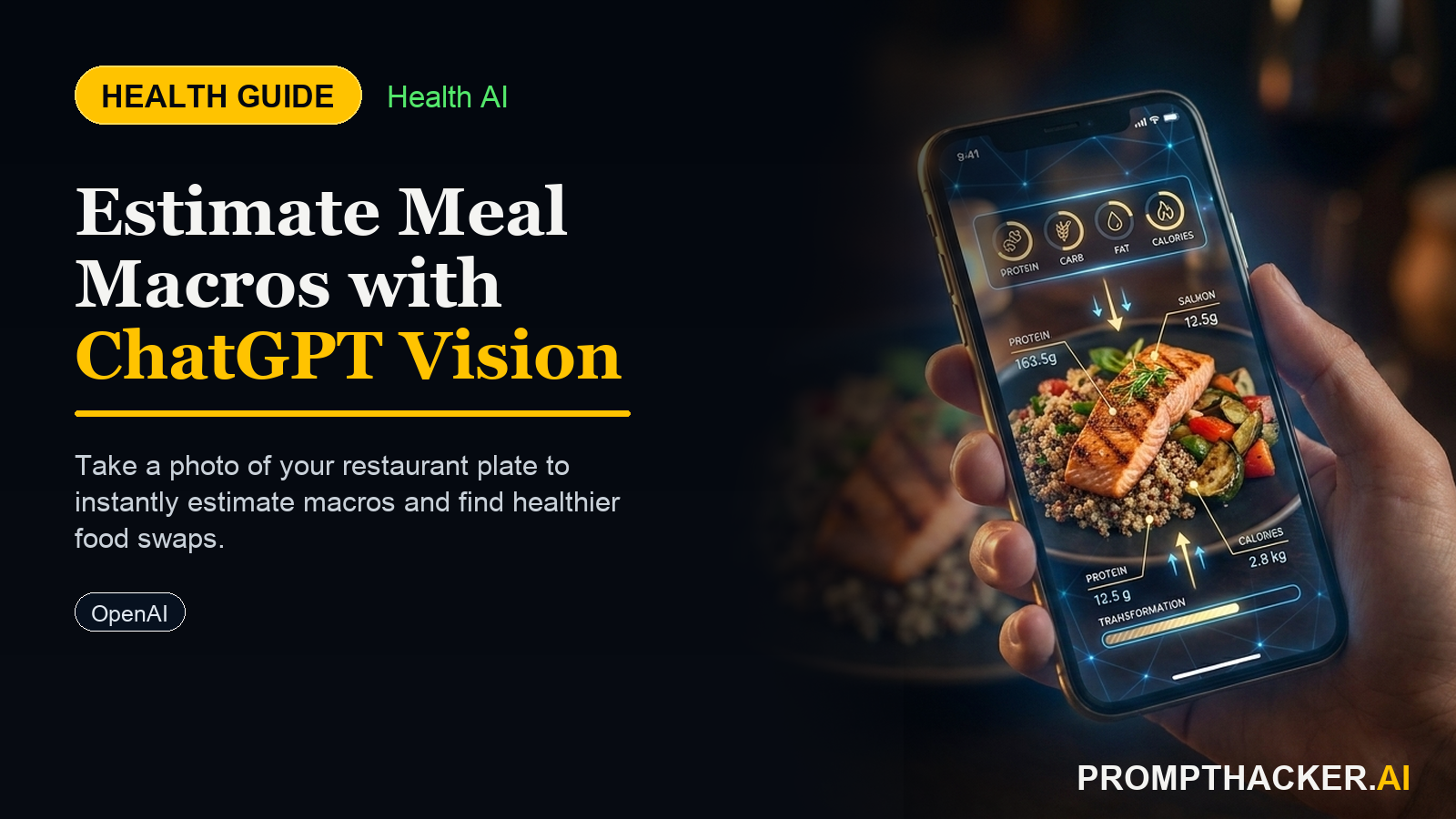
Snap Your Restaurant Meal: Use ChatGPT Vision for Macro Estimates and Smart Swaps

Use ChatGPT Vision to estimate restaurant meal macros and identify healthier swaps, making informed dietary choices.

June 18, 2025 6 min read
chatgpt vision restaurant meal macro estimate
Quick Scan

What matters today

Use ChatGPT Vision to estimate restaurant meal macros and identify healthier swaps, making informed dietary choices.

Format TOP UPDATE
Audience Executives using AI at work
Time 6 min read
Topic Chatgpt

Key points

  • Required Device and AI Platform
  • Step-by-Step Setup: Preparing Your Data Input
  • The Exact Verbatim Prompt
  • What the AI Produces
  • How to Interpret and Act on the Output

What you will learn in this article:

  • How to instantly estimate the macronutrient content of any restaurant meal using AI.
  • How to identify specific ingredients that impact your meal's nutritional profile.
  • How to implement a single, impactful swap to improve your meal without compromising the dining experience.
  • How to leverage AI for consistent dietary awareness, even when dining out frequently.

Dining out is an integral part of an executive's life, from client lunches to team dinners and business travel. The convenience is undeniable, but the nutritional transparency often remains opaque. Without clear data, making informed food choices becomes a guessing game, leading to unintentional overconsumption of certain macros or a lack of others. This lack of insight can subtly undermine personal health goals, impacting everything from energy levels during critical meetings to long-term weight management.

Consistently consuming meals without understanding their nutritional impact can lead to energy crashes, reduced focus, and a gradual accumulation of unwanted weight. Over time, these small, unquantified dietary decisions contribute to broader health challenges, making it harder to maintain peak cognitive function and physical stamina required for demanding executive roles. The absence of real-time nutritional data at the moment of choice often means defaulting to less optimal options, simply due to a lack of immediate information.

This article provides a direct, AI-powered solution for executives seeking to maintain precise control over their nutrition, even when faced with ambiguous restaurant menus. Discover how to use a familiar AI tool to quickly analyze your meal, identify key nutritional components, and pinpoint a single, effective adjustment. This method transforms dining out from a nutritional blind spot into an opportunity for informed, strategic health management, all before your order leaves the kitchen.

Maintaining precise nutritional awareness while navigating a demanding executive schedule, complete with frequent restaurant dining, presents a significant challenge. Traditional methods of tracking macros often require extensive manual input, looking up database entries, or estimating based on generic descriptions. These methods are time-consuming and impractical when you are seated at a business lunch or a quick dinner. ChatGPT-4o Vision offers a practical, immediate solution, turning your iPhone into a powerful dietary analysis tool.

Required Device and AI Platform

To implement this health tip, you will need an iPhone (any model capable of running the latest iOS) and access to ChatGPT-4o Vision . Ensure you have the official ChatGPT app installed and are subscribed to a plan that includes Vision capabilities (e.g., ChatGPT Plus, Team, or Enterprise). ChatGPT-4o is a multimodal AI, meaning it can process and understand information from both text and images, making it ideal for analyzing photographs of food.

Step-by-Step Setup: Preparing Your Data Input

The power of this method lies in its simplicity and speed. You will provide ChatGPT-4o Vision with two key pieces of information: a photograph of your meal and your daily macro targets.

  • Capture Your Meal Photo: Timing is Key: Take the photo as soon as your meal arrives, or even of the menu item description if the dish is highly standardized (though an actual photo is always better for accuracy).
  • Clarity and Lighting: Ensure the photo is well-lit and clear. Position your iPhone directly over the plate, capturing all components of the meal. Avoid blurry images or extreme angles that obscure ingredients. The more clearly ChatGPT can "see" each item, the more accurate its estimate will be.
  • Contextual Clues: If there are unique ingredients or preparation methods mentioned on the menu that might not be obvious from the photo (e.g., "pan-seared in butter," "with a rich cream sauce"), consider noting these in your text prompt to enhance AI accuracy.
  • Determine Your Daily Macro Targets: Before you even step into the restaurant, you should have a clear understanding of your personal daily macronutrient targets (protein, carbohydrates, fat). These targets are crucial for ChatGPT to provide a relevant assessment of your meal's contribution to your overall intake.
  • How to Get Your Targets: These targets are typically derived from your individual goals (weight loss, muscle gain, maintenance), activity level, age, and body composition. Many reputable online calculators or nutrition apps can help you establish these. For example, a 43-year-old VP of Operations who runs three days a week might aim for 180g protein, 200g carbs, and 60g fat per day to support energy and recovery. Consistency with these targets is vital for long-term health and performance.

The Exact Verbatim Prompt

Once you have your photo and know your macro targets, open the ChatGPT app on your iPhone.

  • Start a new chat.
  • Tap the camera icon (or paperclip icon if on desktop) to attach your meal photo.
  • Type the following prompt exactly as it appears below, substituting your specific macro targets:

VERBATIM PROMPT

"Photo of my meal: [attach]. My daily macro targets are protein [X]g, carbs [Y]g, fat [Z]g. Estimate the macros in this meal. Flag one ingredient worth noting. Suggest one swap that would meaningfully improve the nutritional profile without ruining the experience. Keep it to 4 bullet points max, I'm at the table."

Example for our VP of Operations:

EXAMPLE PROMPT

"Photo of my meal: [attach]. My daily macro targets are protein 180g, carbs 200g, fat 60g. Estimate the macros in this meal. Flag one ingredient worth noting. Suggest one swap that would meaningfully improve the nutritional profile without ruining the experience. Keep it to 4 bullet points max, I'm at the table."

What the AI Produces

ChatGPT-4o Vision will analyze your photo and prompt, generating a concise response, typically in under 30 seconds. The output will be formatted in under 5 bullet points, as requested, containing:

  • Macro estimate: An approximate breakdown of protein, carbohydrates, and fat in the photographed meal.
  • One ingredient flag: A specific component of the meal highlighted for its nutritional impact (e.g., high in saturated fat, refined carbs, or a hidden source of sugar).
  • A single smart swap suggestion: A practical, easy-to-implement change that improves the meal's nutritional profile without drastically altering its core appeal or making you feel deprived.

How to Interpret and Act on the Output

The beauty of this system is its immediate applicability. When ChatGPT provides its output, you have actionable intelligence right at the table.

  • Macro Estimate: Compare the estimated macros to your daily targets. If your meal is significantly high in fat and low in protein, you know to adjust your remaining meals for the day. For example, if your lunch is 40g fat, 30g protein, and 70g carbs, and your daily target is 60g fat, 180g protein, 200g carbs, you immediately see that you have consumed two-thirds of your daily fat in one meal, while only a small fraction of your protein. This insight allows you to consciously choose a lighter, protein-rich dinner.
  • Ingredient Flag: This bullet point helps you understand why the meal has a certain macro profile. If ChatGPT flags "creamy sauce" or "fried potatoes," you gain awareness of common culprits. This builds your nutritional literacy over time, helping you make better choices even without AI.
  • Smart Swap Suggestion: This is perhaps the most powerful and immediate takeaway. If the AI suggests, "Swap the mashed potatoes for steamed broccoli," or "Ask for dressing on the side," you can make that adjustment before the food arrives or as you are eating. These small, consistent changes accumulate significant health benefits over weeks and months. They are designed not to "ruin the experience" but to subtly nudge you towards healthier habits.

Worked Example: The VP of Operations' Lunch

Consider our 43-year-old VP of Operations, committed to their 180g protein, 200g carbs, 60g fat daily targets. They are at a business lunch and order a "Grilled Chicken Sandwich with Fries." They snap a photo and input the prompt.

AI Output (Example):

Bottom line

The useful move with Snap Your Restaurant Meal: Use ChatGPT Vision for Macro Estimates and Smart Swaps is to run one narrow test this week, then keep only the workflow that saves time, improves a decision, or gives your team clearer output. Treat the announcement as raw material, not the win itself.

About the author

Pierre Bradshaw Founder, PromptHacker.ai

Pierre has spent 25+ years building growth systems across fintech, real estate, lending, campaigns, and AI workflows, with machine-learning work dating back to 2012.

If you have any questions or comments about Snap Your Restaurant Meal: Use ChatGPT Vision for Macro Estimates and Smart Swaps feel free to reach out. I'd love to hear from you.

Contact Pierre
Free weekly briefing

Three deep dives. Four useful moves. One email worth opening.

PromptHacker turns the AI firehose into practical next steps for work, health, family, and everything time keeps trying to steal.