PH PROMPTHACKER.AI

The Voice-to-CRM Pipeline: Get 5 Hours Back a Week

Use this 15-minute ChatGPT setup to capture structured field notes by voice and end manual CRM data entry forever.

May 13, 2026 9 min read
chatgpt voice notes crm pipeline
Quick Scan

What matters today

Use this 15-minute ChatGPT setup to capture structured field notes by voice and end manual CRM data entry forever.

Format TOP UPDATE
Audience Executives using AI at work
Time 9 min read
Topic Chatgpt

Key points

  • Why Voice Beats Typing for Field Notes
  • The 15-Minute Setup for Your CRM Pipeline
  • Step 1: Create a New Project
  • Step 2: Install the Custom Instruction
  • Step 3: Match the Fields to Your CRM

What you'll learn in this article:

  • How to configure a ChatGPT Project to act as a dedicated CRM data-entry assistant.
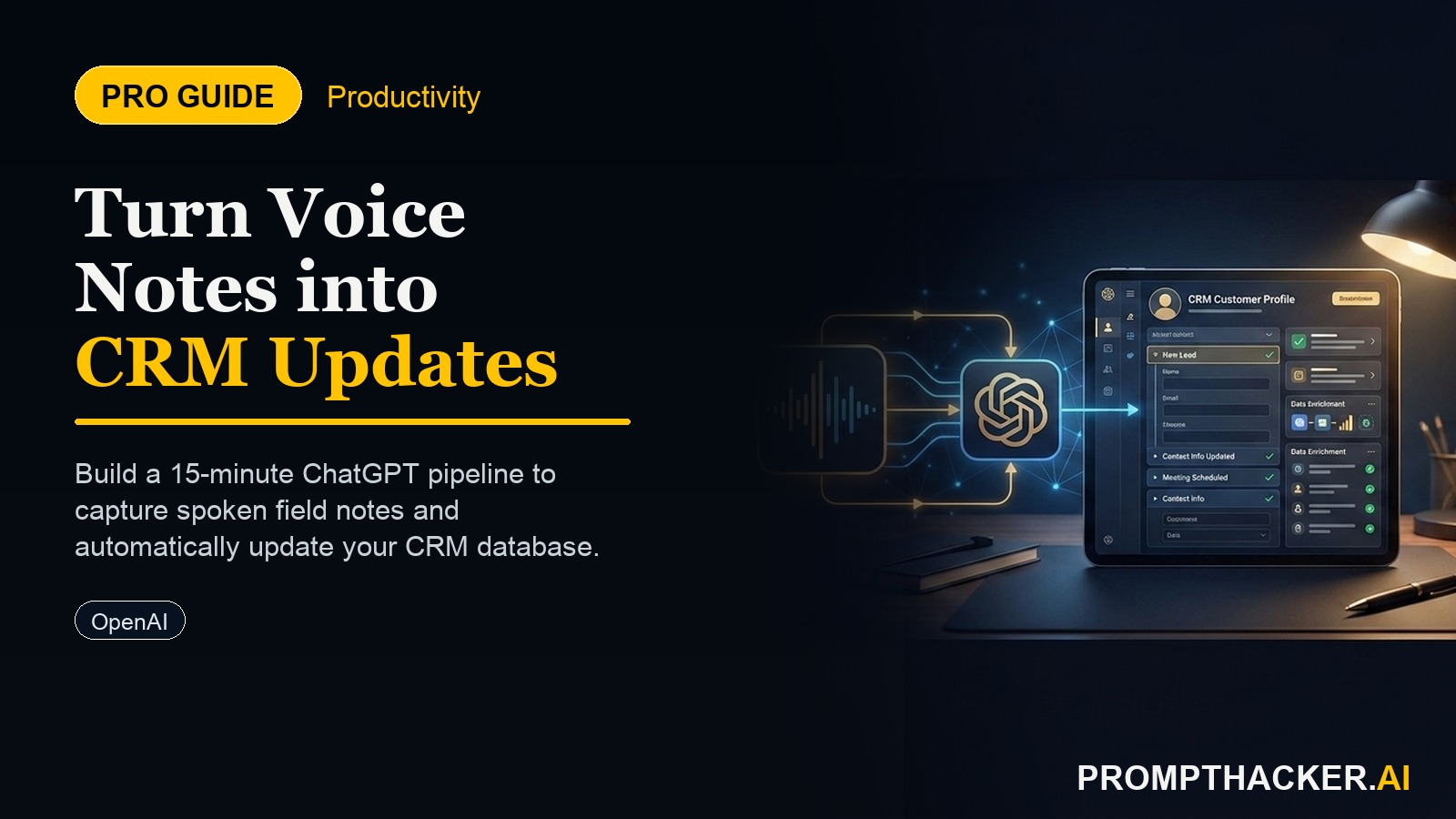
  • The exact custom instruction to turn a spoken recap into perfectly structured, CRM-ready text.
  • A 90-second post-meeting habit that eliminates Friday afternoon data entry.
  • How to adapt this system for any role that requires logging client interactions, from sales to partnerships.
  • The critical failure modes to avoid, including privacy risks and prompt-tuning mistakes.

Meet Sarah, a field sales rep for a medical-device company. Her week is a blur of 18 different hospital and clinic visits across three states. In the car between appointments, she scribbles key details into a notebook: Dr. Evans needs a follow-up on the new imaging unit, the purchasing manager at City General is concerned about integration, and a key champion is leaving her role next month. The notes are cryptic, messy, and incomplete.

Every Friday at 4:00 PM, the real work begins. Sarah spends the next four to five hours deciphering her own handwriting, recalling week-old conversations, and manually typing everything into Salesforce. Details are lost, nuance is forgotten, and action items are occasionally missed. Her weekend effectively starts at 9:00 PM. This routine is a massive, costly time sink repeated by sales, success, and partnership teams everywhere.

The problem is the friction between the conversation and the system of record. New real-time voice models, released by OpenAI on May 7, 2026, are closing that gap. These models can now reason directly from a live audio stream, which means your phone can do more than just transcribe. It can listen, understand context, and structure information on the fly. For executives managing teams in the field, this creates an immediate opening to reclaim thousands of hours of lost productivity.

Why Voice Beats Typing for Field Notes

Speaking your notes is fundamentally more efficient than typing them, especially on a mobile device right after a meeting. The average person speaks at around 150 words per minute but types on a phone at only 40 words per minute. This 3x speed advantage means you can capture more detail in less time.

More importantly, speaking a recap while the conversation is fresh preserves vital context. You remember the exact phrasing of a client's objection or the specific tone of their commitment. When you wait hours or days to type your notes, these subtleties fade. The result is a CRM record that is not only less detailed but also less useful for forecasting and follow-up. This system turns your phone into a perfect bridge between the meeting and the CRM.

The 15-Minute Setup for Your CRM Pipeline

This entire workflow runs inside the ChatGPT mobile app. The core of the system is a "Project", which is a saved instance of ChatGPT with a persistent custom instruction. This tells the AI how to behave every time you open this specific chat, turning it into a specialized tool.

Follow these three steps to build your voice-to-CRM pipeline. The setup takes 15 minutes once and saves your team members three to five hours every single week.

Step 1: Create a New Project

Open the ChatGPT app. Instead of starting a standard chat, find the option to create a new Project. Give it a clear name like "CRM Field Notes" or "Salesforce Capture". This isolates its instructions from your other chats, so it will not interfere with your general-purpose queries.

Step 2: Install the Custom Instruction

Every Project has a dedicated "Custom Instructions" section. This is where you provide the rules for the AI. You will give it a persona and a rigid output format that matches the fields in your company's CRM. This is the most critical step.

Navigate to the custom instructions for your "CRM Field Notes" Project. Paste the following prompt in verbatim. This instruction is designed for a standard CRM like HubSpot or Salesforce, but you will tune it in the next step.

THE PROMPT

"The voice-to-CRM custom instruction: "After each call I will speak a recap. Do not transcribe me. Return labeled lines only: Contact, Company, Next step, Owner, Due date, Deal stage, and a one-sentence Summary. If I did not mention one of these, write 'unknown' so I can fill it in."

This prompt works because it is highly specific. "Do not transcribe me" prevents the model from giving you a useless wall of text. "Return labeled lines only" forces the structured output you need. Naming the exact fields provides the template, and the "unknown" fallback ensures every field is present for a clean copy-paste, even if you forgot to mention a detail.

Step 3: Match the Fields to Your CRM

Now, open your company's CRM. Look at the specific field names on an opportunity or contact record. Does your Salesforce instance use "Deal stage" or "Opportunity Stage"? Is the follow-up owner called "Owner" or "Contact Owner"?

Adjust the list of labeled lines in the custom instruction to be an exact match for your CRM's terminology. This small customization is the key to making the final copy-paste process take five seconds. An investment of five minutes here will save hours of manual field mapping later.

The 90-Second Recap Habit

With the Project configured, the new workflow is simple. The moment a client meeting ends, whether in person or on the phone, the team member opens the "CRM Field Notes" Project in ChatGPT and taps the voice input icon.

They then speak a free-form, conversational summary for 60 to 90 seconds. They do not need to worry about structure, just the key facts.

For Sarah, the medical-device rep, her spoken recap after visiting Dr. Evans might sound like this:

"Okay, recap of my meeting with Dr. Lena Evans at Crestwood Medical. That's Crestwood Medical. She's very interested in the new PX-80 imaging unit but needs to see a full cost-benefit analysis before she can pitch it to her board. My next step is to build that analysis and send it to her. I'll own that. I need to get it to her by next Friday, let's say June 14th 2026. This moves the deal to the 'Proposal' stage. The summary is that the doctor is a strong champion but needs financial justification to proceed."

ChatGPT will process this audio in real time. Because of the custom instruction, it will not return a transcript. Instead, it will produce this clean, structured output:

Contact: Dr. Lena Evans

Company: Crestwood Medical

Next step: Build cost-benefit analysis for PX-80 unit and send to her.

Owner: Sarah Miller

Due date: June 14, 2026

Deal stage: Proposal

Summary: The doctor is a strong champion but needs financial justification to proceed.

Sarah can now copy this entire block of text in one tap. She then pastes it into the description field of the corresponding opportunity in her Salesforce mobile app. The core data entry is done in 30 seconds, while the details are still perfectly fresh in her mind.

Worked Example: A Founder's Partner Calls

This system is not just for sales reps. It works for any role that requires logging external conversations. Consider Alex, a startup founder responsible for building integration partnerships. He just finished a call with a potential partner, a company called SyncFlow.

Alex opens his "Partner Notes" Project (a copy of the main Project, but perhaps with different field names like "Partner Type" or "Integration Priority"). He speaks his 90-second recap.

ChatGPT outputs the following:

Contact: James Chen

Company: SyncFlow

Next step: Send over API documentation and a sandbox key.

Owner: Alex Reed

Due date: June 7, 2026

Deal stage: Technical Evaluation

Summary: SyncFlow is a high-priority integration partner for Q3, pending a successful technical review of the API.

Alex pastes this into his partnership tracker in Notion or his CRM. The context is logged, the next step is clear, and he can move on to his next call without a backlog of administrative work.

Fine-Tuning and Failure Modes

To make this system reliable, you need to be aware of its limitations.

First, review the output before you paste . The AI is excellent, but it can misinterpret a word or a date. The process still requires a 10-second human review to ensure the structured data is 100% accurate before it enters your system of record. Treat it as a high-speed assistant, not an infallible oracle.

Second, protect sensitive information . Do not speak personally identifiable information (PII), protected health information (PHI), or confidential financial numbers into a consumer-grade AI tool, especially if you are on a shared company account. Develop a protocol for abbreviating or generalizing sensitive details. For example, say "the patient's file" instead of a person's name, and fill in the exact name manually in the CRM.

Finally, refine your custom instruction . During the first week, you may find that you consistently forget to mention a key field, or that the model formats a date in a way your CRM dislikes. Tweak the prompt. You might add a line like "Format all dates as YYYY-MM-DD" or add a new field like "Client Temperature: (Hot, Warm, Cold)". The system is flexible and improves with small, iterative adjustments.

Action Steps Summary

  • Configure Your Project. Create a new Project in ChatGPT named "CRM Field Notes". Copy the provided custom instruction and, most importantly, modify the labeled fields to perfectly match the field names in your company's CRM (e.g., Salesforce, HubSpot). This one-time setup takes 15 minutes.
  • Adopt the 90-Second Habit. Immediately after every client call or meeting, open the Project and use the voice function to speak a 60 to 90 second summary. Speak naturally. State the key facts, outcomes, and next steps. Make this a non-negotiable part of your post-call workflow.
  • Review, Paste, and Refine. Read the structured output from ChatGPT to verify its accuracy. This human check is your quality control. Copy the text block and paste it into the relevant record in your CRM. After a week of use, refine the custom instruction based on any recurring issues to improve the output.

Bottom line

The useful move with The Voice-to-CRM Pipeline: Get 5 Hours Back a Week is to run one narrow test this week, then keep only the workflow that saves time, improves a decision, or gives your team clearer output. Treat the announcement as raw material, not the win itself.

About the author

Pierre Bradshaw Founder, PromptHacker.ai

Pierre has spent 25+ years building growth systems across fintech, real estate, lending, campaigns, and AI workflows, with machine-learning work dating back to 2012.

If you have any questions or comments about The Voice-to-CRM Pipeline: Get 5 Hours Back a Week feel free to reach out. I'd love to hear from you.

Contact Pierre
Free weekly briefing

Three deep dives. Four useful moves. One email worth opening.

PromptHacker turns the AI firehose into practical next steps for work, health, family, and everything time keeps trying to steal.