Build a Weekly Wellness Agent That Delivers a Monday Health Brief in 3 Minutes
Your iPhone and Apple Watch collect a remarkable amount of health data: resting heart rate, sleep duration, steps, heart rate variability. Almost none of it changes your behavior, because reviewing it is friction. You open the Health app, see a chart, think "huh," and close it. By Tuesday it is gone.
What matters today
Your iPhone and Apple Watch collect a remarkable amount of health data: resting heart rate, sleep duration, steps, heart rate variability. Almost none of it changes your behavior, because reviewing it is friction.
Article roadmap
What you will learn
-
Why a written weekly review beats glancing at your wearable and forgetting it
-
How to build a reusable wellness agent in ChatGPT Projects or Claude
-
The exact prompt that designs your agent and the habit trigger to run it
-
What a good weekly health brief should contain and what to leave out
-
How to protect your data when you log biometrics to an AI over time
Your iPhone and Apple Watch collect a remarkable amount of health data: resting heart rate, sleep duration, steps, heart rate variability. Almost none of it changes your behavior, because reviewing it is friction. You open the Health app, see a chart, think "huh," and close it. By Tuesday it is gone.
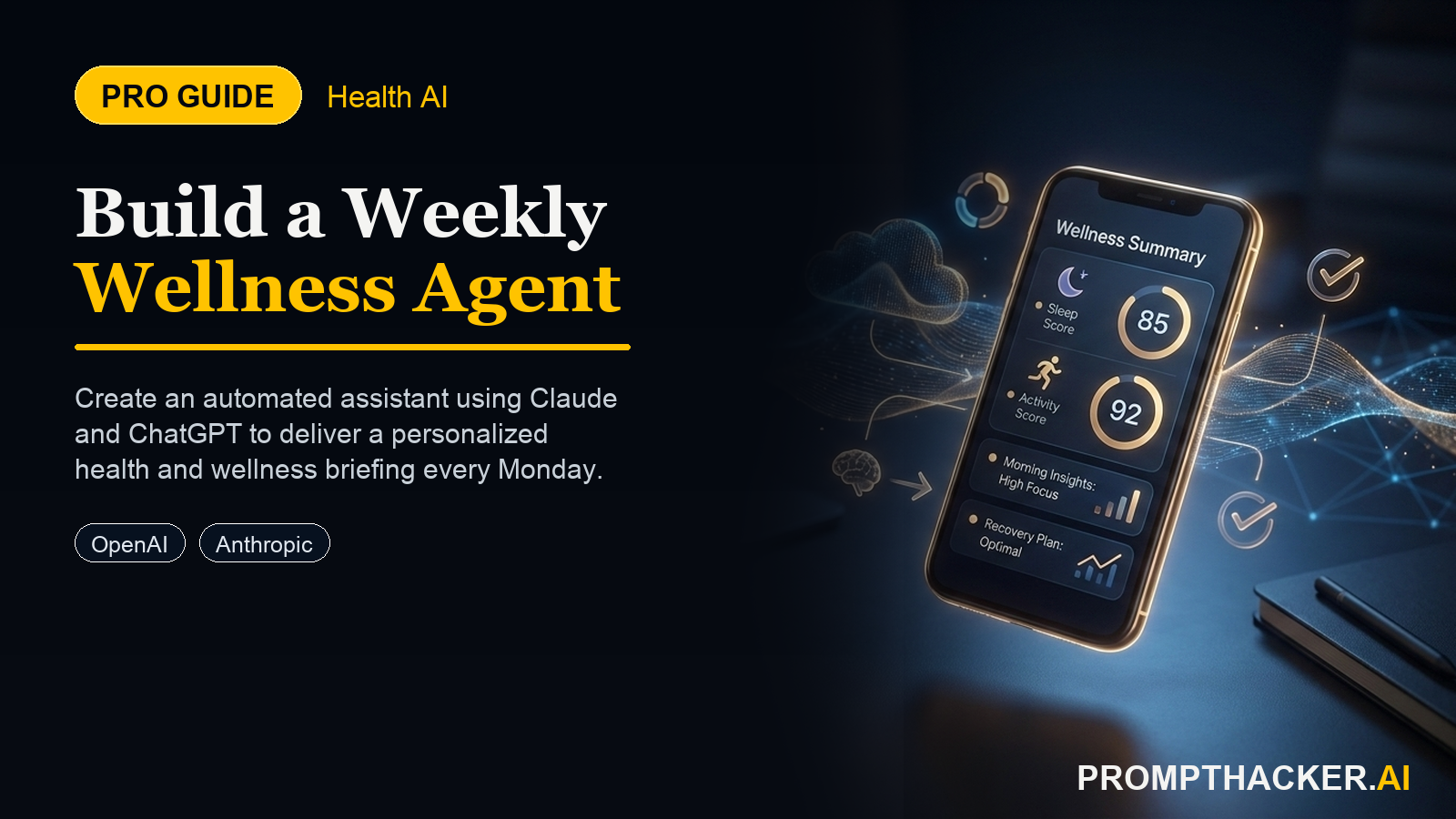
A weekly wellness agent fixes the friction. AI agents matured into reliable, reusable tools in early 2026, with ChatGPT Projects and Claude both able to hold a persistent instruction set you reuse every week. That means you can build a small, repeatable routine once: every Sunday night, you paste your week's stats into the agent, and it hands back a weekly health score, the one metric most worth addressing, an experiment to try, and one thing you did well.
The value is not the AI. The value is that a written, structured review forces a decision each week, where a glance at a chart does not. This article walks through building the agent, the prompt that designs it, and the habit trigger that makes it stick.
Why a Written Brief Beats a Glance
The Health app shows you data. It does not interpret it, prioritize it, or ask you to act. A weekly brief does all three.
A glance at a sleep chart tells you nothing about whether this week was better than last, which metric deserves attention, or what to change. A structured brief that names a single focus metric and proposes one experiment turns passive data into a decision. The constraint to "one metric" and "one experiment" is deliberate. A review that surfaces ten observations gets ignored. A review that says "your sleep consistency slipped; try a fixed wind-down time this week" gets acted on.
This works on iPhone or Apple Watch data because those are the metrics you already collect, and it works in ChatGPT or Claude because both can store a reusable agent that applies the same review logic to fresh numbers every week.
Build the Agent Once
The setup is short. You are creating a reusable instruction set, not a one-off chat.
- Open your iPhone Health app (or your Apple Watch summary) and note the metrics you track weekly: resting heart rate, sleep hours, steps, and heart rate variability are a strong default set.
- Open ChatGPT and start a new Project named "Weekly Wellness," or open Claude and start a dedicated project or chat you will reuse.
- Paste the agent-design request below to have the AI build your reusable weekly prompt and a habit trigger.
WEEKLY WELLNESS AGENT REQUEST
I want to build a weekly wellness automation that takes 3 minutes every Sunday. Here are the stats I track weekly: [list metrics]. Build me a reusable agent prompt that I paste my stats into and get back: (1) a weekly health score, (2) the one metric most worth addressing, (3) an experiment for next week, (4) one thing I did well. Also design the habit trigger: when/where I run this each week.
The AI returns two things: the reusable prompt you will paste your stats into each week, and a suggested habit trigger, such as running it right after Sunday dinner. Save the reusable prompt as the Project's instructions so you never rewrite it.
What a Good Weekly Brief Contains
The four-part structure is the whole design, and each part does a job.
The weekly score gives you a single number to track over time, so you can see the trend without re-reading every brief. The one focus metric prevents overwhelm by forcing a single priority. The experiment converts that priority into an action small enough to actually try. And the one thing you did well keeps the routine from feeling like a weekly scolding, which is the fastest way to abandon a habit.
What to leave out matters too. The brief should not diagnose, should not interpret symptoms, and should not recommend supplements or medication changes. Keep it to coaching on the habits behind the numbers. If a metric looks genuinely concerning, the brief's job is to tell you to raise it with a clinician, not to explain it away.
Run It Every Sunday
The agent is useless without the trigger. The habit is what delivers the value.
- Pick a fixed Sunday-night moment you already have, such as right after dinner, and attach the routine to it.
- Open your Health app and read off the week's numbers for your tracked metrics.
- Paste them into your Weekly Wellness agent and run it.
- Read the brief, note the one experiment, and put it somewhere you will see it Monday morning.
Three minutes, once a week. The output is a written record you can scroll back through, which over a few months becomes a genuinely useful picture of your own trends.
Protect Your Data Over Time
There is a real privacy consideration here that is easy to overlook. Pasting biometric data into an AI every week creates a long-term health log inside that account. That log is valuable to you and sensitive by nature.
Two habits keep it safe. Use your personal account, not a shared or work account, for anything health-related. And review your memory and data settings monthly: confirm what the agent retains, and clear anything you do not want kept. The point of the agent is to help you act on your own data, not to accumulate a permanent record you have stopped paying attention to.
Action Steps Summary
- List your weekly metrics. Open the Health app and pick a stable set: resting heart rate, sleep, steps, and HRV.
- Build the agent once. Start a ChatGPT Project or Claude project named "Weekly Wellness" and run the agent-design request.
- Save the reusable prompt. Store the agent's output as the project's standing instructions so you never rewrite it.
- Attach it to a Sunday trigger. Run the agent at a fixed weekly moment and act on the one experiment it proposes.
- Review your data settings monthly. Use a personal account and clear anything in memory you do not want retained.
This information is for educational purposes only and is not medical advice. Please consult a qualified healthcare professional before making changes to your health routine.
Three deep dives. Four useful moves. One email worth opening.
PromptHacker turns the AI firehose into practical next steps for work, health, family, and everything time keeps trying to steal.