PH PROMPTHACKER.AI

Anthropic Claude Pro Streamlines Policy Compliance Reviews

Executives can now automate critical document compliance checks with Anthropic's Claude Pro, significantly reducing legal and operational risks.

December 10, 2025 10 min read
claude pro automated policy compliance review
Quick Scan

What matters today

Executives can now automate critical document compliance checks with Anthropic's Claude Pro, significantly reducing legal and operational risks.

Format TOP UPDATE
Audience Executives using AI at work
Time 10 min read
Topic Claude

Key points

  • Real-World Application: Safeguarding Marketing Launches
  • Action Steps Summary

What you will learn in this article:

  • How to establish a comprehensive baseline of company policies within Claude Pro to ensure consistent adherence across all documents.
  • How to submit new documents for automated compliance review, efficiently identifying potential breaches and inconsistencies.
  • How to interpret Claude Pro's detailed compliance reports to prioritize revisions and mitigate legal and operational risks.
  • How to integrate automated compliance into existing workflows, saving Legal Counsel and Compliance Officers 80 minutes weekly on manual checks.

A General Counsel for a rapidly scaling tech firm faces a constant deluge of new documents: marketing copy for product launches, updated HR policies, vendor contracts, and quarterly financial disclosures. Each document requires meticulous review to ensure it aligns with an ever-evolving landscape of internal policies and external regulations. The manual process is time-consuming, prone to human error, and creates a bottleneck that delays critical business initiatives. The risk of missing a non-compliant clause or an outdated disclaimer can lead to significant fines, reputational damage, or even litigation.

Without an efficient system, this executive is forced to choose between speed and compliance, a choice that no business leader should have to make. Delays in legal review can slow down product releases, impede sales campaigns, and frustrate internal teams, while oversight risks the company's integrity and financial health. This manual burden directly impacts the executive's capacity for strategic legal guidance, tying them to repetitive tasks instead of proactive risk management.

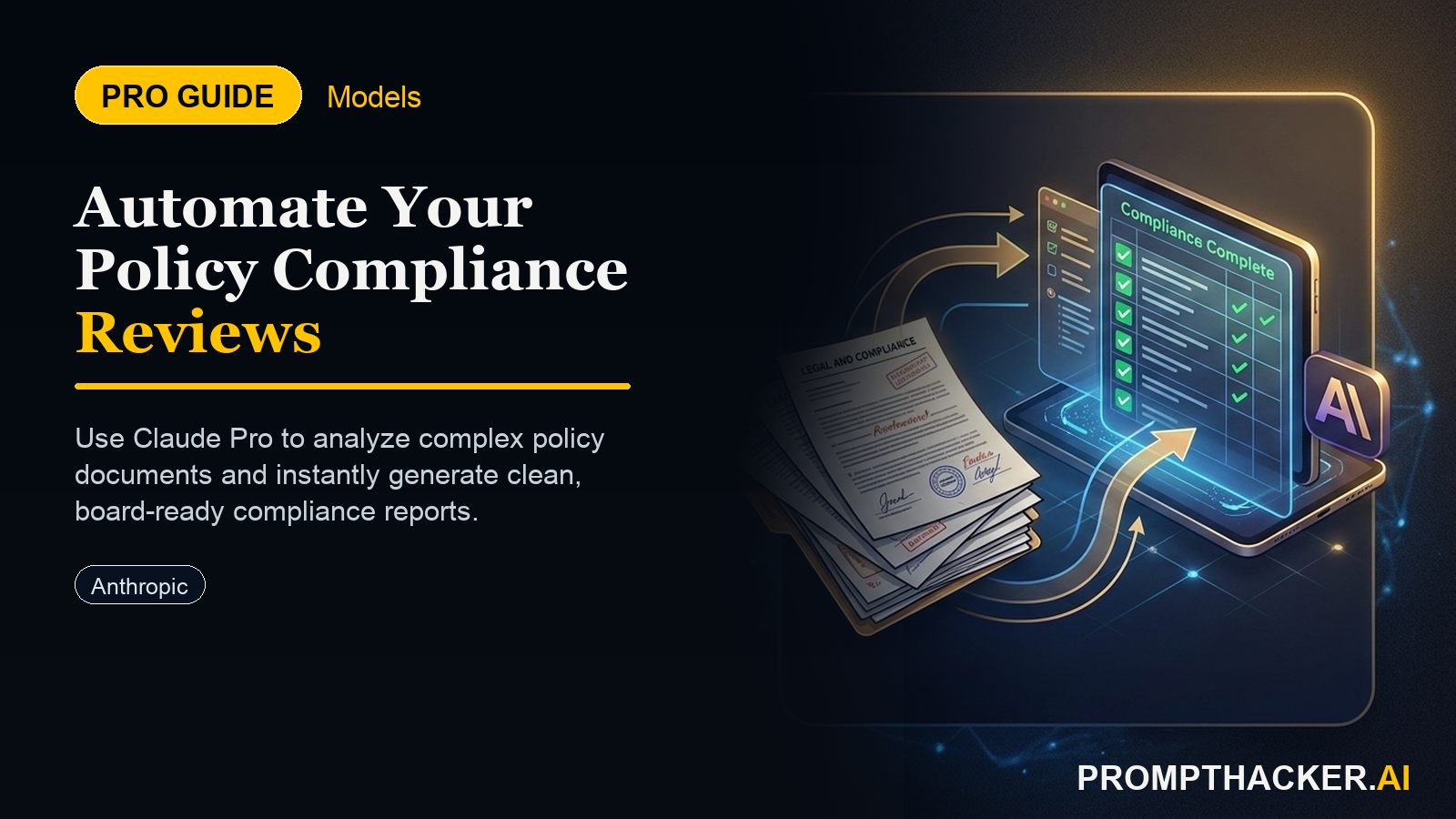
This article details how Anthropic's Claude Pro introduces an automated policy compliance review tool, designed to alleviate this pressure. Discover how to establish your company's policy baseline, submit new documents for instant analysis, and interpret Claude's reports to ensure every piece of communication adheres to established guidelines. Learn how this innovation can reclaim 80 minutes weekly for your legal and compliance teams, shifting their focus from tedious review to strategic oversight.

The landscape of corporate compliance is intricate and continuously shifting. Businesses operate under a web of internal policies, industry regulations, and legal requirements that demand constant vigilance. For Legal Counsel, Compliance Officers, and Risk Managers, ensuring every document, from a simple marketing email to a complex legal contract, adheres to these guidelines is a monumental task. Anthropic's Claude Pro now offers a specialized tool to automate much of this critical work, transforming a labor-intensive process into an efficient, risk-mitigating workflow.

This automated policy compliance review feature is not merely a spell-checker for legal terms. It is a sophisticated AI designed to understand and cross-reference entire bodies of policy against new content, flagging inconsistencies and potential breaches that a human eye might miss. The objective is to significantly reduce the manual effort involved in compliance checks, thereby freeing up valuable executive time and reducing exposure to legal and operational risks.

Here is a detailed, step-by-step guide to implementing Claude Pro's automated policy compliance review in your organization.

  • Step 1: Access Claude Pro and Select the "Policy Compliance Review" Module Why this matters: Accessing the correct module ensures that Claude Pro applies the appropriate analytical models and security protocols for compliance review. Attempting to use a general chat interface for this task would lack the necessary structure, security, and specialized analytical capabilities. This dedicated module is built for the precision and confidentiality required in legal and compliance work.
  • How to execute: Log into your Anthropic Claude Pro account. Look for a clearly labeled section such as "Compliance Tools," "Policy Review," or similar within the main dashboard or navigation menu. Selecting this option will open the specialized interface for uploading documents and managing your compliance reviews. Familiarize yourself with the layout, noting options for uploading baseline policies and documents for review.
  • Edge cases/considerations: If the module is not immediately visible, check your subscription level or contact your Claude Pro administrator. Ensure your account has the necessary permissions to access and utilize this feature, as compliance tools often require specific user roles due to data sensitivity.
  • Step 2: Upload Your Company's Official Policy Documents to Establish the Baseline Why this matters: This step moves compliance from a reactive, document-by-document firefighting exercise to a proactive, system-driven prevention strategy. A well-defined baseline allows Claude Pro to act as an always-on digital compliance officer, ensuring consistency across all company communications and operations. This reduces the likelihood of costly errors and protects the company's reputation and legal standing.
  • How to execute: Gather all current, officially approved internal policies. This includes, but is not limited to, legal guidelines, brand standards, regulatory compliance documents (e.g., HIPAA, GDPR, CCPA statements), HR handbooks, marketing approval frameworks, financial disclosure rules, and internal communication protocols. Convert these into standard text-searchable formats such as PDFs, Word documents, or plain text files compatible with Claude Pro. Upload these documents to the designated "Policy Baseline" section within the compliance module. Organize them logically, perhaps by department, policy type, or effective date, to streamline future reference and updates.
  • Edge cases/considerations: What if policies are fragmented across different departments or stored in various systems? Centralize and consolidate them into a single, comprehensive repository before uploading. If a policy is currently under revision, upload the most recent officially approved version and plan to update the baseline once the new policy is ratified. Implement a robust version control system for your policy documents outside of Claude Pro to ensure you are always feeding the AI the correct "source of truth." Periodically review and update this baseline within Claude Pro as your company's policies evolve or new regulations emerge.
  • Step 3: Upload New Documents for Review Why this matters: This step directly automates the traditionally laborious process of manual document review. It enables rapid verification of compliance for a high volume of documents, accelerating business processes without compromising adherence to standards. For a Compliance Officer, this means the ability to quickly clear documents, allowing teams to move forward with projects faster and with greater confidence in their adherence to company policy.
  • How to execute: Within the "Policy Compliance Review" module, locate the option to "Upload Document for Review" or similar. Select the new document (e.g., a draft press release, a proposed terms of service update, an internal HR communication, a new vendor contract, or a financial report). Claude Pro will then process the document, comparing its content against the uploaded policy baseline. The system is designed to handle various document types and lengths, leveraging its expanded context window to analyze extensive texts thoroughly.
  • Edge cases/considerations: Ensure the documents are in a clear, text-readable format. Scanned images without OCR may not be fully processed. For highly sensitive documents, verify your company's data security protocols and Claude Pro's data handling policies to ensure compliance with internal and external privacy regulations. Consider batch uploading for large volumes of similar documents, if the feature is available, to further enhance efficiency.
  • Step 4: Review Claude's Report, Highlighting Potential Compliance Issues and Suggested Revisions Why this matters: The report transforms raw data into actionable insights. Instead of sifting through an entire document, a Legal Counsel can immediately focus on flagged areas, understanding the nature of the potential breach (e.g., an outdated legal disclaimer, a claim inconsistent with brand guidelines, or a clause conflicting with a regulatory standard). This targeted review significantly reduces the time spent on each document and ensures that human expertise is applied where it is most needed.
  • How to execute: Access the generated report within the Claude Pro interface. The report will typically present a summary of findings, followed by a detailed breakdown. Look for highlighted text, annotations, or direct references to specific policy sections that may have been violated or are inconsistent. Claude Pro might suggest alternative phrasing or point out where a human expert needs to make a judgment call due to nuance or context. Pay close attention to the severity level assigned to each flag, if provided, to prioritize your review and revisions.
  • Edge cases/considerations: Claude Pro is an AI tool; it provides suggestions and flags, not final legal judgments. Always treat its output as a powerful assistant, not a replacement for human legal and compliance expertise. Some flagged items might be false positives due to contextual nuances that AI cannot fully grasp. Train your team to critically evaluate each flag and understand the "why" behind Claude's suggestions before implementing changes. Regularly provide feedback to Claude (if the platform allows) to refine its understanding of your specific policies and reduce false positives over time.
  • Step 5: Implement Necessary Changes to Ensure All Communications Adhere to Company Standards Why this matters: This step closes the loop on the compliance workflow. Without implementing the identified changes, the automated review process loses its ultimate value. It ensures that the proactive identification of risks translates into tangible risk mitigation. For a Risk Manager, this means confidence that documents leaving the organization or governing internal operations are robust and legally sound, thereby protecting the company from potential liabilities and maintaining its ethical standing.
  • How to execute: Take the specific revisions and suggestions from Claude Pro's report and apply them directly to the original document. This might involve rewriting sentences, adding required disclaimers, updating factual claims, or adjusting contractual language. For complex issues, consult with relevant department heads or senior legal experts to ensure the revisions are appropriate and fully resolve the compliance concern. Once changes are made, it is advisable to re-run the document through Claude Pro's compliance module (if significant changes were made) to ensure no new issues were inadvertently introduced and all previous flags have been addressed.
  • Edge cases/considerations: Ensure a clear process for document owners to receive and implement feedback. Sometimes, revisions may require negotiation or clarification, especially if the original intent clashes with policy requirements. Establish a clear sign-off process post-compliance review to formally approve the document for use, ensuring accountability. Document all changes and the rationale behind them for audit purposes. This creates a traceable record of your compliance efforts.

Real-World Application: Safeguarding Marketing Launches

Consider a Marketing Director preparing to launch a new product campaign. This campaign includes website copy, social media posts, email newsletters, and a press release. Each piece of content must comply with brand guidelines, advertising regulations (e.g., FTC guidelines), data privacy policies, and specific legal disclaimers for product claims. Traditionally, this would involve sending each piece of content to the legal department for manual review, a process that could take days or even weeks, delaying the launch.

Using Claude Pro, the Marketing Director can upload all draft campaign materials to the compliance module. Claude Pro, having been fed the company's brand guidelines, legal disclaimers, and relevant regulatory documents, instantly scans these drafts. Within minutes, it flags a social media post that makes an unsubstantiated performance claim, identifies website copy using an outdated privacy policy link, and points out a missing legal disclaimer in a product comparison. The Marketing Director receives a concise report, makes the necessary revisions, and resubmits for a final, quick check. This dramatically accelerates the approval process, ensuring the campaign launches on time and fully compliant, saving the company from potential regulatory scrutiny and reputational damage. This workflow saves the compliance team 80 minutes per week on such reviews.

Action Steps Summary

  • Access the Compliance Module: Navigate to the dedicated "Policy Compliance Review" module within Anthropic Claude Pro to ensure specialized analytical capabilities and security protocols are engaged.
  • Establish Policy Baseline: Upload all current, officially approved company policies and guidelines to Claude Pro, creating a comprehensive and accurate set of rules for automated comparison.
  • Submit New Documents: Upload new documents, such as marketing materials, legal contracts, or HR policies, to Claude Pro for instant review against the established policy baseline.
  • Review Compliance Report: Analyze Claude Pro's detailed report, focusing on highlighted sections that indicate potential compliance issues, inconsistencies, or areas requiring human expert judgment.
  • Implement Revisions: Apply the necessary changes and suggested revisions to the document based on Claude Pro's findings, ensuring full adherence to company standards and regulatory requirements before final approval.

Bottom line

The useful move with Anthropic Claude Pro Streamlines Policy Compliance Reviews is to run one narrow test this week, then keep only the workflow that saves time, improves a decision, or gives your team clearer output. Treat the announcement as raw material, not the win itself.

About the author

Pierre Bradshaw Founder, PromptHacker.ai

Pierre has spent 25+ years building growth systems across fintech, real estate, lending, campaigns, and AI workflows, with machine-learning work dating back to 2012.

If you have any questions or comments about Anthropic Claude Pro Streamlines Policy Compliance Reviews feel free to reach out. I'd love to hear from you.

Contact Pierre
Free weekly briefing

Three deep dives. Four useful moves. One email worth opening.

PromptHacker turns the AI firehose into practical next steps for work, health, family, and everything time keeps trying to steal.