Build a Claude Project That Knows Your Business as Well as You Do
The exact structure for a Claude Project that carries full company context across every conversation
What matters today
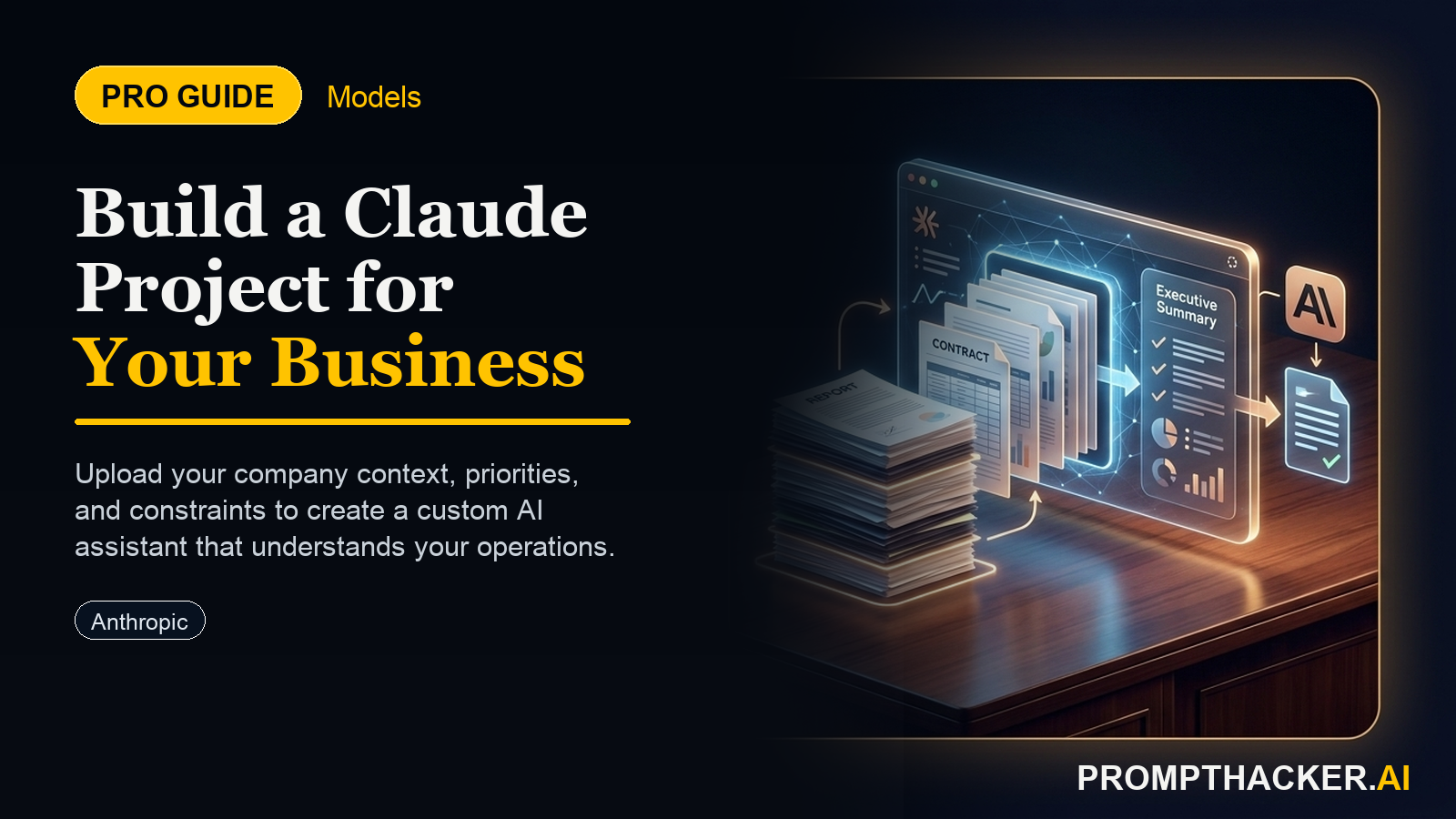
The exact structure for a Claude Project that carries full company context across every conversation
Article roadmap
What you will learn
-
The exact structure for a Claude Project that carries full company context across every conversation
-
Which documents to load and what to include in the Project Instructions
-
How to test the setup and refine it with 3 structured test queries
-
The 4 task types where this saves the most time
-
How to expand the setup for a team using Claude Team plan
Every AI power user eventually runs into the same problem. They open Claude, start a new conversation, and spend the first 3 - 5 minutes typing context they already typed in the previous conversation. Company background. Current priorities. Communication style preferences. Budget constraints.
Three to five minutes per session, 10 sessions per day: 30 - 50 minutes of context-setting per day, every day. Claude Projects eliminates this. The setup takes 15 minutes and eliminates context-setting overhead permanently.
This is a PromptHacker Premium article.
The 15-minute setup sequence, Project Instructions template, test protocol, and team scaling guide are available to Premium subscribers.
The 15-Minute Setup
Step 1: Create a new Project.
On Claude Pro or Team plan, click "New Project" in the left sidebar. Name it your company name or "Work Context."
Step 2: Write Project Instructions using this template.
Company context: [Company name] is a [2-sentence descriptor]. Current ARR/stage: [describe]. Team size: [number]. Current top 3 priorities: 1. [Specific priority] 2. [Specific priority] 3. [Specific priority] Communication style: [Direct/Formal/Brief]. Default response format: [bullets/prose/tables]. Response length: [concise/detailed]. Standing constraints: - Budget range for vendor decisions: [describe] - Tools currently in use: [list primary tools] - Audience for external communications: [describe] What to avoid: [2-3 specific things Claude should not do here]
Step 3: Upload 2 - 4 reference documents.
Company one-pager, most recent board deck or executive summary, product/service description, and current customer or account list (anonymized). Do not upload documents with confidentiality clauses before reviewing Anthropic's privacy policy.
Step 4: Run 3 test queries.
Test 1: "Draft a response to this vendor RFP: [short generic RFP]." Test 2: "Based on our current priorities, what is the strongest case for or against [current decision]?" Test 3: "Write a brief all-hands update on our Q1 progress." Score each on accuracy, tone, and relevance to your real context.
Step 5: Refine Project Instructions.
Fix the 2 - 3 things Claude got wrong. After 2 - 3 refinement cycles, the Project produces on-target outputs for 80 - 90% of tasks without further instruction.
The 4 Task Types That Save the Most Time
Vendor RFP and contract responses. Claude drafts grounded in your actual company stage and capabilities. Saves 30 - 60 minutes per RFP response.
Internal communication drafts. All-hands updates, manager briefings, board pre-reads. Claude knows your communication style. Saves 20 - 30 minutes per communication.
Strategic analysis and option evaluation. Claude evaluates options against your actual constraints without re-explanation overhead.
Meeting preparation and follow-up. Pre-meeting briefings, post-meeting action item summaries, follow-up drafts. Paste your calendar for the week and get a full prep set. Saves 10 - 15 minutes per meeting.
Action Steps Summary
- Create a new Claude Project. Takes 2 minutes.
- Write Project Instructions using the template in this article. Replace bracketed text with your actual context. Takes 10 minutes.
- Upload 2 - 4 reference documents. Company one-pager, board deck, product description. Takes 5 minutes.
- Run 3 test queries. Score on accuracy, tone, and relevance. Identify the 2 - 3 things to fix.
- Revise Project Instructions based on test results. Repeat once per quarter as priorities change.
Three deep dives. Four useful moves. One email worth opening.
PromptHacker turns the AI firehose into practical next steps for work, health, family, and everything time keeps trying to steal.