Automated Meeting Debrief and Action Item Distribution
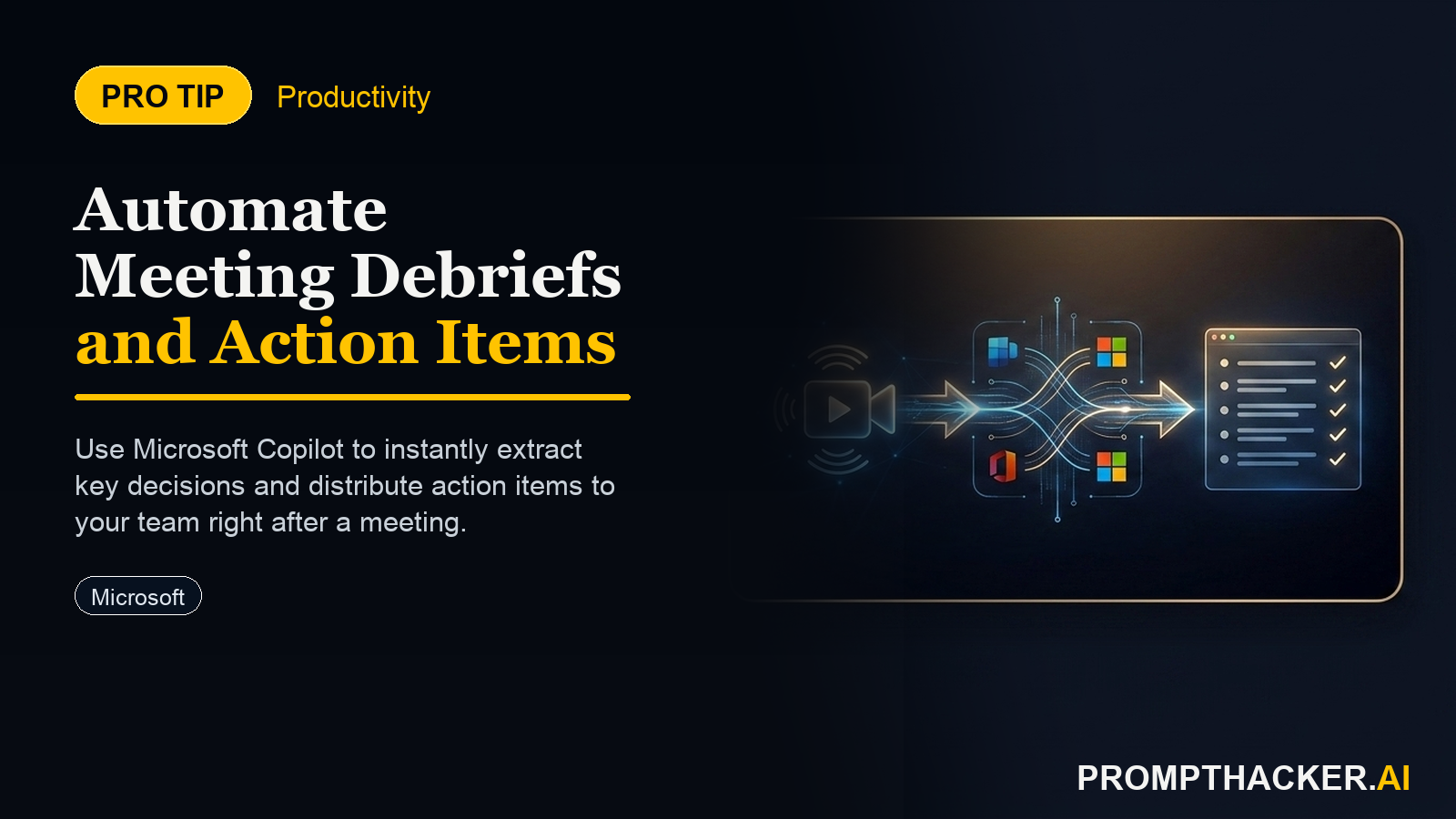
How to generate comprehensive debrief emails with key decisions and deadlines using AI.
What matters today
How to generate comprehensive debrief emails with key decisions and deadlines using AI.
Article roadmap
What you will learn
-
How to configure Microsoft Copilot to automatically track meeting action items.
-
How to efficiently refine and assign action items within Teams post-meeting.
-
How to generate comprehensive debrief emails with key decisions and deadlines using AI.
-
How to save 30 minutes per meeting on critical follow-up tasks.
A marketing director overseeing multiple product launches often concludes a two-hour strategy meeting feeling productive, only to face another 30 to 45 minutes of manual follow-up. This includes sifting through notes, identifying decisions, extracting action items, assigning owners, setting deadlines, and then drafting a detailed email to all attendees. This recurring administrative burden chips away at time that should be spent on strategic execution. The director finds themselves perpetually behind, despite effective meetings.
Without a structured, efficient follow-up process, the value of those meetings diminishes. Action items get missed, accountability blurs, and project timelines slip. Teams lose momentum, requiring further meetings just to re-establish what was decided. This cycle leads to frustration, delayed initiatives, and a perception that meetings are more about discussion than decisive action. The cumulative effect across an organization is a significant drain on executive time and overall operational efficiency.
This article details a straightforward method to leverage Microsoft Copilot within Teams and Outlook to automate the most time-consuming aspects of post-meeting follow-up. By implementing a simple setup and a targeted prompt, executives can transform how they manage meeting outcomes, ensuring every decision translates into clear, actionable steps without the manual grind. Discover how to reclaim valuable minutes from every meeting, focusing instead on driving projects forward.
The consistent challenge of translating meeting discussions into actionable outcomes often falls to the meeting organizer or a designated executive. This manual process is not just tedious; it is prone to error and inconsistency, directly impacting project velocity and team accountability. By integrating Microsoft Copilot into your meeting workflow, you establish a system that not only captures critical information but also streamlines its distribution, effectively eliminating a significant administrative load. This process is designed for executives who need precision and efficiency in their team communications.
Step 1: Ensure Microsoft Copilot is Enabled for Teams Meetings
The foundation of automated meeting debriefs lies in the proper configuration of Microsoft Copilot. For Copilot to track action items and synthesize meeting content, it must be active within your Microsoft Teams environment. This is typically an organizational-level setting, often managed by IT. As an executive, confirming this capability is the first critical step.
Why this matters: Copilot's ability to "listen" and process meeting dialogue is contingent on its activation. Without it, the subsequent steps cannot proceed. Verify with your IT department that Copilot is enabled for Teams meetings across your organization. This ensures that when a meeting is recorded and transcribed, Copilot can begin its work in the background, identifying key moments and commitments.
Step 2: Mandate Recording and Transcription for All Key Meetings
For Copilot to generate an accurate summary and extract action items, it requires a complete transcript of the meeting. This means every relevant meeting must be recorded, and transcription must be activated. This practice ensures that every spoken word is captured, providing Copilot with the raw data it needs to perform its analysis.
Why this matters: Recording and transcription are not merely for archival purposes; they are the data input for Copilot's intelligence. Without a comprehensive transcript, Copilot cannot accurately identify action items, decisions, or responsible parties. Establish a clear policy within your teams that all critical meetings are recorded and transcribed.
Step 3: Access the Copilot Summary in Teams Post-Meeting
Im
Ready to reclaim your schedule?
Three deep dives. Four useful moves. One email worth opening.
PromptHacker turns the AI firehose into practical next steps for work, health, family, and everything time keeps trying to steal.