Microsoft Copilot Introduces Automated Executive Briefing Generation
How to use Copilot to synthesize key insights from diverse Microsoft 365 sources.
What matters today
How to use Copilot to synthesize key insights from diverse Microsoft 365 sources.
Article roadmap
What you will learn
-
How to eliminate manual aggregation of information for executive summaries.
-
How to save 120 minutes per week in preparing leadership briefings.
-
How to use Copilot to synthesize key insights from diverse Microsoft 365 sources.
-
How to generate concise, actionable executive briefings with a single prompt.
-
How to enhance strategic focus by streamlining routine documentation tasks.
A Chief Operating Officer at a global logistics firm faces a recurring challenge: preparing a weekly operational briefing for the executive leadership team. This involves sifting through dozens of emails, reviewing multiple project updates on SharePoint, and extracting key performance indicators from various internal documents. The process consumes hours every Monday morning, delaying other critical strategic initiatives. This manual aggregation not only impacts the COO's personal schedule but also bottlenecks the flow of vital information to the board.
Without an efficient method to synthesize this disparate data, leadership risks making decisions based on incomplete or outdated information. Critical risks might go unaddressed, opportunities could be missed, and valuable executive time remains tied up in administrative overhead instead of focusing on growth and innovation. The cost is not just in hours lost, but in potentially suboptimal strategic direction.
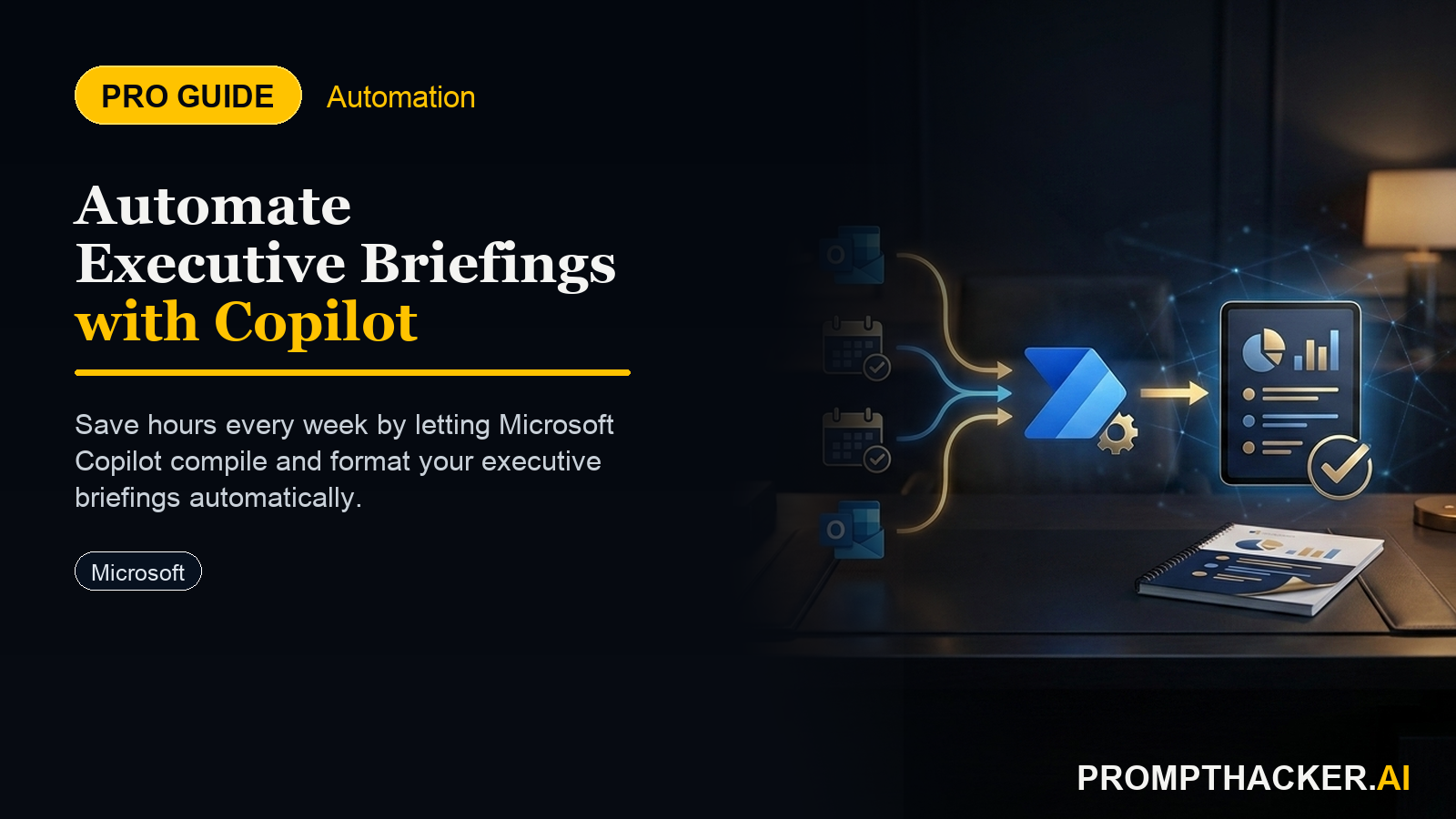
Microsoft Copilot in Microsoft 365 now introduces a feature designed to directly address this challenge. It automatically compiles executive briefings from emails, meeting notes, and internal documents, synthesizing key information into concise, actionable summaries. This update promises to free up significant preparation time for leadership meetings, allowing executives to pivot from data aggregation to strategic analysis.
The ability to automatically generate executive briefings represents a significant shift in how leadership teams can prepare for critical meetings. This new capability within Microsoft Copilot in Microsoft 365 aims to reclaim substantial time for executives, project managers, and administrative staff who routinely compile complex summaries. By eliminating the manual aggregation of information, Copilot offers back 120 minutes per week, allowing leaders to dedicate more energy to strategic focus and decision-making.
This functionality is particularly beneficial for roles such as C-suite executives who require rapid, comprehensive overviews, project managers who need to communicate performance and risks concisely, and administrative staff supporting leadership with detailed reports. The core value lies in Copilot's ability to act as an intelligent assistant, navigating the vast landscape of an organization's Microsoft 365 environment to extract and synthesize relevant data.
Leveraging Copilot for Automated Executive Briefings
Implementing this new Copilot feature requires a structured approach, ensuring that the AI tool accesses the correct information and generates outputs aligned with executive expectations. The process is designed to be intuitive, integrating directly into existing Microsoft 365 workflows.
Step 1: Initiate the Briefing in Microsoft Word or Outlook
The entry point for generating an executive briefing is within the familiar environment of Microsoft Word or Outlook. These applications serve as the primary interfaces where executives and their teams typically draft communications and reports. Copilot's deep integration with Microsoft 365 means it can operate contextually within these tools, accessing the broader ecosystem of documents, emails, and meeting notes.
Step 2: Craft a Precise Prompt for Copilot
The effectiveness of Copilot's output hinges on the clarity and specificity of the prompt. When requesting an executive briefing, the prompt must guide Copilot to identify the scope, focus areas, and desired tone.
"Generate an executive briefing on Q1 project performance, including key milestones, budget status, and identified risks. Synthesize data from the last 30 days of project emails and the Q1 status report in SharePoint. Keep the tone professional and concise."
Ready to scale your productivity?
Three deep dives. Four useful moves. One email worth opening.
PromptHacker turns the AI firehose into practical next steps for work, health, family, and everything time keeps trying to steal.