Microsoft Copilot Launches "Executive Briefing Mode" for Data Synthesis
Executives gain immediate access to consolidated business intelligence, improving decision-making speed and accuracy.
What matters today
Executives gain immediate access to consolidated business intelligence, improving decision-making speed and accuracy.
Key points
- The Mechanics of Executive Briefing Mode
- Executive Action Steps: Implementing Executive Briefing Mode
- A Deeper Look: Scenario and Impact
- Addressing Potential Challenges
- Action Steps Summary
What you will learn in this article:
- How to eliminate manual data aggregation and report writing, saving 120 minutes weekly.
- How to generate concise, actionable executive summaries automatically from Microsoft 365 data.
- How to improve decision-making speed and accuracy with immediate access to consolidated business intelligence.
- How to define and customize briefing scopes for specific projects or reporting periods.
- How to ensure stakeholders have current, data-driven information without extensive preparation.
A C-suite executive faces a perennial challenge: the Monday morning gauntlet of reports. Data sprawls across Outlook inboxes, SharePoint documents, Teams meeting transcripts, and various project management tools. Before any strategic decision can be made, hours are spent by assistants, analysts, and often the executive themselves, attempting to aggregate, synthesize, and distill this information into an actionable summary. This manual process is not just time-consuming; it introduces delays, potential for human error, and a critical lag between data generation and insight extraction.
The stakes are high. In a rapidly evolving market, delayed insights translate directly into missed opportunities, inefficient resource allocation, and a diminished competitive edge. Every minute spent compiling data is a minute not spent analyzing, strategizing, or leading. The traditional approach forces leaders to choose between comprehensive but slow reporting, or quick but potentially incomplete summaries. Neither option fully serves the need for rapid, informed decision-making.
This challenge changes with Microsoft Copilot's new "Executive Briefing Mode." This update, launched on September 4, 2025, integrates deeply with your Microsoft 365 environment, pulling critical information from across applications. It then synthesizes this disparate data into concise, actionable executive summaries, presented in a customizable dashboard format. This feature is engineered to provide senior managers, directors, and C-suite executives with immediate, consolidated business intelligence, improving the speed and accuracy of their decisions.
The Mechanics of Executive Briefing Mode
Microsoft Copilot's Executive Briefing Mode is designed to be a direct pipeline from your operational data to strategic insight. It operates by leveraging Copilot's existing access to your Microsoft 365 ecosystem. This includes Outlook emails, Word documents, Excel spreadsheets, PowerPoint presentations, and Teams meeting transcripts. Instead of manually sifting through these sources, Copilot acts as an intelligent assistant, identifying and extracting key performance indicators (KPIs), project statuses, critical action items, and relevant discussions. This aggregation happens in real-time, or near real-time, depending on data freshness.
The mode's core strength lies in its ability to understand context. When defining the scope of a briefing, Copilot processes natural language queries to identify specific projects, reporting periods, or areas of focus. For example, if an executive requests a "Q3 Sales Performance briefing for the EMEA region," Copilot will prioritize data related to sales figures, marketing campaigns, client interactions, and team communications within that specific timeframe and geographical scope. It then cross-references information, identifies trends, flags anomalies, and consolidates findings into a structured, easily digestible format. This eliminates the need for manual cross-referencing, a task that often consumes significant time for executive support staff.
Executive Action Steps: Implementing Executive Briefing Mode
Integrating Copilot's Executive Briefing Mode into your weekly workflow can reclaim up to 120 minutes previously spent on data aggregation and report writing. Follow these steps to maximize its impact:
- Open Microsoft Copilot within your Microsoft 365 environment: The Executive Briefing Mode is accessed directly through the Microsoft Copilot interface. This can be within applications like Microsoft Teams, Outlook, or via a dedicated Copilot dashboard. Ensuring your Copilot installation is up-to-date is the first step. This ensures access to the latest features and optimal performance. Accessing it from a familiar environment reduces friction and integrates it naturally into your existing digital workspace.
- Select "Executive Briefing Mode" from the main menu: Once Copilot is open, locate and select the "Executive Briefing Mode" option. This dedicated entry point signals to Copilot that the subsequent request is for a high-level summary, rather than a task-specific query or document draft. This specialized mode activates a set of algorithms optimized for synthesizing strategic information, distinguishing it from general conversational AI functions. The clarity of this selection ensures Copilot understands the directive immediately.
- Define the scope of your briefing, such as specific projects or reporting periods: This is the critical input stage. Clearly articulate what information you need summarized. For instance, a prompt could be: "Generate an executive briefing on the Q2 performance of Project Alpha, focusing on budget utilization, key deliverables achieved, and any identified risks." Or, "Provide a summary of customer feedback trends from the last month across all product lines, pulling data from support tickets and sales reports." The more precise the scope, the more targeted and relevant the generated briefing will be. Consider what KPIs are most important for the specific decision at hand. Example Prompt "Generate an executive briefing on the Q2 performance of Project Alpha, focusing on budget utilization, key deliverables achieved, and any identified risks." Example Prompt "Provide a summary of customer feedback trends from the last month across all product lines, pulling data from support tickets and sales reports." Why this matters: A well-defined scope prevents Copilot from pulling irrelevant data, ensuring the briefing remains focused and actionable. Vague requests can lead to broad, less useful summaries. Iterating on scope definitions can refine the output significantly over time.
- Review the generated summary, making any necessary adjustments: Copilot will present a concise summary, often in a dashboard format with key bullet points, charts, and action items. This is not a final product to be blindly accepted, but a highly refined draft. Review it for accuracy, completeness, and clarity. Look for any areas where the AI might have misinterpreted context or missed a critical nuance. You can then interact with Copilot to refine specific sections, ask for more detail on a particular KPI, or rephrase a recommendation. This human-in-the-loop step is vital for maintaining executive oversight and ensuring the briefing aligns perfectly with your strategic intent. Edge Case: Incomplete Data If Copilot flags missing data or an inability to access certain sources, it indicates a potential gap in your M365 environment's organization or access permissions. Address these upstream to improve future briefing quality. For example, if a project report is stored outside the typical SharePoint structure, Copilot may not find it.
- Share the concise, data-driven briefing with stakeholders, ensuring everyone has current information: Once reviewed and refined, the briefing is ready for distribution. Copilot can often facilitate this sharing directly within your Microsoft 365 environment, perhaps by generating a summary email or a link to a dynamic dashboard. This ensures that all relevant stakeholders receive consistent, up-to-date information, fostering alignment and enabling collective informed decision-making. The speed of this process means that critical updates can be shared minutes after they are requested, rather than hours or days.
A Deeper Look: Scenario and Impact
Consider a Chief Operating Officer (COO) at a mid-sized manufacturing company. Every Tuesday morning, the COO holds a critical operations review meeting. Preparing for this meeting traditionally involved:
- Reviewing production reports from the ERP system.
- Scanning emails from plant managers about equipment downtime or supply chain issues.
- Reading last week's Teams meeting transcripts for outstanding action items.
- Checking project management tools for updates on new product lines.
- Manually compiling all this into a bulleted summary for the executive team.
This aggregation process alone could consume 2-3 hours of an executive assistant's time, or the COO's own time if the assistant was unavailable. With Executive Briefing Mode, the COO can open Copilot and issue a prompt:
COO's Prompt
"Generate an operational briefing for this week, focusing on production metrics, supply chain disruptions, and critical project milestones across all active projects. Highlight any deviations from plan and propose immediate action items."
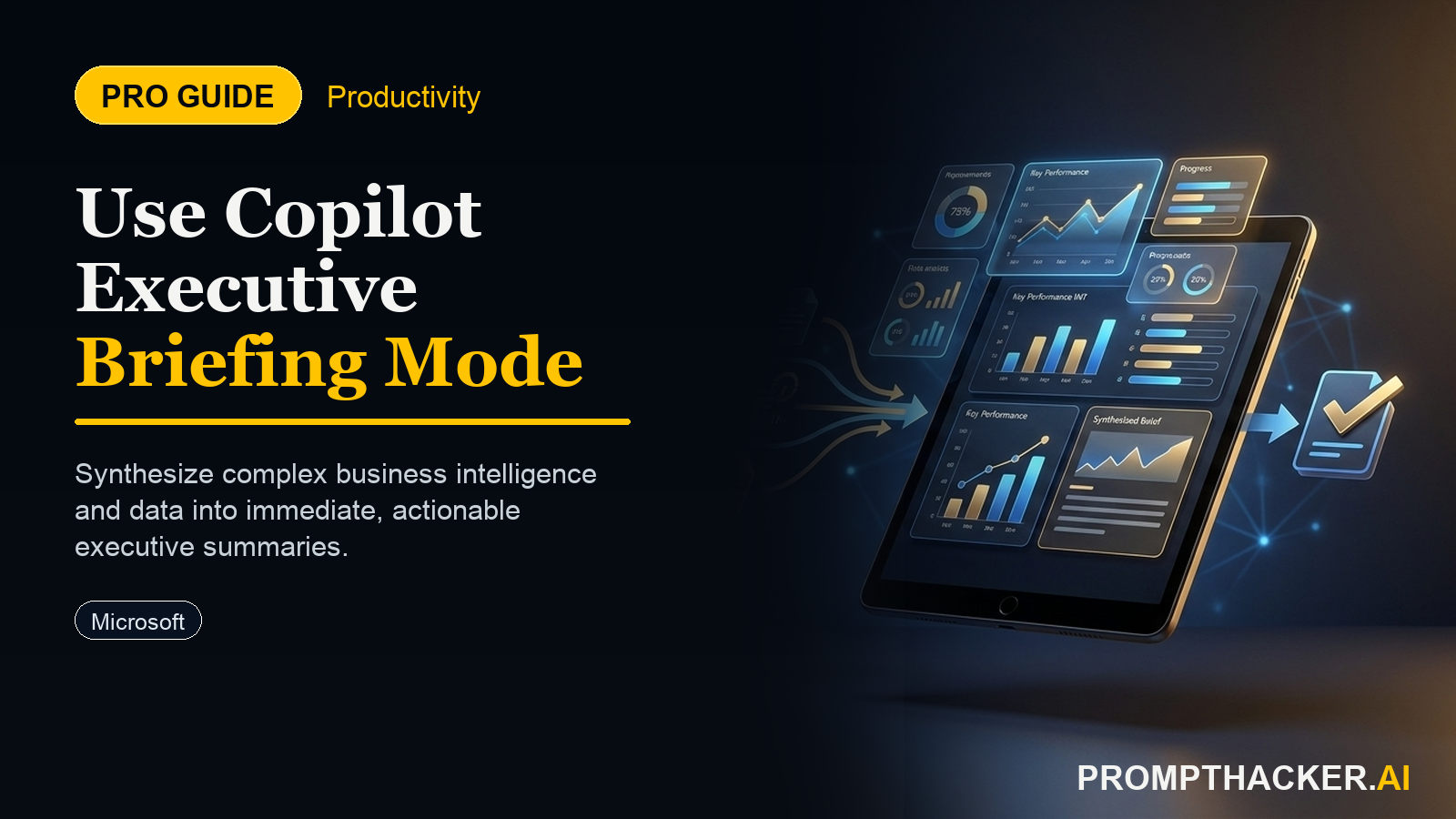
Within minutes, Copilot synthesizes this information. It pulls production data from integrated systems, cross-references email discussions about supplier delays, identifies outstanding tasks from Teams chats, and flags projects nearing critical deadlines. The COO receives a dashboard showing:
- Production Output: 98% of target (green), with a note on a specific line experiencing a 5% dip due to component shortage (red flag).
- Supply Chain: Key raw material X delayed by 3 days from Vendor Y (red flag), with an automatically identified alternative vendor contact.
- Project Milestones: New product launch for Q4 is on track, but a marketing asset approval is pending from Legal (yellow flag).
- Action Items: Follow up with Legal on asset approval, initiate order with alternative Vendor Y for raw material X.
This immediate, consolidated view empowers the COO to walk into the Tuesday meeting with precise, data-driven insights, ready to make decisions and assign responsibilities without any pre-meeting scramble. The 120 minutes saved weekly are reallocated to strategic planning, mentoring, or addressing complex operational challenges that require human ingenuity, not data compilation. The value extends beyond time savings; it is about elevating the quality and timeliness of strategic engagement.
Addressing Potential Challenges
While Executive Briefing Mode offers significant advantages, it is important to address potential challenges:
- Data Quality and Accessibility: Copilot's effectiveness is directly tied to the quality and accessibility of the data within your Microsoft 365 environment. If documents are poorly organized, permissions are inconsistent, or critical information resides in siloed, non-integrated systems, the briefings will be less comprehensive. Establishing clear data governance and ensuring consistent data storage practices are prerequisites for optimal performance.
- Over-reliance and Nuance: The generated briefings are powerful tools, but they are summaries. They should augment, not replace, human judgment and deeper analysis when required. Executives must remain vigilant for nuances that AI might miss or misinterpret, particularly in complex interpersonal or market dynamics. A briefing provides the "what," but the "why" often requires human exploration.
- Security and Privacy: As Copilot accesses sensitive company data, robust security and privacy protocols are paramount. Organizations must ensure that Copilot adheres to internal compliance standards and regulatory requirements. Microsoft has implemented enterprise-grade security features for Copilot, but internal IT teams should verify configurations to prevent unauthorized data exposure.
By understanding these considerations, executives can implement Executive Briefing Mode strategically, ensuring it becomes a reliable asset for enhancing decision-making rather than a source of new complexities. The goal is to create a symbiotic relationship where AI handles the heavy lifting of data synthesis, freeing human leaders to focus on high-level strategy and critical judgment.
Action Steps Summary
- Access Copilot: Open Microsoft Copilot within your Microsoft 365 environment to begin the briefing process.
- Select Briefing Mode: Choose "Executive Briefing Mode" from the main menu to activate its specialized data synthesis capabilities.
- Define Scope: Clearly articulate the specific projects, reporting periods, or data points for your briefing to ensure a targeted summary.
- Review and Adjust: Examine the generated summary for accuracy and completeness, then use Copilot to refine any sections as needed.
- Share Insights: Distribute the finalized, data-driven briefing to stakeholders, ensuring everyone has current and consistent information.
Three deep dives. Four useful moves. One email worth opening.
PromptHacker turns the AI firehose into practical next steps for work, health, family, and everything time keeps trying to steal.