Copilot in Outlook Streamlines Email Review, Saving 30 Minutes Weekly
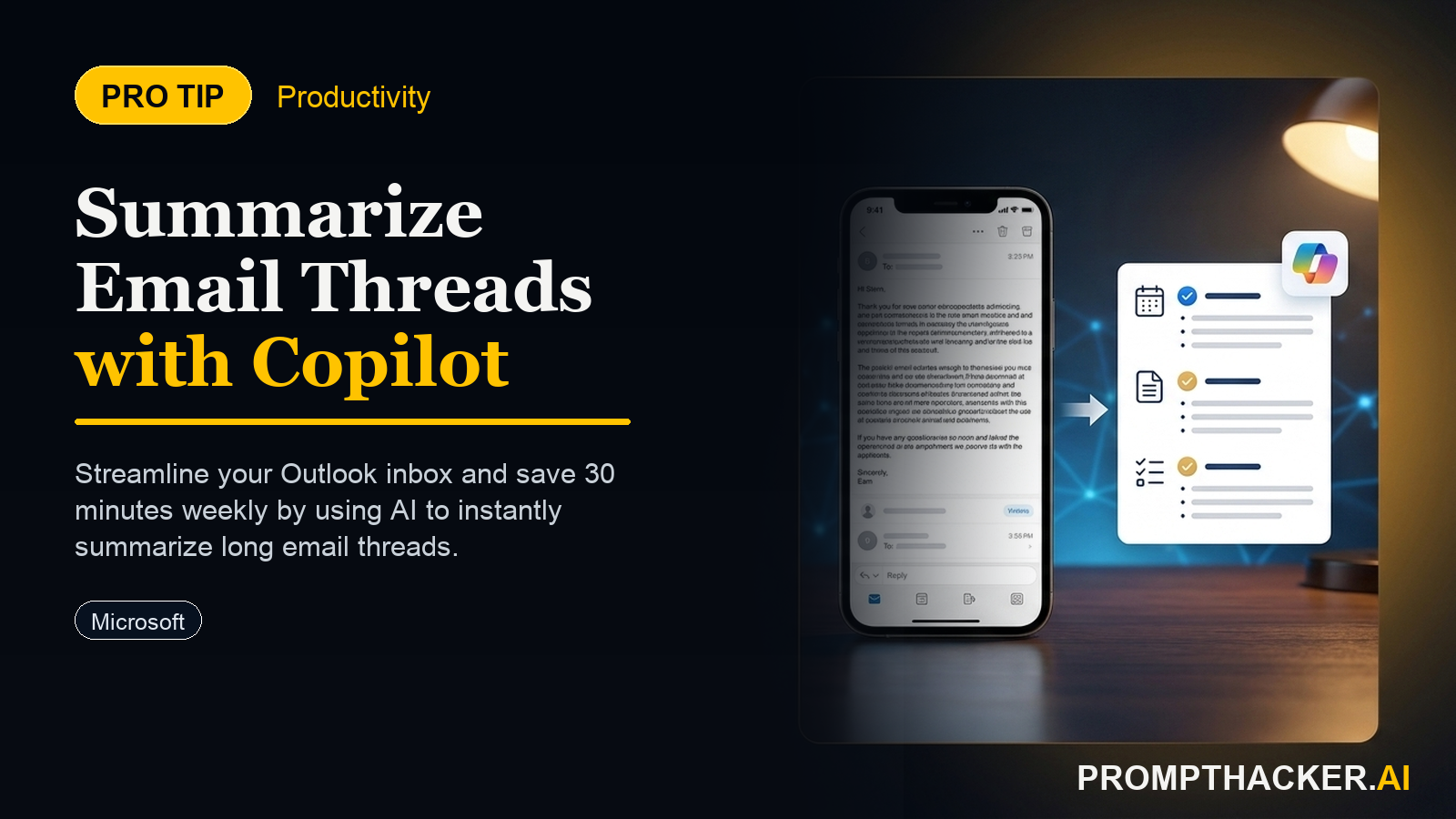
How to activate Microsoft Copilot within Outlook to summarize long email threads.
What matters today
How to activate Microsoft Copilot within Outlook to summarize long email threads.
- How to activate Microsoft Copilot within Outlook to summarize long email threads.
- How to leverage concise email summaries to quickly grasp critical discussion points and decisions.
- How to reduce the time spent on communication review by 30 minutes each week using AI-powered insights.
- How to apply Copilot summaries to various executive communication scenarios.
- How to identify and address potential limitations of AI summarization.
A senior product manager at a rapidly growing fintech startup faces an overflowing inbox daily. A critical product launch is approaching, and communication threads span dozens of emails across multiple teams: engineering, marketing, legal, and sales. Each thread represents hours of reading to understand the latest decisions, action items, and potential roadblocks. Missing a key detail could delay the launch or introduce compliance risks.
Without an efficient method to process this information, the product manager risks becoming a bottleneck. The traditional approach of manually sifting through every message is unsustainable, especially for executives whose time is best spent on high-level strategy and team leadership, not email archeology.
This article details how Microsoft Copilot in Outlook offers a direct solution, providing concise summaries of these extensive email conversations. Executives can quickly extract the core information, understand the historical context, and formulate informed responses in a fraction of the time previously required.
The modern executive's inbox is a relentless stream of information. Microsoft Copilot in Outlook introduces a powerful capability to distill these discussions into actionable summaries, directly addressing this challenge. This feature saves executives an average of 30 minutes weekly on communication review, allowing for more focused work and strategic thinking.
Copilot's summarization capability functions by analyzing the entire email thread, identifying key participants, discussion points, decisions made, and pending action items. It then presents this information in a concise, easy-to-digest format within the Outlook interface.
Understanding the Core Problem: Email Overload and Context Loss
Consider a scenario where a Vice President of Operations is overseeing a supply chain optimization project. An ongoing email thread discussing a critical component's delivery schedule has accumulated 75 messages over two weeks. The VP needs to quickly understand the current status, any new risks, and the agreed-upon next steps. Manually reading through 75 emails to gain this context could consume 45 to 60 minutes, time better spent preparing for the meeting's strategic agenda.
Implementing Copilot for Email Summarization
Activating and utilizing Copilot for email summarization is a straightforward process, integrated directly into the Outlook experience for Microsoft 365 Copilot subscribers.
Step 1: Ensure Copilot is Enabled in Outlook
Before using the summarization feature, verify that Copilot is active within your Outlook application. This typically requires a Microsoft 365 Copilot license assigned by your organization. Once licensed, Copilot features generally appear automatically within the Outlook interface.
PRO TIP: Look for the "Summary by Copilot" button at the top of your email threads. If it does not appear, check your Microsoft 365 admin settings or ensure your Outlook client is updated to the latest version.
Ready to reclaim your time?
Get full access to our premium AI strategy guides and workflow templates.
Three deep dives. Four useful moves. One email worth opening.
PromptHacker turns the AI firehose into practical next steps for work, health, family, and everything time keeps trying to steal.