Google Gemini Advanced Delivers Real-time Meeting Transcription and Summarization
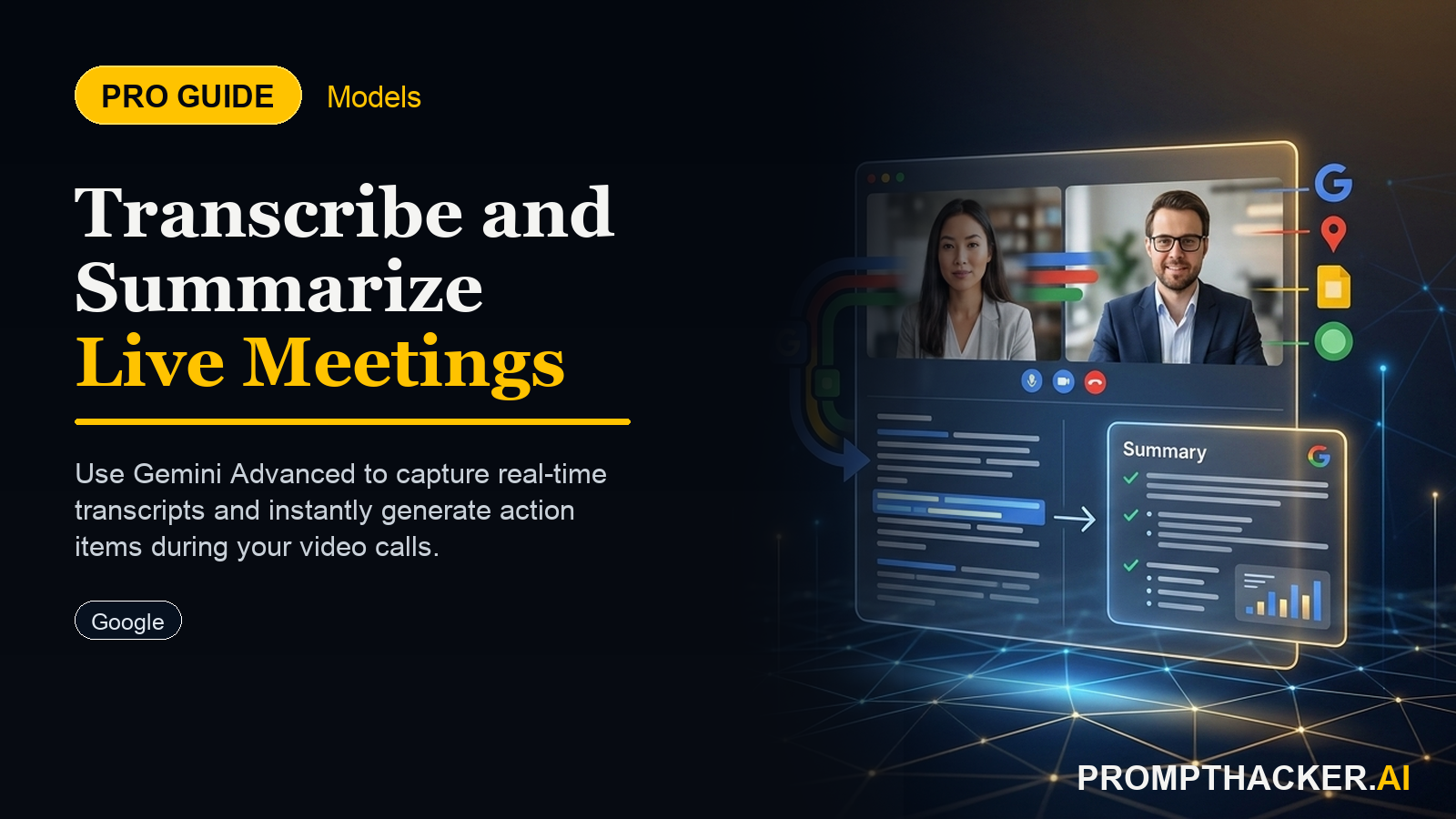
Google Gemini Advanced now transcribes and summarizes live meetings, saving executives 60 minutes per session and enhancing accountability.
What matters today
Google Gemini Advanced now transcribes and summarizes live meetings, saving executives 60 minutes per session and enhancing accountability.
Key points
- Step 1: Initiate Your Google Meet Session and Activate Real-time Transcription
- Step 2: Conduct Your Meeting as Usual, Leveraging AI for Background Processing
- Step 3: Access the Automatically Generated Transcript and Summary Post-Meeting
- Step 4: Review and Refine the AI-Generated Outcomes
- Step 5: Distribute Concise Meeting Outcomes to All Stakeholders
What you will learn in this article:
- How to activate real-time transcription and summarization in Google Meet sessions.
- How to utilize automatically generated meeting summaries to boost post-meeting efficiency.
- How to ensure key decisions and action items are captured and distributed without manual effort.
- How to integrate Gemini Advanced's capabilities into your existing executive workflow for maximum time savings.
A regional sales director at a rapidly growing 150-person tech firm faces a common challenge: back-to-back virtual meetings. Each day includes strategy sessions, pipeline reviews, and client updates, generating a deluge of information. The director dedicates an average of 60 minutes after each critical meeting to review notes, identify action items, and craft concise summaries for stakeholders. This post-meeting administrative burden consumes valuable time that could otherwise be spent on strategic planning or direct client engagement. The manual process often leads to missed details, delayed follow-ups, and a general drag on team productivity.
Without an efficient system for capturing and distilling meeting outcomes, accountability suffers. Crucial decisions can be forgotten, action items fall through the cracks, and team members remain unclear on their responsibilities. This creates a ripple effect, slowing project timelines and impacting overall business agility. The cost of inefficient meetings extends beyond the meeting itself, affecting subsequent workflows and strategic execution. Executives need a reliable method to ensure every minute spent in a meeting translates directly into progress.
This article details how Google Gemini Advanced transforms virtual meeting dynamics, turning unstructured conversations into actionable intelligence. Learn to leverage its real-time transcription and summarization features within Google Meet, eliminating manual note-taking and guaranteeing that every key decision and action item is automatically identified and compiled. Discover how this integration provides executives with an immediate, clear record of meeting outcomes, significantly boosting efficiency and accountability across your organization.
The landscape of executive communication demands speed and precision. In a world of distributed teams and packed schedules, the ability to instantly capture and distill meeting content is no longer a luxury but a strategic imperative. Google Gemini Advanced now offers real-time transcription and summarization for live Google Meet sessions, fundamentally altering how executives manage and benefit from their virtual interactions. This update, effective June 1, 2025, provides a direct path to reclaiming 60 minutes per meeting by automating the entire post-meeting summary process.
The core functionality of this feature lies in its ability to actively listen, differentiate speakers, and process spoken language into structured text as it happens. Beyond simple transcription, Gemini Advanced employs sophisticated AI to identify critical discussion points, extract key decisions, and flag specific action items. This intelligent summarization capability means that when a meeting concludes, a concise, accurate, and actionable summary is immediately available. This eliminates the manual effort traditionally required for note-taking and summary creation, directly addressing a significant time drain for executives and their support staff.
Consider the Vice President of Product Development at a mid-sized software company, responsible for overseeing multiple product lines and managing cross-functional teams. This VP typically attends eight to ten critical meetings per week, ranging from sprint reviews to strategic roadmap discussions. Each meeting generates a wealth of information, and the manual process of sifting through notes to identify decisions, assign tasks, and draft follow-up emails consumes approximately 480 to 600 minutes weekly. This time, equivalent to an entire workday, is now redirected to higher-value activities through Gemini Advanced. The VP simply enables the feature at the start of each Google Meet, conducts the meeting as usual, and then accesses a complete, AI-generated summary, saving precisely 60 minutes per session.
Step 1: Initiate Your Google Meet Session and Activate Real-time Transcription
The first step involves integrating Gemini Advanced directly into your meeting workflow. Begin by scheduling or starting a Google Meet session as you normally would. Once the meeting is live, locate the Gemini Advanced integration option within the Google Meet interface. This option typically appears as a dedicated icon or a menu item within the meeting controls, often labeled "Enable Gemini AI" or "Start Live Transcription." Clicking this option activates Gemini Advanced's listening capabilities.
The "why" behind immediate activation is crucial: Gemini Advanced begins transcribing and analyzing from the moment it is enabled. Waiting to activate could result in missed early discussions or decisions, compromising the completeness of the final summary. Executives must ensure this step is part of their meeting initiation ritual, much like sharing a screen or recording the session. The system processes audio in real-time, identifying speaker changes and segmenting the conversation for accurate context. What can go wrong is forgetting to enable it, leading to a partial or non-existent transcript. To fix this, always make activation the first technical step after joining or starting a meeting.
Step 2: Conduct Your Meeting as Usual, Leveraging AI for Background Processing
Once Gemini Advanced is active, conduct your Google Meet session exactly as you normally would. There is no need to alter speaking patterns, pause for the AI, or explicitly state "action item" for the system to recognize it. The AI operates in the background, silently capturing all spoken content. It uses natural language processing to understand the context of conversations, distinguishing between general discussion, specific decisions, and assigned tasks.
This hands-off approach ensures that the meeting flow remains natural and productive. The AI's ability to discern key information from organic conversation is a primary benefit. Executives can focus entirely on the discussion, decision-making, and collaboration, rather than dividing their attention with note-taking. The system's intelligence identifies phrases like "we need to," "I will follow up on," or "the deadline for this is" as indicators of action items. It also tracks speaker identities, ensuring that actions are attributed correctly. An edge case might involve heavy accents or very fast speech, which could slightly impact transcription accuracy. However, the system continuously improves with use, and minor edits to the final summary are quick.
Step 3: Access the Automatically Generated Transcript and Summary Post-Meeting
Immediately after the Google Meet concludes, Gemini Advanced processes the full transcript and generates a comprehensive summary. These artifacts are typically accessible directly from your Google Calendar event for that meeting or within a dedicated Gemini Advanced dashboard linked to your Google Workspace account. The summary includes:
- Full Transcript: A searchable, timestamped record of the entire conversation.
- Key Decisions: A bulleted list of all critical choices made during the meeting.
- Action Items: A clear list of tasks, often with identified owners and deadlines (if discussed).
- Meeting Overview: A concise narrative summary of the meeting's purpose and outcomes.
The "why" here is instant access to structured information. No longer must executives wait for an assistant to compile notes or spend personal time reconstructing discussions. The data is ready for review within minutes. What can go wrong is overlooking where the summary is stored. Executives should familiarize themselves with the specific location (e.g., a "Gemini Summary" tab in the Google Meet event details) to ensure seamless retrieval.
Step 4: Review and Refine the AI-Generated Outcomes
While Gemini Advanced provides highly accurate outputs, a quick review is always recommended. Executives should scan the generated transcript and summary for precision, especially regarding nuanced decisions or specific numerical data. This review process is significantly faster than creating a summary from scratch, taking only a fraction of the 60 minutes saved.
The "why" for this review is quality control and personalization. Executives can add specific context, clarify ambiguities, or rephrase points to align perfectly with their communication style or organizational terminology. This step also serves as an opportunity to double-check action item assignments and deadlines before distribution. An edge case involves highly technical discussions with unique jargon, where the AI might misinterpret a term. A quick edit ensures accuracy. How to fix this involves a brief scan, using the full transcript as a reference, and making any necessary adjustments to the summary before sharing.
Step 5: Distribute Concise Meeting Outcomes to All Stakeholders
With the refined summary in hand, the final step is to distribute it to all relevant stakeholders. Gemini Advanced often includes functionality to easily share the summary via email, Google Docs, or other integrated communication platforms. This ensures everyone involved, or impacted by the meeting, receives a clear, concise, and consistent overview of what was discussed, decided, and who is responsible for what.
The "why" behind this distribution is accountability and alignment. By providing a standardized, AI-generated summary, executives eliminate ambiguity and ensure everyone operates from the same understanding. This fosters a culture of transparency and proactive follow-up. What can go wrong is inconsistent distribution methods, leading to some stakeholders missing the summary. Establishing a clear protocol for sharing (e.g., always attaching to the Google Calendar event, or sending via a specific team communication channel) prevents this. This consistent and timely distribution minimizes post-meeting confusion and accelerates the execution of decisions.
This direct application of AI to a pervasive executive task like meeting management offers tangible benefits. The 60 minutes saved per meeting translates into hours each week, which can be reinvested into strategic thinking, team development, or client relationships. Furthermore, the enhanced accuracy and immediate availability of meeting outcomes improve organizational accountability, ensuring that decisions are acted upon swiftly and effectively. This capability is not merely about automating a chore; it is about elevating the quality and impact of every executive interaction.
Action Steps Summary
- Activate Real-time Transcription: Start your Google Meet and enable Gemini Advanced's real-time transcription feature to begin capturing all spoken content immediately. This ensures a complete record from the meeting's outset.
- Conduct Meeting Naturally: Proceed with your discussion as usual, allowing Gemini Advanced to process conversations, identify speakers, and extract key information in the background without interruption. This maximizes focus on the meeting's objectives.
- Access Post-Meeting Artifacts: After the meeting, retrieve the automatically generated full transcript and concise summary from your Google Calendar event or Gemini Advanced dashboard. This provides immediate access to structured meeting outcomes.
- Review and Refine Summary: Quickly review the AI-generated summary for accuracy, making any necessary minor adjustments to ensure precision and alignment with specific organizational needs. This ensures the distributed information is flawless.
- Distribute Outcomes to Stakeholders: Share the finalized, concise meeting summary with all relevant parties, ensuring consistent understanding and promoting immediate action and accountability across the team. This drives prompt execution of decisions.
Three deep dives. Four useful moves. One email worth opening.
PromptHacker turns the AI firehose into practical next steps for work, health, family, and everything time keeps trying to steal.