Gemini Daily Brief Just Made Your Morning Triage Disappear
Most executives run the same unpaid 20-minute task every single morning. Open the inbox, scan for anything that caught fire overnight, flip to the calendar, notice the 9 a.m. has no agenda, then rebuild a mental to-do list from three different surfaces.
What matters today
Most executives run the same unpaid 20-minute task every single morning. Open the inbox, scan for anything that caught fire overnight, flip to the calendar, notice the 9 a.m.
Article roadmap
What you will learn
-
What Gemini Daily Brief does and how it differs from a generic AI summary
-
The exact setup, including which Google apps to connect and on which plan
-
A priority instruction that turns the digest into a revenue-aligned action list
-
How Gemini Spark extends this into a 24/7 agent for Ultra subscribers
-
The connection and privacy considerations to weigh before you turn it on
Most executives run the same unpaid 20-minute task every single morning. Open the inbox, scan for anything that caught fire overnight, flip to the calendar, notice the 9 a.m. has no agenda, then rebuild a mental to-do list from three different surfaces. By the time you have a plan, the day has already started without you.
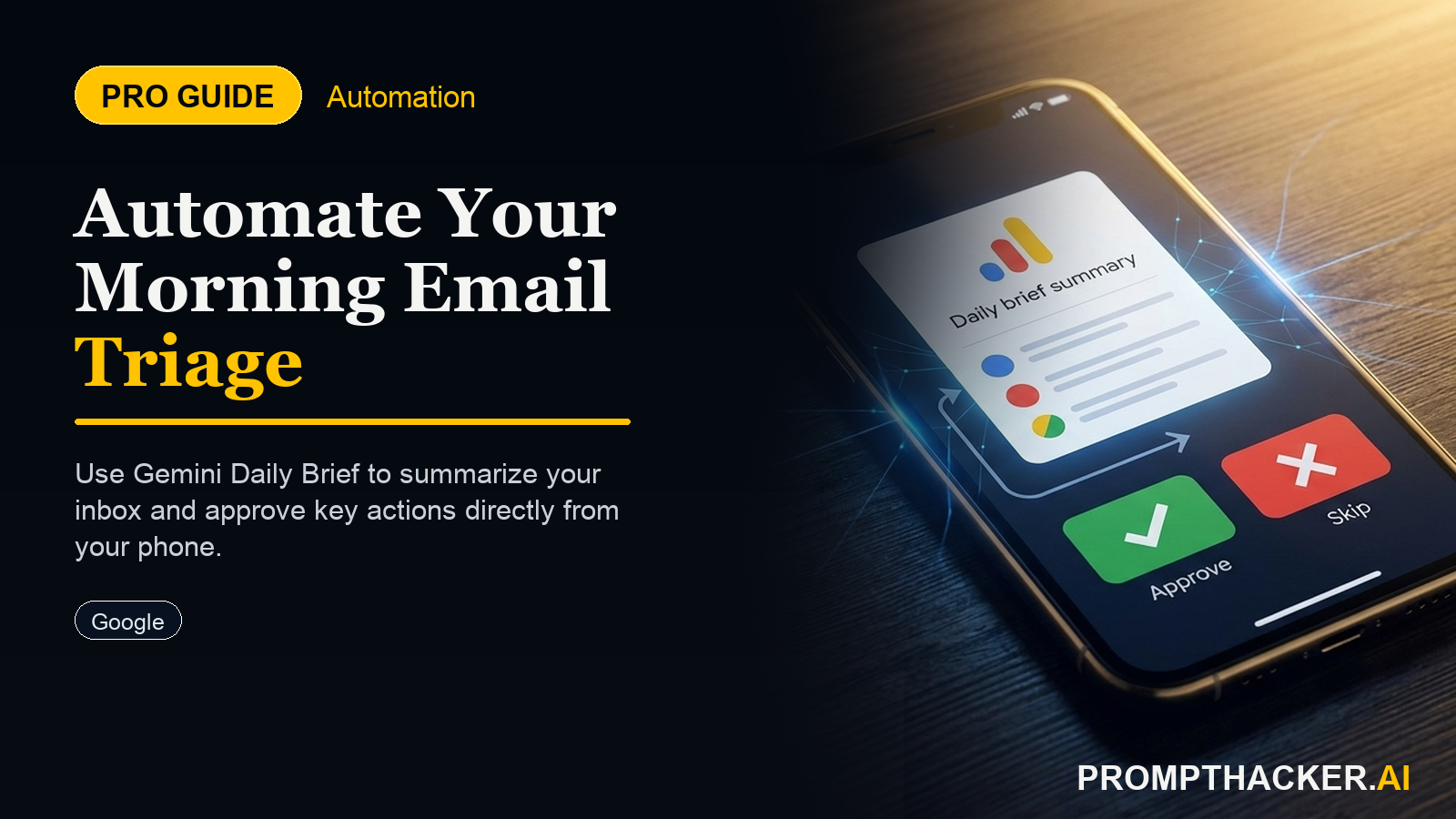
At Google I/O on May 19, Google attacked that exact ritual. The Gemini app became proactive, and the centerpiece is Daily Brief: an agent that works overnight, reads your Gmail, Calendar, and Tasks, and delivers a prioritized morning digest with suggested next steps. It rolled out the same day in the US to Google AI Plus, Pro, and Ultra subscribers.
The distinction that matters is the word prioritized. A summary tells you what is in your inbox. Daily Brief tells you what to do first. That shift, from passive recap to ranked action list, is what makes this worth the setup. The rest of this article covers how to configure it so the ranking actually matches your priorities, plus where the new Spark agent fits.
What Google Actually Shipped
Daily Brief is one of several updates that turned the Gemini app from a chatbot into a proactive assistant. The facts from Google's announcement:
- Availability: the US, on Google AI Plus, Pro, and Ultra plans, in the Gemini app, for users 18 and older.
- Inputs: your connected Gmail, Calendar, and Tasks. You must opt in to connect Google apps for it to work.
- Output: a personalized digest that prioritizes and organizes what matters, with the most important items first and suggested next steps, not just a summary.
- Timing: Gemini gathers information overnight so the brief is ready in the morning.
- Engine: the announcements rode alongside Gemini 3.5 Flash, which runs 4x faster on output tokens with a roughly 1,048,576-token input window.
This sits next to Gemini Spark, a separate 24/7 personal agent for Ultra subscribers that runs on dedicated Google Cloud virtual machines and integrates with Gmail, Docs, and Workspace. Daily Brief is the proactive digest. Spark is the agent that takes actions.
Why This Matters for an Executive
The value is not novelty. It is the elimination of a recurring, low-value task that quietly costs 15 to 20 minutes a day. Across a five-day week that is well over an hour of triage that produces no output, just a starting point.
Daily Brief moves that starting point earlier and makes it sharper. Instead of assembling the picture yourself, you read a ranked list and start executing. The roles that benefit most are the ones drowning in inbound: client-facing leads, founders, operations managers, and anyone whose calendar and inbox are the job rather than a distraction from it.
Step 1: Connect the Right Apps
- Open the Gemini app on a Google AI Plus, Pro, or Ultra plan in the US.
- Go to the Daily Brief setting and enable it.
- Connect Gmail, Calendar, and Tasks when prompted. All three matter: Gmail provides the inbound, Calendar provides the day's shape, and Tasks provides commitments.
- Confirm the first brief arrives the next morning.
Connecting only Gmail gives you a smarter inbox summary. Connecting all three is what produces a real action list, because the agent can cross-reference a meeting with no agenda against an unanswered email from the same client.
Step 2: Give It a Priority Instruction
The default brief is good. A brief told what to rank is far better. Give Gemini an explicit priority order so the digest reflects revenue and deadlines, not just recency.
DAILY BRIEF PRIORITY PROMPT
For my Daily Brief, prioritize in this order: (1) anything from my top five clients [list names], (2) any meeting today that lacks an agenda, (3) any task due in the next 48 hours, (4) any email I have left unanswered for more than two business days. Put unanswered client email at the very top. Skip newsletters, calendar invites I have already accepted, and internal all-hands threads.
This single instruction changes the brief from a tidy recap into a ranked queue. The skip list is as important as the priority list: telling it what to ignore keeps the digest short enough to act on.
Step 3: Use the Brief as a Launchpad, Not a Read
The mistake is treating the brief as something to read and close. Treat it as a queue. Act on the top three items immediately, while the context is fresh, before you open the inbox and get pulled into reactive mode. The whole point is to start the day executing your priorities instead of someone else's.
Where Spark Fits
If you are on the Ultra tier, Gemini Spark extends this from digest to action. Spark is a persistent agent that can take steps on your behalf across Gmail, Docs, and Workspace, with broader third-party tool support planned over the summer. Daily Brief tells you the unanswered client email is the top item; Spark is the layer that could draft the reply for your approval. Start with Daily Brief to build trust in the prioritization, then add Spark for the execution.
Connection and Privacy Considerations
Daily Brief requires connecting your inbox, calendar, and tasks, which is meaningful access. Two practical steps: enable it on the account where this data already lives rather than mixing personal and work, and review the connected-apps settings periodically so you know exactly what Gemini can see. The agent only works on what you connect, so you control the scope by choosing which apps to link.
Action Steps Summary
- Connect all three apps: Enable Daily Brief and connect Gmail, Calendar, and Tasks, since the cross-reference between them is what produces a real action list.
- Set an explicit priority order: Use the priority prompt to rank by client, missing agendas, near-term deadlines, and stale email, and tell it what to skip.
- Treat the brief as a queue: Act on the top three items before opening your inbox to start the day proactively.
- Add Spark if you are on Ultra: Layer the action-taking agent on top once you trust the prioritization.
- Scope your data: Connect only the apps you want analyzed and review connected-apps settings regularly.
Three deep dives. Four useful moves. One email worth opening.
PromptHacker turns the AI firehose into practical next steps for work, health, family, and everything time keeps trying to steal.