Google Gemini Summarizes Documents Directly, Saves 150 Minutes Weekly
A marketing director at a rapidly scaling SaaS startup faces a familiar challenge. Before a critical strategy meeting, they must review a 50-page market research report, digest a lengthy email thread discussing a new product launch, and synthesize a week's worth of Google Chat conversations about customer feedback.
What matters today
A marketing director at a rapidly scaling SaaS startup faces a familiar challenge.
Article roadmap
What you will learn
-
How to eliminate manual reading and extraction of key points from long texts.
-
How to gain 150 minutes back weekly through automated document summarization.
-
How to apply Gemini's summarization within Google Docs, Gmail, and Google Chat.
-
How to accelerate decision-making by quickly grasping complex information.
A marketing director at a rapidly scaling SaaS startup faces a familiar challenge. Before a critical strategy meeting, they must review a 50-page market research report, digest a lengthy email thread discussing a new product launch, and synthesize a week's worth of Google Chat conversations about customer feedback. With only two hours until the meeting, manually sifting through this volume of information is impossible, leading to rushed decisions or missed insights. The director faces information overload, risking a less informed presentation to the executive team.
Without a rapid way to digest information, strategic decisions can be delayed, market opportunities missed, or internal miscommunications perpetuated. This directly impacts project timelines, team efficiency, and ultimately, the company's competitive edge in a competitive market. The constant influx of data demands a new approach to information management.
A significant new update from Google Gemini changes this paradigm, integrating AI directly into your daily information processing workflows. This article details how to harness this powerful capability, giving you back significant time and ensuring you always operate with a clear, concise understanding of critical information.
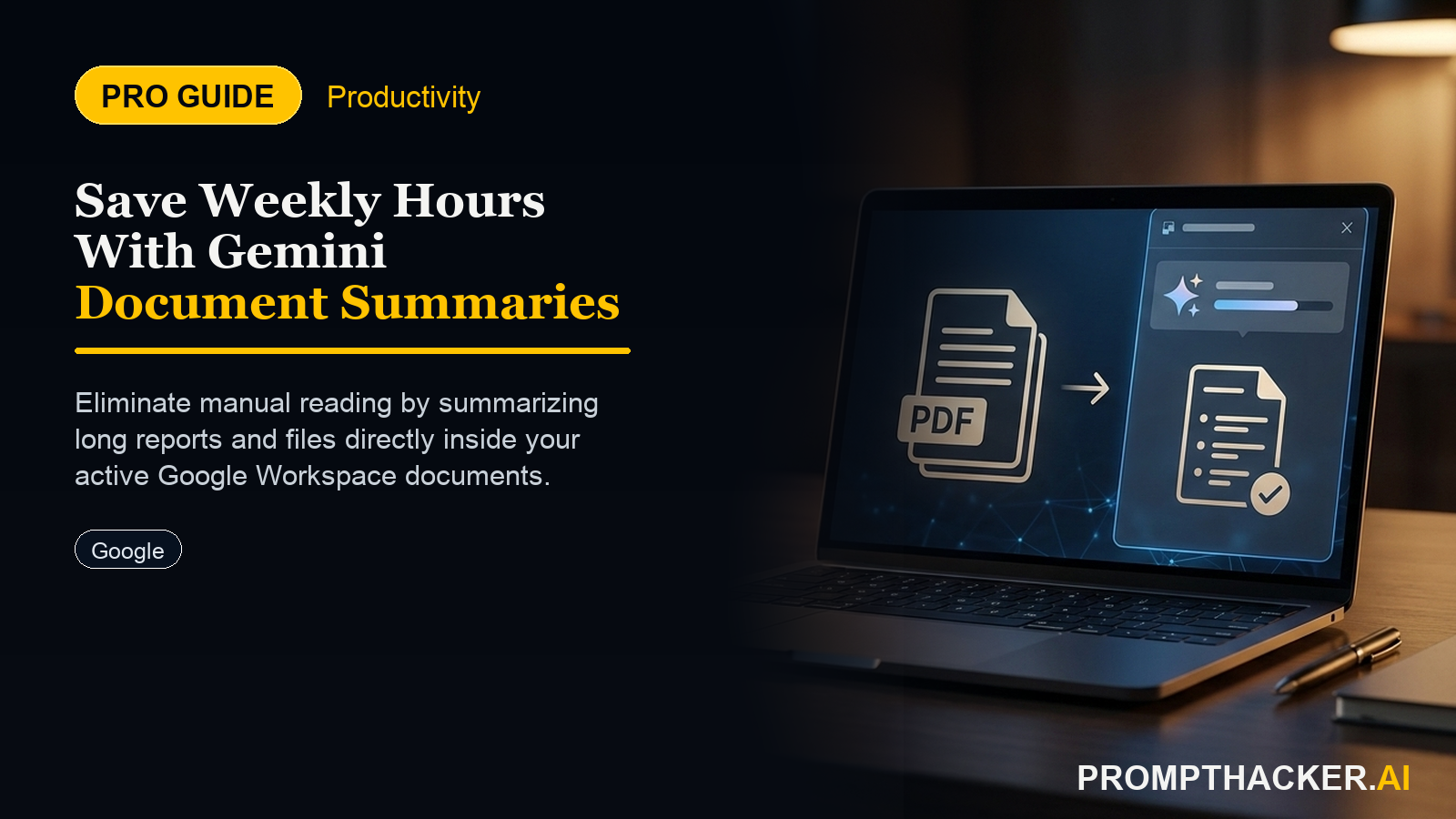
On October 23, 2025, Google Gemini introduced a powerful new feature allowing direct summarization of documents, emails, and chat threads within Google Docs, Gmail, and Google Chat. This enhancement integrates AI directly into daily information processing workflows, providing executives with an immediate solution to information overload and the demands of rapid decision-making. This capability is designed to eliminate the manual burden of reading and extracting key points from lengthy texts, giving executives back approximately 150 minutes per week.
The core functionality of Gemini's summarization is its ability to process vast amounts of text-based content and distill it into concise, actionable summaries. This is not a superficial scan; Gemini identifies key themes, arguments, data points, and conclusions, then reconstructs them into a coherent overview. This capability is particularly impactful for executives who regularly engage with extensive reports, complex legal documents, or long-running digital communications.
Step 1: Access Gemini Integration Within Google Workspace
To begin leveraging Gemini's summarization, executives must first access the integrated AI within their Google Workspace applications. This feature is seamlessly embedded, appearing as a dedicated option within Google Docs, Gmail, and Google Chat interfaces. Typically, you will find Gemini accessible via a sidebar, a contextual menu when selecting text, or a dedicated button within the application's toolbar.
For instance, when working in Google Docs, a Gemini icon or "Summarize" option might appear in the right-hand sidebar or within the "Tools" menu. In Gmail, it could be available when viewing an email thread, offering to condense the entire conversation. Within Google Chat, the option might appear when hovering over a long chat history or specific messages. This direct integration removes the need to copy-paste content into a separate AI tool, streamlining the workflow and minimizing friction.
Step 2: Selecting Content for Summarization
Once Gemini is accessible, the next step involves selecting the specific content you wish to summarize. This feature offers flexibility, allowing you to target entire documents, specific sections, complete email threads, or a defined portion of a chat history. The precision of your selection guides Gemini in focusing its summarization efforts.
Ready to scale your productivity?
Get access to our full library of AI workflows and premium prompt templates.
Three deep dives. Four useful moves. One email worth opening.
PromptHacker turns the AI firehose into practical next steps for work, health, family, and everything time keeps trying to steal.