Build the deck in Gemini, then turn it into a short video
Google can draft a full presentation in Slides and a presenter-led video in Vids, but the useful workflow starts with source control and ends with a human edit.
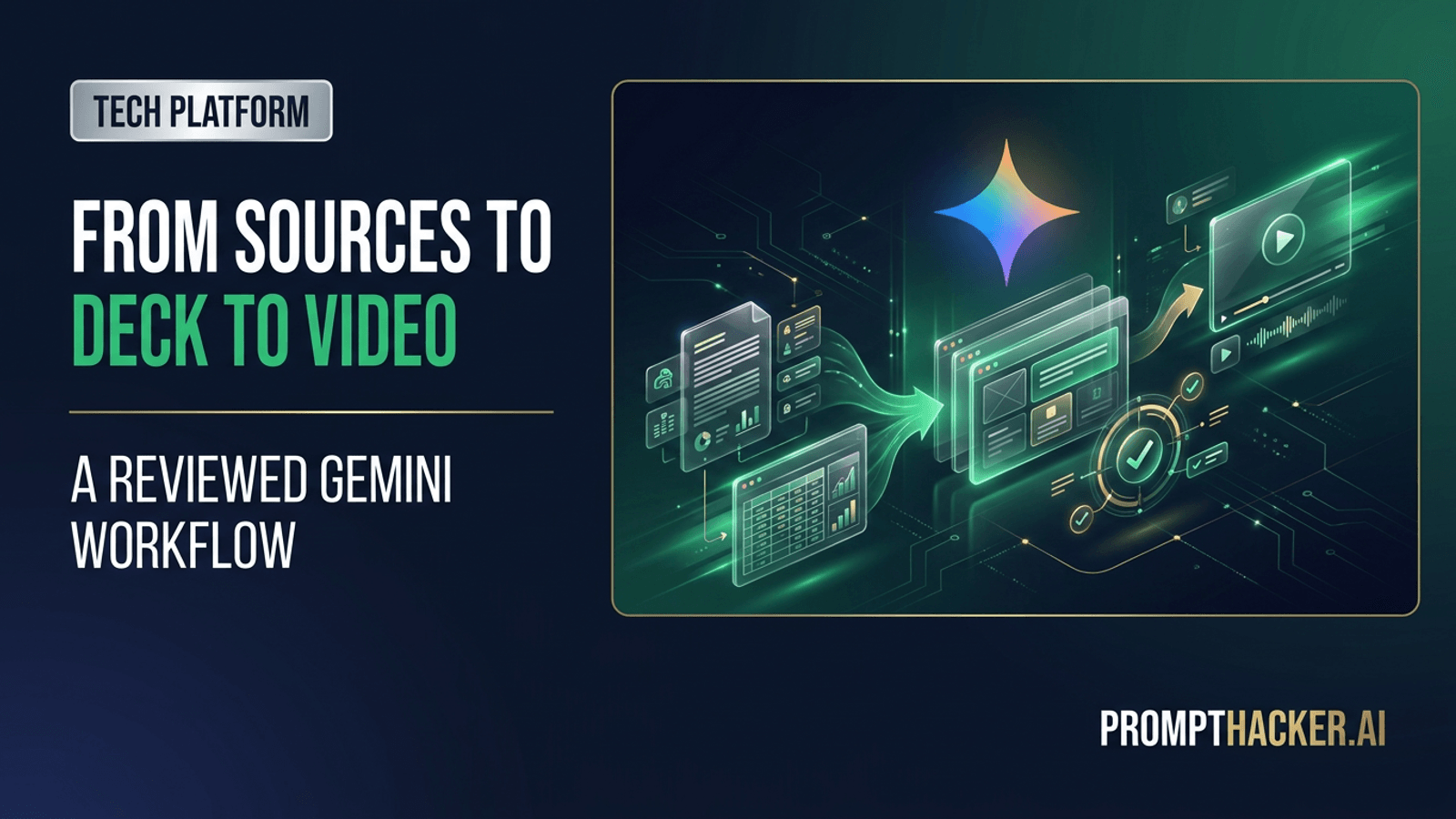
What matters today
Google can draft a full presentation in Slides and a presenter-led video in Vids, but the useful workflow starts with source control and ends with a human edit.
Key points
- What you'll learn
- What Google added
- Start with a presentation contract
- Build the narrative before polishing slides
- Use the reference deck carefully
Article roadmap
What you will learn
-
What Gemini can now generate in Google Slides and Google Vids
-
Which Workspace plans and languages support the new deck workflow
-
How to ground a presentation in source files and an approved visual reference
-
How to reuse the same narrative in a short stakeholder video
-
Which factual, visual, and accessibility checks belong before sharing
Daniel, a strategy lead, has a board update due tomorrow. The analysis exists, but it lives across a planning memo, a spreadsheet, last quarter's deck, and a document full of comments. In this illustrative scenario, the expensive part is not discovering the story. It is assembling twenty slides without dropping a number or drifting away from the company's visual language.
He opens a new Google Slides file, gives Gemini the audience, decision, source files, and reference deck, then asks for a concise structure. The first result is not ready for the board. One chart needs the current quarter, two headlines overstate the evidence, and the final recommendation is too generic. Still, the blank-page work is gone.
After correcting the deck, Daniel uses the same approved narrative in Google Vids. A digital presenter delivers the short version for stakeholders who will not attend the meeting. The presentation and video now share one reviewed source trail, which matters more than the speed of either first draft.
What Google added
Google's July Workspace Feature Drop puts full-deck generation inside Gemini in Slides. A user can describe the presentation, reference supporting Docs, Sheets, PDFs, or existing decks, and receive an editable first draft. Google also says Gemini can use an existing presentation as a style reference, which is the difference between a generic slide set and something closer to a company's established visual system.
In Google Vids, Gemini can help create a complete video, including a script and a digital presenter. Google says the digital presenter feature supports eight languages. The same July update also brought Gemini's image-editing model, Omni Flash, into Slides for tasks such as adding or changing text in an image while trying to preserve its visual style.
The deck workflow has explicit availability limits. Google's dedicated Slides announcement says it is available in English for eligible Business and Enterprise Standard and Plus editions, as well as Google AI Pro and Ultra. Availability can roll out gradually, so confirm the Gemini side panel actually shows the presentation-creation option before committing to a deadline.
The core benefit is not "one prompt creates a finished deck." It is that the system can perform the first assembly pass while keeping the result editable. A team can spend its time checking the argument, data, and design instead of arranging placeholders.
Start with a presentation contract
A good deck request defines an audience and a decision. A topic alone gives Gemini too much room to invent structure.
Use this pattern:
Create a 10-slide presentation for [audience] to decide [decision].
Use only these sources: [Doc], [Sheet], [PDF], and [approved prior deck].
Treat [file] as the source of truth for numbers. If sources conflict, add a
visible note instead of choosing silently.
Use [prior deck] only as the visual reference. Do not copy old facts from it.
Each slide should make one claim, show the supporting evidence, and state the
decision or next step. End with open questions and named owners.
This separates the content source from the design source. Last quarter's deck may be perfect for typography, spacing, and chart treatment while being wrong for current data. Say that directly.
The request also makes conflict visible. A planning memo and spreadsheet often disagree because one was updated later. Gemini should not resolve the conflict through confident prose. A visible note creates a review task for the person who owns the number.
Build the narrative before polishing slides
Deck generation is fastest when the story has a spine. Before accepting layouts, inspect the proposed sequence as a plain outline. A useful executive deck often follows this order:
- The decision or purpose
- What changed since the last review
- The current state, supported by a small number of decisive metrics
- The causes behind the change
- The options and their tradeoffs
- The recommendation
- Risks, unresolved evidence, and next steps
If the outline does not support a decision, prettier slides will not repair it. Ask Gemini to rewrite the sequence before it invests detail in the wrong frame.
Keep each slide focused on one claim. A title such as "Revenue Performance" describes a category. A title such as "Renewals offset half of the new-business shortfall" makes a claim that can be checked. The body should then show the evidence for that claim.
Ask Gemini to label whether a number is actual, forecast, target, or estimate. Those categories are easy to blur when the model compresses several sources. A simple label can prevent a target from appearing as a result.
Use the reference deck carefully
Google says Gemini can reference existing decks to help match a preferred style. That is useful for brand consistency, but visual similarity has limits.
First, choose a reference deck that is actually approved. A random sales deck may contain one-off colors, a retired logo, or a layout designed for a different audience. Second, tell Gemini which elements to borrow: font hierarchy, color palette, title treatment, chart style, and spacing. Third, identify what should not carry over, including old claims, client names, confidential examples, and dated screenshots.
After generation, check the deck at three distances:
- Slide sorter view: Does the sequence alternate naturally between explanation, evidence, and decision? Are five slides repeating the same visual pattern?
- Normal editing view: Are titles, charts, labels, and source notes aligned and readable?
- Presentation view: Can the smallest text be read from the back of a room or on a laptop-sized video call?
Generated decks often overfill slides because the model tries to preserve every detail from the sources. Delete aggressively. The source memo can hold the nuance. The deck should carry the decision path.
Turn the reviewed story into a video
Google Vids can use Gemini to help create a video, and the digital presenter can deliver the script. The efficient sequence is deck first, video second. Do not generate both from separate prompts and hope they agree.
After the deck is reviewed, create a short script from its approved claims. A practical prompt is:
Turn the approved presentation into a three-minute stakeholder update.
Keep the same numbers, recommendation, and open questions. Use plain language.
Do not add facts that are not in the deck. Put the source slide number beside
each paragraph of the script so the reviewer can trace every claim.
Then remove the source markers from the spoken version only after review. The internal script can retain them.
Choose a video format based on the audience. A digital presenter can make a routine update easier to watch, but it is not the right choice for every message. A sensitive personnel change, crisis response, or major strategic recommendation may need a real leader on camera. Convenience should not create emotional distance where accountability matters.
Check pronunciation for names, acronyms, locations, and product terms. Listen to the whole video at normal speed. Captions need their own review because a correct script can still produce an incorrect caption track.
A 45-minute first run
Pick a finished memo or resolved decision whose correct answer is already known. That gives the team something concrete to compare against.
Spend the first ten minutes on the contract and sources. Spend the next ten reviewing the generated outline. Give the deck fifteen minutes for factual and visual corrections. Use the last ten to draft a one-minute Vids version from the approved slides.
Score the run on five checks:
Check | Pass condition
Source control | Every factual claim comes from an allowed file.
Narrative | The slide sequence leads to the named decision.
Data | Numbers match the source and carry a clear status label.
Design | The deck resembles the approved reference without copying old content.
Video | The script matches the reviewed deck and captions are correct.
The timer is not a promise. It creates a common comparison with the normal process. If the team usually spends three hours on a first draft and the reviewed Gemini version takes ninety minutes, the gain is real. If the cleanup takes longer than building the deck manually, narrow the source set or use the tool only for the outline.
Mistakes that make a generated deck look finished too early
The first is accepting a plausible number because it fits the story. Open the source and check it.
The second is treating cited context as current context. A PDF may be authoritative for a policy and obsolete for a forecast. Label the time period each source controls.
The third is mistaking on-brand color for on-brand communication. A deck can match the palette while using vague headlines, decorative charts, and dense paragraphs. Brand consistency includes editorial judgment.
The fourth is letting the video drift. A conversational rewrite may soften an important caveat or turn an estimate into a fact. Compare the final script to the approved deck line by line.
The fifth is assuming a rollout reaches every account at once. Confirm plan, language, and feature availability before making the workflow part of a client commitment.
Action Steps Summary
- Confirm the Slides deck-generation feature is available on the actual Workspace plan and in English.
- Name the audience, decision, controlling data source, and approved visual reference.
- Review the outline before layouts, then verify every number and claim in the editable deck.
- Create the Vids script from the reviewed presentation, not from a separate prompt.
- Check pronunciation, captions, accessibility, and final sharing permissions before distribution.
PromptHacker Premium helps Executives turn new AI features into reviewable workflows with fewer blank pages and stronger evidence.
Sources
Three deep dives. Four useful moves. One email worth opening.
PromptHacker turns the AI firehose into practical next steps for work, health, family, and everything time keeps trying to steal.