Gemini Spark Is Live: How to Set Up Google's 24/7 AI Agent Before Your Competition Does
Every AI assistant promises to save you time. Most of them require you to open a new tab, paste context, run a prompt, and copy the output back into your actual tools. That is not automation. That is a slightly faster version of doing it yourself.
What matters today
Every AI assistant promises to save you time. Most of them require you to open a new tab, paste context, run a prompt, and copy the output back into your actual tools. That is not automation.
Article roadmap
What you will learn
-
What Gemini Spark actually does vs. what Google's marketing says it does
-
The exact setup steps to activate Spark in Gemini Enterprise
-
The five best recurring tasks to delegate in your first week
-
How approval gates work and which settings protect you from runaway automation
-
How Spark compares to Microsoft Copilot agents and Claude Cowork
Every AI assistant promises to save you time. Most of them require you to open a new tab, paste context, run a prompt, and copy the output back into your actual tools. That is not automation. That is a slightly faster version of doing it yourself.
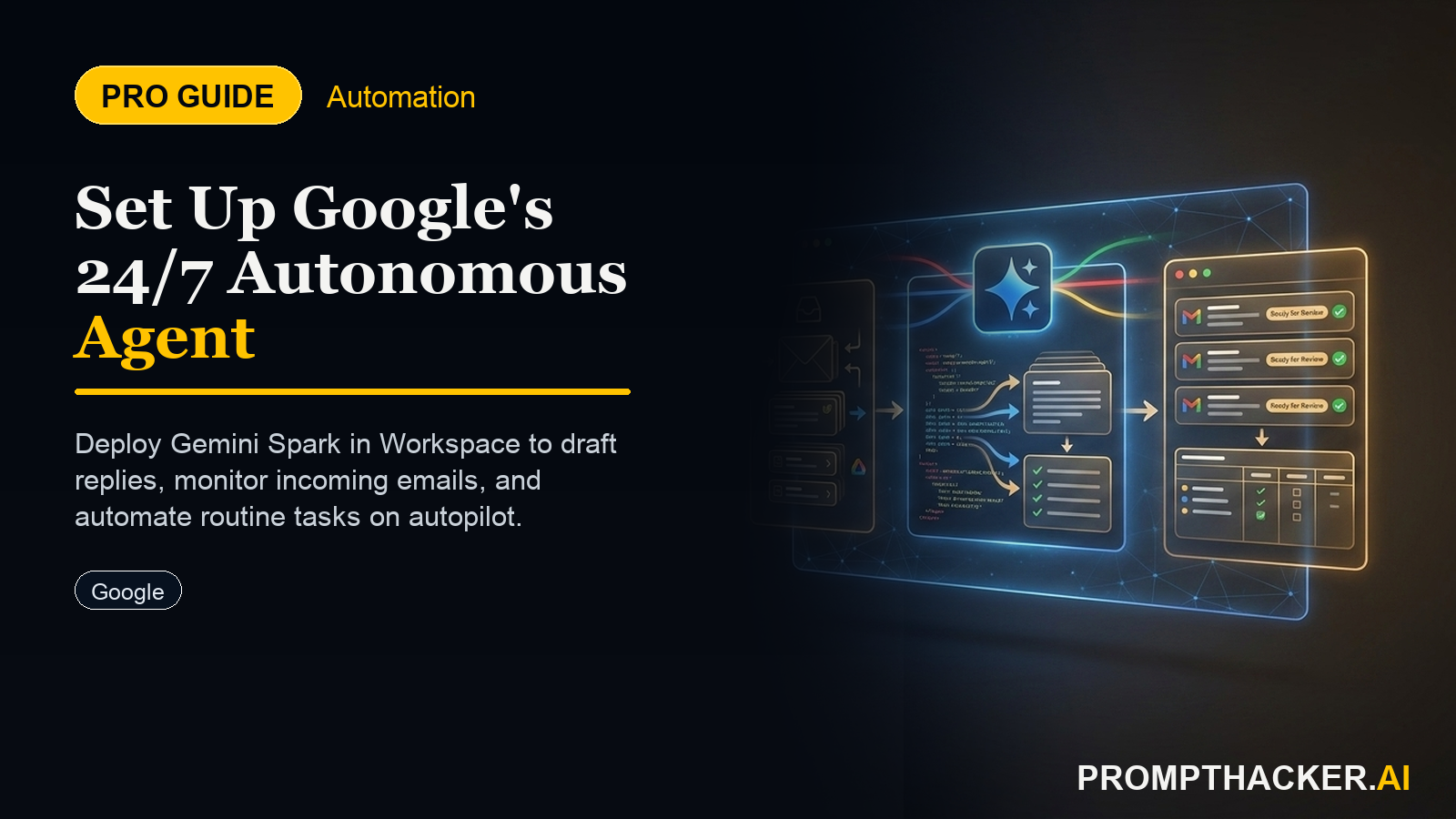
Gemini Spark, announced at Google I/O 2026 on May 20, is structured differently. It lives inside the tools you already use, Gmail, Google Docs, SharePoint, OneDrive, and it executes multi-step tasks autonomously, on a schedule you set, without requiring you to open anything. It sends you a summary when it is done and holds anything high-risk, outbound emails, shared file edits, for your explicit approval.
For executives who manage 150+ emails per day and run recurring document workflows across multiple teams, this is not a marginal improvement. It is the first Google product that removes work from your plate rather than adding a new interface to your day.
This is a PromptHacker Premium deep dive.
The setup steps, approval gate configurations, and the 5 best tasks to delegate on day one are below the paywall.
What Gemini Spark Actually Does
Gemini Spark is an autonomous AI agent that runs inside your Gemini Enterprise account on Google Cloud infrastructure. Unlike a chatbot, it does not wait for you to type a prompt. You define a task and a trigger (time-based or event-based), and Spark executes it, logs its actions, and queues approvals for anything that would send or modify something externally.
Spark connects to your Google Workspace data natively, Gmail, Drive, Calendar, Docs, Sheets, and also supports third-party connectors including Microsoft SharePoint, OneDrive, and ServiceNow. Data Loss Prevention (DLP) policies route all traffic through a secure Agent Gateway, so your company's compliance posture applies to everything Spark touches.
The most important architectural difference from tools like Zapier or Microsoft Power Automate: Spark does not require you to build a flowchart of conditions. You describe the task in natural language and Spark figures out the steps. If a step requires judgment, it surfaces a recommendation and waits for your decision.
How to Set Up Gemini Spark in Under 15 Minutes
Step-by-Step Setup
- Confirm Gemini Enterprise access. Spark requires Gemini Enterprise ($30/user/month as a Workspace add-on) or AI Ultra ($100/month). If you are on AI Pro ($20), you will need to upgrade. Check under Gemini app settings.
- Navigate to the Spark Agent panel. In the Gemini Enterprise app (app.google.com/gemini), click your profile icon and select Settings. Find "Spark Agent" in the left sidebar. If it is not visible, your organization's Workspace admin needs to enable Spark at the admin console level first.
- Connect your Gmail and Google Drive. Click "Add connections" and authorize Gmail (read and compose) and Google Drive (read and edit). These are the two connections you need for 80% of useful tasks.
- Set your first task. Click "New Task" and type a plain-language description. Start simple: "Every weekday at 7:45am, check my Gmail for unread messages from [your key domains]. For each, label it Action Required, FYI, or Can Delete. For Action Required messages, draft a one-sentence reply and queue it for my review. Do not send anything."
- Configure approval gates. In task settings, set the approval level to "All outbound email requires my confirmation" and "All shared Drive edits require my confirmation." These are the two guardrails that prevent Spark from acting beyond its scope.
- Run a test. Click "Run now" and review Spark's first output in the Activity Log. Expect 5, 10 minutes for the first run as it processes your inbox history to calibrate.
The 5 Best Tasks to Delegate to Spark in Week One
Based on Gemini Spark's current connector set, these five workflows represent the highest time-to-value ratio for executive and senior operations roles:
How Spark Compares to Microsoft Copilot Agents and Claude Cowork
The honest assessment: if your team lives in Gmail and Google Docs, Spark has a clear edge over Copilot agents because the native connectors require zero configuration. If your team lives in Outlook and SharePoint, Agent 365 is the more direct choice. Claude Cowork excels at file-heavy desktop workflows but does not yet run scheduled background tasks.
Action Steps Summary
- Confirm Gemini Enterprise access in your Workspace admin console
- Enable Spark Agent in Gemini app settings and connect Gmail + Drive
- Set approval gates before activating any task
- Start with inbox triage on weekday mornings only
- Review the Activity Log daily for the first two weeks to teach preferences
Three deep dives. Four useful moves. One email worth opening.
PromptHacker turns the AI firehose into practical next steps for work, health, family, and everything time keeps trying to steal.