PH PROMPTHACKER.AI

Google Gemini Advanced Deepens Workspace Integration for Productivity

Integrate Gemini Advanced across Google Workspace for AI-powered drafting, summarization, and analysis, boosting daily productivity.

December 3, 2025 9 min read
google gemini advanced workspace integration productivity
Quick Scan

What matters today

Integrate Gemini Advanced across Google Workspace for AI-powered drafting, summarization, and analysis, boosting daily productivity.

Format PRODUCTIVITY GEM
Audience Executives using AI at work
Time 9 min read
Topic Gemini

Key points

  • 1. Streamlining Document Drafting and Content Creation in Google Docs
  • 2. Accelerating Information Synthesis with Summarization in Google Docs and Gmail
  • 3. Enhancing Data Analysis and Insight Generation in Google Sheets
  • 4. Automating Presentation Creation in Google Slides
  • Implementing a Review Process for AI-Generated Content

What you will learn in this article:

  • How to utilize Gemini Advanced within Google Docs to draft comprehensive reports and marketing materials, saving 30% of initial writing time.
  • How to summarize lengthy documents and email threads directly in Docs and Gmail, reducing reading time by 45 minutes per day.
  • How to leverage Gemini Advanced in Google Sheets for instant data analysis and trend identification, accelerating decision-making by 24 hours.
  • How to generate presentation slides from existing documents in Google Slides, cutting presentation preparation time by 60%.
  • How to implement a review process to ensure AI-generated content aligns with company standards and factual accuracy.

A regional sales director, responsible for a team of 15, faces a constant deluge of information: weekly sales reports, competitor analyses, internal strategy documents, and client communication. Preparing for Monday morning's pipeline review meeting requires hours of sifting through data, summarizing performance, and drafting updates for the executive team. The director often spends late nights manually extracting key insights and translating them into presentation-ready formats, diverting critical time from strategic planning and team coaching. This manual effort leads to burnout and a reactive approach to market shifts, rather than a proactive one.

Without efficient tools, executives risk missing crucial trends, delivering delayed insights, and dedicating excessive hours to administrative tasks that could be automated. This not only hampers individual productivity but also slows down strategic responses across the entire organization, potentially impacting revenue growth and competitive standing. The ability to quickly synthesize information and generate high-quality content is no longer a luxury, but a necessity for maintaining an edge in a data-rich environment.

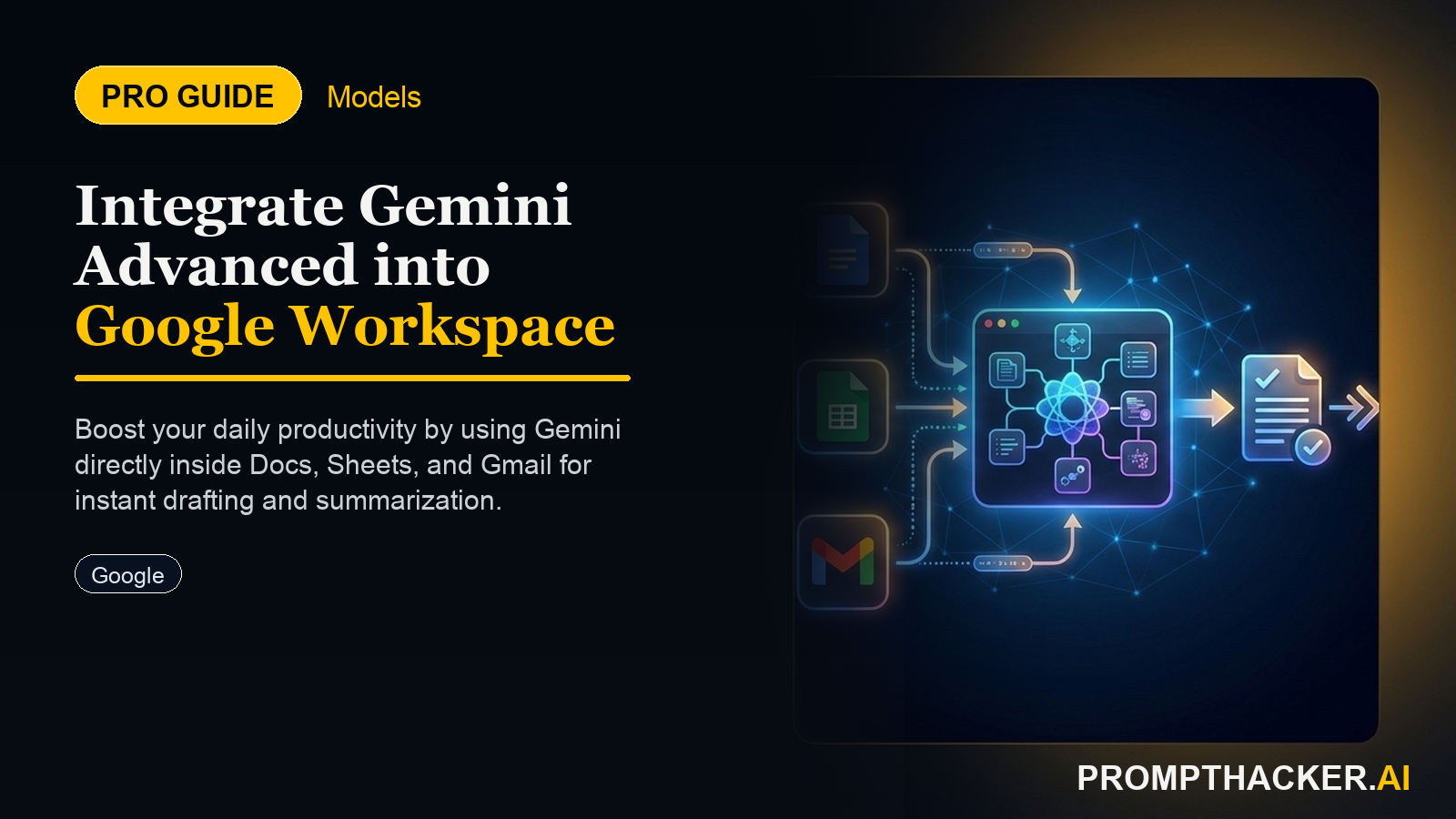
This article details how Google Gemini Advanced, with its expanded integration across Google Workspace, can fundamentally alter this workflow. Executives can now use AI to draft, summarize, and analyze directly within Docs, Sheets, and Slides. Learn how to implement these capabilities to streamline content creation, accelerate data interpretation, and transform your daily operational efficiency, freeing up valuable time for strategic initiatives.

The expanded integration of Google Gemini Advanced into Google Workspace represents a significant leap in daily productivity for executives. By embedding AI directly into Docs, Sheets, and Slides, Google enables a workflow where AI serves as an intelligent co-pilot, assisting with everything from initial content generation to complex data interpretation. This deep integration means executives no longer need to switch between applications or copy-paste content, reducing friction and accelerating output.

1. Streamlining Document Drafting and Content Creation in Google Docs

Executives frequently spend hours drafting internal memos, client proposals, marketing briefs, and strategic outlines. Gemini Advanced can initiate these documents, providing a structured starting point that saves substantial time. This capability is particularly useful for recurring document types or when facing a blank page.

  • How it works: Within a Google Doc, executives can prompt Gemini Advanced to generate initial drafts based on specific parameters. Gemini accesses contextual information within the document or linked sources, producing content that is relevant and structured.
  • Real-world scenario: A Chief Marketing Officer (CMO) needs to draft a comprehensive brief for an upcoming product launch. Instead of starting from scratch, the CMO can prompt Gemini Advanced within a new Google Doc. Verbatim Prompt "Draft a 1,200-word marketing brief for the 'Quantum Leap' product launch. Include sections for target audience, key messaging, competitive analysis, and proposed campaign channels. Reference the attached 'Product Spec Sheet' for technical details and the 'Market Research Q2 2025' document for audience insights."
  • Why it works: Gemini processes the prompt and the referenced documents, generating a structured brief that includes relevant data points and initial messaging. This provides a solid foundation, saving the CMO approximately 90 minutes of initial drafting time. The CMO then refines the AI-generated content, adding nuanced strategic directives and brand voice.
  • Edge cases and fixes: The AI might occasionally misinterpret context or generate generic content if the input prompt lacks specificity. To mitigate this, executives should provide clear, detailed instructions and specific documents for reference. If the initial draft is too broad, refine the prompt by adding constraints like "focus on B2B enterprise clients" or "emphasize sustainability benefits." Always review AI-generated content for accuracy, tone, and factual correctness before internal or external distribution.

2. Accelerating Information Synthesis with Summarization in Google Docs and Gmail

Executives are bombarded with lengthy reports, research papers, and email threads. The ability to quickly grasp the core information is crucial for informed decision-making. Gemini Advanced's summarization feature significantly reduces the time spent on reading and extracting key points.

  • How it works: Directly within a Google Doc or a Gmail thread, Gemini Advanced can condense large bodies of text into concise summaries. It identifies main arguments, key data points, and actionable conclusions.
  • Real-world scenario: A Chief Financial Officer (CFO) receives a 45-page quarterly earnings report from a subsidiary. Instead of reading the entire document, the CFO can use Gemini Advanced. Verbatim Prompt (in Google Docs) "Summarize this quarterly earnings report into a 2-paragraph executive overview, highlighting net profit, revenue growth, and any significant variances from the previous quarter. Also, list 3 key risks identified in the report."
  • Why it works: Gemini processes the entire document and extracts the requested financial metrics, growth figures, and risk factors into a digestible summary. This allows the CFO to quickly understand the subsidiary's performance in under 5 minutes, saving approximately 75 minutes of reading time. The CFO can then focus on specific sections for deeper analysis if needed.
  • Edge cases and fixes: Summaries may sometimes omit critical details if the prompt is too restrictive or if the AI misses subtle nuances. For complex documents, consider asking for multiple summaries with different focuses (e.g., one for financial performance, another for operational challenges). Always cross-reference critical figures with the original document, especially for financial or legal texts, to ensure no discrepancies exist.

3. Enhancing Data Analysis and Insight Generation in Google Sheets

Google Sheets is a vital tool for financial modeling, sales tracking, and operational analytics. Gemini Advanced brings AI-powered analysis capabilities directly into spreadsheets, enabling executives to rapidly identify trends, anomalies, and actionable insights without complex manual formula creation or data manipulation.

  • How it works: Within a Google Sheet, executives can ask Gemini Advanced natural language questions about their data. Gemini can perform calculations, identify patterns, and even suggest visualizations.
  • Real-world scenario: A Vice President of Sales needs to analyze regional sales performance for the past fiscal year to identify underperforming territories and potential growth areas. The sales data is spread across multiple tabs in a Google Sheet. Verbatim Prompt (in Google Sheets) "Analyze the 'Q1 Sales', 'Q2 Sales', 'Q3 Sales', and 'Q4 Sales' tabs. Identify the top 3 and bottom 3 performing regions by total revenue for the entire year. Suggest 2 actionable strategies for improving performance in the lowest-performing region, considering product mix and customer demographics from the 'Customer Data' tab."
  • Why it works: Gemini Advanced aggregates data from the specified tabs, performs the necessary calculations, and identifies the requested regions. Crucially, it then uses information from the 'Customer Data' tab to formulate strategic recommendations. This process, which would typically take a financial analyst several hours, is completed by Gemini in minutes, providing the VP of Sales with immediate, data-driven insights to prepare for a strategy meeting. This accelerates decision-making by 24 hours.
  • Edge cases and fixes: AI analysis is only as good as the data provided. Inaccurate, incomplete, or inconsistently formatted data can lead to flawed insights. Ensure data cleanliness and consistent labeling across all tabs. If Gemini's suggestions seem off, review the underlying data for errors or ask Gemini to explain its reasoning. For highly sensitive data, understand Google's data handling policies and ensure compliance.

4. Automating Presentation Creation in Google Slides

Preparing presentations can be time-consuming, especially when converting existing documents into a visual format. Gemini Advanced in Google Slides automates much of this process, allowing executives to focus on refining their message rather than formatting.

  • How it works: Gemini Advanced can take a Google Doc or a summary of key points and automatically generate a presentation, complete with slide layouts, content, and sometimes even speaker notes.
  • Real-world scenario: A CEO needs to prepare a board meeting presentation based on the annual strategic review document, which is a 30-page Google Doc. Verbatim Prompt (in Google Slides) "Generate a 12-slide presentation from the 'Annual Strategic Review 2025' Google Doc. Focus on the key strategic pillars, Q1 objectives, and the financial outlook for the next fiscal year. Include concise bullet points for each slide and draft speaker notes for the first 5 slides." Pierre Bradshaw Founder, PromptHacker.ai
  • Why it works: Gemini processes the strategic review document and automatically structures a presentation, extracting key information and arranging it into a logical flow across 12 slides. It even drafts initial speaker notes, saving the CEO approximately 3 hours of presentation preparation time. The CEO can then fine-tune the visuals, add specific anecdotes, and rehearse the delivery.
  • Edge cases and fixes: AI-generated presentations may require significant aesthetic refinement to match specific branding guidelines or personal presentation styles. The initial layout might be functional but not visually striking. Executives should view the AI-generated presentation as a first draft, focusing on content accuracy and flow, then dedicating time to design and visual polish. Always review speaker notes for tone and accuracy.

Implementing a Review Process for AI-Generated Content

While Gemini Advanced offers immense productivity gains, a critical human oversight layer is essential. Executives must implement a structured review process for all AI-generated content to ensure accuracy, brand consistency, and compliance. This involves:

  • Fact-Checking: Verify all data points, statistics, and factual claims against primary sources.
  • Brand Voice and Tone: Ensure the AI-generated text aligns with the company's established communication guidelines.
  • Contextual Relevance: Confirm that the content addresses the specific needs and nuances of the intended audience.
  • Compliance: Review for any potential legal, ethical, or regulatory issues, especially in sensitive areas like finance, HR, or healthcare.
  • Refinement: Treat AI output as a strong first draft. Human editing adds depth, personality, and strategic insight that AI cannot yet fully replicate.

This comprehensive approach maximizes the benefits of Gemini Advanced while mitigating potential risks, ensuring high-quality output every time.

Action Steps Summary

  • Draft Documents with AI: Initiate new reports, briefs, or proposals in Google Docs using Gemini Advanced prompts, referencing existing materials to save initial writing time.
  • Summarize Information Efficiently: Employ Gemini Advanced within Google Docs and Gmail to condense lengthy documents and email threads, quickly extracting key insights and reducing reading workload.
  • Analyze Data in Sheets: Leverage Gemini Advanced in Google Sheets to perform rapid data analysis, identify trends, and generate actionable strategies using natural language queries.
  • Create Presentations Automatically: Generate initial presentation slides from Google Docs in Google Slides, allowing for quicker preparation and focus on refining the message and visuals.

Bottom line

The value of Google Gemini Advanced Deepens Workspace Integration for Productivity is repetition. Run it on one real task, save the version that works, and turn the result into a small weekly habit instead of another one-time AI experiment.

About the author

Pierre Bradshaw Founder, PromptHacker.ai

Pierre has spent 25+ years building growth systems across fintech, real estate, lending, campaigns, and AI workflows, with machine-learning work dating back to 2012.

If you have any questions or comments about Google Gemini Advanced Deepens Workspace Integration for Productivity feel free to reach out. I'd love to hear from you.

Contact Pierre
Free weekly briefing

Three deep dives. Four useful moves. One email worth opening.

PromptHacker turns the AI firehose into practical next steps for work, health, family, and everything time keeps trying to steal.