PH PROMPTHACKER.AI
Issue 27 | Google Gemini, Microsoft Copilot, and the No-Code AI Tool Revolution

Google Gemini, Microsoft Copilot, and the No-Code AI Tool Revolution

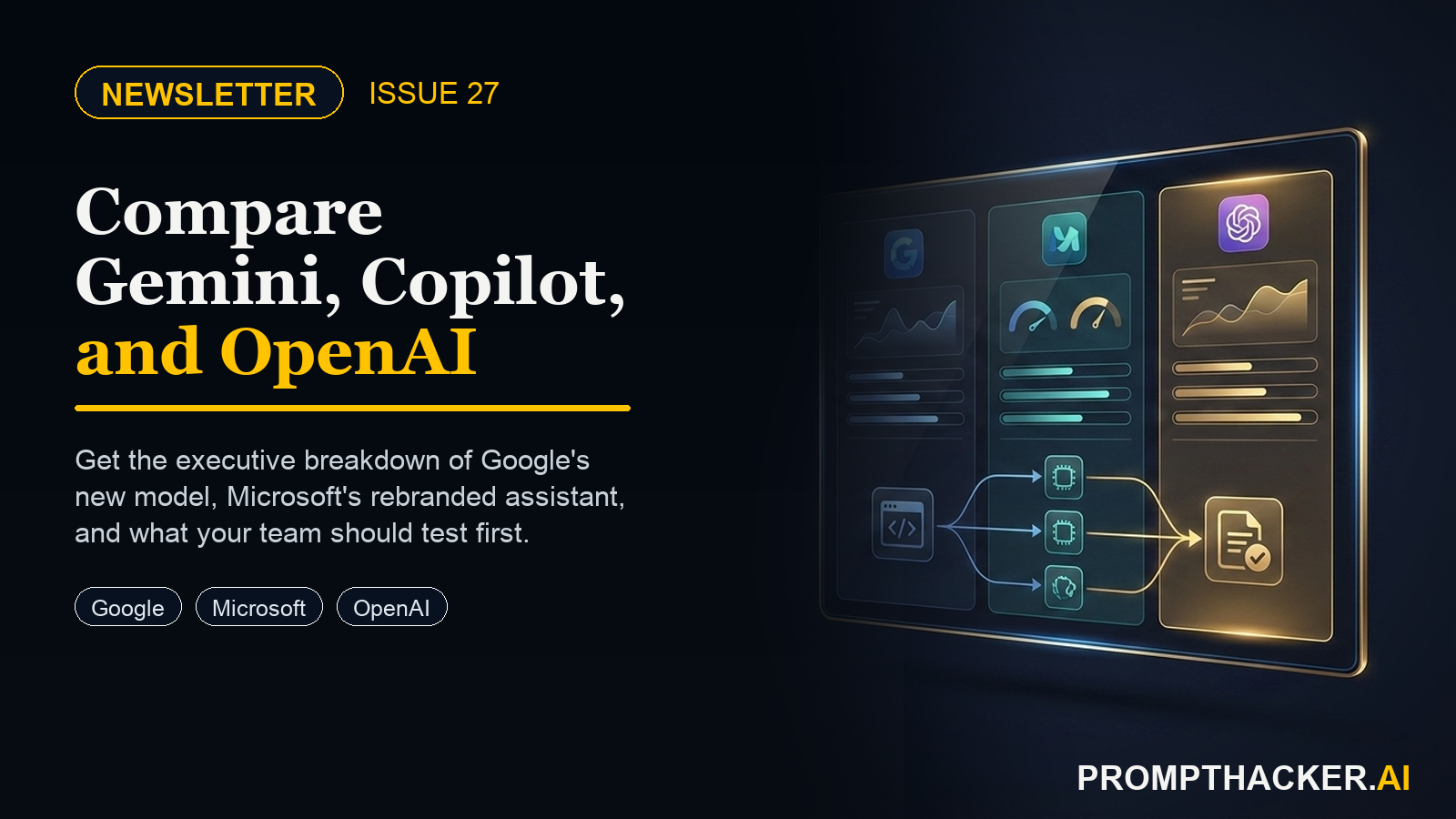
Three announcements in six weeks just rewired the AI landscape for executives. Google launched Gemini to challenge ChatGPT head-on, Microsoft rebranded Bing Chat as Copilot and gave it a home on every Windows 11 desktop, and OpenAI quietly handed non-engineers the ability to build custom AI tools with no code required.
7 min read
Quick Scan

What matters today

Three announcements in six weeks just rewired the AI landscape for executives. Google launched Gemini to challenge ChatGPT head-on, Microsoft rebranded Bing Chat as Copilot and gave it a home on every Windows 11 desktop, and OpenAI.

Format Weekly newsletter issue
Audience Executives using AI at work
Time 7 min read
Topic Google Gemini, Microsoft Copilot, and the No-Code AI Tool Revolution

Welcome byte

Three announcements in six weeks just rewired the AI landscape for executives. Google launched Gemini to challenge ChatGPT head-on, Microsoft rebranded Bing Chat as Copilot and gave it a home on every Windows 11 desktop, and OpenAI quietly handed non-engineers the ability to build custom AI tools with no code required.

Quick Hits

#01

Five quick hits below, three deep dives with step-by-step executive action plans, one prompt you can copy today for weekly briefings, and one recurring workflow for AI-assisted status reports.

01 / Quick Hits

#02

Google: Gemini Pro Launches in Bard

Google's Gemini Pro model is now live in Bard across 170+ countries, outperforming GPT-3.5 on 30 of 32 academic benchmarks at no extra cost.

#03

Executive angle: Log into bard.google.com with your work account and run a document summarization test against your current ChatGPT workflow before the end of this week.

Top Updates

Upgrade to PromptHacker Premium for the full archive of executive AI playbooks.

Pro Tip

The 10-Minute Executive Briefing Prompt

Tools: ChatGPT Plus (GPT-4) | Time: 10 min | Level: Beginner

Most executives waste 45 minutes drafting weekly briefings because they give ChatGPT vague instructions. A well-designed prompt defines the audience, specifies the exact output format, and gives the model enough raw material to work with. The prompt below does all three and produces a decision-ready briefing in under 10 minutes from raw bullet points.

The Prompt

Why it works: The prompt constrains the output format explicitly. ChatGPT performs better with specific structure to fill than with creative latitude for format. The word count limit prevents padding. The audience context field is the most important: the more specific the description, the more calibrated the output.

Best for: Chiefs of Staff, Executive Assistants, VPs of Operations, and any executive producing weekly status communications for senior stakeholders.

Deep dive: The 10-Minute Executive Briefing Prompt ->

04 / Productivity Gem

The Friday Status Report Workflow

Tools: ChatGPT Plus | Saved: 40-80 min/week

A recurring Friday workflow that turns unorganized bullet points into three audience-calibrated status reports in under 12 minutes. The same raw notes produce a VP update, a cross-functional team update, and a client update by asking ChatGPT to reformat for each audience after the first draft.

  • 4:00pm: Open a blank text field and spend 3 minutes dumping the week's activity as unorganized bullets. No sentences, no structure, just everything that happened.
  • 4:03pm: Open your saved status report prompt template, paste the bullets into the RAW NOTES section, and submit to ChatGPT (GPT-4).
  • 4:04pm: Read the draft for accuracy, correct one or two factual details, and send the first report.
  • 4:08pm: Send a follow-up message: 'Rewrite this for [next audience]. They care most about [their priorities]. Simplify accordingly.' Repeat for each additional audience.

The Prompt

Time savings: Saves 40-80 minutes per week for executives writing 1-3 status reports. Reports consistently go out Friday afternoon instead of Monday morning, improving stakeholder confidence without changing the underlying work.

Deep dive: The Friday Status Report Workflow ->

Three AI platforms made significant moves in the past six weeks: Google with Gemini, Microsoft with Copilot, and OpenAI with GPT Builder. Each one is immediately actionable for executives this week, not next quarter.

The executives who run structured evaluations now, while most organizations are still in 'wait and see' mode, will have adoption data, workflow templates, and team proficiency ready when procurement cycles open in Q1 2024.

Forward this issue to one executive you respect. The AI decisions being made right now will compound for the next 12 months.

Premium Upgrade

Deep dive

The 10-Minute Executive Briefing Prompt for ChatGPT

One prompt that turns raw notes into a polished executive briefing every week. Copy, paste, and customize for your industry.

Copy-ready guide

Productivity Gem

#2 Microsoft: Bing Chat Becomes Copilot

Microsoft officially rebranded Bing Chat to Copilot in December 2023, launching copilot.microsoft.com as the standalone GPT-4-powered destination for all users.

Executive angle: Visit copilot.microsoft.com with your Microsoft work account today to confirm which tier of access your organization already has.

Read more ->

#3 OpenAI: GPT Builder Opens to Plus Users

OpenAI's no-code GPT Builder is now available to all ChatGPT Plus and Enterprise accounts, with over 3 million custom GPTs already built since the November 2023 launch.

Executive angle: Identify your team's most-asked internal knowledge question and spend 30 minutes this week building a GPT that answers it.

Read more ->

#4 Mistral AI: Mixtral 8x7B Released Open-Source

Mistral AI released Mixtral 8x7B, an open-source mixture-of-experts model that rivals GPT-3.5 performance at a fraction of the operating cost.

Executive angle: Engineering teams evaluating self-hosted AI should add Mixtral to the benchmark list alongside GPT-3.5 and Gemini Pro.

Read more ->

#5 Perplexity AI: $73.6M Series B at $520M Valuation

Perplexity AI closed a $73.6M Series B round, valuing the AI-powered search startup at $520M as it positions against Google and ChatGPT for research-heavy workflows.

Executive angle: Executives who do frequent competitive research should trial Perplexity Pro as an alternative to manual Google searches with AI summarization.

Read more ->

02 / Top AI Updates | 3 Deep Dives

# 01 / 03

Gemini Launched: What Executives Need to Know Right Now

Google's Gemini model family went live December 6, 2023, with Gemini Pro immediately available in Bard across 170+ countries at no cost. Gemini Ultra scores 90.04% on MMLU, the first model to surpass human expert performance on that benchmark. The question for executives is not whether Gemini is impressive but whether it fits the workflows their teams already run.

Business Impact

Eliminates: The cost premium for AI search and summarization over GPT-3.5 for Google Workspace teams

Time back: 15-20 minutes per day for teams that replace manual research with Gemini Pro at zero incremental cost

Best for: Executives running Google Workspace-first organizations evaluating whether to consolidate AI spend

Executive Action Steps

  • Log into bard.google.com with your Google Workspace account to confirm Gemini Pro access.
  • Run the three-test comparison: summarization, email drafting, and research summary against your current ChatGPT output.
  • Review the Google One AI Premium page ($19.99/month) for Gemini Ultra access if your team needs the highest-tier model.
  • Set a 30-day parallel evaluation period before making any platform consolidation decision.

Why it matters: The free-tier upgrade from GPT-3.5 to Gemini Pro is real and immediate for any executive willing to run a structured comparison before committing.

Deep dive: Google Gemini Launch Executive Guide ->

# 02 / 03

Microsoft rebranded Bing Chat to Copilot in December 2023, making copilot.microsoft.com the new standalone destination powered by GPT-4. Microsoft 365 Copilot ($30/user/month) integrates directly into Teams, Word, Excel, PowerPoint, and Outlook with enterprise data governance. For organizations already on Microsoft 365 Business Standard or higher, the upgrade path is already in place.

Business Impact

Eliminates: Manual meeting note-taking, email thread summarization, and blank-page document drafting for Microsoft 365 users

Time back: 45-60 minutes per day for executives in 4+ meetings with Copilot handling summaries and action item drafts

Best for: Microsoft 365 organizations where executives spend significant time on meeting follow-up and report drafting

Executive Action Steps

  • Visit copilot.microsoft.com with your work Microsoft account to confirm current access tier.
  • Request a 30-day Microsoft 365 Copilot trial for 5-10 executives from your IT administrator or Microsoft account representative.
  • Enable Copilot in Teams for one week and track time saved on meeting summaries and action item follow-ups.
  • Use the pilot data to build a per-seat ROI calculation before the next procurement cycle.

Why it matters: For organizations paying for Microsoft 365, Copilot is the same GPT-4 capability already embedded in every app the team uses daily, with no context switching required.

Deep dive: Microsoft Copilot Business Guide ->

# 03 / 03

Build Your Own AI Tool: OpenAI GPT Builder for Executives

OpenAI's GPT Builder, available to all ChatGPT Plus and Enterprise accounts since November 2023, lets any user create a custom AI assistant from uploaded documents and plain-language instructions with no code required. Custom GPTs can serve as internal policy bots, sales playbook coaches, brand voice copywriters, and executive briefing preparers. The GPT Store launches in January 2024 for public sharing.

Business Impact

Eliminates: Repetitive internal knowledge questions routed to HR, legal, sales ops, and marketing teams

Time back: 30-45 minutes per week per team member who currently looks up the same internal information repeatedly

Best for: Executives looking to reduce internal knowledge bottlenecks without engineering resources or IT tickets

Executive Action Steps

  • Go to chat.openai.com, click your profile picture, select 'My GPTs,' and click 'Create a GPT.'
  • Describe the GPT's purpose in plain language in the builder conversation (e.g., 'Answer questions about our sales playbook like an experienced sales coach').
  • Switch to the Configure tab, upload your source documents under 'Knowledge,' and set conversation starters.
  • Save with 'Only people with a link' sharing and distribute to 3-5 team members for a one-week pilot test.

Why it matters: Custom GPTs put the ability to build internal AI tools directly in the hands of executives, with no engineering team required and no timeline dependency.

Deep dive: OpenAI GPT Builder Custom Tools ->

03 / Pro Tip

Productivity gem

Google Gemini Launched: What Executives Need to Know Right Now

Gemini Pro is live in Bard across 170+ countries. A plain-language breakdown for executives comparing Gemini to ChatGPT and what to do next.

Put it to work

Wrap Up

About the author

Pierre Bradshaw Founder, PromptHacker.ai

Pierre has spent 25+ years building growth systems across fintech, real estate, lending, campaigns, and AI workflows, with $1.5B+ in client value delivered.

If you have any questions or comments about Google Gemini, Microsoft Copilot, and the No-Code AI Tool Revolution feel free to reach out. I'd love to hear from you.

Contact Pierre
Free weekly briefing

Three deep dives. Four useful moves. One email worth opening.

PromptHacker turns the AI firehose into practical next steps for work, health, family, and everything time keeps trying to steal.