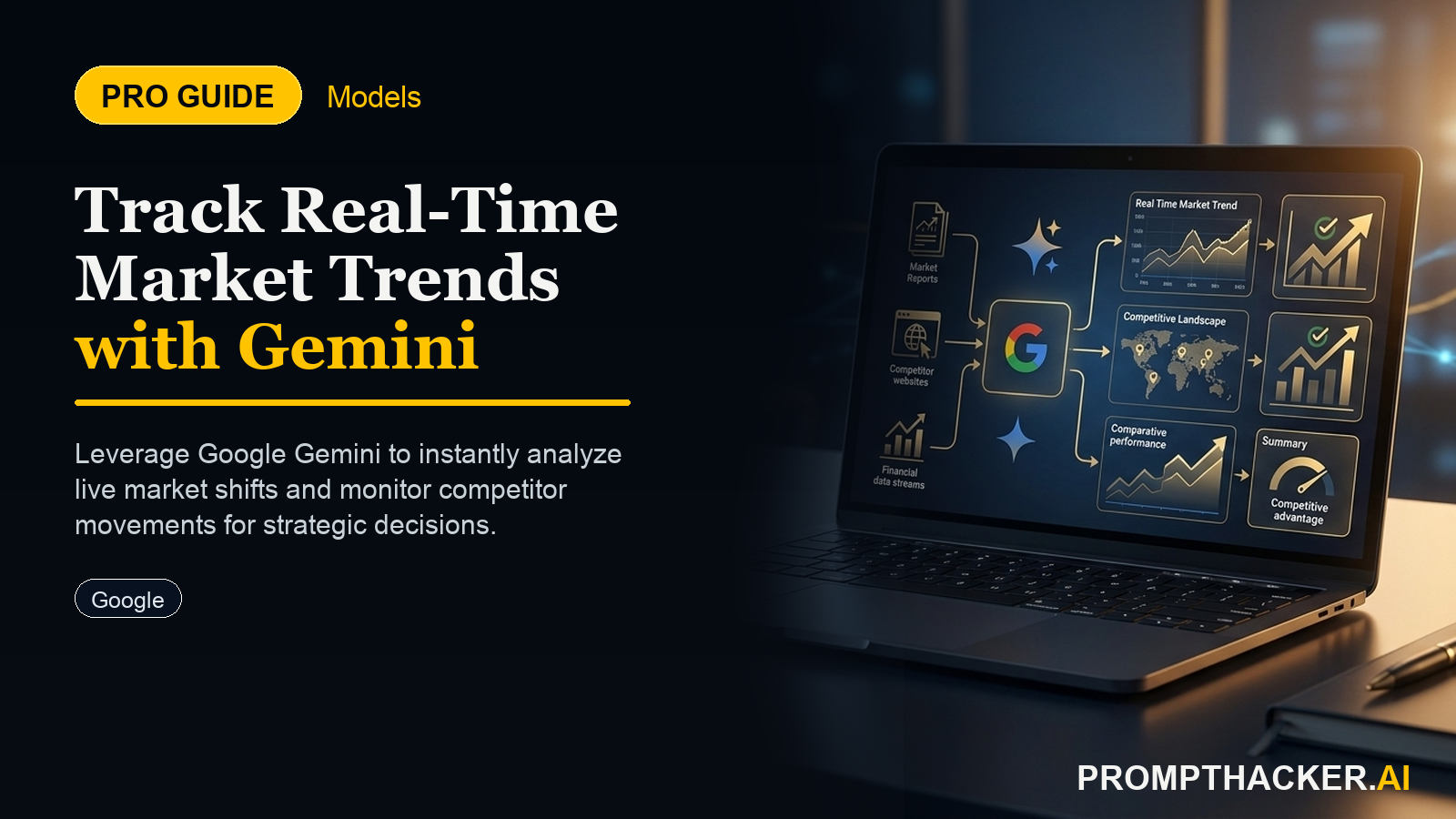
Google Gemini Delivers Real-Time Market Trends for Strategic Decisions
Gain immediate, consolidated insights into market shifts and competitive movements to inform strategic adjustments faster.
What matters today
Gain immediate, consolidated insights into market shifts and competitive movements to inform strategic adjustments faster.
Key points
- Step 1: Accessing Google Gemini Through Your Enterprise Account
- Step 2: Crafting Your Initial Market Trend Analysis Prompt
- Step 3: Specifying the Desired Output Format and Key Insights
- Step 4: Reviewing the Generated Real-Time Market Trend Report
- Step 5: Utilizing Insights for Immediate Strategic Adjustments
What you will learn in this article:
- How to access Google Gemini's new real-time market analysis feature through your enterprise account to consolidate research efforts.
- How to craft precise prompts that generate immediate insights into emerging industry shifts and consumer behavior.
- How to obtain comprehensive reports on competitive movements and potential market opportunities to inform strategic planning.
- How to integrate real-time market intelligence into your decision-making process to make faster, more informed adjustments.
A Chief Marketing Officer at a rapidly growing e-commerce firm recently found herself in a familiar predicament. Her team needed to pivot their Q3 campaign strategy to capitalize on an unexpected surge in demand for sustainable packaging, but the market data was fragmented across multiple subscription services, analyst reports, and news feeds. Compiling a coherent, actionable report required at least two full days of intensive research and synthesis, delaying critical decisions. The cost of this delay translated directly into missed market share and a slower response to a fleeting opportunity.
Executives across industries constantly face this challenge: the need for timely, accurate market intelligence to inform strategic shifts, product development, and competitive positioning. Traditional methods are often slow, resource-intensive, and prone to delivering outdated information. Without a consolidated, real-time view, strategic decisions are made with incomplete data, leading to suboptimal outcomes, missed opportunities, and a reactive rather than proactive market stance. The ability to quickly grasp emerging trends and competitive dynamics is no longer a luxury, but a fundamental requirement for maintaining market leadership and ensuring business agility.
This article details how Google Gemini's new real-time market trend analysis capability directly addresses this executive pain point. By leveraging Gemini's vast datasets and news feeds, executives can now generate immediate, consolidated insights into industry shifts, consumer behavior, and competitive movements. This feature eliminates the manual aggregation of market data, saving executives and their teams 90 minutes per week, and allowing for faster, more informed strategic adjustments.
Google Gemini introduced its real-time market trend analysis capability on February 6, 2025, providing a powerful new tool for business intelligence. This feature allows executives to query extensive datasets and news feeds, consolidating information that previously required multiple research tools and significant manual effort. The benefit is immediate insights into emerging industry shifts, evolving consumer behavior, and dynamic competitive landscapes. This directly supports faster, more informed strategic adjustments.
Step 1: Accessing Google Gemini Through Your Enterprise Account
The initial step involves accessing Google Gemini. Ensure you are logged into your enterprise account to utilize the full scope of features available to business users. This access typically provides enhanced data security, integration with other Google Workspace tools, and potentially higher usage limits compared to consumer versions.
Why this matters:
Utilizing the enterprise version ensures data privacy and security, which are paramount when dealing with sensitive market intelligence. It also provides access to proprietary company data if your organization has integrated it, further enriching the analysis. Attempting to use a personal account for business-critical analysis might restrict access to certain data sources or create compliance issues.
Real-world scenario:
A Chief Product Officer at a pharmaceutical company needs to understand the competitive landscape for a new drug in development. Accessing Gemini via the enterprise account ensures that the queries and results remain within the company's secure environment, preventing potential data leaks or compliance breaches. This is crucial for maintaining competitive advantage and protecting intellectual property.
Step 2: Crafting Your Initial Market Trend Analysis Prompt
Once logged in, the next action involves entering a precise prompt into Gemini. The clarity and specificity of your prompt directly influence the quality and relevance of the generated report.
Start with a prompt structure such as:
Prompt Structure
"Analyze current market trends in the [industry name] sector, focusing on [specific product category]."
Why this matters:
This structured approach guides Gemini to focus its vast data processing capabilities on your precise area of interest. Vague prompts, such as "Tell me about the market," will yield generic results that lack actionable detail. By specifying both the industry and a particular product category, you narrow the scope and ensure the output is directly relevant to your strategic questions.
Worked example:
A Vice President of Strategy for a financial technology firm needs to assess the burgeoning market for embedded finance solutions. Their prompt might be:
Example Prompt
"Analyze current market trends in the financial technology sector, focusing on embedded finance solutions for small businesses."
Gemini will then begin processing public data, news articles, analyst reports, and other relevant information sources to identify key developments within that specific niche.
Step 3: Specifying the Desired Output Format and Key Insights
The third step refines the output by instructing Gemini on the format and the specific types of insights required. This ensures the report is immediately usable for strategic discussions.
Specify the desired output format, for example:
Output Format Prompt
"Provide a summary of key trends, emerging competitors, and potential opportunities."
Why this matters:
This instruction helps Gemini organize the retrieved information into a digestible and actionable format. Without this, Gemini might present raw data or a less structured narrative. Requesting specific categories like "key trends," "emerging competitors," and "potential opportunities" directly aligns the output with typical strategic planning frameworks, making it easier to integrate into existing workflows.
Edge cases and failure modes:
If the prompt is too broad, Gemini might struggle to identify distinct "emerging competitors" or "potential opportunities" from the sheer volume of data. For instance, if the prompt was "Provide a summary of key trends in the tech sector," the output could be overwhelming and too general to be useful. To mitigate this, ensure the initial market trend analysis prompt (Step 2) is sufficiently narrow. If the output is still too broad, refine the prompt by adding constraints like "focusing on companies under $100M valuation" or "opportunities for sustainable growth."
Step 4: Reviewing the Generated Real-Time Market Trend Report
After submitting your prompt, Gemini will generate a real-time market trend report. This report consolidates vast amounts of information into a structured format based on your specified criteria.
Why this matters:
This step is where the 90 minutes per week saving becomes evident. Instead of manually sifting through dozens of reports and articles, the executive receives a synthesized overview. The report provides a snapshot of the market's current state, highlighting dynamic changes that might have occurred even in the last few hours or days.
Practical context:
A Director of Mergers and Acquisitions is evaluating a potential acquisition target in the renewable energy sector. A Gemini report detailing recent legislative changes, investor sentiment, and new technological advancements within that specific sub-sector provides immediate context for due diligence, flagging potential risks or hidden opportunities that might take weeks to uncover through traditional research. This rapid intelligence allows for quicker initial assessments and more focused follow-up.
Step 5: Utilizing Insights for Immediate Strategic Adjustments
The final and most critical step involves taking the insights gleaned from the Gemini report and applying them to inform immediate strategic adjustments and product development.
Why this matters:
The value of real-time market intelligence lies in its ability to drive timely action. The goal is not just to know what is happening, but to use that knowledge to adapt and gain a competitive edge. This could mean adjusting marketing messages, reallocating R&D budgets, or even initiating new partnerships.
Another real-world scenario:
A head of sales for a B2B software company uses Gemini to track shifts in customer sentiment regarding data privacy in cloud solutions. The report indicates a growing concern among enterprise clients. The sales head immediately briefs the product development team to fast-track features that enhance data encryption and compliance, and updates sales scripts to address these concerns proactively. This rapid response allows the company to stay ahead of customer demands and maintain trust, potentially securing new contracts earlier than competitors who are slower to react.
The ability to query vast datasets and news feeds for immediate, consolidated insights means executives can move from reactive to proactive decision-making. This directly contributes to maintaining market relevance and driving innovation.
Action Steps Summary
- Access Gemini Enterprise: Log into your Google Gemini enterprise account to ensure secure and comprehensive access to market intelligence features. This step secures your data and integrates with your existing company ecosystem, laying the groundwork for reliable analysis.
- Craft Specific Prompts: Develop precise prompts that define the industry and specific product category you wish to analyze. A focused prompt ensures Gemini delivers highly relevant and actionable insights, preventing generic or overwhelming results.
- Specify Output Requirements: Instruct Gemini on the desired format and types of insights, such as key trends, emerging competitors, and opportunities. This directs Gemini to structure the information for immediate strategic utility, saving time on post-analysis organization.
- Review Real-Time Reports: Examine the generated market trend report, which consolidates extensive data into a digestible overview. This rapid consolidation saves significant time on manual research and synthesis, providing a current market snapshot.
- Inform Strategic Decisions: Apply the insights from the report to make timely strategic adjustments and guide product development initiatives. This final step translates intelligence into action, enabling your organization to adapt swiftly and maintain a competitive advantage.
Three deep dives. Four useful moves. One email worth opening.
PromptHacker turns the AI firehose into practical next steps for work, health, family, and everything time keeps trying to steal.