Google Meet's AI Summaries Cut Post-Meeting Work by 30 Minutes
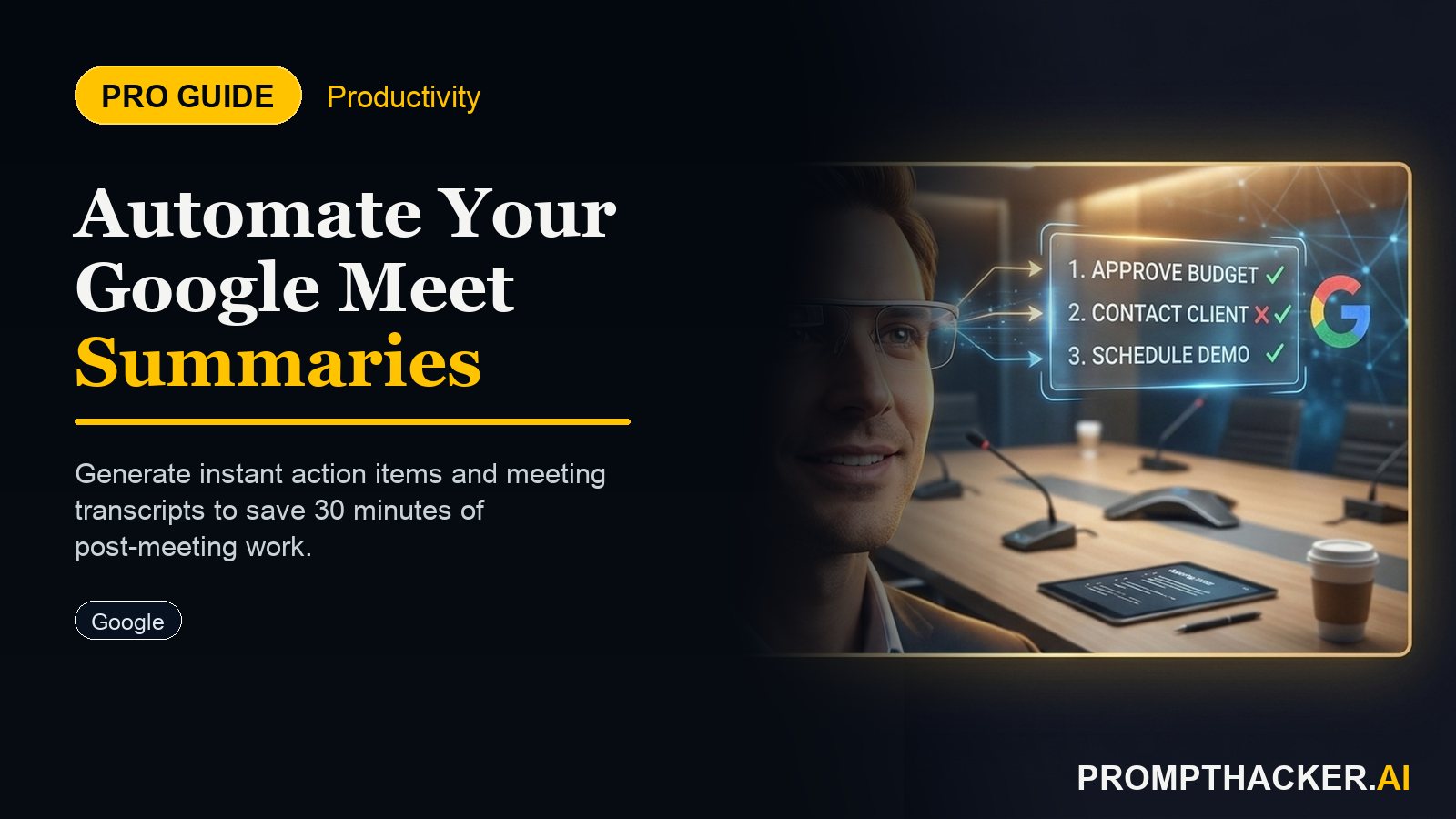
Google Meet now automates meeting summaries and action items, saving 30 minutes per executive meeting.
What matters today
Google Meet now automates meeting summaries and action items, saving 30 minutes per executive meeting.
Key points
- 1. Activating AI-Powered Meeting Summaries in Google Meet
- 2. Optimizing Summary Content for Executive Needs
- 3. Integrating AI Summaries into Executive Workflows
- Real-World Scenario: The Quarterly Strategic Review
- 4. Addressing Challenges and Ensuring Accuracy
What you will learn in this article:
- How to activate AI-powered meeting summaries in Google Meet for instant documentation.
- How to utilize automatically generated action items to enhance team accountability and follow-through.
- How to integrate AI summaries into existing workflows to reduce post-meeting overhead by 30 minutes.
- How to customize summary settings to ensure relevance for different meeting types and stakeholders.
A Head of Product at a mid-sized SaaS company faces a common challenge: weekly project meetings, stakeholder updates, and cross-functional syncs consume hours. Each meeting generates a fresh wave of follow-up tasks, requiring manual note-taking, deciphering scribbled comments, and painstakingly drafting summaries to ensure everyone understands decisions and assigned actions. This process, often extending 30 minutes or more per meeting, duplicates effort and delays critical next steps.
Without an efficient system for capturing and disseminating meeting outcomes, accountability suffers. Key decisions become ambiguous, action items are forgotten, and projects can stall as teams await clarity. The cumulative effect of this administrative burden siphons valuable executive time away from strategic initiatives and high-impact work. The cost is measured in lost productivity, missed opportunities, and increased operational friction.
This article details how to integrate Google Workspace's new AI-powered meeting summaries into daily operations. Executives can leverage this tool to automate the creation of meeting summaries, identify action items, and distribute key decisions instantly. The following sections provide a complete guide to activating this feature, optimizing its use for maximum benefit, and integrating it into existing workflows to reclaim significant time.
Google Meet’s new AI-powered meeting summaries represent a significant advancement in executive productivity tools. This feature automatically generates comprehensive summaries, identifies key decisions, and extracts actionable items directly from Google Meet calls. The primary benefit is a direct reduction in post-meeting follow-up time, estimated at 30 minutes per meeting. This automation ensures critical information is captured and disseminated efficiently, boosting accountability and streamlining workflows.
To fully capitalize on this capability, executives must understand both the activation process and the strategic application of AI-generated summaries. The goal is not merely to create summaries, but to use them as a foundation for faster decision-making and more effective team coordination.
1. Activating AI-Powered Meeting Summaries in Google Meet
The AI summary feature is typically enabled at the Google Workspace administrator level. An organization’s Google Workspace administrator manages the core settings for all users. If the feature is not immediately visible, contact the IT department to confirm its availability and activation status for your domain.
Administrator Configuration: Google Workspace administrators access the Admin console, navigate to Apps, then Google Workspace, and finally to Google Meet settings. Within the Meet settings, locate the "Meeting insights" or "AI features" section. Here, the administrator can enable or disable automatic meeting summaries for the entire organization or specific organizational units. Enabling this at the organizational level ensures consistent access for all relevant teams.
User-Level Activation (During Meeting): Once enabled by the administrator, individual meeting organizers or participants with appropriate permissions can initiate summary generation.
- Step 1: Start a Google Meet Session. Begin a meeting as usual.
- Step 2: Enable Recording and Summarization. Look for the "Record meeting" option, often found under the "Activities" tab or the three-dot menu within the Meet interface. In many instances, enabling recording also triggers the AI summary feature. Confirm that the summary option is also explicitly selected if it appears as a separate toggle. A notification often appears, informing all participants that the meeting is being recorded and summarized by AI.
- Step 3: Ensure Proper Permissions. Only meeting organizers or co-organizers can typically start recordings and generate summaries. Ensure this role is assigned correctly if you intend to use the feature.
Prerequisites and Considerations:
- Google Workspace Edition: This feature is generally available for specific Google Workspace editions (e.g., Business Standard, Business Plus, Enterprise Standard, Enterprise Plus). Confirm your organization’s subscription level.
- Language Support: While AI models are highly capable, optimal performance often occurs with commonly supported languages. Be aware of potential variations in accuracy for diverse linguistic environments.
- Consent: Always ensure compliance with recording and data privacy regulations applicable to your region and industry. Participants are typically notified when a meeting is being recorded and summarized.
2. Optimizing Summary Content for Executive Needs
Raw AI summaries provide a foundation, but executives require actionable, high-level insights. Customizing and refining these summaries is crucial for their utility.
Focus on Key Decisions: The AI aims to identify explicit decisions made during the meeting. When reviewing, highlight these decisions clearly. Ensure each decision includes the "what" (the decision itself), the "who" (responsible party), and the "when" (deadline or next step). For example, "Decision: Marketing campaign launch date moved to October 25th, [Marketing Director] responsible for timeline adjustment."
Extract Actionable Items: Beyond general discussion points, executives need clearly defined action items. The AI-generated list should be scrutinized for specificity.
- Verbal Prompting: Encourage meeting participants to state action items explicitly during the meeting. For instance, instead of "We need to look into this," say "John will research vendor options and present findings by Friday." This clarity improves AI detection.
- Refinement Post-Meeting: After the meeting, review the action item list. Add any missed items, assign clear owners, and set realistic deadlines. This manual refinement ensures the summary serves as a robust task list.
Identify Key Participants and Contributions: Summaries often list who spoke and when. For executive reviews, noting key contributions from specific stakeholders can be valuable for understanding alignment or dissent on critical topics.
Customizing Summary Prompts (If Applicable): While Google Meet’s AI summaries are largely automated, some versions may offer minor customization options or templates. If available, configure these to prioritize specific sections like "Decisions," "Action Items," and "Open Questions" for a more executive-focused output.
3. Integrating AI Summaries into Executive Workflows
The true value of AI summaries emerges when they are seamlessly integrated into existing post-meeting processes. This moves beyond mere documentation to active utilization for driving outcomes.
Immediate Distribution and Review:
- Step 1: Automatic Delivery. Once the meeting concludes, the AI summary is typically generated and made available in Google Drive, often linked directly from the Google Meet event in Google Calendar.
- Step 2: Rapid Review. The responsible executive or meeting lead should perform a quick review of the summary within minutes of the meeting's conclusion. This ensures accuracy and allows for immediate corrections or additions while the discussion is fresh.
- Step 3: Targeted Sharing. Share the summary with all relevant stakeholders, not just meeting attendees. This includes individuals who need to be informed of decisions or assigned tasks but were not present. Google Drive’s sharing features make this process straightforward.
Enhancing Accountability Cycles:
- Pre-Meeting Review: Before the next recurring meeting, executives can quickly review the previous AI summary. This serves as a reminder of decisions made and action items due, setting the agenda for follow-up and progress checks.
- Project Management Integration: While direct integration with third-party project management tools is outside the scope of native Google Meet features, the summarized action items can be manually copied and pasted into tools like Asana, Jira, or Trello. This ensures tasks are tracked within the team’s primary project management system. The time saved drafting the initial summary can be redirected to this integration step.
Reducing Follow-Up Email Chains: A well-structured AI summary, complete with decisions and action items, can significantly reduce the need for lengthy follow-up email threads. Executives can simply reference the summary, reducing inbox clutter and communication overhead. This directly contributes to the 30-minute time saving per meeting.
Real-World Scenario: The Quarterly Strategic Review
Consider the executive leadership team of a rapidly scaling tech startup. They hold a quarterly strategic review meeting, involving the CEO, CTO, CFO, CMO, and Head of Sales. This meeting is critical for setting company-wide priorities, allocating resources, and addressing high-level challenges. Historically, the executive assistant spent 45-60 minutes after each review compiling notes, clarifying action items, and drafting a formal summary document.
With Google Meet’s AI summaries, this process changes dramatically:
- 1. Meeting Setup: The CEO schedules the Google Meet, ensuring the AI summary feature is enabled.
- 2. During the Meeting: As discussions unfold, the AI passively records and processes the conversation. Executives are encouraged to clearly state decisions and assigned owners, such as, "We will allocate an additional 15% of the Q4 marketing budget to AI content creation, and the CMO will present a detailed plan by next month's update."
- 3. Immediate Post-Meeting: Within minutes of the meeting ending, the AI summary is available in Google Drive. It includes a section for "Key Decisions," clearly listing the budget allocation and the CMO's action item. A separate "Action Items" section details other tasks assigned during the call, complete with speaker identification.
- 4. Executive Review: The CEO performs a quick 5-minute review of the summary, making minor edits for clarity or adding context.
- 5. Distribution: The polished summary is then shared with the entire executive team and relevant department heads.
- 6. Workflow Integration: The CMO takes their action item directly from the summary and adds it to their personal task list and the company’s internal planning document. The CFO reviews the budget decisions for financial planning. The need for a separate 45-60 minute summary creation process is eliminated, saving over half an hour for the executive assistant and providing faster access to crucial information for the leadership team. This efficiency allows the executive assistant to focus on higher-value tasks, and the leadership team to move faster on strategic initiatives.
4. Addressing Challenges and Ensuring Accuracy
While AI summaries offer immense benefits, executives must be aware of potential limitations and best practices for mitigation.
Accuracy and Nuance: AI models are powerful but not infallible. They may occasionally misinterpret jargon, struggle with multiple overlapping speakers, or miss subtle contextual cues.
- Mitigation: Always review the AI-generated summary. Consider it a first draft, not a final document. Make necessary edits for precision and completeness. Encourage speakers to articulate points clearly and avoid speaking over others where possible.
- Time to value: The time saved on drafting a summary from scratch (e.g., 30 minutes) significantly outweighs the time spent on a 5-10 minute review and edit.
Confidentiality and Data Security: Google Workspace adheres to stringent security and privacy standards. AI summaries are processed within Google's secure infrastructure.
- Consideration: Ensure all meeting participants are aware of the recording and summarization. Adhere to internal data governance policies regarding meeting recordings and their storage. The summaries remain within your Google Workspace environment, subject to your organization's data retention policies.
Handling Diverse Meeting Formats: Not all meetings require the same level of detail in a summary.
Three deep dives. Four useful moves. One email worth opening.
PromptHacker turns the AI firehose into practical next steps for work, health, family, and everything time keeps trying to steal.