Grok for Word Executive Brief Workflow
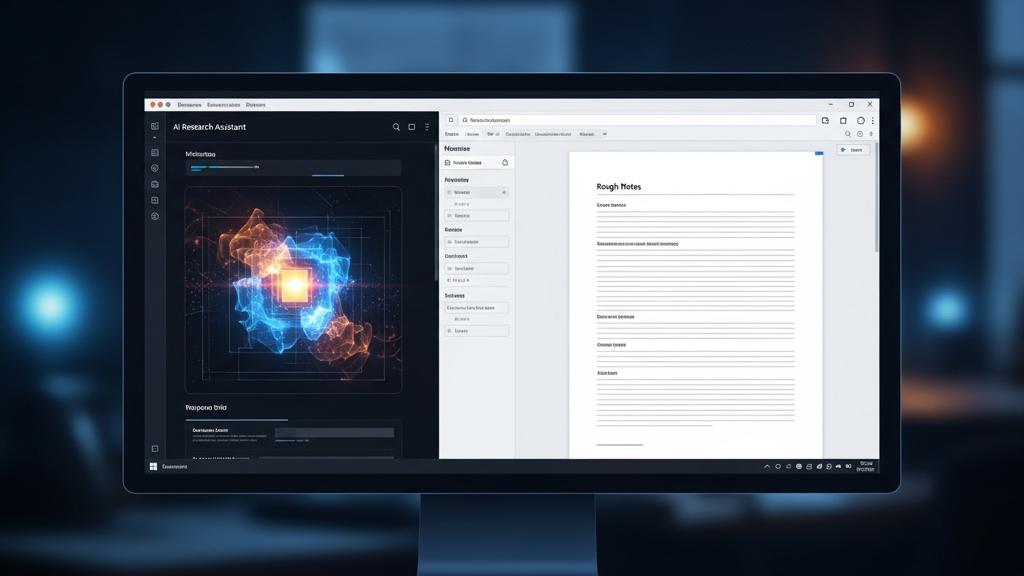
xAI launched Grok for Microsoft Word on June 18, 2026 as a free Microsoft 365 add-in. It can turn notes into structured text, rewrite for clarity, format a document, research with the web or X, create diagrams, and use connectors for recent emails or files in SharePoint and Google Drive.
What matters today
xAI launched Grok for Microsoft Word on June 18, 2026 as a free Microsoft 365 add-in.
xAI launched Grok for Microsoft Word on June 18, 2026 as a free Microsoft 365 add-in. It can turn notes into structured text, rewrite for clarity, format a document, research with the web or X, create diagrams, and use connectors for recent emails or files in SharePoint and Google Drive.
The obvious story is "AI writing inside Word." The more useful story is "fewer handoffs between messy notes and the document that actually gets sent."
For many teams, Word is still where proposals, board updates, policy drafts, partner memos, and client follow-ups become real. If the AI can work inside that surface, the workflow gets shorter.
Why the copy-paste loop is expensive
A common AI drafting workflow looks like this:
- Paste rough notes into a chat window.
- Ask for a rewrite.
- Copy the output into Word.
- Notice that the structure does not match the document.
- Paste sections back into chat for another pass.
- Manually clean up claims, formatting, and tone.
That loop creates drift. The AI loses the final document context. The document loses the source trail. The person doing the work spends more time managing the handoff than improving the thinking.
Grok for Word is worth testing because it compresses that loop. The draft, the rewrite, the formatting pass, and some research can happen closer to the final artifact.
The 20-minute test
Do not test Grok for Word on a blank page. Blank-page tests reward generic output. Test it on a painful real draft.
Choose one of these:
- A messy meeting summary that needs to become a client follow-up.
- A proposal draft with too much internal language.
- A board update that needs a clearer decision ask.
- A policy note that has useful facts but weak structure.
- A partner memo where the risks are buried.
Then run this prompt inside Word:
Turn this draft into a one-page executive brief. Use five sections: 1. Context 2. Decision Needed 3. Options 4. Risks 5. Next Steps Keep the writing plain and specific. Do not invent facts. Mark anything missing as TK. End with three questions I should answer before sharing this.
Add source labels
The most important follow-up is not a tone instruction. It is a trust instruction.
Use this:
Create a source label pass. For each major claim, mark whether it came from the current document, connected files, email context, web research, X research, or your own inference. If the source is not clear, mark it "needs verification."
That one pass changes the review. Instead of reading for "sounds good," you are reading for provenance. What came from the draft? What came from the web? What was inferred? What needs a human check before anyone forwards it?
Where it fits
Use Grok for Word when the output is already a document:
- Executive briefs.
- Sales follow-ups.
- Internal policy drafts.
- Customer-facing proposals.
- Board memo cleanup.
- Meeting-note synthesis.
Be more cautious when the output creates legal, financial, medical, or contractual exposure. In those cases, use Grok to structure and clarify, then route the document through the human review you already require.
What to measure
The first test should measure whether Grok for Word reduces document drag, not whether it writes like your best employee. Track three things on the first draft:
- How long it takes to move from messy notes to a shareable outline.
- How many missing facts it marks instead of inventing.
- How much cleanup the human reviewer still has to do.
That last point is the honest one. AI that produces a polished but unreliable draft is not saving time. It is moving work into review. The goal is a draft that makes the next human pass faster, clearer, and more precise.
For a proposal, measure whether the document has a cleaner decision ask. For a board update, measure whether the risks are easier to find. For a customer follow-up, measure whether next steps are concrete enough for someone to act on without another meeting.
The review pass
After Grok creates the executive brief, run a human review in three lanes.
First, review facts. Any claim that came from web, X, email, or connected files needs a quick source check before it leaves the team.
Second, review tone. In-document AI can make a memo sound smoother while weakening the actual ask. If the action is urgent, the language should still feel direct.
Third, review omissions. The most dangerous failure is not a bad sentence. It is a missing risk, a missing owner, or a missing constraint. Add those before you polish.
Use this final prompt after your manual edits:
Review this edited brief for decision clarity. Identify the one sentence that carries the decision, the one risk most likely to be missed, and the one next step that needs a named owner.
That keeps the workflow anchored on business usefulness instead of document cosmetics.
Action steps
- Install the Word add-in and test it on one real draft, not a sample prompt.
- Require a one-page executive version with missing facts marked as TK.
- Run the source-label pass before sending anything outside the team.
Three deep dives. Four useful moves. One email worth opening.
PromptHacker turns the AI firehose into practical next steps for work, health, family, and everything time keeps trying to steal.