Grok Imagine Makes Video Now: Turn One Product Photo Into a Clip
Where a generated clip is good enough, and where you still pay for human production
What matters today
Where a generated clip is good enough, and where you still pay for human production
Article roadmap
What you will learn
-
What shipped in Grok Imagine on June 11, 2026, and the four modes it now runs
-
Why image-to-video is the mode that matters most for marketing teams
-
Where a generated clip is good enough, and where you still pay for human production
-
A repeatable workflow that turns one product still into a usable short
-
How the new shared rate limit can throttle your other Grok work if you are careless
Short video is the format your small team can least afford. A 15-second product clip can mean a freelancer day rate, a stock-footage license, an editing pass, and a round of revisions. The cost is high enough that most lean teams skip video entirely and post a still, then watch their reach suffer on platforms that reward motion.
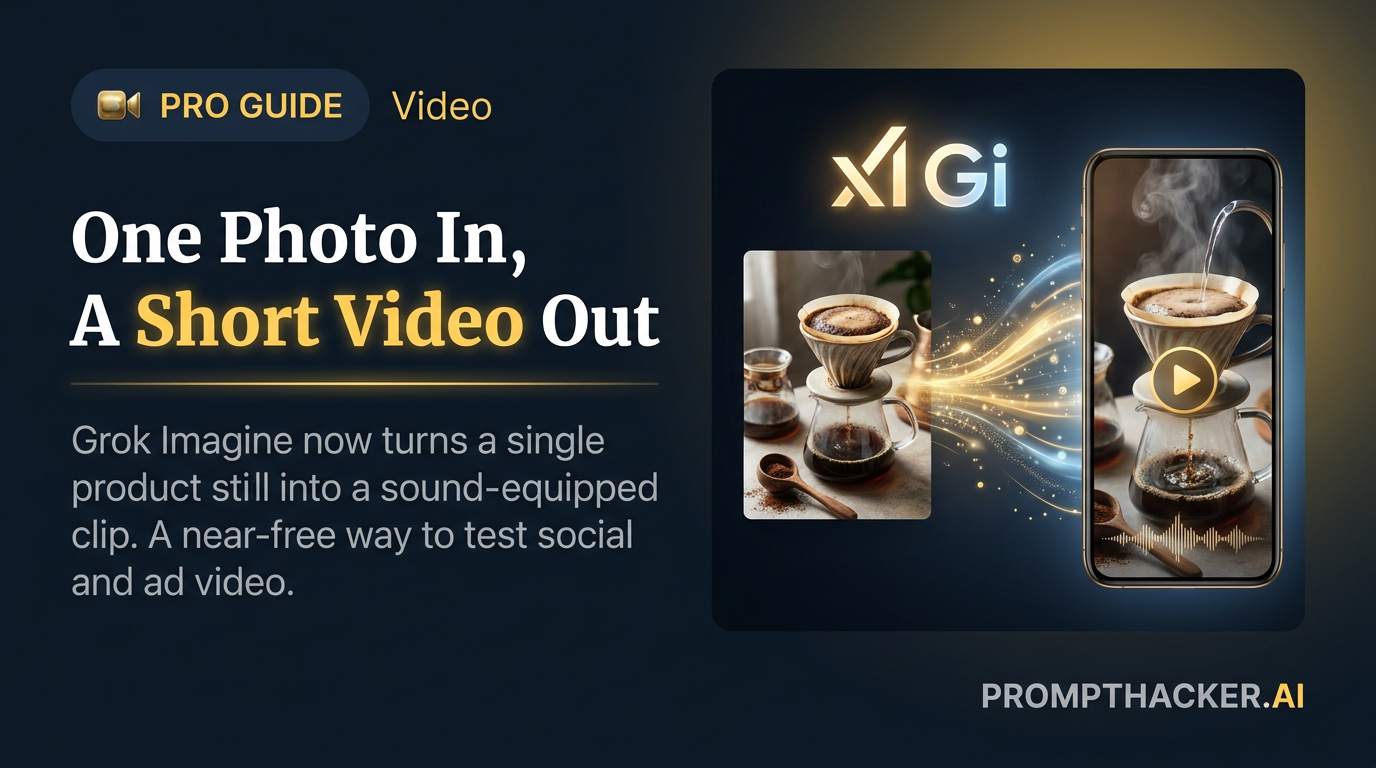
On June 11, 2026, xAI expanded Grok Imagine beyond still images into full video generation. Elon Musk shared a demonstration video on X that day, created entirely with the tool. The tool now supports text-to-image, image-to-image, text-to-video, and image-to-video, available through Grok and through the API.
For Executives running marketing on a tight budget, the math changes. A single product photo or one-line description becomes a short, sound-equipped clip in minutes. For simple social and ad content, that removes the freelancer and the stock-footage bill from the equation. The rest of this guide covers where that holds up, where it does not, and how to run it without burning your Grok quota.
This is a PromptHacker Premium deep dive.
Get the full image-to-video workflow, the honest use-case table, and the rate-limit plan that keeps a video session from killing your deadline.
What Grok Imagine Can Do Now
Grok Imagine now runs four modes. Text-to-image and image-to-image cover stills. The two new modes are text-to-video, where a written description becomes a clip, and image-to-video, where an existing photo is set in motion. Each mode is reachable inside Grok and through the API, so you can run it by hand or wire it into a content pipeline.
For marketers, image-to-video is the workhorse. You already own product photos, headshots, and brand stills. Image-to-video keeps your real product on screen and adds movement, rather than asking a text prompt to invent a product that may not match what you actually sell. That control is the difference between a usable ad and a near-miss you cannot publish.
The quality is not a first attempt. The video work builds on Grok Imagine Video 1.5, which launched May 31, 2026 and topped the Image-to-Video Arena leaderboard. Version 1.5 posted a 52 Elo jump over the prior version and ranked ahead of competitors including Google Veo. The June 11 expansion brings that engine into the same tool you already use for stills, plus sound.
Where It Pays Off, and Where It Does Not
The honest answer is that generated video earns its keep on low-stakes, high-volume content and falls short on anything where accuracy, brand polish, or compliance carries real risk. Use the table to sort a request before you spend a minute on it.
The pattern is clear. When the content is short, disposable, and low-risk, a generated clip beats no clip and beats a slow freelancer cycle. When the content is your flagship film or carries a claim someone could sue over, you still pay for human production. Treat the tool as the bottom 80 percent of your volume, not the top 20 percent.
Plain-English takeaway: Generated video is for the cheap, fast, throwaway clips you used to skip. Keep a human director for the hero film and anything where a wrong frame becomes a legal or brand problem.
A Repeatable Image-to-Video Workflow
A consistent process turns image-to-video from a novelty into a production line. Run the same five steps every time so quality does not depend on luck.
- Start from a clean still. Use a sharp, well-lit product photo with the item centered and the background simple. The clip inherits every flaw in the source, so fix the still first.
- Describe the motion and the on-screen line. Tell the tool what should move (a slow rotation, a camera push-in, a hand reaching for the product) and the single line of text you want on screen. One idea per clip reads cleaner than three.
- Generate two or three variants. Run the same prompt a few times. Cost per clip is low, and small differences in motion give you real choices instead of one take you have to accept.
- Pick the one readable at phone size. Shrink each variant to a phone-sized preview and choose the clip where the product and the text are still legible. Most of your audience watches on a small screen with sound off, then on.
- Keep the product in focus and on-brand. Reject any variant where the motion warps the product, drifts off your color palette, or buries the item. The product staying recognizable matters more than a clever camera move.
Watch the Shared Rate Limit
This week brought a catch worth planning around. xAI updated Grok's fair-use policy so rate limits now apply cumulatively across text, image, voice, and code. Video generation is heavy, so a long clip session can eat the same quota your team uses for drafting, coding, and voice work.
The practical risk is timing. If you batch a dozen video variants the same afternoon you need Grok for a deadline draft or a coding task, you can throttle yourself and not understand why the rest of your work slowed down. The cap does not separate playful video from urgent text. It counts both against one pool.
Plan a dedicated video session. Block a window, generate your variants in that block, and keep it clear of any day when a deadline depends on Grok for other work. Treat video generation as a scheduled batch job, not something you sprinkle through a busy day, and the shared limit stops being a surprise.
Action Steps Summary
- Audit your skipped clips. List the social and ad videos your team did not make because of cost. Those are the first jobs to route to Grok Imagine.
- Lead with image-to-video. Feed real product photos in so your actual product stays on screen, rather than asking text-to-video to invent it.
- Sort each request with the table. Greenlight teasers, ad tests, and simple explainers. Send hero films and any regulated or claims-heavy video to human production.
- Run the five-step workflow. Clean still, motion plus one line, two or three variants, pick the phone-readable one, keep the product on-brand.
- Schedule a video block. Batch generation into a dedicated window so the cumulative rate limit never throttles a Grok task you need for a deadline.
Three deep dives. Four useful moves. One email worth opening.
PromptHacker turns the AI firehose into practical next steps for work, health, family, and everything time keeps trying to steal.