Grok Skills Lets You Teach Grok Your Workflow Once and Stop Repeating Yourself
Every executive who uses AI for recurring work knows the tax. Before the model produces anything useful, you re-paste the same context: the report structure, the brand voice rules, the format the boss expects, the word count, the things to never say. You do it for the weekly report.
What matters today
Every executive who uses AI for recurring work knows the tax. Before the model produces anything useful, you re-paste the same context: the report structure, the brand voice rules, the format the boss expects, the word count, the things.
Article roadmap
What you will learn
-
What Grok Skills are and how they differ from a one-off prompt
-
The exact way to create a skill from a description or an uploaded example
-
Three high-value skills to build first: weekly report, client update, sales deck
-
How the built-in document tools handle Word, slides, Excel, and PDF
-
The maintenance habit that keeps your skills accurate as your work changes
Every executive who uses AI for recurring work knows the tax. Before the model produces anything useful, you re-paste the same context: the report structure, the brand voice rules, the format the boss expects, the word count, the things to never say. You do it for the weekly report. You do it again for the client update. You do it a third time for the deck. The model is powerful, but it has no memory of how you work, so you pay the setup cost on every single task.
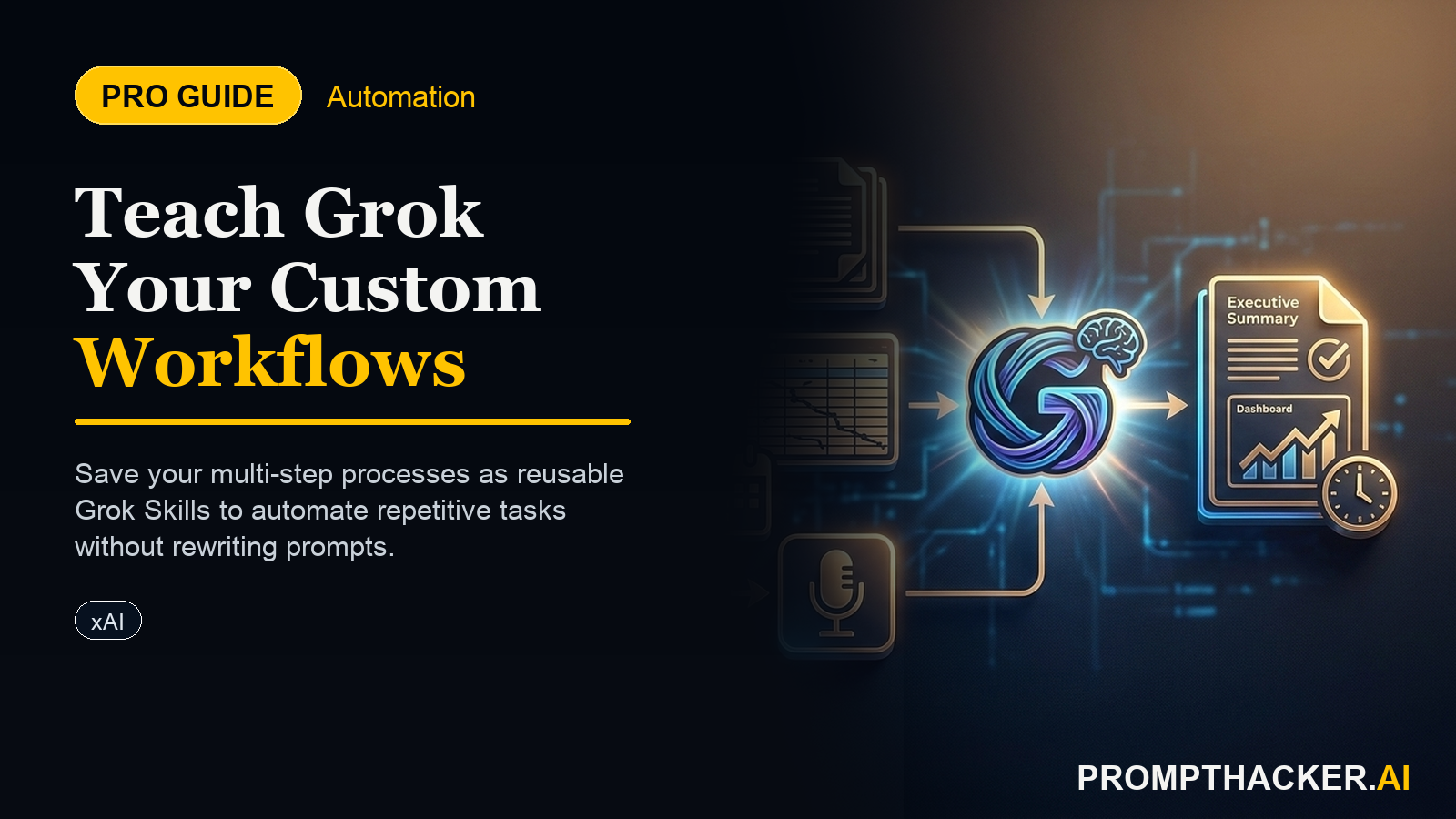
On May 18, xAI shipped the fix. Grok Skills are persistent custom expertise that carry across every conversation. You teach Grok a workflow once, by describing it or uploading an example, and Grok applies those preferences and document routines automatically from then on. It is available to Grok 4.3 users on web, iOS, and Android.
Think of it as turning the knowledge in your head, and the formatting standards scattered across your team, into a reusable asset Grok holds onto. The rest of this article walks through building your first three skills and the built-in document tools that make them produce finished files, not just text.
What Grok Skills Actually Are
A skill is a saved, named set of instructions and document behaviors that persists across conversations. Instead of re-explaining your format every time, you create the skill once and trigger it. The facts from xAI's launch:
- Availability: Grok 4.3 on web, iOS, and Android.
- Persistence: skills carry across all future conversations, so you stop repeating preferences, formatting rules, and workflow steps.
- Creation: describe the skill in natural language or upload a file for Grok to learn from.
- Sharing: skills can be customized and shared.
- Built-in document tools: full Word generation that preserves headings, tables, and styles; PowerPoint-style decks with visual hierarchy and speaker notes; Excel spreadsheets with formulas, charts, and conditional formatting; and PDF create, merge, split, extract, and reorganize.
The combination is what matters. The skill holds your format, and the document tools turn the output into an actual file you can send.
Skill 1: The Weekly Operations Report
Start with the deliverable you produce most often. For most executives that is a recurring status report. Create it as a skill so the structure never has to be re-explained.
WEEKLY OPS REPORT SKILL
Create a reusable skill called "Weekly Ops Report." Whenever I trigger it, produce a one-page report with these sections in this exact order: (1) Headline metric and week-over-week change, (2) Three wins with one supporting number each, (3) Three risks with owner and next step, (4) One decision needed from leadership. Use plain language, no jargon, numbers formatted as whole dollars or whole percentages. Keep the whole report under 350 words. I will paste raw notes and numbers; you format them into this structure every time.
Once saved, your weekly process is: trigger the skill, paste raw notes, get a formatted one-pager. The 20 to 30 minutes you used to spend on structure and formatting collapses to a couple of minutes.
Skill 2: The Client Update
The second skill to build is the client-facing update, where tone and consistency matter most. Upload a past update you were happy with so Grok learns your voice, then describe the rules.
CLIENT UPDATE SKILL
Create a reusable skill called "Client Update." Match the tone of the example I am uploading: warm but concise, no hype words. Structure every update as: (1) what we shipped this period, (2) what is in progress and the expected date, (3) one thing we need from the client, (4) a short forward-looking close. Keep it under 250 words. Never use the words "synergy," "leverage," or "circle back." I will give you the period's facts and you produce the update.
Uploading an example is the key move here. Grok matches structure and tone better from a real sample than from a description alone.
Skill 3: The Standard Sales Deck
The third skill turns notes into a deck using the built-in slide tool. This is where the document capability earns its place, because it produces a structured deck with speaker notes, not a wall of text.
SALES DECK SKILL
Create a reusable skill called "Sales Deck." When triggered, build a slide deck with this fixed structure: (1) title slide, (2) the prospect's problem in their words, (3) the cost of the status quo, (4) our approach in three steps, (5) proof point with a number, (6) clear next step. Add concise speaker notes to each slide. Keep each slide to one idea. I will provide the prospect details and the proof point each time.
Trigger it, provide the prospect specifics, and Grok assembles a consistent deck you can refine rather than build from a blank slide.
The Maintenance Habit
Skills are only as good as the rules inside them, and your work changes. Build one habit: once a month, open each skill and check that the structure still matches what you actually need. If the weekly report grew a new section, update the skill. If a client update format shifted, re-upload a fresh example. Five minutes of maintenance keeps the skill from quietly producing last quarter's format.
A second habit for teams: if a colleague has a sharper version of a deliverable, have them share their skill rather than everyone reinventing it. That is how the format knowledge in one person's head becomes the team's baseline.
Action Steps Summary
- Build your most frequent deliverable first: Create the Weekly Ops Report skill so your recurring report formats itself from raw notes.
- Upload an example for tone-sensitive work: Build the Client Update skill from a real past sample so Grok matches your voice.
- Use the slide tool for decks: Create the Sales Deck skill to turn prospect notes into a structured deck with speaker notes.
- Run a monthly skill review: Check each skill against current needs and refresh examples that have drifted.
- Share skills across the team: Distribute the best version of each deliverable so everyone starts from the same baseline.
Three deep dives. Four useful moves. One email worth opening.
PromptHacker turns the AI firehose into practical next steps for work, health, family, and everything time keeps trying to steal.