Quick Scan
What matters today
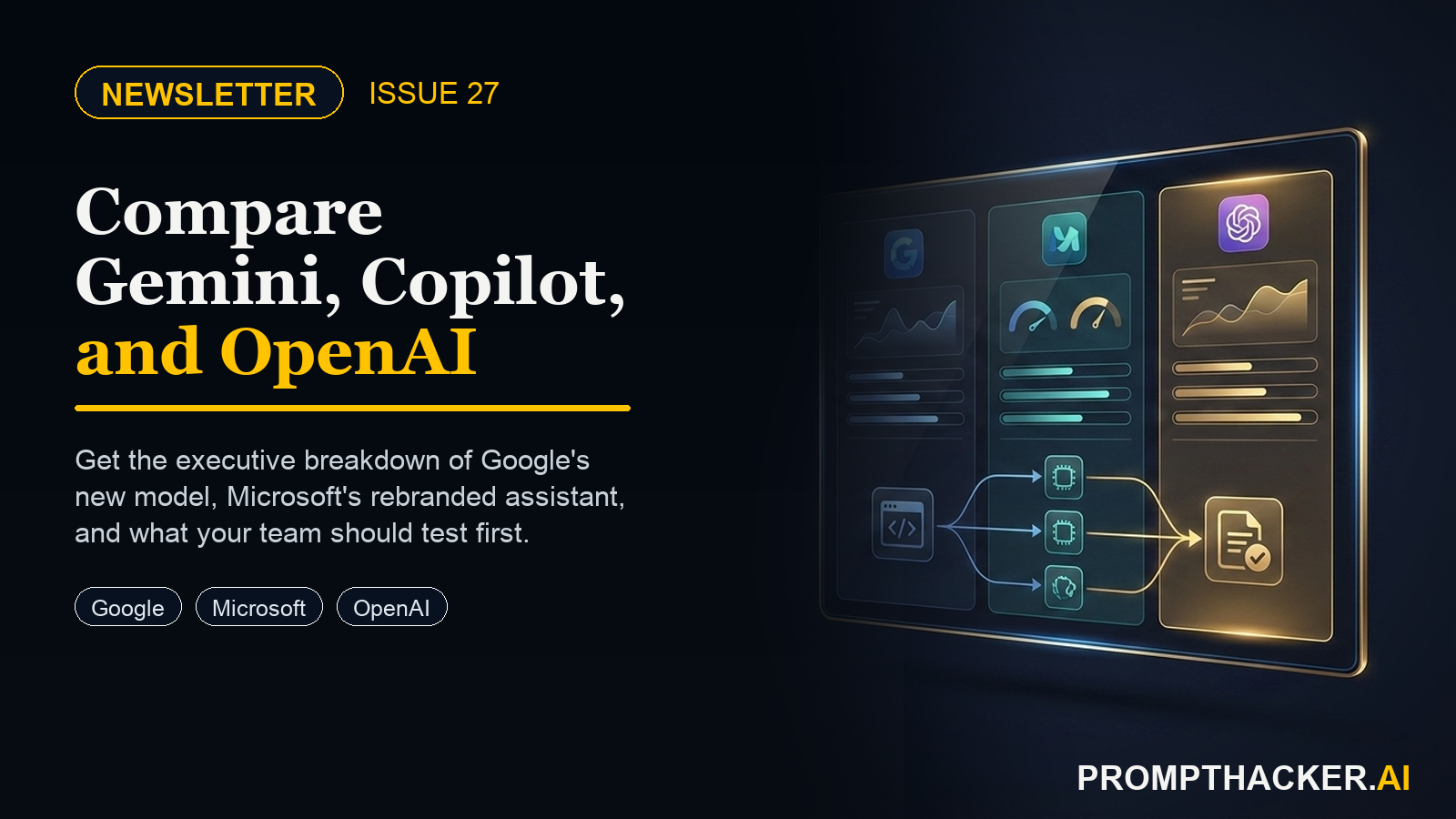
Three announcements in six weeks just rewired the AI landscape for executives. Google launched Gemini to challenge ChatGPT head-on, Microsoft rebranded Bing Chat as Copilot and gave it a home on every Windows 11 desktop, and OpenAI.
Format Weekly newsletter issue
Audience Executives using AI at work
Time 7 min read
Topic Google Gemini, Microsoft Copilot, and the No-Code AI Tool Revolution
Key points
- Google Gemini expands to more regions and languages: Gemini is now available in over 170 countries and territories, supporting more languages for global access.
- Anthropic updates Claude's safety guidelines: Anthropic released updated safety guidelines for Claude, focusing on responsible AI deployment and usage.
- Slack enhances AI search capabilities: Slack introduced improved AI-powered search, making it faster to find relevant information within channels and direct messages.
Welcome
This issue gives executives a clean scan of Google Gemini, Microsoft Copilot, and the No-Code AI Tool Revolution. Start with the quick hits, then use the companion guides for the workflows worth testing this week.
Quick Hits
Top AI Updates
1. Google Gemini Launched: What Executives Need to Know Right Now
What Google Gemini actually is and how it differs from ChatGPT at a practical level
2. Microsoft Copilot Is Here: Your AI Upgrade May Already Be Included
What changed when Microsoft renamed Bing Chat to Copilot and why it matters for business
3. Build Your Own AI Tool: OpenAI GPT Builder for Executives
Step-by-step instructions for creating your first internal knowledge GPT in 30 minutes
Pro Tip
Why most executives waste 45+ minutes drafting briefings they could generate in under 10
Productivity Gem
The reusable prompt template that produces consistent, professional status reports
Health Tip
How to extract key physiological data from your iPhone or Apple Watch in under two minutes.
This information is for educational purposes only and is not medical advice. Please consult a qualified healthcare professional before making changes to your health routine.
Kids Tip
Kids create a hands-on AI project: Build a Teachable Machine Image Classifier With Your Kid. A parent or educator helps them build, test, and explain what the AI tool gets right and wrong.
Wrap Up
Free subscriber access
Keep reading with your free PromptHacker subscription.
Enter the email on your PromptHacker subscription. If access is available, a secure link will arrive in that inbox.
New to PromptHacker? Join the free weekly briefing first.
PB
About the author
Pierre Bradshaw Founder, PromptHacker.ai
Pierre has spent 25+ years building growth systems across fintech, real estate, lending, campaigns, and AI workflows, with $1.5B+ in client value delivered.
Email us