Build Your Own AI That Recognizes Objects: A Kids Workshop Using Google Teachable Machine
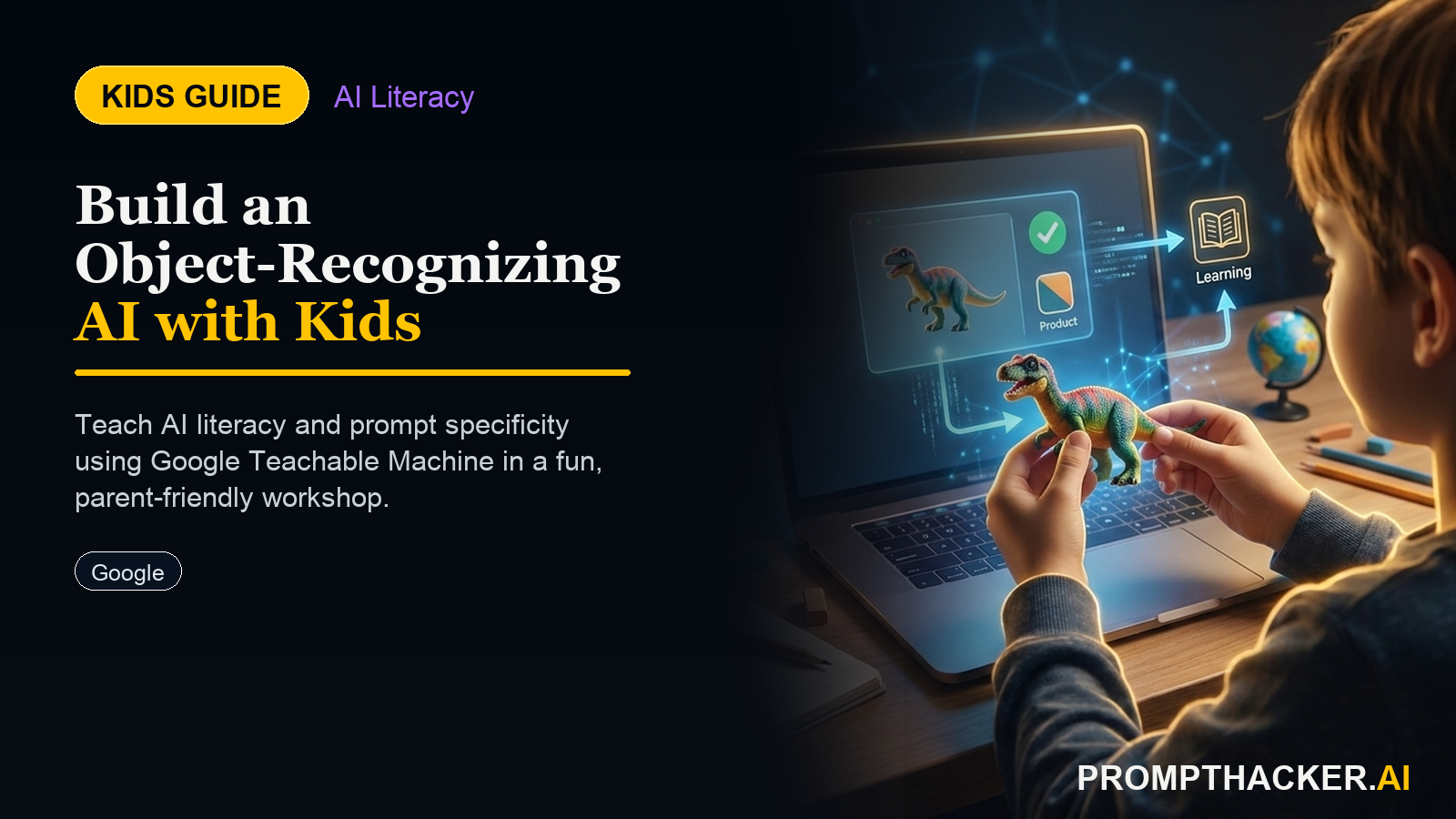
Kids create a hands-on AI project: Build Your Own AI That Recognizes Objects: A Kids Workshop Using Google Teachable Machine. A parent or educator helps them build, test, and explain what the AI tool gets right and wrong.
What matters today
Kids create a hands-on AI project: Build Your Own AI That Recognizes Objects: A Kids Workshop Using Google Teachable Machine. A parent or educator helps them build, test, and explain what the AI tool gets right and wrong.
Article roadmap
What you will learn
-
What Google Teachable Machine is and why it is the best tool for teaching kids how AI actually learns
-
Full step-by-step instructions for training a 3-class image classifier
-
How to use a free ChatGPT prompt to deepen the learning after the model is built
-
What core AI concept the activity teaches and why it matters for the future
-
A parent/educator sidebar with conversation starters and learning extensions
Why Build Own AI matters now
Every facial recognition system, every product defect detector on a factory line, every self-driving car's object recognition module works on the same fundamental principle: a model trains on labeled examples, learns the visual patterns associated with each label, and then makes predictions on new images based on those patterns. This is called supervised machine learning, and it is the core concept behind a large fraction of commercial AI systems deployed today.
A child aged 8 to 16 can build a working version of this in under 15 minutes using Google Teachable Machine -- a free, browser-based tool from Google that trains a real image classifier using webcam photos. No code. No account required. No cost. The child chooses 3 objects, records webcam photos of each, trains the model, and tests it in real time -- watching the confidence scores change as the model decides what it is looking at.
After the model is built, a single ChatGPT prompt turns the experience into a 5-minute conversation about why AI makes mistakes, what training data quality means, and what the child would need to do to make the model better. That conversation is the one that sticks.
What You Need
- A laptop or tablet with a built-in webcam (any computer made after 2015 will work)
- A browser (Chrome works best; Firefox, Safari, and Edge also work)
- 3 physical objects to classify (pencil, water bottle, phone; book, eraser, cup -- any 3 visually distinct objects)
- No account, no downloads, no cost
Full Activity Instructions
Part 1: Set Up the Project (5 minutes)
Step 1: Open a browser and go to teachablemachine.withgoogle.com
Step 2: Click "Get Started" on the homepage.
Step 3: On the project selection screen, click "Image Project."
Step 4: Select "Standard image model" (the default option).
Step 5: The screen now shows a workspace with two empty classes: "Class 1" and "Class 2." These are the categories the AI will learn to recognize.
Part 2: Name the Classes and Collect Training Images (5 minutes)
Step 6: Click the pencil icon next to "Class 1" and rename it to the name of your first object (e.g., "Pencil").
Step 7: Click the pencil icon next to "Class 2" and rename it to the name of your second object (e.g., "Water bottle").
Step 8: Click "Add a class" at the bottom and name the third class (e.g., "Phone").
Step 9: For each class, click "Webcam" and hold the object in front of the camera. Click and hold the blue "Hold to Record" button to take photos -- aim for at least 50 per class. Try different angles, distances, and lighting conditions.
Why 50 photos matters: Explain to the child that the AI can only learn from what it sees. If all the photos show the pencil from the same angle with the same lighting, the model will struggle to recognize it from a different angle. This is training data diversity -- the same reason AI systems that train on data from one country sometimes fail in another.
Part 3: Train the Model (2 minutes)
Step 10: Once all three classes have at least 50 photos each, click the blue "Train Model" button.
Step 11: Wait. Training typically takes 30-60 seconds. A progress bar shows the model learning.
What is happening during training: The model is running through all the photos thousands of times, adjusting its internal pattern-matching weights until it can distinguish the visual features that separate one class from another. This is the same process -- just much smaller -- that happens when large AI models train on billions of images.
Part 4: Test It Live (3 minutes)
Step 12: Click "Preview" (if not already showing). The webcam opens and the model starts making predictions in real time.
Step 13: Hold up each object and watch the confidence score bars.
Things to try:
- Hold the object from the angle the model was trained on -- it should score 90%+ confidence
- Flip the object or hold it at an unusual angle -- watch the confidence drop
- Hold two objects at the same time -- observe which one the model chooses
Want more AI workshops?
Get full access to our premium library of AI prompts and educational guides.
Three deep dives. Four useful moves. One email worth opening.
PromptHacker turns the AI firehose into practical next steps for work, health, family, and everything time keeps trying to steal.