Your Kid Can Build a Choose-Your-Own-Adventure Story This Weekend With Free AI
Kids create a hands-on AI project: Your Kid Can Build a Choose-Your-Own-Adventure Story This Weekend With Free AI. A parent or educator helps them build, test, and explain what the AI tool gets right and wrong.
What matters today
Kids create a hands-on AI project: Your Kid Can Build a Choose-Your-Own-Adventure Story This Weekend With Free AI. A parent or educator helps them build, test, and explain what the AI tool gets right and wrong.
Article roadmap
What you will learn
-
Why a branching story teaches real problem-solving
-
How to plan the paths before touching a computer
-
Using free Gemini for the words and the pictures
-
Wiring the choices together in Google Slides
-
How to keep the child doing the thinking, not the AI
A choose-your-own-adventure story looks like play, and it is, but underneath it is a logic lesson. To build one, a child has to think in branches: if the reader picks the cave, then what happens, and where does that lead next? That "if this, then that" thinking is the same shape as the logic behind every piece of software, and it lands far better when it arrives as a story the child wants to finish.
This project keeps the child firmly in the driver's seat. They invent the story and design the choices. The free Gemini tools help draft the wording and generate the artwork, and Google Slides becomes the engine that links the pages together using buttons that jump from one slide to another. Everything here is free and runs on any household computer.
Plan on an hour or two. Here is the build.
This is a PromptHacker Premium deep dive.
The path-planning method, the Gemini prompts, the Slides wiring, and the parent sidebar are below.
Step 1: Plan the Paths on Paper
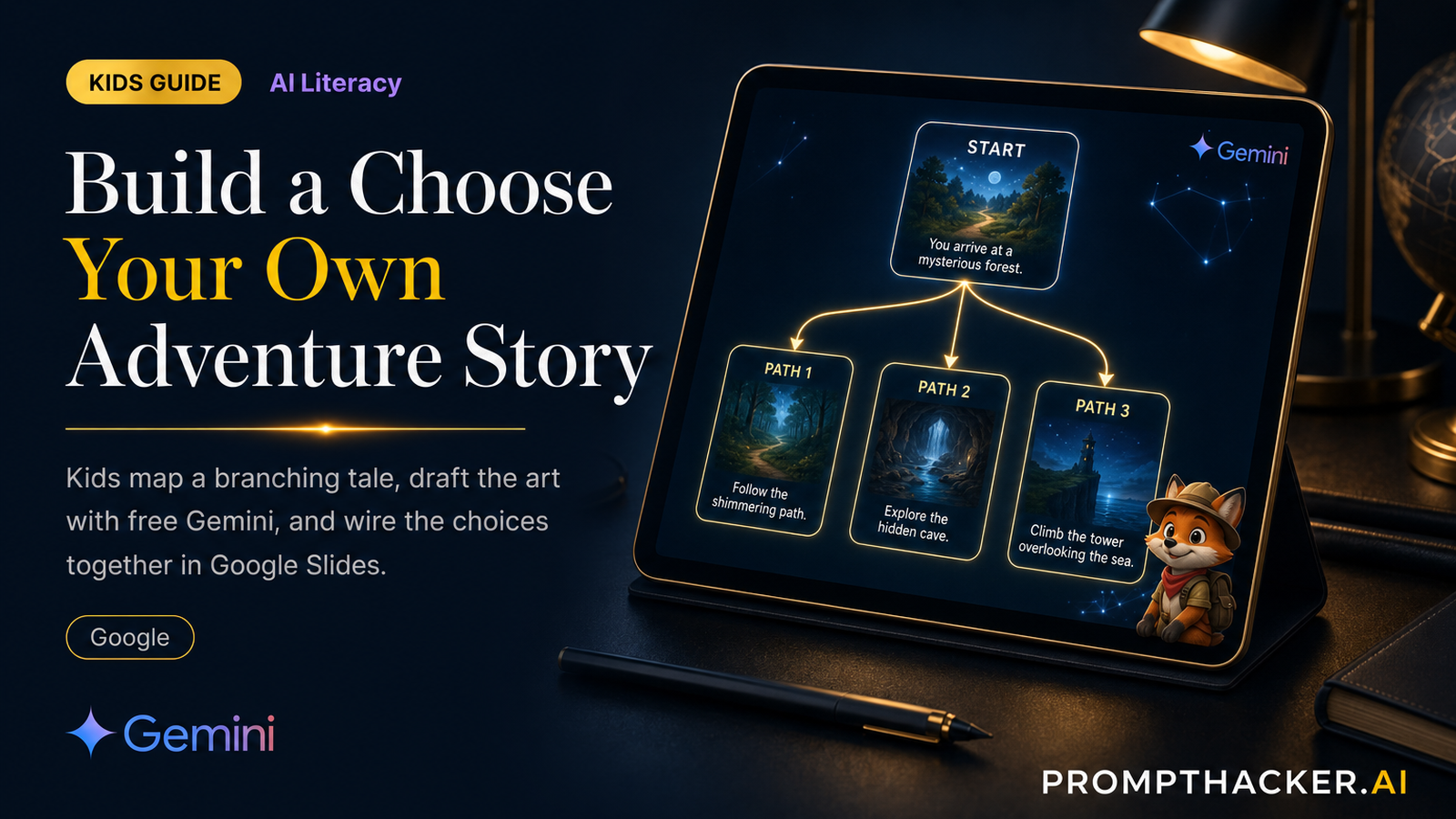
Before any screen, have the child sketch the map on paper. Start with one opening scene that ends in a choice, say, a door on the left or a door on the right. Each choice leads to its own scene, and each of those ends in another choice or an ending. Keep it small for a first build: one start, two choices, and three or four endings is plenty. Drawing the map first is the single most important step, because it is where the real thinking happens.
Step 2: Draft the Words With Gemini
Now bring in the free Gemini tool to help write each scene the child planned. The key is that the child gives the ideas and Gemini helps with the wording, not the other way around.
Help me write a short scene for my choose-your-own-adventure story. Here is my idea: [child describes the scene]. Write it in 3 to 4 sentences for a young reader, and end with the two choices I planned: [choice A] and [choice B].
Repeat for each scene on the map. Encourage the child to rewrite anything that does not sound like their story. Editing the AI's draft is part of the skill.
Step 3: Make the Art With Gemini's Image Tool
For each scene, have the child describe the picture they want and let Gemini's free image generator draw it. The trick that teaches the most is keeping the main character consistent: describe the character the same way every time and only change what they are doing. "The same small fox explorer, now standing at the edge of a glowing cave." Noticing when the picture does not match and fixing the description is a real lesson in giving clear instructions.
Step 4: Wire It Together in Google Slides
This is where it becomes interactive. Put each scene on its own slide with its art and text. For each choice, add a shape or text box, then use the Insert Link option to link that shape to the slide for that choice. Turn off automatic advancing so the story only moves when the reader clicks a choice. Now each decision jumps the reader to the right slide, exactly like the map. Present the slideshow and the child can play their own game.
The "aha" moment: when a wrong link sends the reader to the wrong scene, the child has to trace the map to fix it. That debugging is the most valuable minute of the whole project.
Keep the Child Doing the Thinking
The temptation is to let the AI invent the whole story. Resist it. The learning lives in the parts the child does: drawing the branch map, deciding what each choice leads to, and fixing the links that go to the wrong place. The AI is the illustrator and the typist. The child is the author and the engineer.
For Parents and Educators
The core concept: this project teaches branching logic, the "if this, then that" structure behind all computer programs, plus the skill of giving an AI clear, specific instructions.
Conversation starters: (1) "How did you decide what each choice should lead to?" (2) "What happened when the AI's picture did not match your story, and how did you fix it?" (3) "If you added one more choice, where would it go on your map?"
Action Steps Summary
- Map the branches on paper. One start, two choices, three or four endings.
- Draft each scene with Gemini. The child supplies the idea and edits the wording.
- Generate consistent art. Same character, change only the action.
- Wire it in Google Slides. Link each choice to its slide and turn off auto-advance.
- Play and debug. Trace and fix any link that jumps to the wrong scene.
Three deep dives. Four useful moves. One email worth opening.
PromptHacker turns the AI firehose into practical next steps for work, health, family, and everything time keeps trying to steal.