Prepare for Presentations with AI: Gemini Family Link Now Available
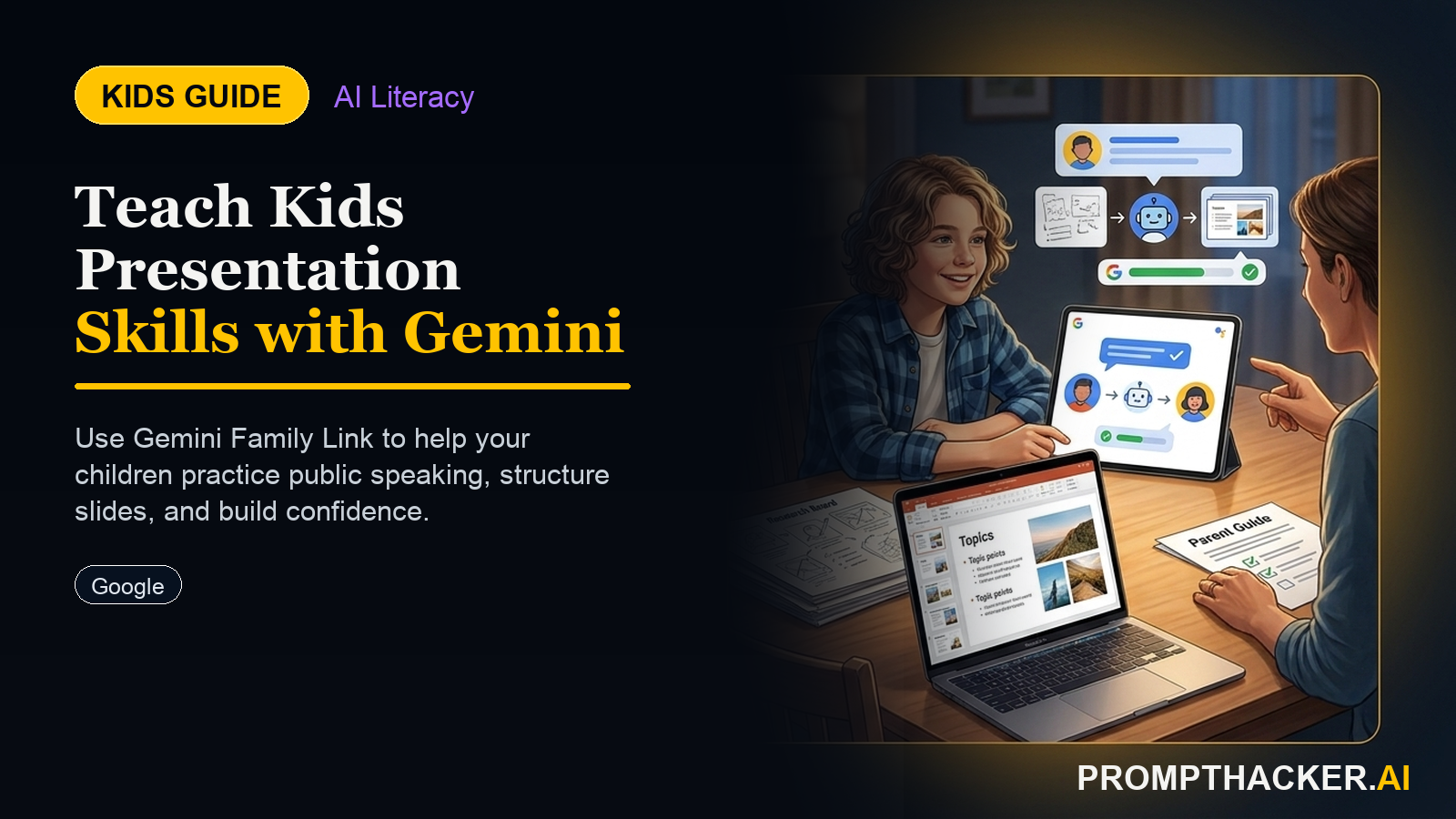
Kids create a hands-on AI project: Prepare for Presentations with AI: Gemini Family Link Now Available. A parent or educator helps them build, test, and explain what the AI tool gets right and wrong.
What matters today
Kids create a hands-on AI project: Prepare for Presentations with AI: Gemini Family Link Now Available. A parent or educator helps them build, test, and explain what the AI tool gets right and wrong.
Article roadmap
What you will learn
-
Children learn to anticipate questions and formulate clear, confident responses for presentations.
-
They develop critical analysis skills by evaluating AI-generated feedback on their answers.
-
Kids practice handling challenging questions and defending their ideas, boosting their confidence.
-
They gain an understanding of how AI can be a dynamic, interactive learning tool.
For many children, the thought of giving a presentation can bring a mix of excitement and nerves. They might spend hours researching a topic, crafting slides, or writing notes. Yet, the real test often comes when the presentation ends and the questions begin. Anticipating what a teacher or classmate might ask, and then practicing those answers, makes a significant difference in a child's confidence and performance.
Children who do not develop these early presentation and critical thinking skills may struggle with public speaking, miss opportunities to articulate their knowledge, and feel less prepared for academic or future professional challenges. These foundational skills are not just about grades; they are about fostering confident communicators and agile thinkers. This week, Google's Gemini Family Link rollout highlights new ways families can interact with AI, making this a perfect time to explore AI as a personal presentation coach.
This activity transforms presentation prep into an interactive, engaging experience. Your child will use AI to predict audience questions, rehearse their answers, and even face a "skeptical" AI to sharpen their arguments. They will walk into their next presentation not just prepared, but poised and powerful.
This activity harnesses the power of AI to provide personalized, on-demand presentation coaching. It is designed to be accessible and engaging for children across different age groups, using tools they might already be familiar with or can easily access. The core idea is to turn a typically stressful preparation process into an interactive learning game.
What You Will Need:
- A standard household device: a smartphone, tablet, or laptop.
- Access to a free AI chatbot: ChatGPT (available at chat.openai.com) or Claude (available at claude.ai). No paid subscriptions are required.
- Your child's presentation topic or outline.
Activity for Age 8: Predicting Teacher Questions
At this age, children are learning to organize their thoughts and speak clearly. This activity helps them anticipate simple questions and build confidence in their immediate responses.
What the child produces: A practiced verbal answer to a likely teacher question.
Step-by-step instructions:
- Open the AI Chatbot: Help your child open ChatGPT or Claude on your device.
- Introduce the Presentation: Ask your child to tell the AI, in simple terms, what their presentation is about. For example, "My presentation is about lions. I will talk about where they live and what they eat."
- Ask for a Teacher Question: Prompt your child to ask the AI, "What question might my teacher ask me about my presentation?"
- Listen to the AI's Question: The AI will generate a question. For a presentation on lions, it might ask, "Why do lions roar?"
- Practice the Answer: Encourage your child to answer the question out loud, just as they would in class. Remind them it is okay to think for a moment.
- Repeat (Optional): If time allows, ask the AI for another question and repeat the practice.
How a parent or educator can support: Encourage your child to speak clearly and think through their answer. Help them rephrase their presentation topic for the AI if they get stuck. Celebrate their efforts to speak out loud, regardless of the "perfect" answer.
Common mistakes and how to help:
- Child gives too little information to the AI: If the AI's questions are off-topic, help your child add more details about their presentation's main points. For instance, "I am talking about lions, but mostly about their habitats and hunting."
- Child is shy to answer out loud: Reassure them that practicing at home is a safe space. You can even model answering a question yourself first.
Unlock Advanced AI Strategies
Get full access to our library of prompts and expert guides.
Three deep dives. Four useful moves. One email worth opening.
PromptHacker turns the AI firehose into practical next steps for work, health, family, and everything time keeps trying to steal.