Build a Debate Bot with Google Gemini: A Hands-On Prompt Engineering Project for Ages 10 to 16
Kids create a hands-on AI project: Build a Debate Bot with Google Gemini: A Hands-On Prompt Engineering Project for Ages 10 to 16. A parent or educator helps them build, test, and explain what the AI tool gets right and wrong.
What matters today
Kids create a hands-on AI project: Build a Debate Bot with Google Gemini: A Hands-On Prompt Engineering Project for Ages 10 to 16. A parent or educator helps them build, test, and explain what the AI tool gets right and wrong.
What kids will build and learn:
- What a system prompt is and how it changes AI behavior
- How to write instructions that produce specific, consistent outputs
- How to test and improve their prompt by observing what breaks
- Why the same AI can argue both sides of any topic
- A working Debate Bot they can share with classmates
What the Project Is
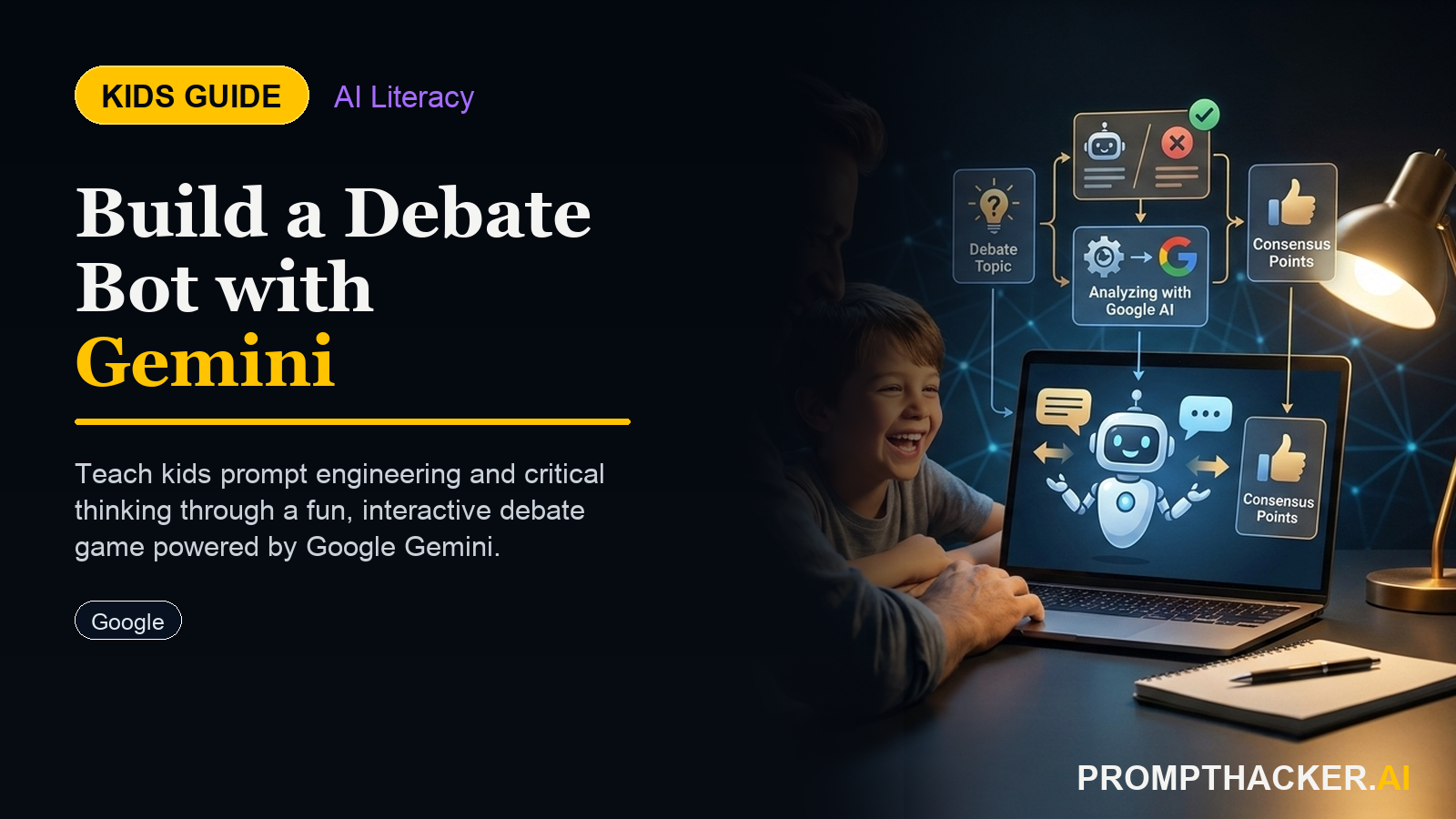
This project teaches kids how prompt engineering works by building something genuinely useful and interesting: a Debate Bot. The bot argues one side of any topic the user gives it, defends its position with three specific points, and responds to counterarguments. The child writes all the instructions that make the bot behave this way.
The tools: Google Gemini (free, no account required for guests on gemini.google.com) and any browser on a phone, tablet, or laptop. No downloads, no subscriptions, no code.
The learning: by writing, testing, and refining a system prompt, kids directly observe how AI behavior changes based on instructions. They see what happens when instructions are vague versus specific, when they leave edge cases undefined, and when they add rules the AI must follow. This is genuine prompt engineering, not a worksheet exercise.
⏱️ Time to Complete
30 to 45 minutes for the full build. Kids who enjoy it can spend another 30 minutes improving and testing edge cases. No supervision required beyond an initial 5-minute walkthrough of what Gemini is and how to access it.
Step 1: Open Gemini and Understand the Starting Point
Go to gemini.google.com on any browser. Type: "What is today's most debated topic in schools?" This gives kids a warm-up and helps them pick a starting debate topic that feels relevant.
Then try typing: "Argue that homework should be banned." Notice how Gemini responds: it will likely give a balanced answer or add qualifiers. Now they can see the problem they are about to solve: how do you make an AI commit to one side and stay there?
Step 2: Write the First Version of the Debate Bot Prompt
Have the child start a new conversation and paste this starting template, editing it themselves:
STARTER TEMPLATE (KIDS EDIT THIS)
"You are a debate coach who always argues the PRO side of any topic. Your rules: 1. Always give exactly 3 reasons that support the PRO side. 2. Each reason must be 1-2 sentences. 3. If I push back with a counterargument, you defend your position but acknowledge ONE fair point from the other side. 4. Never switch sides. 5. Start every response with 'My position is: [topic].' Now debate this topic with me: [their first topic here]."
After pasting this, they test it. Does the AI follow all 5 rules? Which rule does it break first? That broken rule is the next thing they need to fix in their prompt.
Step 3: The Testing and Improvement Loop
This is the core learning. Tell kids: every time the bot does something unexpected, that is a bug in your prompt, not the AI being broken. Their job is to find the bug and fix it by rewriting the rule that caused it.
Step 4: The Extension Challenge
Once the basic bot works, offer these extension challenges for kids who want to go further:
- Flip it: Write a second version that argues CON instead of PRO. Can they make two bots debate each other by copying responses back and forth?
- Persona challenge: Add a character to the bot (a pirate, a scientist, a sports coach) and make it argue in that character's style while still following all the debate rules.
- Difficulty levels: Add a rule where the bot makes arguments easier or harder depending on the age of the person it's talking to. Test it by telling the bot "I am 8 years old" and "I am 16 years old."
- Topic limit: Add a rule that the bot refuses to debate topics that are inappropriate or harmful. What topics trigger the refusal? What topics slip through?
For Parents and Educators
Conversation starters:
- What did you create today, and how did the AI help?
- If you could teach the AI one new thing, what would it be?
- How is this different from just searching on Google?
AI concept being learned: Prompt engineering and iterative refinement.
🎓 What They're Actually Learning
By the end of this project, kids have experienced the same core skill used by every professional who works with AI: writing precise instructions, observing where they fail, diagnosing why, and iterating. The debate topic is a prop. The real lesson is that AI behavior is determined by the quality of the instructions it receives.
What to Do with the Finished Bot
The child can share their final system prompt with classmates, let others test it, and collect feedback on what breaks. This turns the project into a peer review exercise: other kids find edge cases, and the original builder has to fix them. Ten minutes of peer testing is worth more than an hour of solo debugging.
Parents: the full project runs in a browser, costs nothing, and requires nothing installed. Gemini's free tier has no age restriction for supervised use. The only thing needed is your home WiFi and 30 minutes.
Get the full newsletter every week
This article is part of the PromptHacker Weekly premium deep-dive series. Subscribe to get all 7 articles plus the newsletter every Wednesday. Click here now
Three deep dives. Four useful moves. One email worth opening.
PromptHacker turns the AI firehose into practical next steps for work, health, family, and everything time keeps trying to steal.