article-7-kids-tip-teachable-machine-chatbot
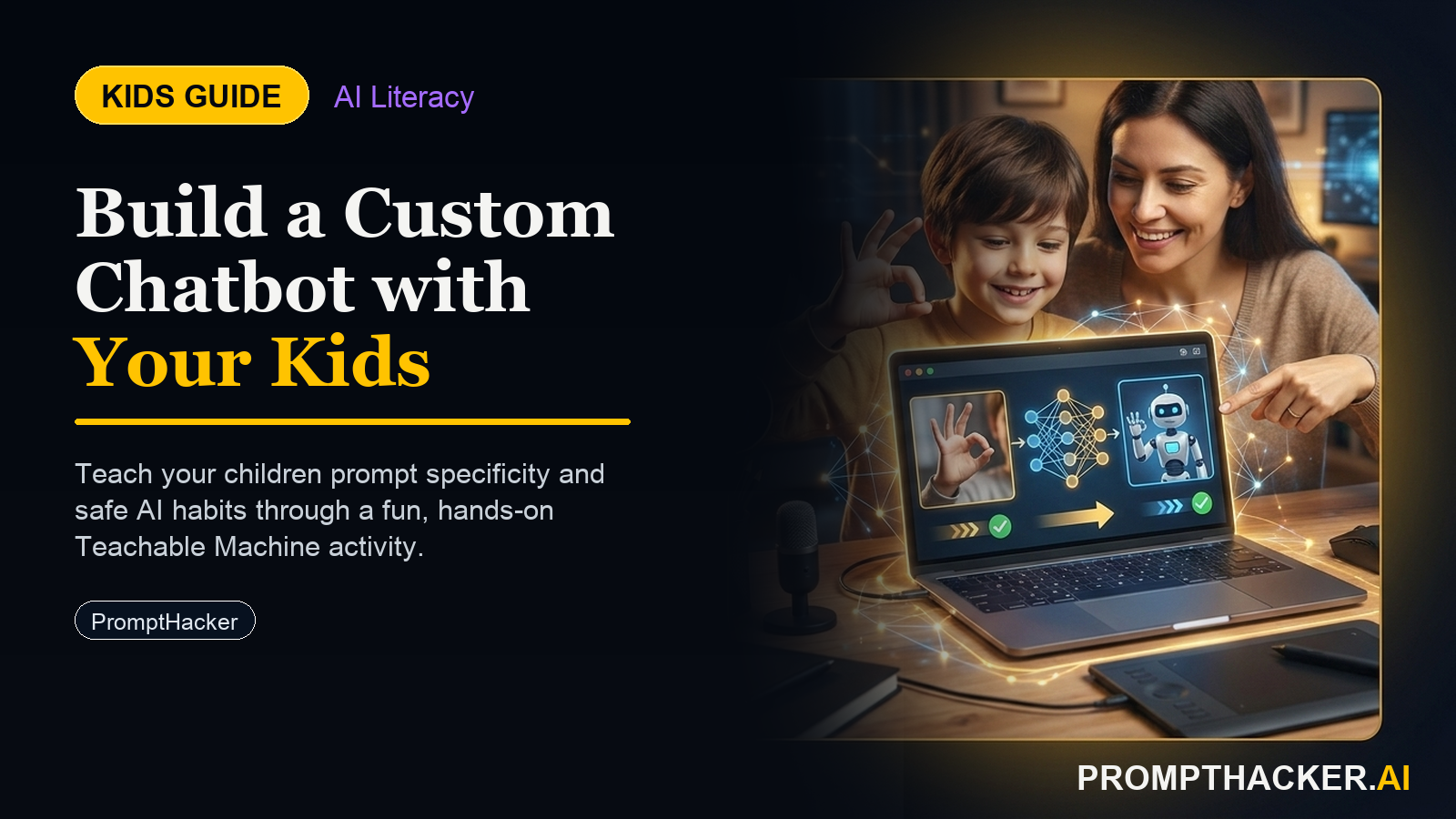
Kids create a hands-on AI project: article-7-kids-tip-teachable-machine-chatbot. A parent or educator helps them build, test, and explain what the AI tool gets right and wrong.
What matters today
Kids create a hands-on AI project: article-7-kids-tip-teachable-machine-chatbot. A parent or educator helps them build, test, and explain what the AI tool gets right and wrong.
Article roadmap
What you will learn
-
How to use Google Teachable Machine to train a visual AI model on any topic
-
What "training" means in machine learning and why it requires example data
-
Building a conversational chatbot in ChatGPT focused on the child's chosen topic
-
Combining visual recognition and text AI into one interactive experience
-
Publishing the project as a simple web-based chatbot
Kids learn best when building something they care about. Instead of teaching AI through abstract lessons, let them build an AI that knows about dinosaurs, space, sports, cooking, or whatever captures their curiosity. The process is hands-on: they collect photos, train the model, see it work, then watch it answer questions about their topic.
This project introduces two types of AI: visual AI (image recognition via Teachable Machine) and conversational AI (language understanding via ChatGPT). The child experiences both, understanding that AI can "see" photos and "read" questions, then respond meaningfully. The combination creates a project that feels more real than either tool alone.
This guide walks through picking a topic, using Teachable Machine to build a visual classifier, designing a ChatGPT expert chatbot, combining both, and publishing a working chatbot. The result is a portfolio piece that demonstrates understanding of both machine learning and conversational AI, plus genuine engagement with a topic the child loves.
Step 1: Choose a Topic the Child Is Passionate About
The best projects start with genuine interest. Ask the child: "What could you talk about for hours " Common answers: dinosaurs, space, soccer, cooking, anime, video games, animals, music. Pick one topic the child wants to become an expert in.
For a visual AI project, the topic works best if it has distinct visual categories. Dinosaurs work (T-Rex vs Triceratops are visually different). Space works (different planets look different). Sports work (soccer ball vs baseball vs basketball). If the child picks something without clear visual distinctions, shift the visual component to related categories (e.g., if the topic is "famous people," the visual AI could recognize "action poses" from movie stills).
Step 2: Train a Visual AI Using Google Teachable Machine
Open teachablemachine.withgoogle.com in a browser (free, no sign-up required). Select "Create Project" and choose "Image Project." Name it something like "Dinosaur Classifier."
Teachable Machine works by collecting examples. For dinosaurs, the child will create classes like "T-Rex" and "Triceratops." For each class, they upload or take 10-20 photos. The more photos, the better the model learns.
Once 10-20 photos per class are uploaded, Teachable Machine automatically trains the model. Training happens instantly in the browser. The child can test it immediately: hold up a photo of a T-Rex, and the model predicts "T-Rex" with a confidence percentage. This is the "aha moment" where they see AI working.
After training, click "Export Model" and select "TensorFlow.js" format. This generates a shareable link and downloadable code that the child can use in their chatbot project.
Step 3: Build a Conversational Expert Chatbot in ChatGPT
While the visual model trains, open ChatGPT and start a new conversation. Ask the child to write a system prompt that defines their chatbot's personality and expertise. Use this template:
Paste this system prompt into ChatGPT's system settings (click the settings icon in ChatGPT, then "Custom Instructions," paste the prompt into the "How should ChatGPT behave " field). Now test the chatbot by asking questions about the topic. Does it answer accurately Is it exciting Refine the prompt if needed.
Step 4: Combine Visual and Conversational AI
Now combine both AIs. The workflow looks like this:
For ages 8-12, this manual workflow (photo to Teachable Machine, results to ChatGPT) is intuitive and demonstrates the two AI systems clearly. For ages 13-16, consider building a simple web page that combines both automatically (using Teachable Machine's exported code and OpenAI's API), though this requires some coding knowledge.
Step 5: Create a Simple Web Interface
For a polished finish, create a simple webpage that hosts the Teachable Machine model. Google provides beginner-friendly code templates when you export the model. The template includes a webcam interface where users can point a camera at objects and see predictions in real-time.
Add a title, instructions, and a link to the ChatGPT chatbot (or embed the chatbot directly if using the ChatGPT API). Publish the webpage on a free platform like GitHub Pages, Replit, or Vercel. The result is a working, shareable chatbot that demonstrates understanding of both visual AI and conversational AI.
Action Steps Summary
- Pick a topic the child loves (dinosaurs, space, sports, animals, cooking) (5 minutes)
- Gather example photos representing 3-4 categories within the topic (30-60 minutes)
- Train a Teachable Machine model using the example photos (15 minutes)
- Test the visual model with new photos to verify accuracy (10 minutes)
- Export the trained model and save the TensorFlow.js code (5 minutes)
- Create a ChatGPT system prompt defining the expert chatbot (10 minutes)
- Test the chatbot with topic-specific questions (10 minutes)
- Combine both using the photo-to-prediction-to-question workflow (10 minutes)
- Build a simple webpage hosting the visual model and chatbot links (30-60 minutes, optional)
- Share and present the chatbot with friends, family, or as a school project (30 minutes)
For Parents and Educators
Core AI Concept: This project teaches supervised learning. The child collects labeled examples (photos tagged as "T-Rex" or "Triceratops"), and the model learns to recognize patterns. This is fundamentally different from web search (finding existing information) and introduces the idea that machines learn from data.
Conversation Starters:
- "Why do you think the model struggled to recognize [misidentified dinosaur] What more photos should we show it "
- "How is ChatGPT different from the visual model One recognizes images; the other understands language. What else is different "
- "Could we use this model for something else What if we trained it on cars, or animals, or facial expressions "
This project aligns with computing and data literacy standards for ages 8-16. It is hands-on, builds portfolio skills, and reinforces that AI is built on data, not magic.
Three deep dives. Four useful moves. One email worth opening.
PromptHacker turns the AI firehose into practical next steps for work, health, family, and everything time keeps trying to steal.