Your Kid Can Train A Working AI On Their Pokemon Collection This Afternoon
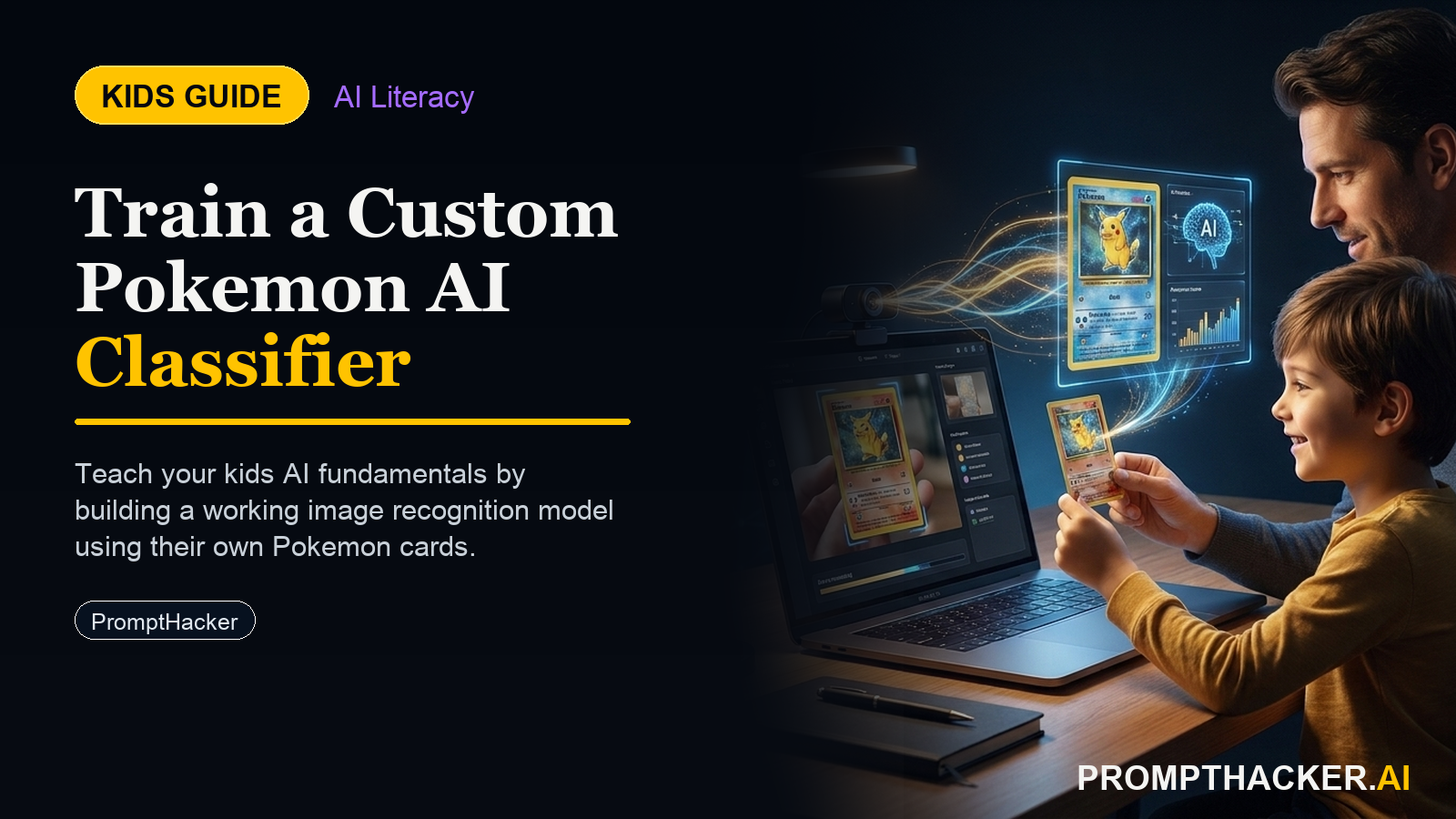
Kids create a hands-on AI project: Your Kid Can Train A Working AI On Their Pokemon Collection This Afternoon. A parent or educator helps them build, test, and explain what the AI tool gets right and wrong.
What matters today
Kids create a hands-on AI project: Your Kid Can Train A Working AI On Their Pokemon Collection This Afternoon. A parent or educator helps them build, test, and explain what the AI tool gets right and wrong.
Article roadmap
What you will learn
-
How to set up Teachable Machine on a phone, tablet, or laptop in 5 minutes
-
The exact training steps and how many photos to take per category
-
How kids use Gemini to troubleshoot when the model gets confused
-
The core AI concept (training data bias) this activity actually teaches
Google Teachable Machine is a free browser tool that lets anyone train a working image classifier without writing code. A child takes photos of a few categories (Pokemon cards they own, Lego figures, sports cards, stuffed animals, types of leaves from the backyard) and the tool learns to tell them apart. The finished model runs live in the browser.
The magic moment is when the model gets something wrong. A Pikachu card held upside-down gets classified as Jigglypuff. That failure is the teaching opportunity. Kids learn that AI "knows" only what it has seen, and that balanced examples matter more than total photo count.
What follows is the step-by-step flow, the Gemini prompts to run when things break, and the sidebar questions for parents to guide the conversation.
Subscribers Read On
PromptHacker Premium members get the full activity guide below.
The 90-minute activity
- Open Teachable Machine (5 minutes). Go to teachablemachine.withgoogle.com on any device with a browser and a camera. Click "Get Started" then "Image Project" then "Standard Image Model." No signup needed.
- Pick four categories (10 minutes). Pokemon cards, Lego figures, coins, shells, toy dinosaurs, leaves from different trees. Anything the kid has at least 15 of per category.
- Capture training data (40 minutes). Use the webcam to take 20 to 30 photos per category. Vary angles, lighting, distance. This is the hardest part and the most important. The kid should move each item, tilt it, hold it farther and closer.
- Train the model (2 minutes). Click "Train Model." Teachable Machine handles the math. Leave the tab focused while it trains.
- Test with new items (15 minutes). Hold up items the model has never seen. What does it predict? What does it get wrong?
- Troubleshoot with Gemini (15 minutes). Open gemini.google.com on a second tab and walk through what went wrong.
The Gemini troubleshooting prompt
Gemini gives back three or four reasons (lighting, angle, similar colors, not enough variety). The child picks one, retakes photos, retrains. The retrain takes two minutes. Do this twice and accuracy usually jumps from 70% to 90%+.
What the child actually learns
This activity does not teach "how AI works" at the math level. It teaches something more useful: that AI models are only as good as the data they see, that balanced examples matter, and that bias is real and fixable with more thoughtful data collection. Those lessons transfer to every AI conversation they will have for the rest of their life.
For parents and educators
Core AI concept
Training data bias. The model learns from what you show it. Narrow or unbalanced examples produce narrow or biased predictions.
Conversation starters
- "If you only took photos at your desk, what kinds of real-world photos would the model get wrong?"
- "What would happen if someone trained a model on only pictures of one kind of dog, then asked it to recognize all dogs?"
- "How is this like how humans sometimes make snap judgments based on who we grew up around?"
Action steps summary
- Open teachablemachine.withgoogle.com on any device with a camera.
- Pick four categories from an existing collection.
- Capture 20 to 30 varied photos per category. Variety matters more than count.
- Train the model and test with new items the model has not seen.
- Use Gemini to troubleshoot specific misclassifications with the prompt above.
- Retrain, retest, and celebrate when the model hits 90%+ on new items.
Three deep dives. Four useful moves. One email worth opening.
PromptHacker turns the AI firehose into practical next steps for work, health, family, and everything time keeps trying to steal.