Copilot Cowork Is Live, and It Finishes the Job Instead of Drafting It
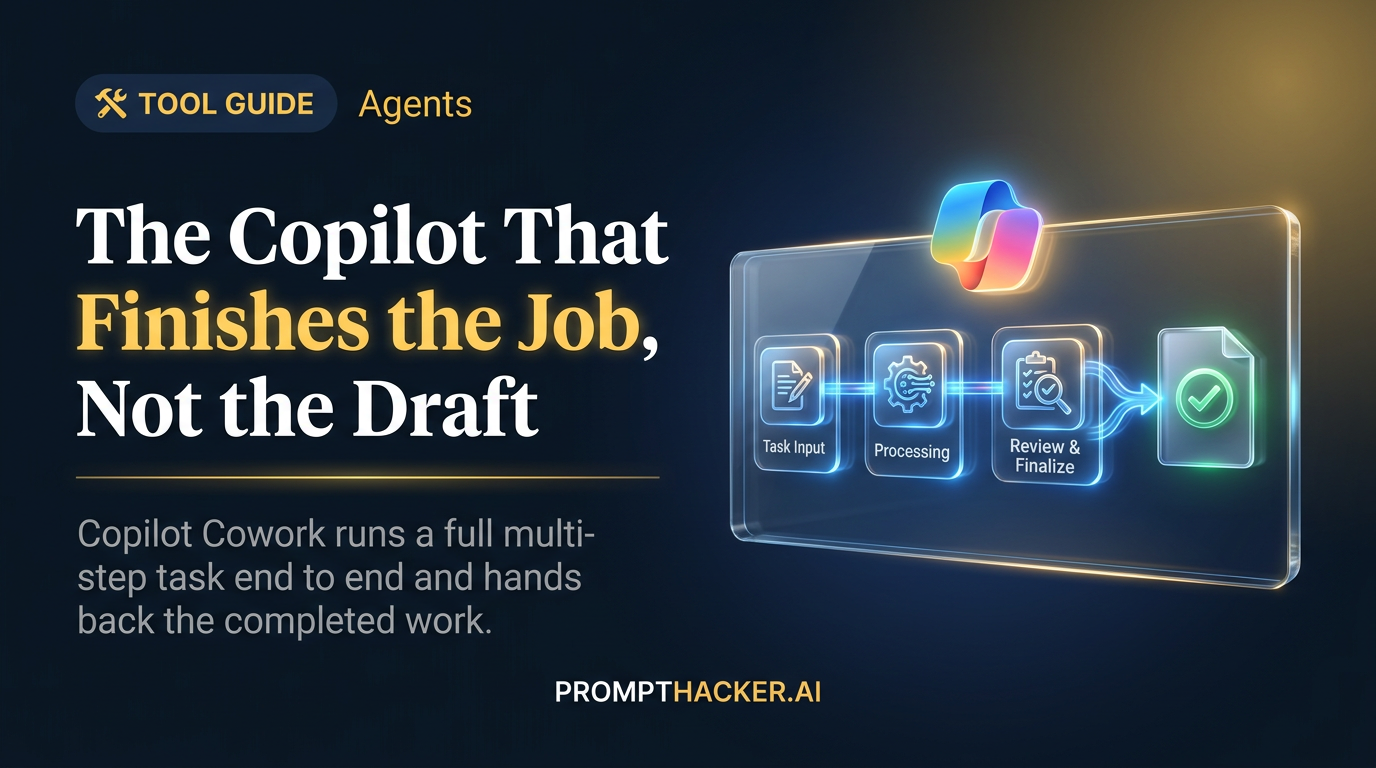
On June 16, 2026, Microsoft announced the general availability of Copilot Cowork worldwide. The headline is not another chat box. Cowork executes complex, long-running, multi-tool tasks from start to finish and hands you a completed result, not a draft and not a recommendation you still have to act on.
What matters today
On June 16, 2026, Microsoft announced the general availability of Copilot Cowork worldwide. The headline is not another chat box.
Article roadmap
What you will learn
-
What Copilot Cowork does that a normal Copilot prompt does not
-
The five things that set it apart, in plain terms
-
What it costs, who can switch it on, and how billing works
-
Three real jobs worth handing it in your first week
-
How to run a pilot without inviting a surprise bill
On June 16, 2026, Microsoft announced the general availability of Copilot Cowork worldwide. The headline is not another chat box. Cowork executes complex, long-running, multi-tool tasks from start to finish and hands you a completed result, not a draft and not a recommendation you still have to act on.
That is a real shift in what the word "assistant" means. Most AI tools at your company today produce a first pass: a paragraph you edit, a summary you double-check, a list you sort yourself. Cowork is built to take the whole assignment, plan the steps, call the tools and files it needs, work through the parts that take time, and come back when the job is actually done. EVP Charles Lamanna framed the launch around that single idea, the move from an assistant that drafts to an agent that delivers.
General availability means it is no longer a limited preview. It is open worldwide, with billing live, admin controls in place, and a roster of large companies that already put it through real work. The rest of this guide covers what makes it different, what it costs, and where to point it first.
This is a PromptHacker Premium deep dive.
Get the cost breakdown, the admin guardrails, and the three first jobs worth handing Cowork before your team does.
What Makes Cowork Different
Microsoft points to five differentiators. Read them as five reasons this is more than a faster prompt.
It runs in the cloud, not on your laptop. Files are not stored locally, and tasks keep running even when your laptop is off. You can kick off a long job at 5pm, close the lid, and find it finished in the morning.
It is grounded in your business systems. Native Work IQ support connects tasks to the data, documents, and context already inside your organization, so the work reflects your reality rather than a generic answer.
It stays inside your trust boundary. Cowork operates with enterprise-grade security inside your Microsoft 365 trust boundary and inherits your sensitivity labels, so the controls you already apply to documents follow the work.
It is multi-model by design. Cowork is not locked to one model. At GA it runs on Anthropic models, including Opus 4.8 and Sonnet 4.6, with GPT-5.5 available in Frontier and a fine-tuned model called Cowork 1 on the way.
It is built to cost less. An efficient runtime, model choice, and usage-based billing are meant to keep the price tied to what you actually run, rather than a flat seat fee for capacity you may not use.
Plain-English takeaway: Cowork is an agent that does the whole task in the cloud, inside your existing Microsoft 365 security, and bills you for the work it actually performs.
What It Costs and Who Can Turn It On
Cowork is not free, and it is not bundled into any Microsoft 365 plan by default. You need the Microsoft 365 Copilot User Subscription License (USL) to use it. With that license in place, Cowork is billed usage-based in Copilot Credits. Pay-as-you-go is priced at $0.01 per Copilot Credit, or you can take a P3 commitment for a discount.
It is off by default. Admins decide when to enable it and who gets access, and they set spending limits at the tenant, group, and user levels, with usage alerts and reporting to keep an eye on consumption. Billing began June 16, 2026. Tenants that were already in the Frontier preview get a grace period until July 1, 2026 before usage charges apply.
Each task's price comes from four inputs: model use, context retrieval, tool calls, and runtime. Runtime is tiered as light, medium, or heavy. Microsoft did not publish exact credit numbers per tier, so treat the table below as a qualitative guide rather than a price sheet.
Three Jobs Worth Handing It First
More than half of the Fortune 500 used Cowork during the three-month Frontier preview, including Accenture, Capital Group, Koch, and Zurich Insurance. The examples Microsoft cited point to three jobs that translate cleanly to most companies.
1. Pipeline triage
One sales lead pointed Cowork at a stalled pipeline and got back a ranked list of at-risk opportunities, each with the exact follow-up that had gone cold. A week of review collapsed into a single morning. If your sales team spends Mondays guessing which deals are slipping, this is the test case to start with.
2. Version and file comparison
One team compared nearly four thousand files across two product versions, work that would have taken weeks by hand. Any group that has to diff large document sets, contract versions, or spec libraries can hand the comparison over and get a structured answer instead of a manual slog.
3. Spreadsheet and chart automation
One engineering team taught Cowork to safely edit batch-job spreadsheets and generate dependency flow charts. The pattern matters: you can teach it a repeatable, rules-bound task once and let it run that task on demand, with the safety boundaries you set.
How to Pilot It Without a Surprise Bill
Because Cowork is usage-based and off by default, the safe way in is the same discipline you would apply to any metered service. Enable it for a small group with a spending cap set at the group or user level, not the whole tenant. That keeps the test contained while you learn the cost shape.
Run one task where you already know the right answer. Hand it a pipeline you have already triaged, or a file comparison you have already done by hand, then grade what comes back against the result you trust. You are measuring accuracy and cost on a known baseline, not on a job where you cannot tell whether it was right.
If the graded result holds up and the credit cost is reasonable, expand the group and the cap one step at a time. Watch the usage alerts and reporting at each step. Frontier tenants have until July 1, 2026 before charges apply, so if you were in the preview, that window is the cheapest time to run these tests.
Action Steps Summary
- Confirm the license. Check that the people you want to pilot with hold the Microsoft 365 Copilot User Subscription License, since Cowork will not run without it.
- Enable it narrowly with a cap. Have an admin switch Cowork on for one small group and set a spending limit at the group or user level, not the tenant.
- Run a known-answer task. Pick pipeline triage, a file comparison, or a spreadsheet job you have already solved, and let Cowork redo it.
- Grade and cost it. Compare the output to your trusted result and check the Copilot Credits the task consumed, using $0.01 per credit as your math.
- Expand one step at a time. If accuracy and cost both pass, widen the group and the cap gradually while watching the usage alerts and reporting.
Three deep dives. Four useful moves. One email worth opening.
PromptHacker turns the AI firehose into practical next steps for work, health, family, and everything time keeps trying to steal.