Sales Forecasting Gets Predictive with Copilot and Dynamics 365
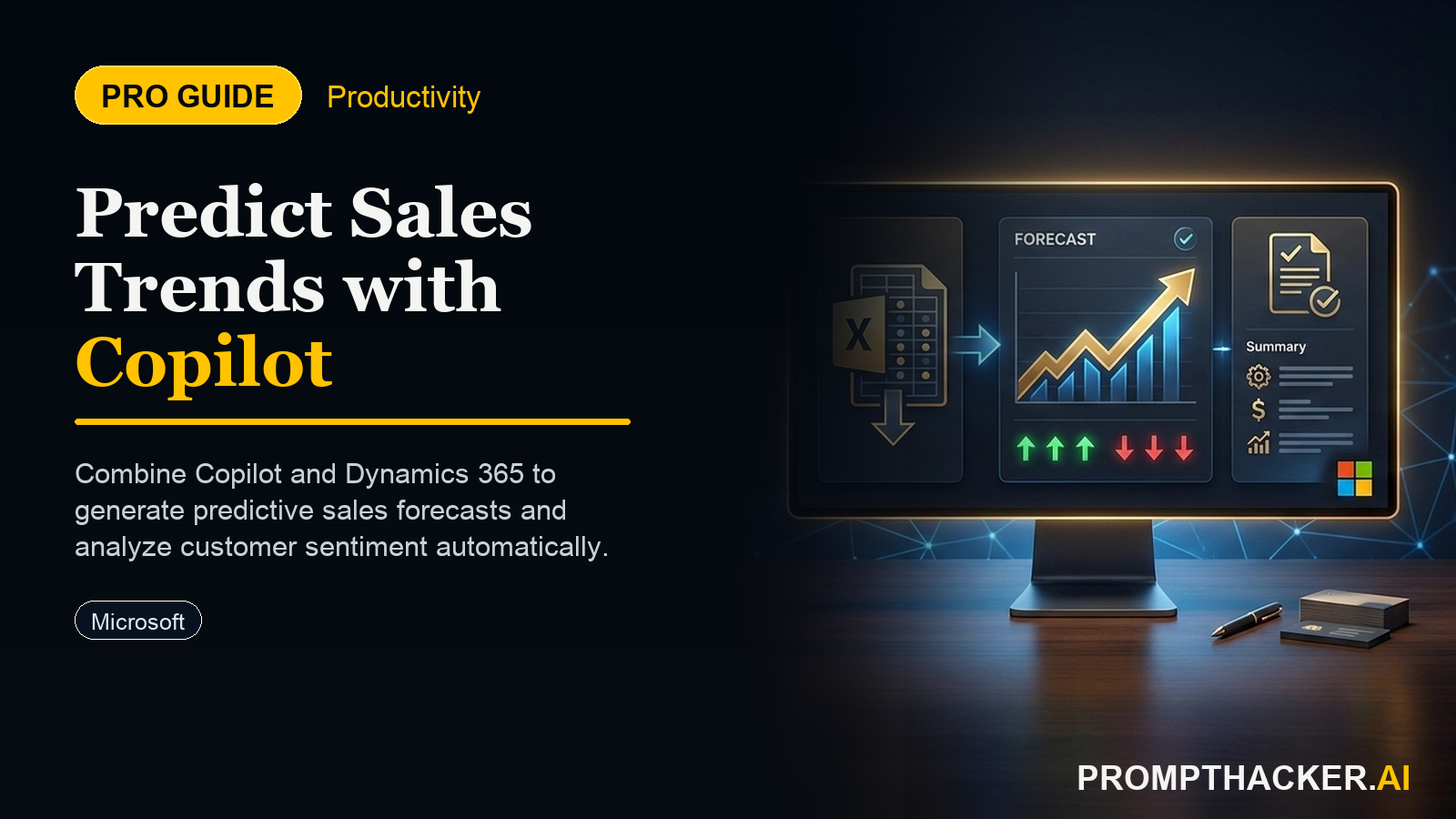
Sales executives generate predictive sales forecasts and customer sentiment analyses, streamlining strategic planning.
What matters today
Sales executives generate predictive sales forecasts and customer sentiment analyses, streamlining strategic planning.
Key points
- Streamlining Sales Forecasting with AI
- Step 1: Accessing Copilot within Dynamics 365
- Step 2: Generating a Predictive Sales Forecast
- Worked Example: Q4 North American Forecast
- Step 3: Identifying At-Risk Accounts
What you will learn in this article:
- How to generate accurate Q4 sales forecasts using natural language prompts in Microsoft Copilot.
- How to identify and prioritize at-risk customer accounts directly within Dynamics 365.
- How to integrate AI-driven insights into your weekly sales strategy meetings.
- How to proactively adjust sales tactics based on real-time data and sentiment analysis.
- How to reduce manual forecasting effort, saving 90 minutes per week for your sales team.
A Head of Sales for a national distribution company faces consistent pressure to deliver accurate quarterly forecasts. Each quarter, the process involves hours of manual data aggregation from various CRM reports, spreadsheets, and individual sales rep updates. This often leads to projections that are outdated by the time they are finalized, missing critical shifts in market dynamics or customer sentiment. The time spent on compiling these reports delays strategic decision-making and diverts valuable resources from direct sales activities.
Without a rapid, data-driven forecasting mechanism, sales leaders risk making reactive decisions, misallocating resources, and failing to capitalize on emerging opportunities. This manual burden can lead to missed revenue targets and a loss of competitive edge. The ability to quickly pivot based on predictive insights becomes a significant differentiator in today's fast-moving markets.
This article details how Microsoft Copilot's new integration with Dynamics 365 streamlines sales forecasting and customer risk assessment. Discover how natural language prompts can generate predictive reports and identify at-risk accounts, saving your team 90 minutes per week and allowing for proactive strategic adjustments.
The integration of Microsoft Copilot with Dynamics 365 marks a significant advancement for sales leaders seeking to optimize their forecasting and account management strategies. This update eliminates the time-consuming process of manual sales forecasting and risk assessment, providing sales directors and account managers with powerful AI tools directly within their existing workflow. By leveraging historical CRM data, Copilot delivers accurate projections and highlights at-risk accounts, fundamentally improving sales outcomes.
Streamlining Sales Forecasting with AI
Historically, sales forecasting has been a labor-intensive exercise, often relying on a combination of gut feeling, historical trends, and manual aggregation of data. This approach is prone to human error and often lacks the agility required to respond to rapid market changes. Copilot's integration with Dynamics 365 changes this by providing a direct, natural language interface to generate sophisticated predictive models.
The primary benefit is the ability to generate sales forecasts with unprecedented speed and accuracy. Instead of sifting through countless reports, executives can now simply ask Copilot for the information they need. This not only saves significant time but also allows for more frequent and granular forecasting, enabling sales teams to stay ahead of market shifts.
Step 1: Accessing Copilot within Dynamics 365
The first step involves ensuring Microsoft Copilot is active and accessible within your Dynamics 365 environment. This integration is designed to be seamless, meaning sales executives do not need to navigate to a separate application or export data. Copilot's interface appears directly within Dynamics 365, ready to receive prompts.
Confirming the integration is usually a quick check of your Dynamics 365 settings or a direct inquiry to your IT administrator. Once confirmed, a Copilot icon or chat window will be visible, indicating the AI assistant is ready for interaction. This native access ensures that all data processed by Copilot remains securely within the Dynamics 365 ecosystem, adhering to enterprise data governance policies.
Step 2: Generating a Predictive Sales Forecast
Once Copilot is active, generating a sales forecast becomes a matter of a simple natural language prompt. The AI assistant draws upon all available historical CRM data, including past sales figures, customer interactions, lead statuses, and market segment information. This comprehensive data set allows Copilot to identify patterns and trends that inform its predictions.
Consider a sales director preparing for the upcoming quarter. Instead of spending hours compiling data, the director can use a straightforward prompt.
VERBATIM PROMPT
"Generate a sales forecast for Q4 for the North American region."
Upon receiving this prompt, Copilot immediately begins processing the relevant data. It analyzes past Q4 performance, current pipeline health, seasonal trends, and any other pertinent information stored in Dynamics 365 for the specified region. The output is a clear, data-backed projection, often presented with key metrics, potential ranges, and contributing factors. This forecast is generated within seconds, providing immediate insights for strategic planning.
Worked Example: Q4 North American Forecast
Imagine a scenario where a sales director needs a Q4 forecast by end of day for a board meeting. Traditionally, this might involve pulling reports from multiple systems, merging spreadsheets, and manually calculating probabilities based on sales stage. This could easily take half a day.
With Copilot, the director opens Dynamics 365, navigates to the Copilot interface, and inputs the prompt. Within moments, Copilot presents a forecast that includes projected revenue, unit sales by product line, and a breakdown of anticipated performance across different sub-regions within North America. It might highlight that, based on current pipeline and historical conversion rates, Q4 revenue for the North American region is projected to be $X million, with a confidence interval of Y%. This instant report allows the director to focus on strategy rather than data compilation.
Step 3: Identifying At-Risk Accounts
Beyond general forecasting, a critical capability for sales teams is the proactive identification of accounts that might churn or reduce their spending. Manual risk assessment requires constant monitoring of customer interaction logs, support tickets, and usage data, which is often infeasible for large account portfolios. Copilot's integration with Dynamics 365 automates this crucial process.
Copilot analyzes customer sentiment, recent interaction history, open support cases, and any changes in product usage patterns. It identifies subtle signals that might indicate dissatisfaction or a potential move to a competitor. This predictive insight allows account managers to intervene before a problem escalates.
VERBATIM PROMPT
"Identify top 5 at-risk accounts based on recent interactions."
This prompt triggers Copilot to scan all recent customer engagements logged in Dynamics 365. It looks for indicators such as declining engagement rates, an increase in negative feedback, unresolved support issues, or a lack of recent proactive outreach from the sales team. The output is a prioritized list of accounts, often accompanied by a brief summary of why each account is flagged as at-risk.
Worked Example: Proactive Account Management
An account manager oversees a portfolio of 50 key clients. Without AI, identifying at-risk accounts would mean manually reviewing each client's activity log, support tickets, and recent communication. This is impractical for a weekly review.
Using Copilot, the account manager runs the prompt "Identify top 5 at-risk accounts based on recent interactions." Copilot quickly returns a list. For "Client A," it might note a recent drop in product usage, two unresolved high-priority support tickets, and no proactive contact from the account manager in the last 30 days. For "Client B," it might highlight a recent negative sentiment detected in email communications and a new competitor mentioned in a recent sales call. These specific insights allow the account manager to immediately prioritize outreach and tailor a retention strategy for each client, saving the account and potential revenue. This proactive approach saves approximately 90 minutes per week by replacing manual data review with targeted, AI-driven alerts.
Step 4: Reviewing Generated Reports and Insights
The reports and insights generated by Copilot are displayed directly within Dynamics 365. This seamless presentation means sales executives do not need to switch between applications or consolidate information from disparate sources. The data is presented in an intuitive format, often with charts, graphs, and bullet-point summaries, making it easy to digest and act upon.
A critical aspect of this step is validating the AI's output. While Copilot is highly accurate, human oversight remains essential. Executives should review the generated forecasts and at-risk account lists, cross-referencing them with their own market knowledge and qualitative insights. This ensures the AI's predictions align with the broader business context and any unrecorded external factors.
Step 5: Adjusting Sales Strategies and Allocating Resources
The ultimate goal of using Copilot for forecasting and risk assessment is to enable proactive intervention and strategic adjustment. Armed with accurate forecasts and early warnings about at-risk accounts, sales leaders can make informed decisions about resource allocation, training needs, and campaign focus.
For instance, if a forecast indicates a potential shortfall in a specific region, sales leadership can immediately reallocate marketing spend, launch targeted sales incentives, or provide additional training for sales reps in that area. If a key account is flagged as at-risk, the account manager can initiate a personalized outreach plan, offer proactive support, or schedule a strategic business review to reinforce value. This data-driven approach allows for agile adjustments that directly impact sales outcomes.
Edge Cases and Failure Modes
While Copilot's integration is powerful, understanding its limitations and potential failure modes is important.
- Data Quality: Copilot's predictions are only as good as the data within Dynamics 365. Inaccurate, incomplete, or outdated CRM data will lead to flawed forecasts and risk assessments. Ensure your sales team maintains rigorous data entry practices.
- Prompt Specificity: Vague prompts can lead to less precise results. For example, "What about sales?" is less effective than "Generate a sales forecast for Q4 for the North American region." Clear, specific prompts yield the best outcomes.
- New Market Dynamics: For entirely new product launches or sudden, unprecedented market shifts, historical data may be less predictive. In such cases, Copilot's output should be heavily augmented with human expert judgment and external market research.
Three deep dives. Four useful moves. One email worth opening.
PromptHacker turns the AI firehose into practical next steps for work, health, family, and everything time keeps trying to steal.