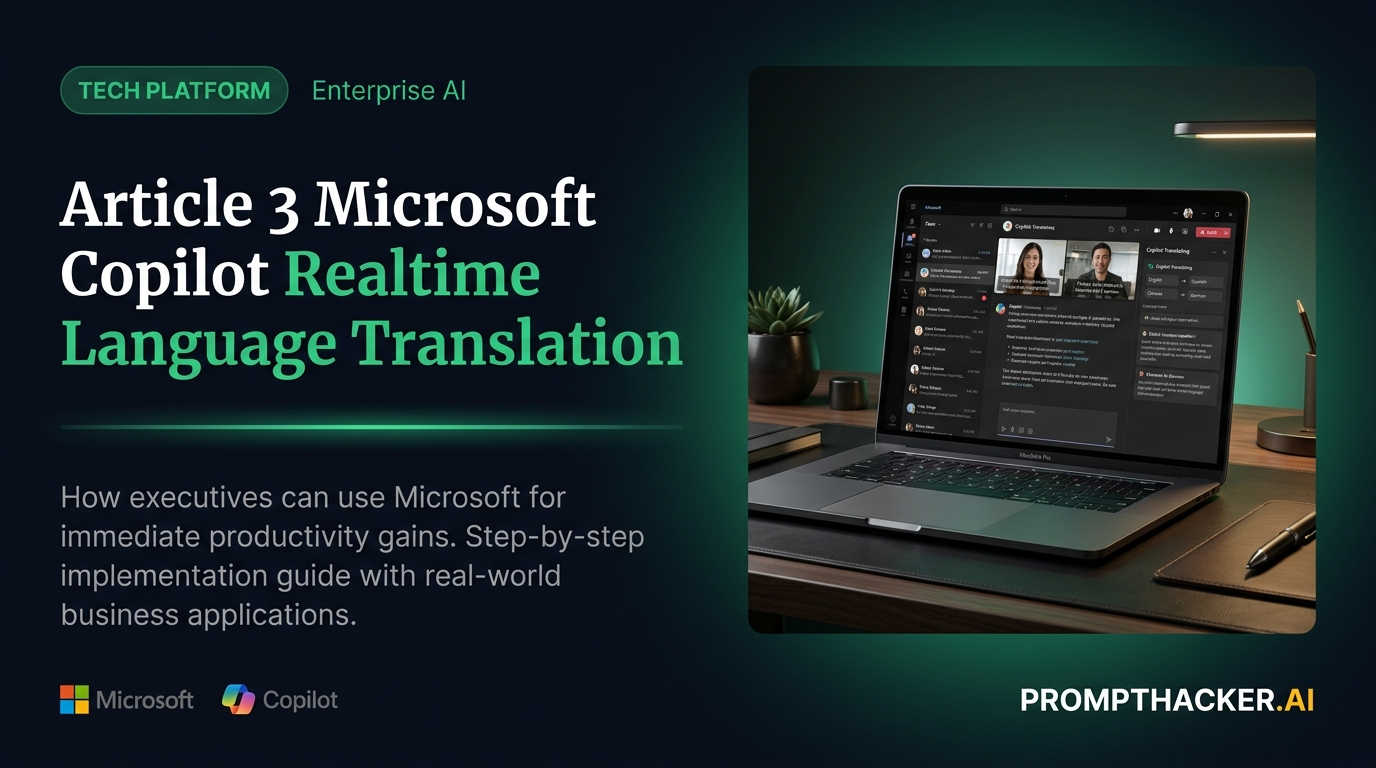
Microsoft Copilot Now Translates Languages in Real-Time, Boosting Global Collaboration
How to activate Microsoft Copilot's real-time language translation to eliminate communication delays in global meetings.
What matters today
How to activate Microsoft Copilot's real-time language translation to eliminate communication delays in global meetings.
Article roadmap
What you will learn
-
How to activate Microsoft Copilot's real-time language translation to eliminate communication delays in global meetings.
-
How to leverage Copilot for instant document translation, accelerating international review cycles.
-
How to integrate real-time translation into your existing Microsoft 365 workflows for seamless cross-cultural collaboration.
-
How to mitigate common challenges in AI-powered translation to ensure accuracy and clarity for critical business communications.
-
How to quantify the time and efficiency gains from using Copilot's translation features across your global teams.
A Head of Global Operations at a multinational manufacturing firm is preparing for a quarterly review with subsidiary leaders spread across five continents. The agenda is packed, covering supply chain optimizations, regional market performance, and compliance updates. Historically, these meetings have been a logistical challenge, with interpreters required for key discussions, leading to slower pacing, potential misunderstandings, and the need for follow-up clarifications that delay decision-making. Each 60-minute call often stretches to 90 minutes or more, purely due to translation overhead.
Failing to address these communication bottlenecks means critical strategic decisions are postponed, market opportunities are missed, and operational inefficiencies persist. The cumulative effect of these delays impacts global revenue targets and erodes competitive advantage. Executives find themselves spending valuable time clarifying rather than strategizing, hindering the agility required in today's fast-paced global economy.
This article details how Microsoft Copilot's new real-time language translation capabilities directly address these challenges, allowing global teams to communicate without friction. Discover how to implement this feature in your Microsoft 365 environment, streamline international interactions, and reclaim valuable executive time previously lost to language barriers.
Microsoft Copilot's integration of real-time language translation marks a significant advancement for global enterprises. This feature allows executives and their teams to communicate fluidly across different languages within Microsoft Teams meetings and various documents, eliminating the traditional delays and costs associated with human interpreters or manual translation processes. The direct impact is measurable: a reduction of 20 minutes per international call, freeing up substantial time for strategic discussions and faster decision cycles.
This capability is not merely a convenience; it is a strategic tool for fostering deeper collaboration, improving decision quality, and expanding market reach. By ensuring every team member, regardless of their native language, can fully participate and understand discussions, organizations unlock their full global potential.
Activating Real-time Translation in Microsoft Teams Meetings
For executives managing international teams or engaging with global clients, Microsoft Teams meetings are often the central hub for collaboration. Copilot's real-time translation within Teams directly addresses the friction points of multilingual communication, allowing participants to speak and understand each other instantly.
Scenario: A marketing director based in Chicago needs to review Q1 campaign performance with regional leads in Berlin, Tokyo, and Sao Paulo. Historically, this required either pre-translating reports or relying on a dedicated interpreter, adding complexity and slowing the discussion.
Workflow for Real-time Meeting Translation:
1. Preparation (Pre-Meeting Setup):
- Step 1: Verify Copilot Access and Language Packs. Before any meeting, ensure your organization's Microsoft 365 subscription includes Copilot and that the necessary language packs are installed and enabled for all participants. Copilot leverages Azure AI services for translation, so a stable internet connection is crucial for optimal performance. Confirming these technical prerequisites prevents disruptions during live discussions.
- Step 2: Inform Participants. Communicate to all meeting attendees that real-time translation will be used. Explain how to activate their preferred language settings within Teams.
Ready to scale your global operations?
Three deep dives. Four useful moves. One email worth opening.
PromptHacker turns the AI firehose into practical next steps for work, health, family, and everything time keeps trying to steal.