PH PROMPTHACKER.AI

Microsoft Copilot for Sales Personalizes Emails, Boosts Sales Efficiency

Empower sales teams to accelerate cycles and enhance customer engagement with AI-driven personalized email responses.

November 19, 2025 7 min read
microsoft copilot sales personalized emails
Quick Scan

What matters today

Empower sales teams to accelerate cycles and enhance customer engagement with AI-driven personalized email responses.

Format TOP UPDATE
Audience Executives using AI at work
Time 7 min read
Topic Microsoft

Key points

  • 1. Strategic Integration with CRM Platforms
  • 2. Leveraging CRM Data for Intelligent Personalization
  • 3. Maintaining Brand Voice and Ensuring Accuracy

What you will learn in this article:

  • How to integrate Microsoft Copilot for Sales with existing CRM platforms to automate email generation.
  • How to configure Copilot for Sales to leverage specific CRM data for highly personalized outreach.
  • How to implement a review process that maintains brand voice and ensures message accuracy.
  • How to measure the impact of AI-generated emails on sales cycle acceleration and customer engagement.
  • How to overcome common challenges in deploying AI for sales communication, ensuring data quality and human oversight.

A head of sales at a 150-person B2B SaaS company faces a recurring challenge: scaling personalized outreach. After a successful industry conference, the sales development representatives (SDRs) have a queue of 200 qualified leads. Each lead requires a tailored follow-up email that references specific conversations, expressed needs, and relevant product features. Manually crafting these emails consumes hours for each SDR, leading to delays, inconsistent message quality, and missed opportunities while leads are still warm. The sales team is proficient, but the sheer volume of personalization required creates a bottleneck, directly impacting conversion rates and pipeline velocity.

Failing to address this bottleneck results in tangible losses. Leads cool down, competitors gain an advantage, and valuable SDR time is diverted from strategic prospecting to repetitive email drafting. This inefficiency translates directly into slower sales cycles, lower conversion rates from initial outreach, and ultimately, reduced revenue growth. The company risks lagging behind competitors who have already adopted more agile communication strategies, losing market share simply due to the speed and relevance of their initial customer interactions.

This article details a comprehensive strategy for deploying Microsoft Copilot for Sales, a tool now capable of generating personalized email responses by leveraging CRM data. Executives will discover how to integrate this AI capability into their sales workflow, configure it for maximum personalization, and establish oversight mechanisms. The goal is to accelerate sales cycles, enhance customer engagement through relevant communication, and free up sales teams for higher-value activities, moving beyond the current limitations of manual email composition.

The strategic deployment of Microsoft Copilot for Sales to generate personalized email responses offers a direct path to addressing the inefficiencies in sales communication. This capability goes beyond simple templates, utilizing deep integration with customer relationship management (CRM) data to produce emails that resonate specifically with each recipient. For executives, understanding the operational specifics, implementation steps, and potential impacts is crucial for successful adoption and measurable returns.

1. Strategic Integration with CRM Platforms

The foundation of Copilot for Sales' effectiveness lies in its seamless integration with existing CRM systems, primarily Microsoft Dynamics 365 Sales and Salesforce. This integration is not merely a data sync; it allows Copilot to operate directly within the sales professionals' familiar environment, whether that is Outlook, Teams, or the CRM interface itself. Executives must ensure the IT infrastructure supports this level of integration and that relevant data access permissions are correctly configured.

Why this matters:

Without deep CRM integration, Copilot cannot access the rich, contextual data required for genuine personalization. It would be reduced to a generic email generator, failing to deliver the promised efficiency and engagement benefits. The objective is to make CRM data actionable in real-time for communication.

Implementation steps:

  • Assess current CRM setup: Verify that your Dynamics 365 Sales or Salesforce instance is up-to-date and properly maintained. Data hygiene is paramount; outdated or incomplete records will degrade AI output.
  • Enable Copilot for Sales: This typically involves activating the feature within your Microsoft 365 administration portal or your CRM's settings. Specific licensing requirements for Copilot for Sales must be met.
  • Configure data connectors: Ensure secure and compliant connections between Copilot and your CRM. This step defines which data fields Copilot can access, encompassing contact details, interaction history, past purchases, expressed interests, and associated account information. For example, ensuring Copilot can read the "Last Interaction Date," "Products of Interest," and "Company Industry" fields.
  • Data privacy and compliance review: Work with legal and IT teams to confirm that data access and usage align with company policies and regulatory requirements like GDPR or CCPA. Copilot for Sales processes data within the Microsoft 365 compliance boundary.

Potential pitfalls and solutions:

  • Incomplete data mapping: If critical CRM fields are not mapped, personalization will be superficial. Solution: Conduct a thorough audit of essential sales data points and ensure their accessibility to Copilot during initial setup.
  • Security concerns: Sales executives might worry about sensitive data exposure. Solution: Leverage Microsoft's built-in security features, role-based access controls, and data loss prevention (DLP) policies to restrict what data Copilot can access and how it uses it.

2. Leveraging CRM Data for Intelligent Personalization

Once integrated, the core strength of Copilot for Sales is its ability to interpret and utilize CRM data to draft highly relevant emails. This moves beyond simple merge fields, enabling AI to understand the context of a lead or customer relationship. The executive directive here is to define what constitutes "personalization" for your sales organization and ensure the necessary data exists and is accessible.

Why this matters:

Generic emails have low engagement rates. True personalization, informed by past interactions and specific needs, significantly increases open rates, response rates, and ultimately, conversion rates. This capability allows sales teams to maintain a human touch at scale.

Operational workflow for sales teams (and executive oversight):

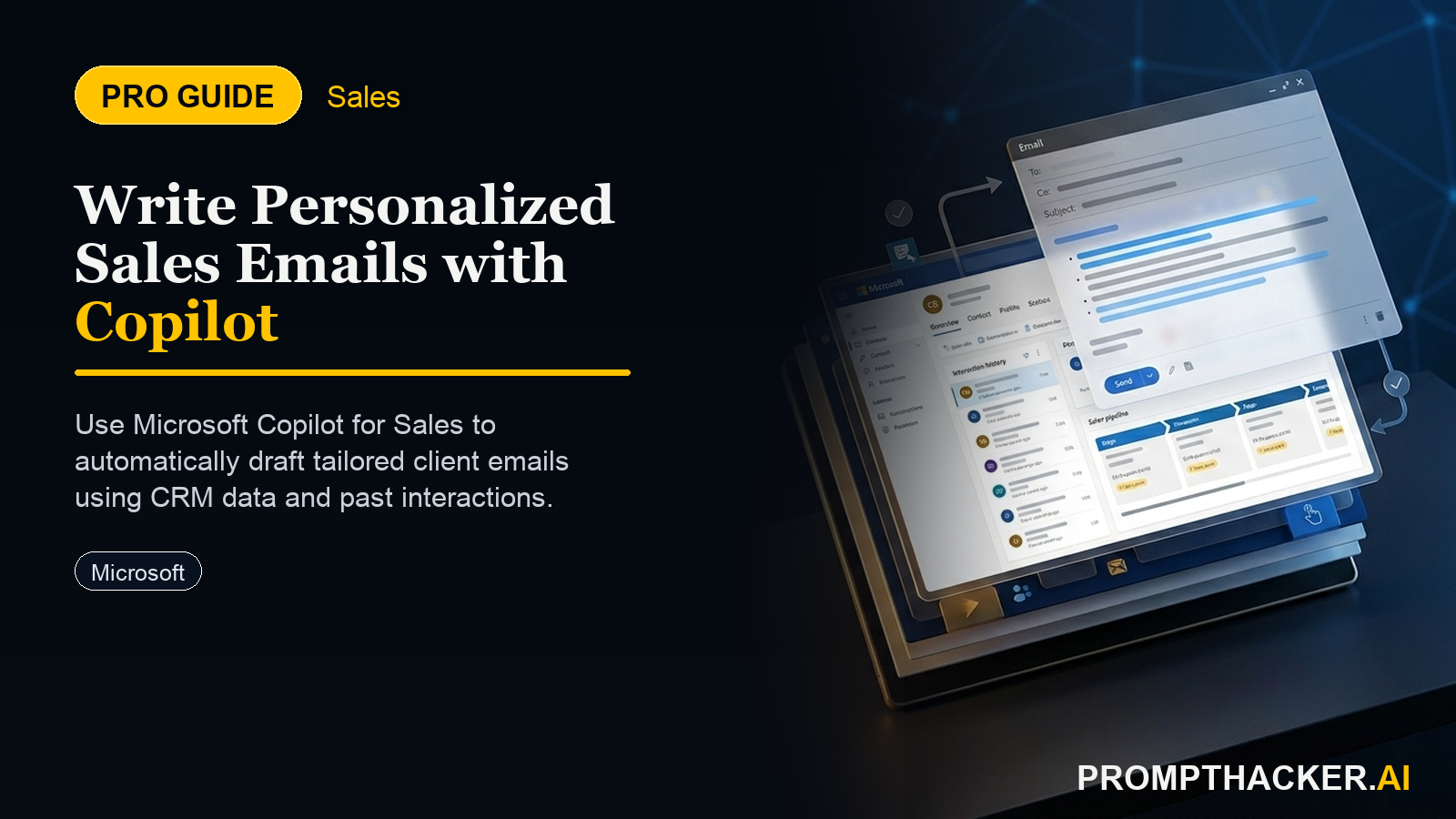
  • Contextual email initiation: A sales representative initiates an email from within Outlook, Teams, or the CRM, targeting a specific contact or lead. Copilot automatically surfaces relevant CRM data in a side panel, such as recent meeting notes, open opportunities, or customer service tickets.
  • Guiding Copilot's intent: The sales rep provides a high-level prompt or selection of intent, such as "Follow up on demo," "Send a proposal," or "Request a meeting." They can also specify desired tone (e.g., "friendly," "professional," "urgent") and key points to include (e.g., "mention Q3 discount," "reference their interest in Feature X"). These inputs act as the human "prompt" for Copilot.
  • AI-driven draft generation: Copilot then combines the explicit user input with implicit context drawn from CRM data. For example, if the CRM shows the contact recently downloaded a whitepaper on "AI integration," Copilot can draft an email that references this specific interest and suggests a relevant product solution. It might also pull in the contact's company name, industry, and previous communication history to tailor the opening and closing.
  • Example scenario: A sales executive at a manufacturing firm wants their team to follow up with prospects who expressed interest in their new supply chain optimization software at a recent trade show. The CRM contains notes from each conversation, including specific pain points like "inventory visibility" or "logistics delays." Rep's action: Opens an email draft in Outlook, selects the prospect, and indicates "Follow-up on trade show discussion." They add a note: "Focus on inventory visibility and how our software provides real-time tracking."
  • Copilot's response: Drafts an email that opens by referencing the trade show, recalls the conversation about inventory visibility, explains how the software directly addresses this pain point with real-time tracking features, and suggests a follow-up call to demonstrate the specific module. It also pulls the prospect's company name and industry from the CRM.

Edge cases and solutions:

  • Outdated CRM data: If the CRM contains old or incorrect information, Copilot will generate inaccurate emails. Solution: Implement strict data governance policies and regular data cleansing initiatives. Train sales teams on the importance of updating CRM records immediately after interactions.
  • Lack of specific guidance: If sales reps provide only vague instructions, Copilot's output may be generic. Solution: Develop internal best practices for guiding Copilot, providing examples of effective intent statements and key message inputs.

3. Maintaining Brand Voice and Ensuring Accuracy

While AI accelerates content generation, human oversight remains critical. Executives must establish processes to ensure that AI-generated emails align with the company's brand voice, messaging guidelines, and legal compliance requirements. This involves a combination of initial training, ongoing review, and iterative refinement.

Why this matters:

Inconsistent brand voice or inaccurate information can damage credibility and customer trust. AI is a tool to augment, not replace, human judgment in critical communications.

Strategies for oversight:

  • Brand voice guidelines: Provide Copilot for Sales with documented brand voice guidelines, preferred terminology, and standard disclaimers. While Copilot doesn't directly "read" a document, these guidelines inform the human input that guides the AI's output. For example, training sales reps to consistently select "professional" or "friendly" tone, and to review for specific brand adjectives.

Bottom line

The useful move with Microsoft Copilot for Sales Personalizes Emails, Boosts Sales Efficiency is to run one narrow test this week, then keep only the workflow that saves time, improves a decision, or gives your team clearer output. Treat the announcement as raw material, not the win itself.

About the author

Pierre Bradshaw Founder, PromptHacker.ai

Pierre has spent 25+ years building growth systems across fintech, real estate, lending, campaigns, and AI workflows, with machine-learning work dating back to 2012.

If you have any questions or comments about Microsoft Copilot for Sales Personalizes Emails, Boosts Sales Efficiency feel free to reach out. I'd love to hear from you.

Contact Pierre
Free weekly briefing

Three deep dives. Four useful moves. One email worth opening.

PromptHacker turns the AI firehose into practical next steps for work, health, family, and everything time keeps trying to steal.